Advertisement
Help Keep Boards Alive. Support us by going ad free today. See here: https://subscriptions.boards.ie/.
https://www.boards.ie/group/1878-subscribers-forum

Private Group for paid up members of Boards.ie. Join the club.
Hi all, please see this major site announcement: https://www.boards.ie/discussion/2058427594/boards-ie-2026

PDF file problem

  • 28-04-2009 06:54PM
    #1
    Closed Accounts Posts: 12,811 ✭✭✭✭


    Hi people.

    I have a toshiba laptop running XP and using Safari beta as my browser.

    Long story short, when I went to shut down my computer it would say there is an adobe program running in the background and a blank window would pop up.

    If before i shut down I ctr+alt+delete it wouldnt show up as a working program.

    So I uninstalled adobe and the problem went away.

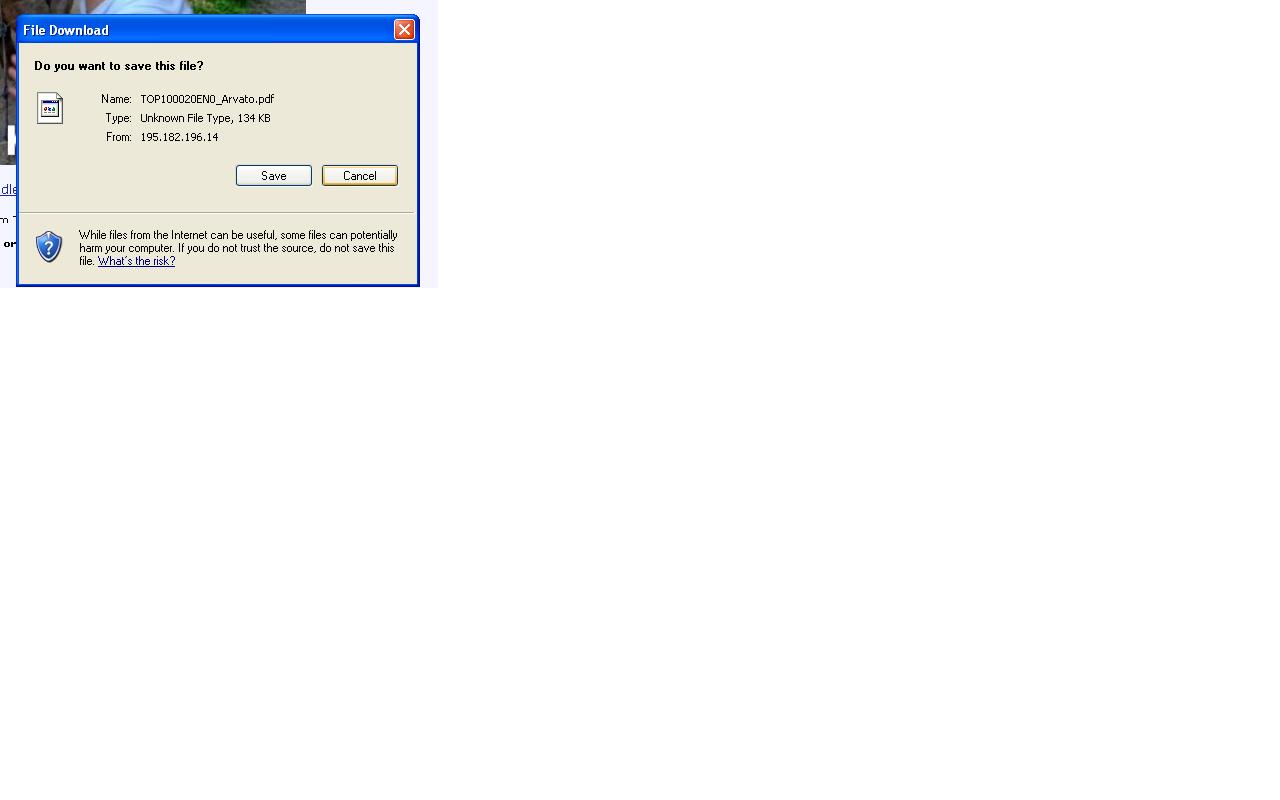
    Now though I keep getting this msg when I first start safari.

    Link to file message

    I have norton and malwarebytes running and neither are showing up any problems.

    I would also like to point out that this problem was on the laptop before I had to do a re-install for a different reason.

    If anyone could shed some light on this I would be grateful.

    Thanks in advance


Comments

  • Closed Accounts Posts: 1,710 ✭✭✭RoadKillTs


    Your getting that message because you laptop does not now how to read PDF files due to Adobe reader been uninstalled.

    You will have to install a pdf reader.
    Foxit is prity good or Adobe reader.


Advertisement
Advertisement