Advertisement
Help Keep Boards Alive. Support us by going ad free today. See here: https://subscriptions.boards.ie/.
https://www.boards.ie/group/1878-subscribers-forum

Private Group for paid up members of Boards.ie. Join the club.
Hi all, please see this major site announcement: https://www.boards.ie/discussion/2058427594/boards-ie-2026

The Playstation 2 Ultra Slim

  • 22-01-2026 10:40AM
    #1
    Registered Users, Registered Users 2 Posts: 8,258 ✭✭✭


    An interesting one this, as is always the case with consoles that were never officially produced. The Playstation 2 did get the Slim revision in 2004, and obviously back then, physical discs were still the mainstream way of playing games - so the official Slim model could only get so small whilst retaining the DVD drive. Today though, things are a little different. As a result of the hard work of various enthusiasts across several fields of interest, the Playstation 2 Ultra Slim becomes possible. This Ultra Slim mod, reduces the size of the mainboard even further, and importantly, ditches the DVD drive so save a chunk more space. The result is….well….more than a little impressive as you'll see! It's a destructive mod, in that there's no going back after a certain point, but the end result I feel is worth it.
    IMG_20251229_155945.jpg IMG_20251229_155952.jpg

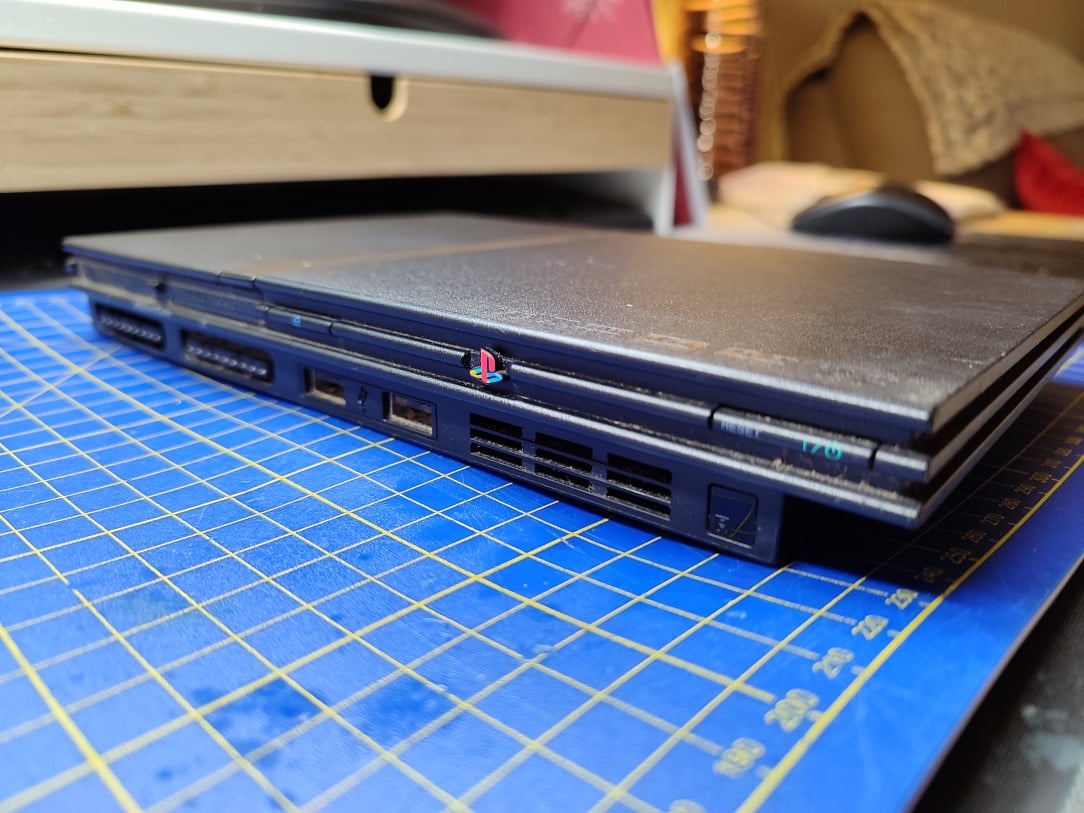
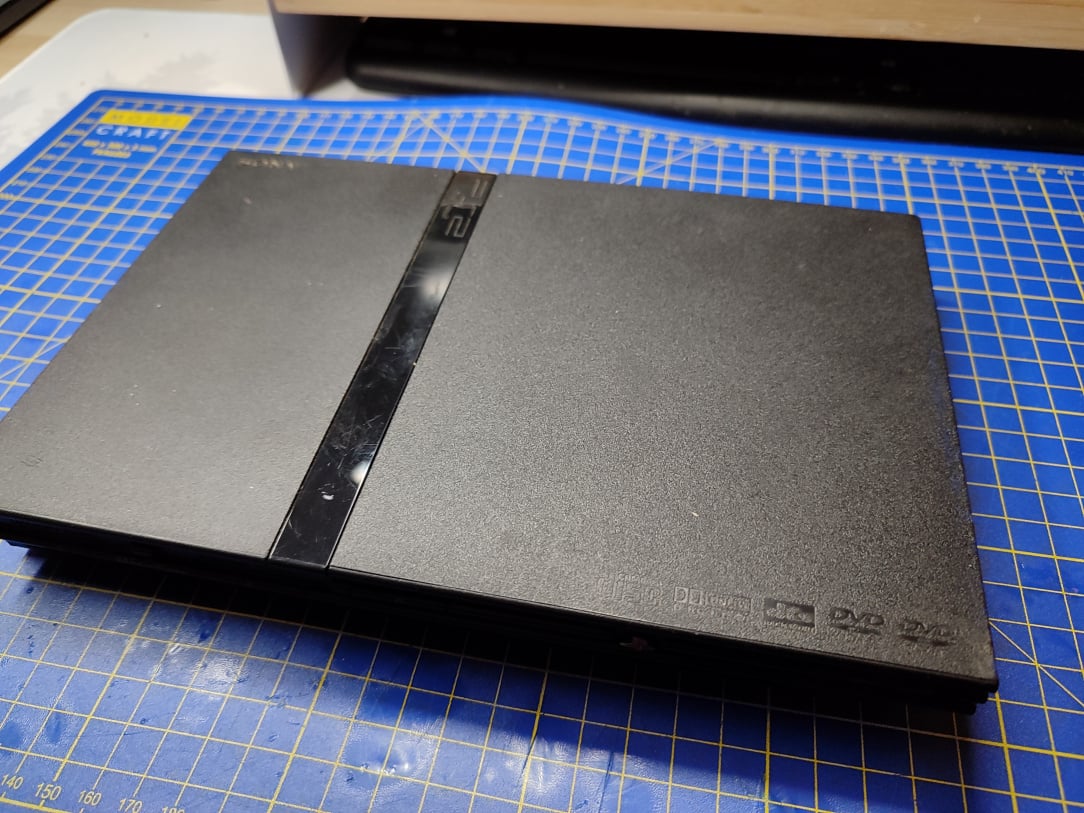
    ^^ We begin with a bog standard, partially working PS2 Slim. The DVD laser is no longer reading discs, so this console is a perfect candidate for the mod.

    IMG_20251229_155959.jpg

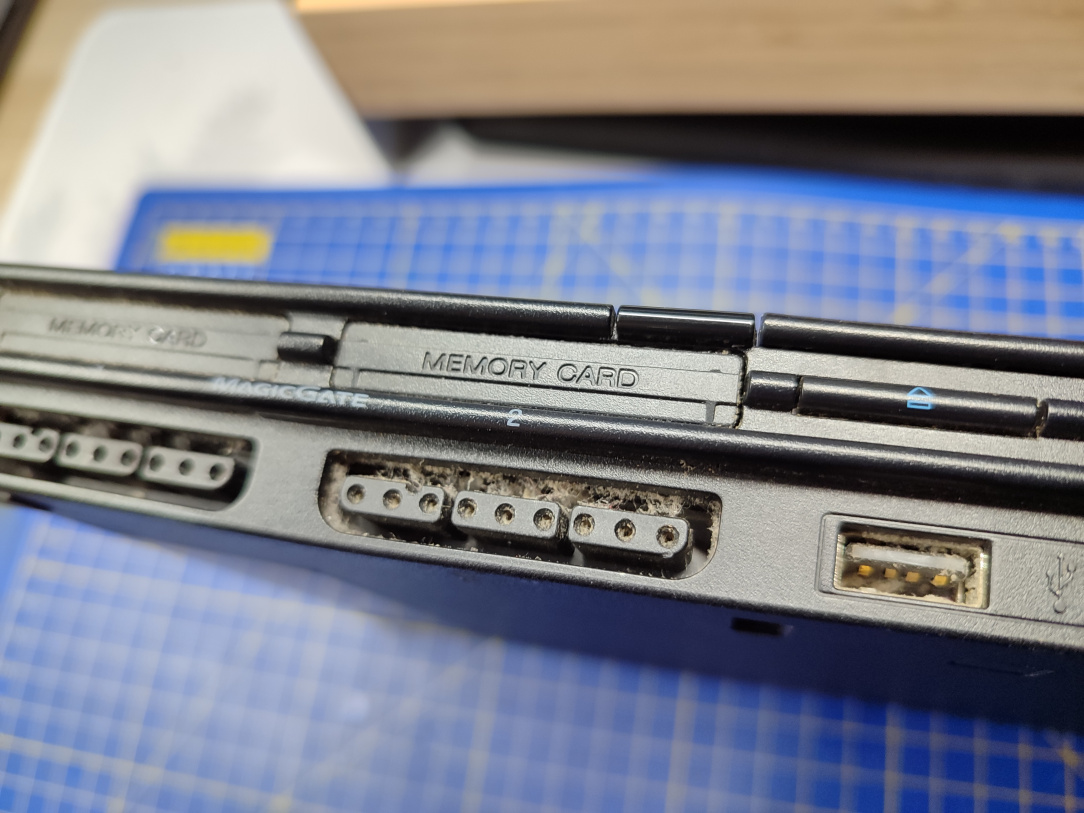
    ^^ As with so many consoles these days, it's absolutely filthy and caked in dust & dirt.

    IMG_20251229_160036.jpg

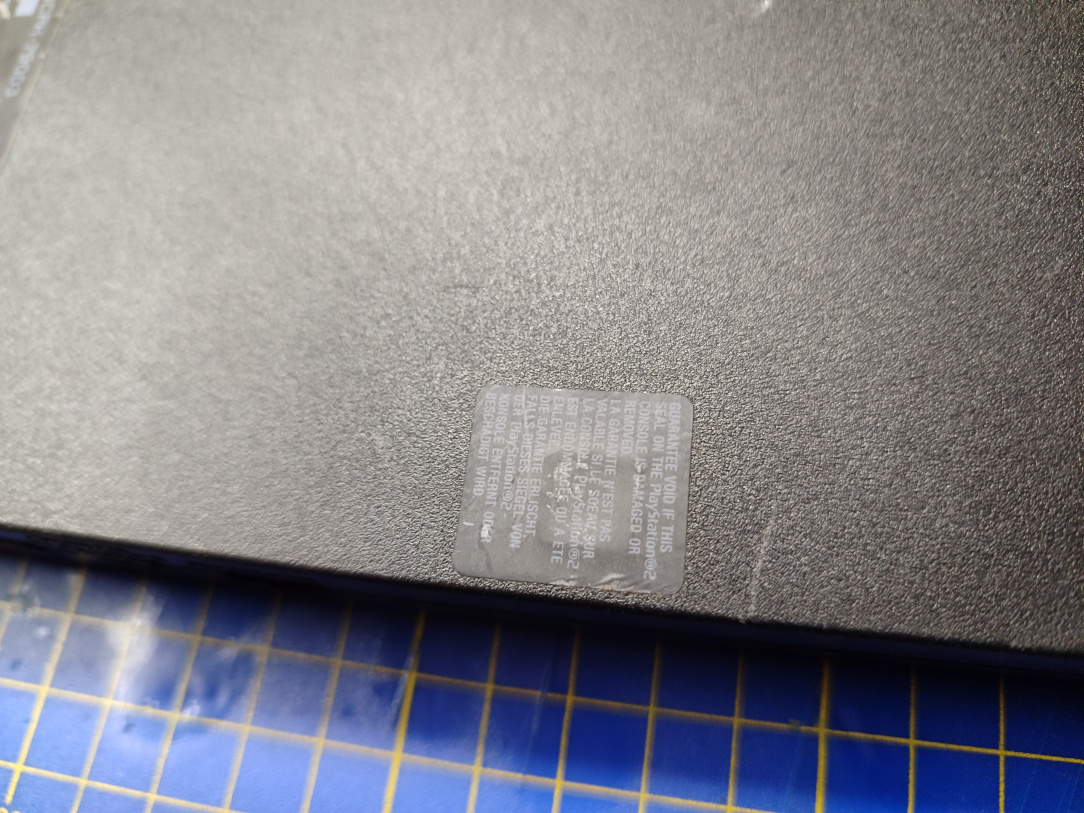
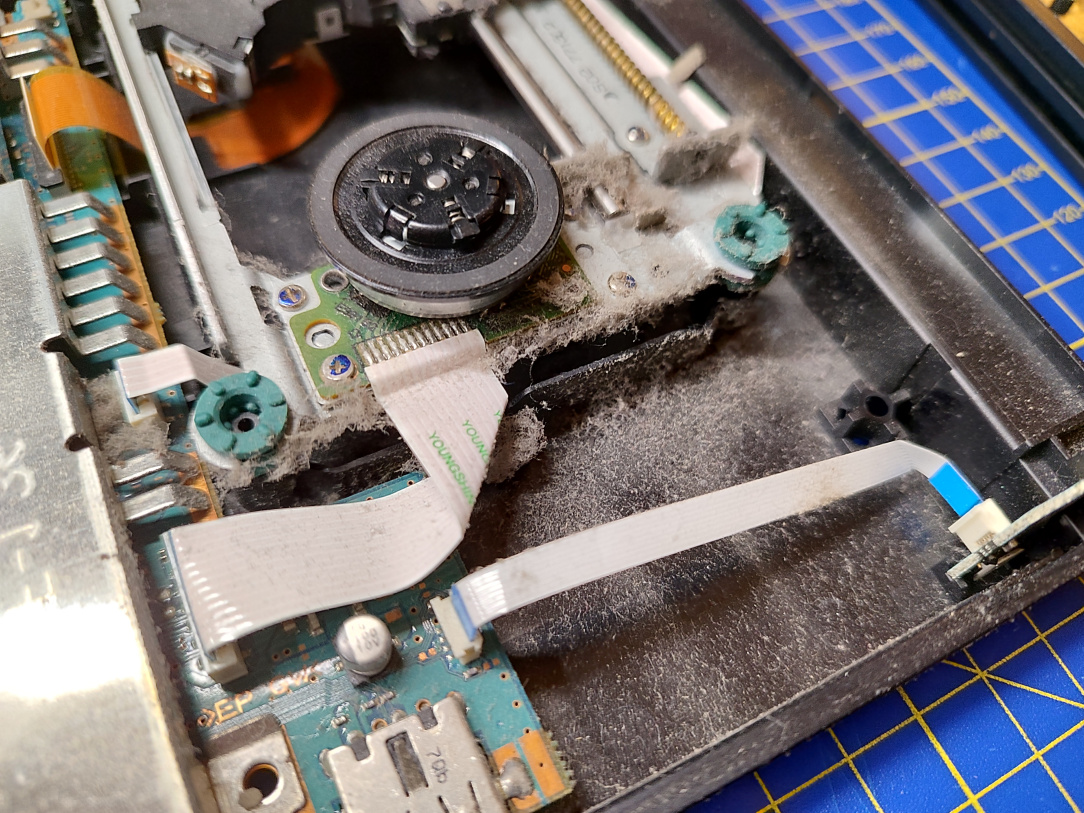
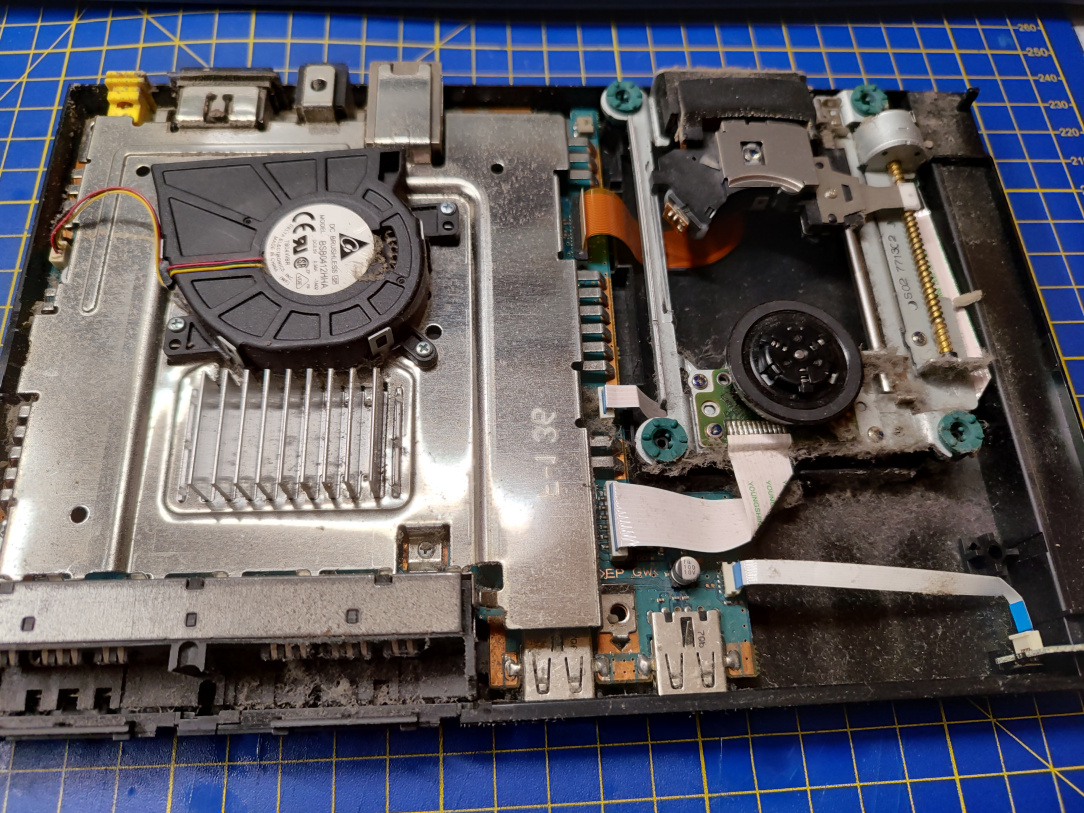
    ^^ Never been opened! That's about to change.

    IMG_20251229_160533.jpg

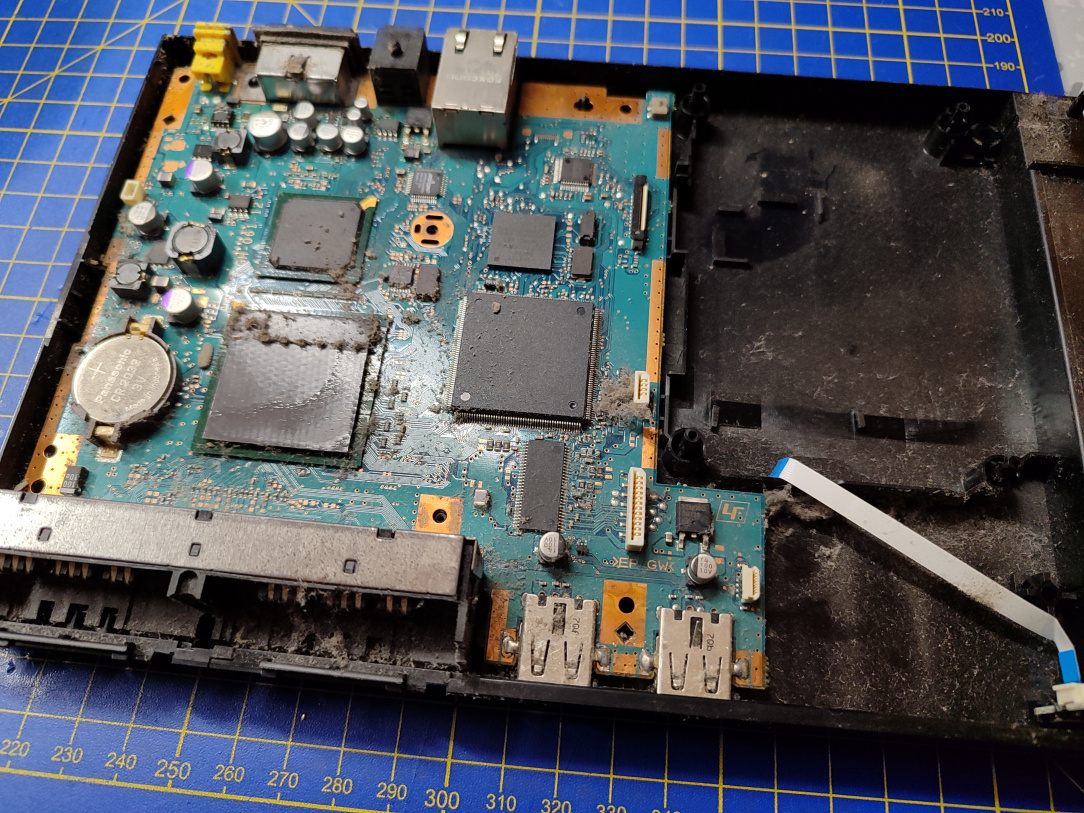
    ^^ Yeah, it's pretty bad inside. They really need to start putting dust gauzes on consoles!

    IMG_20251229_160536.jpg IMG_20251229_160543.jpg

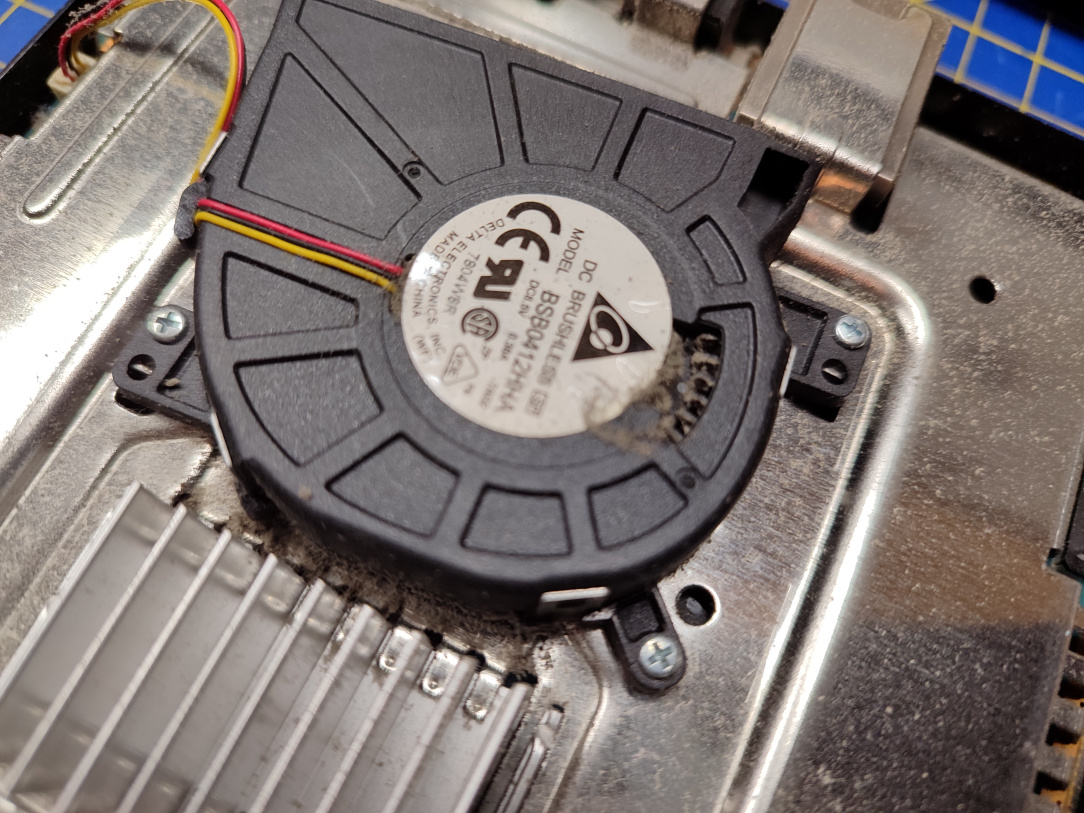
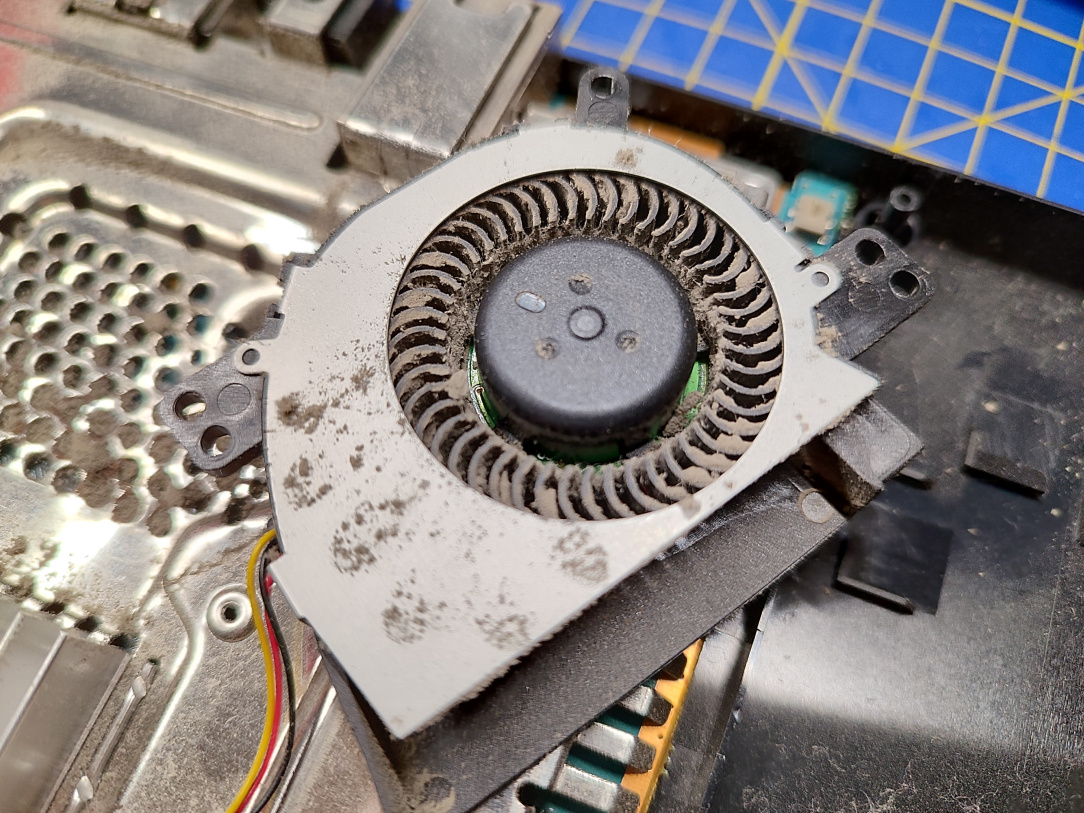
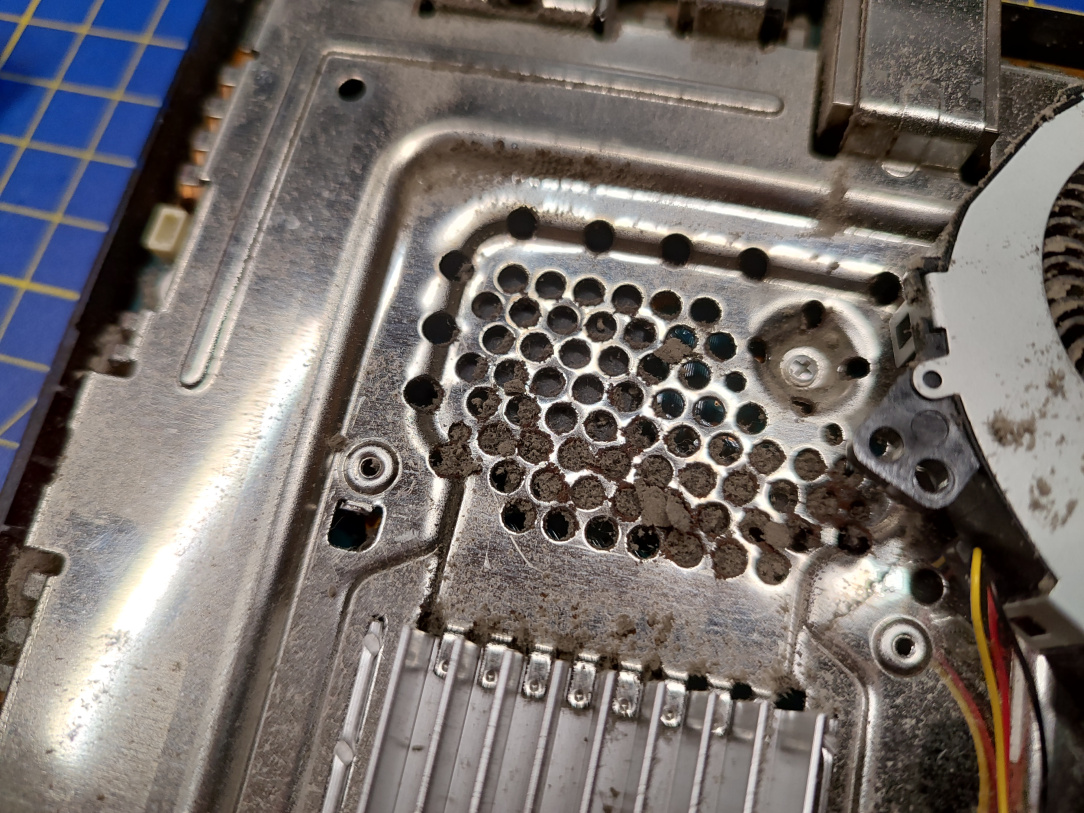
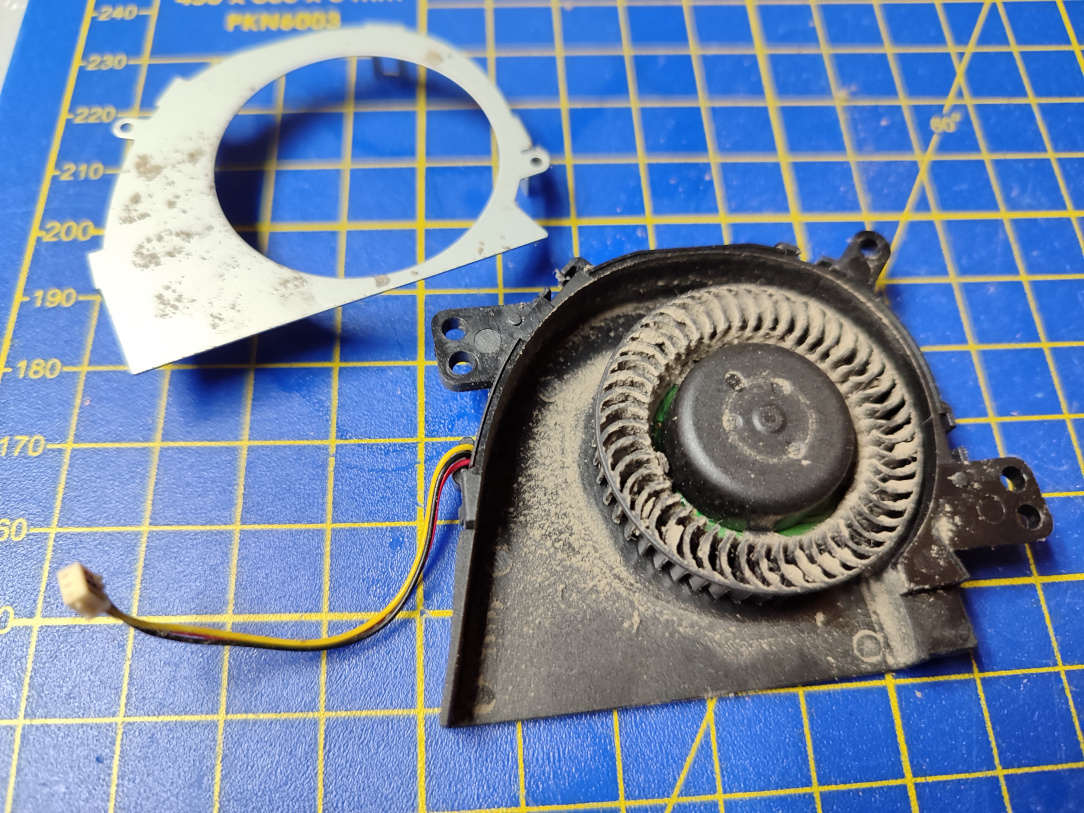
    ^^ The fan is completely caked in mulch.

    IMG_20251229_160840.jpg

    ^^ This likely wasn't pushing much air or exhausting the heat properly.

    IMG_20251229_160844.jpg

    ^^ Indeed the heat isn't even able to effectively reach the fan due to the vents being blocked.

    IMG_20251229_160754.jpg

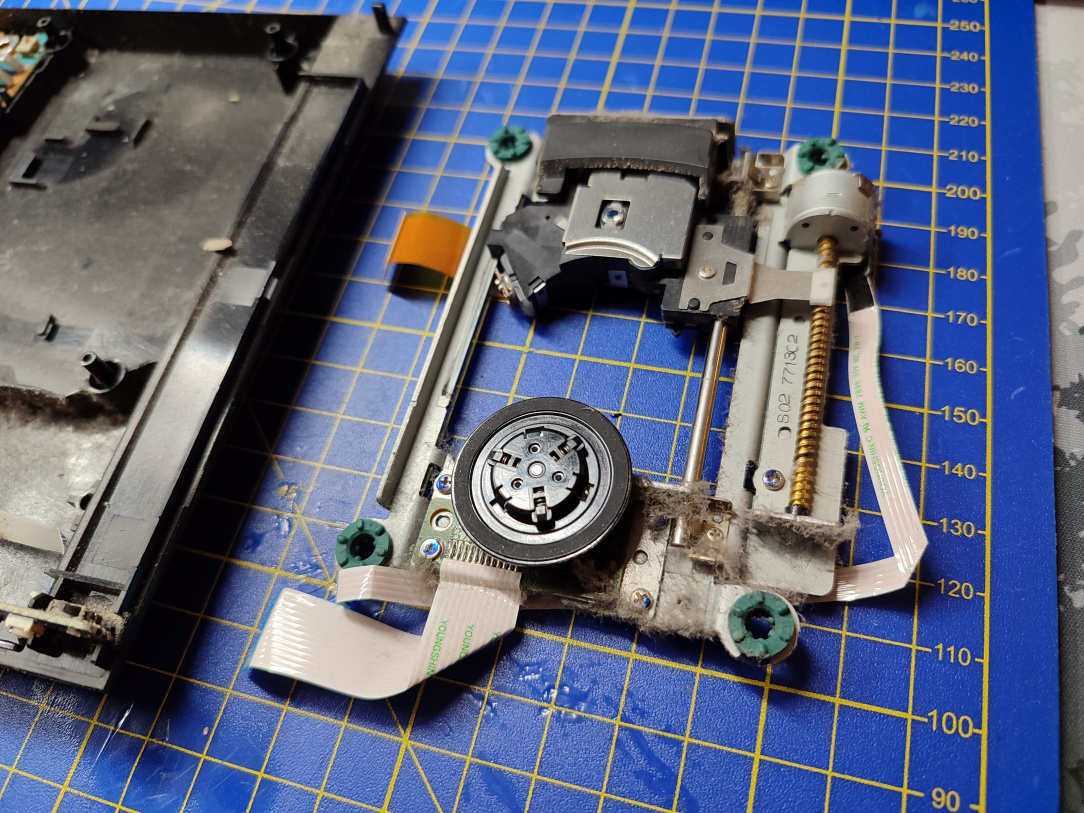
    ^^ Ok, lets get moving. Disc drive removed.

    IMG_20251229_162011.jpg

    ^^ Top shield now off. You can already see how much space is saved with the drive gone.

    IMG_20251229_162019.jpg

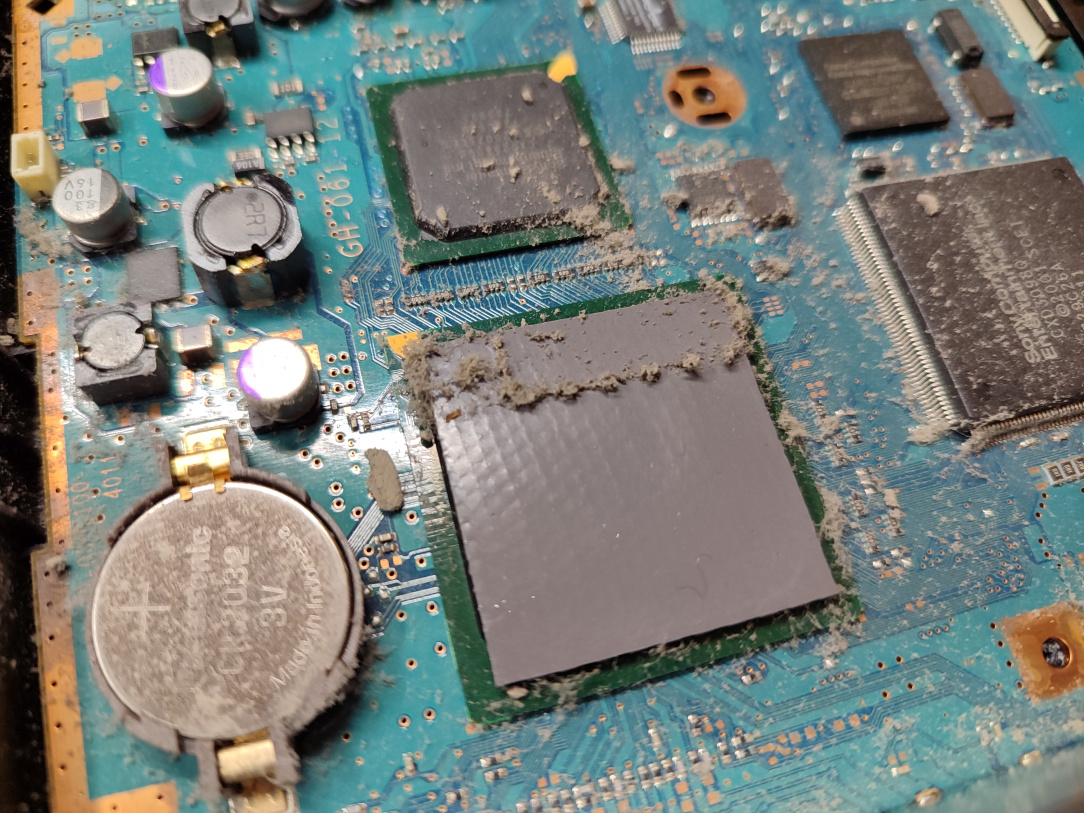
    ^^ The dirt contaminates everything.

    IMG_20251229_162440.jpg

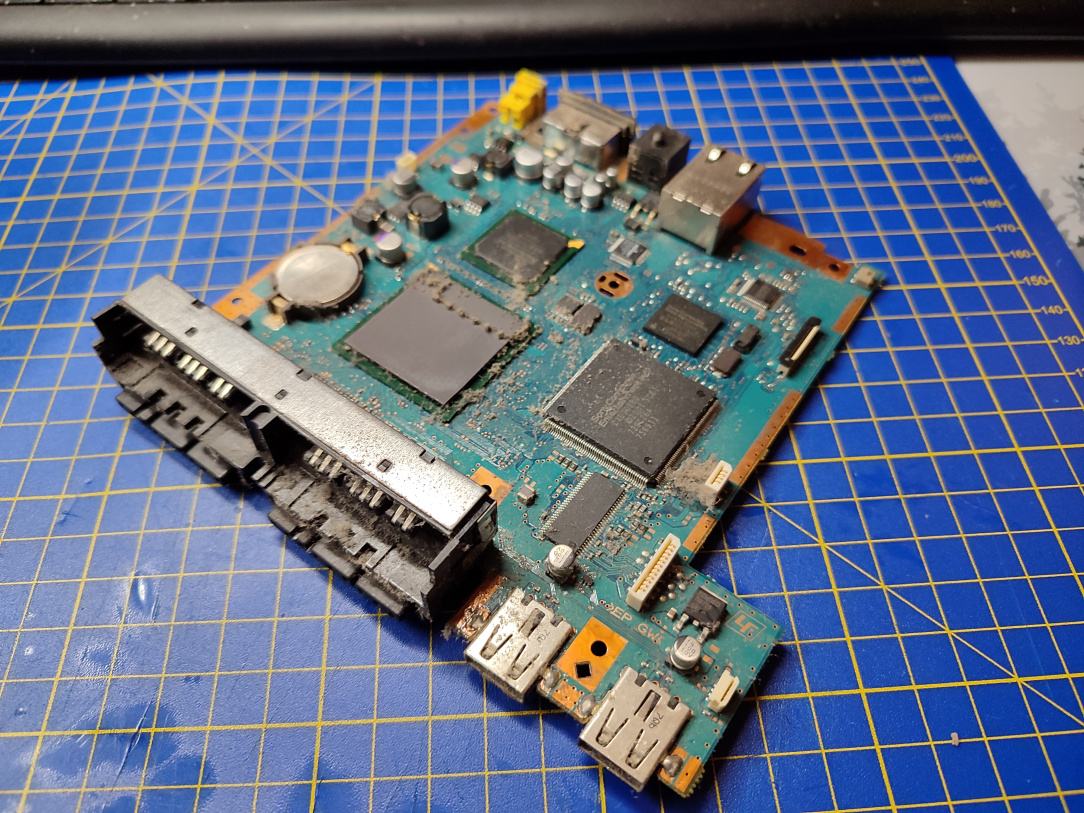
    ^^ Mainboard out.

    IMG_20251229_162526.jpg

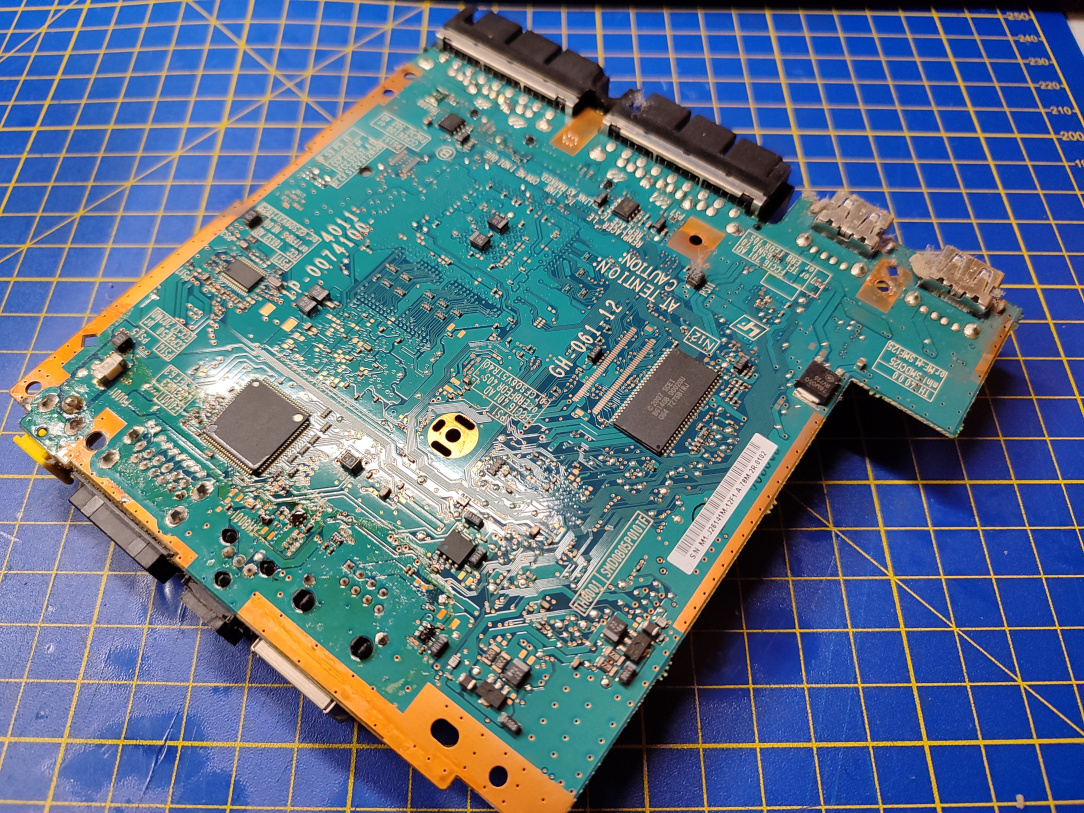
    ^^ Underneath the board is a lot cleaner.

    IMG_20251229_162535.jpg

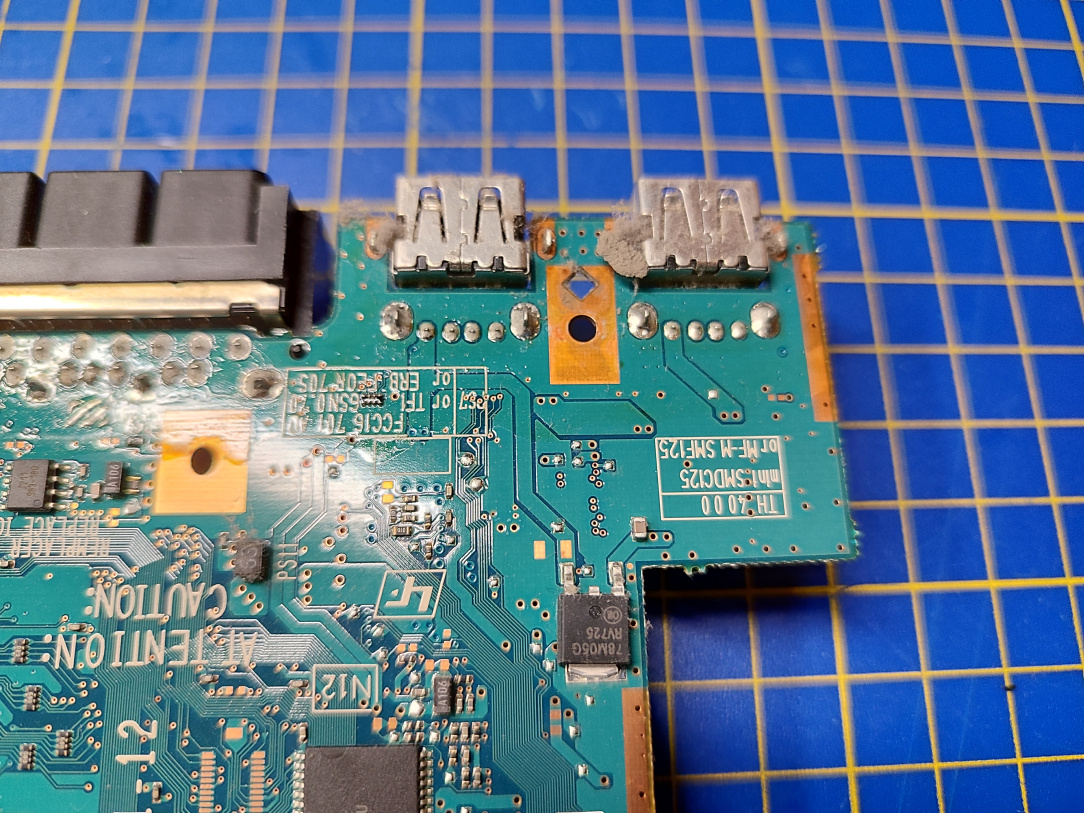
    ^^ The right hand side USB port, and the associated PCB section, is an area we'll focus on first. We've got to go smaller!

    IMG_20251229_162840.jpg

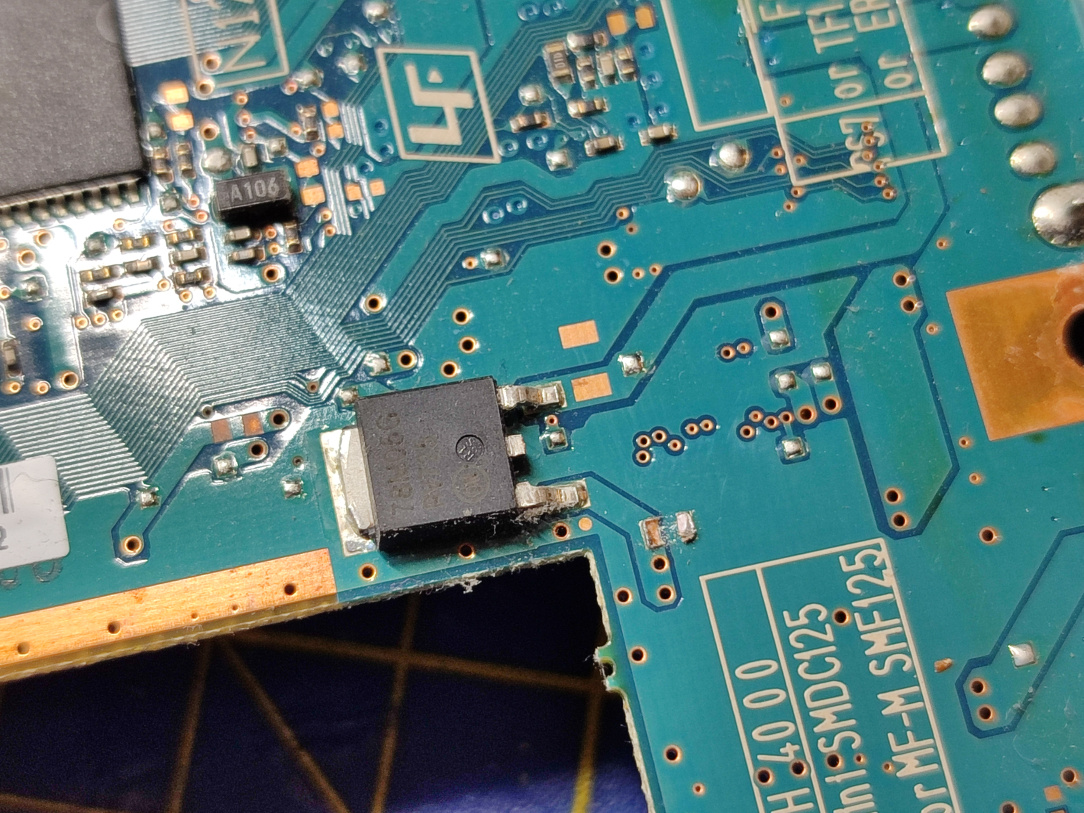
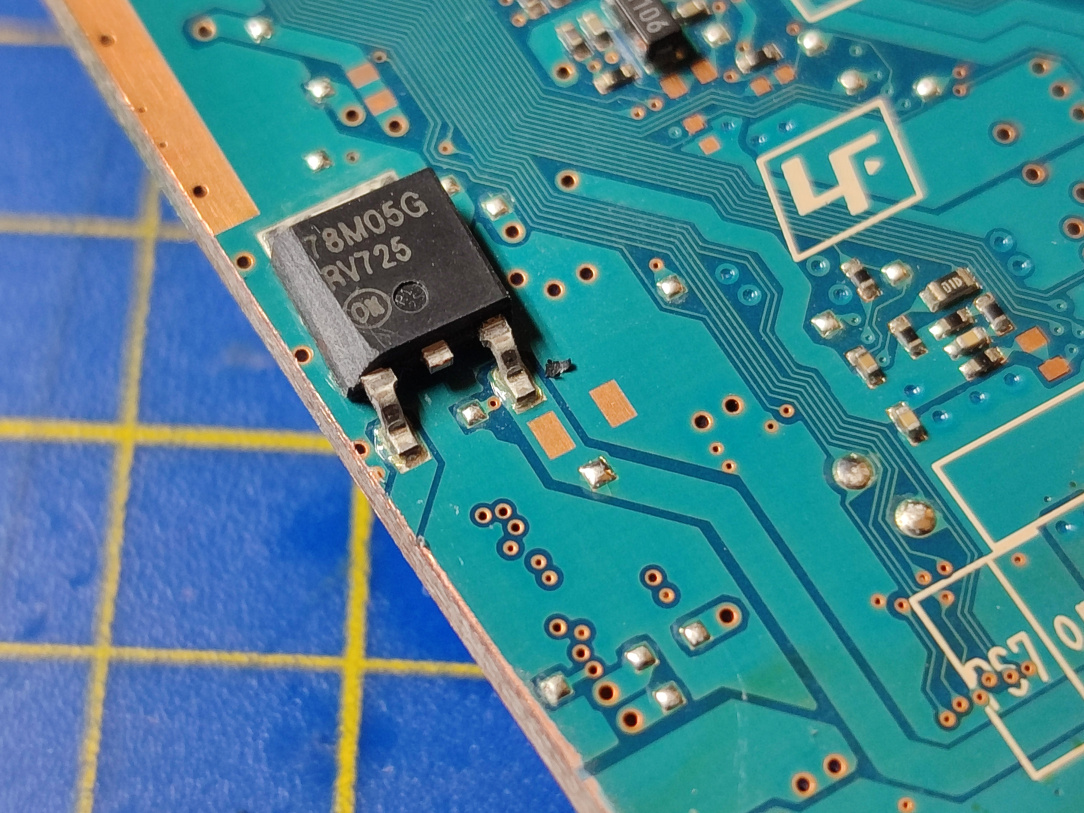
    ^^ I remove the capacitor beside the voltage regulator (for reasons you'll see soon.)

    IMG_20251229_164119.jpg

    ^^ The point of no return. I score the PCB across where I'm going to cut through it.

    IMG_20251229_164643.jpg

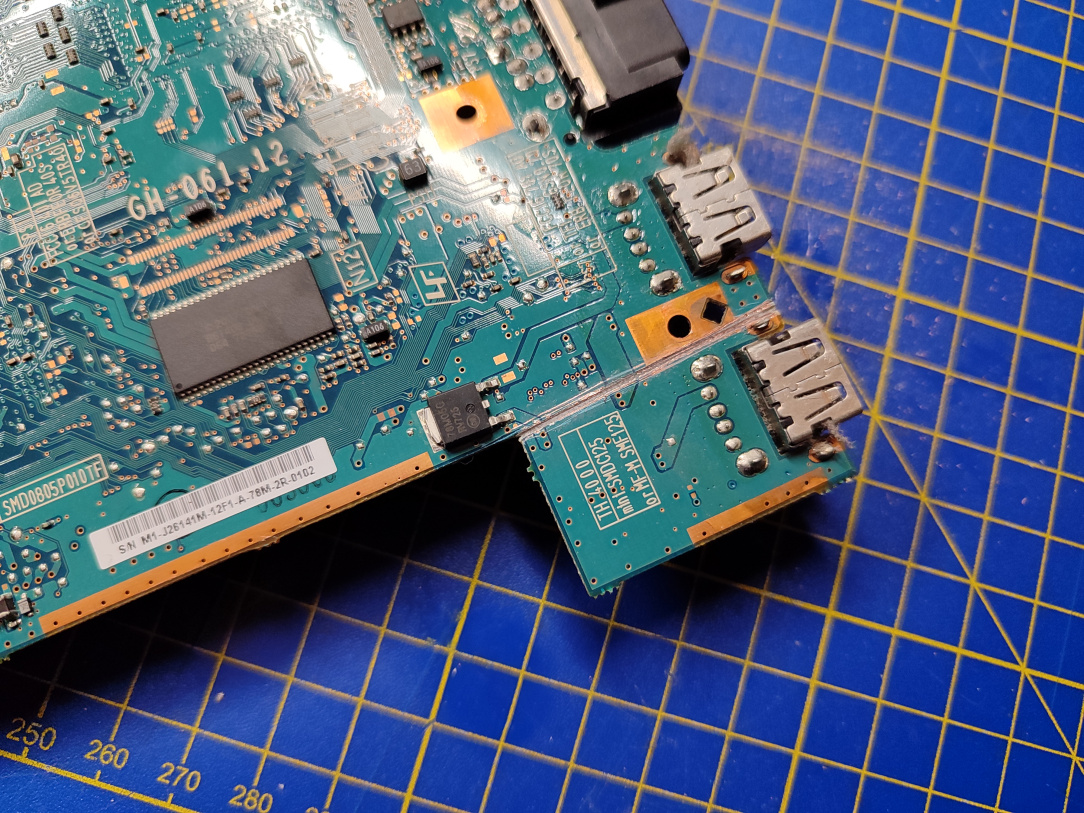
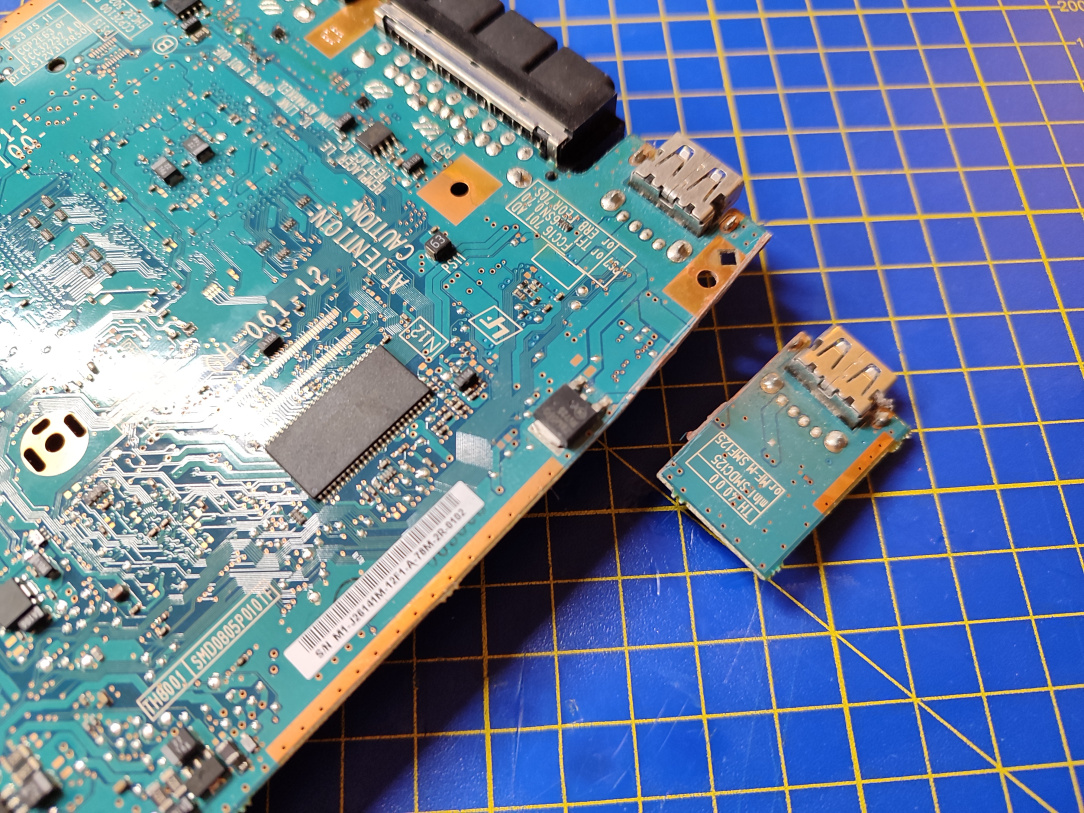
    ^^ We cut right through, sacrificing one of the USB ports in order to reduce the size of the mainboard even further.

    IMG_20251229_165044.jpg

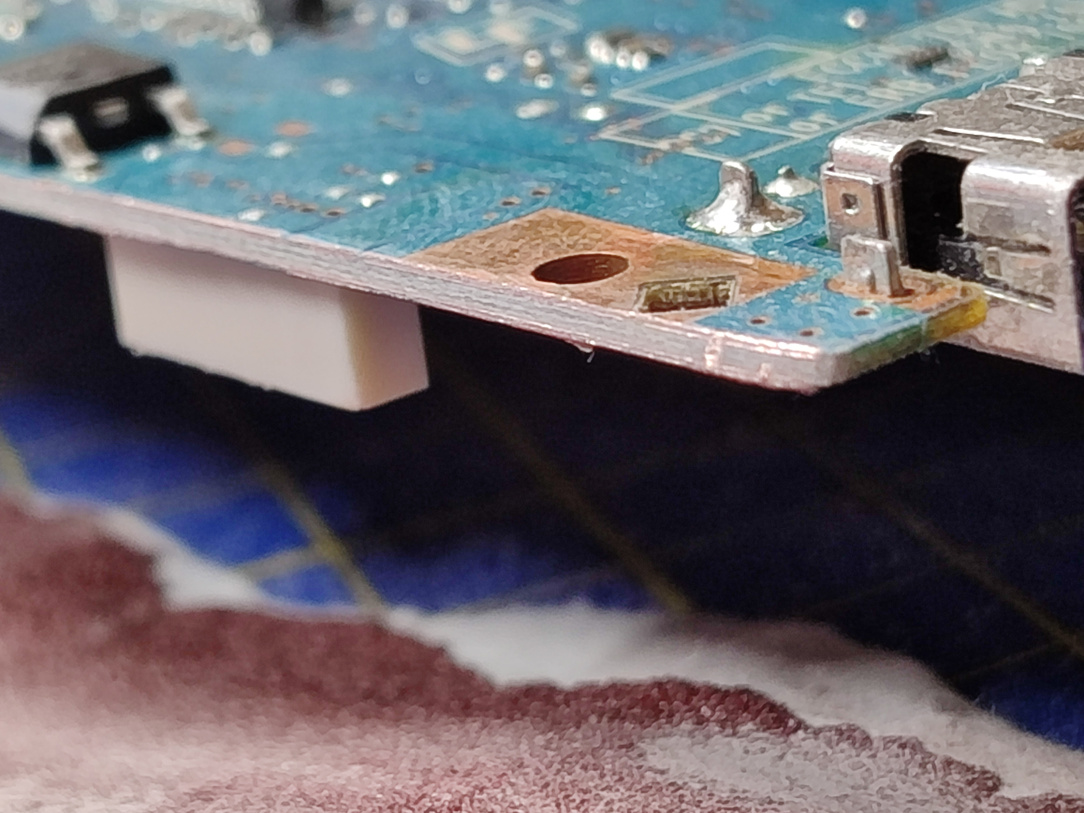
    ^^ I then sand the cut edge of the PCB at a roughly 45 degree angle, to ensure there's no shorts between the layers.

    IMG_20251229_170032.jpg

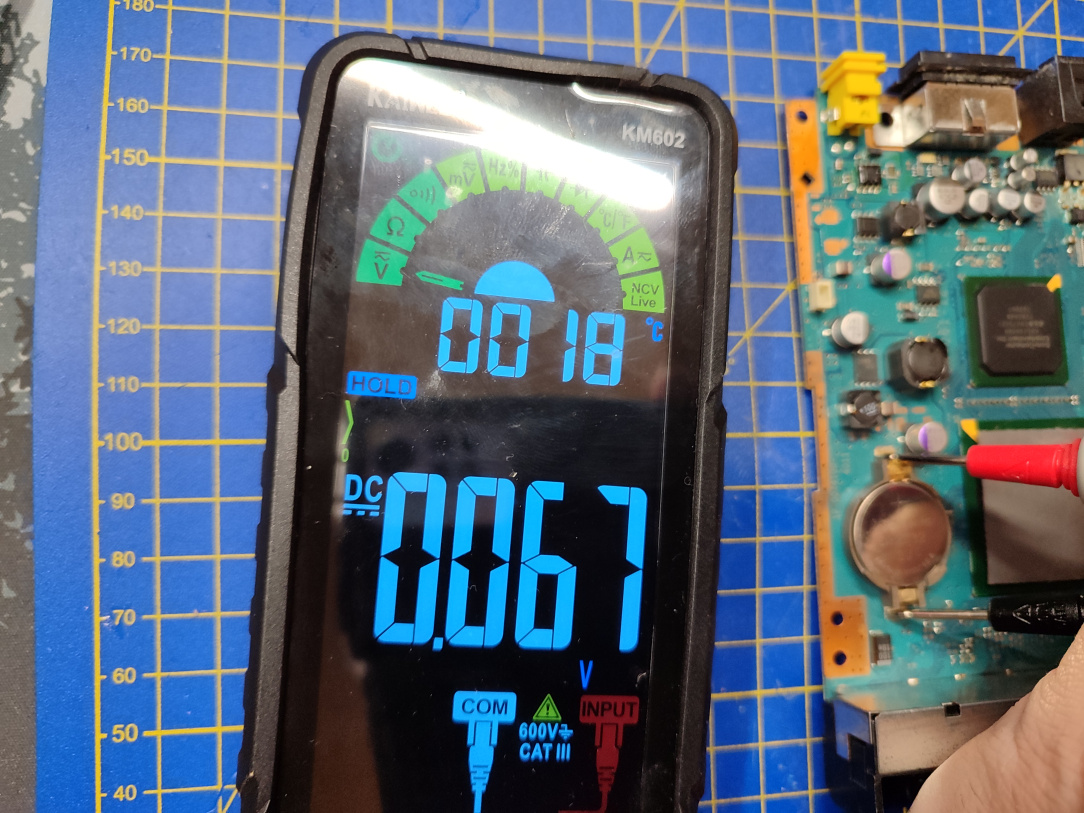
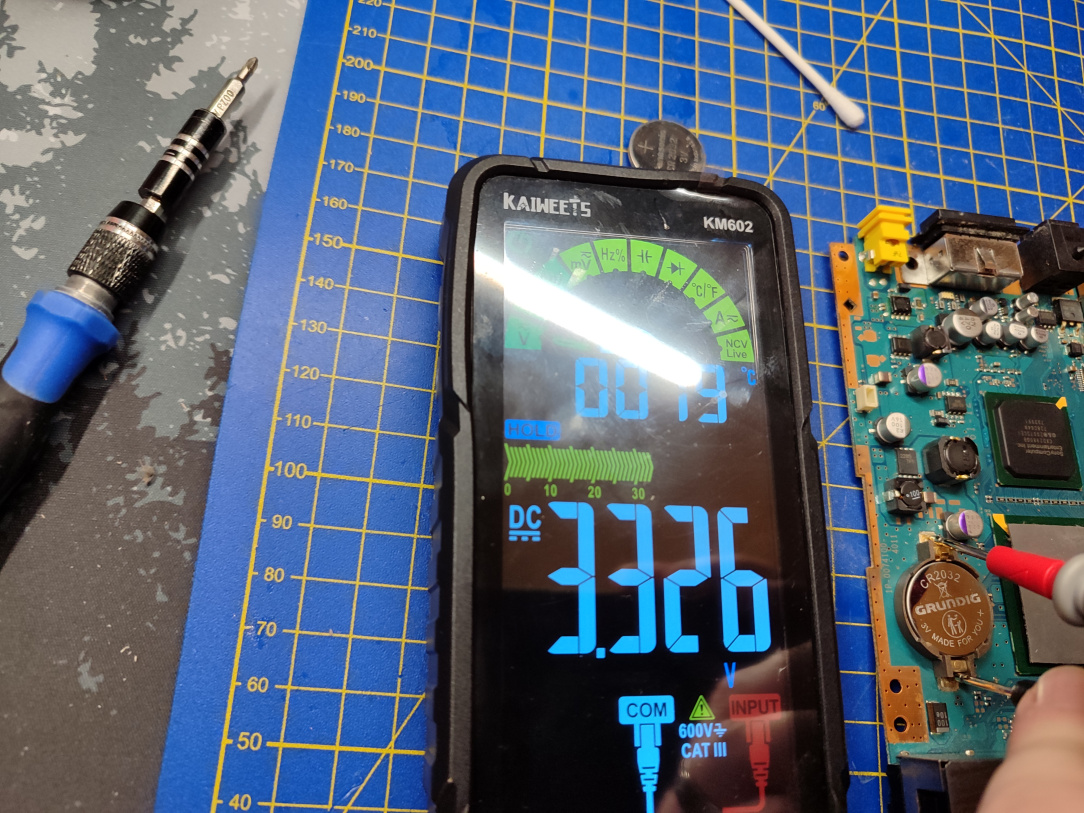
    ^^ A bit of house keeping before we proceed further, the internal battery is practically dead.

    IMG_20251229_170229.jpg

    ^^ A fresh new battery is happily welcomed into place.

    IMG_20251229_170556.jpg

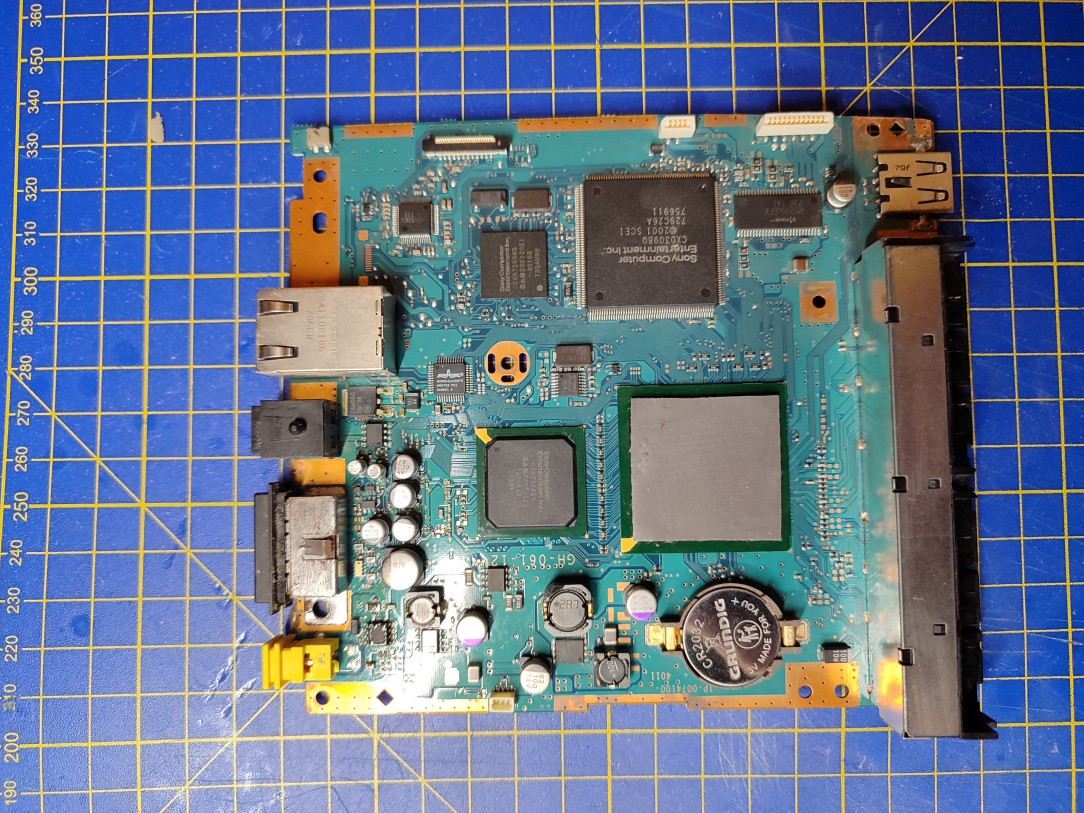
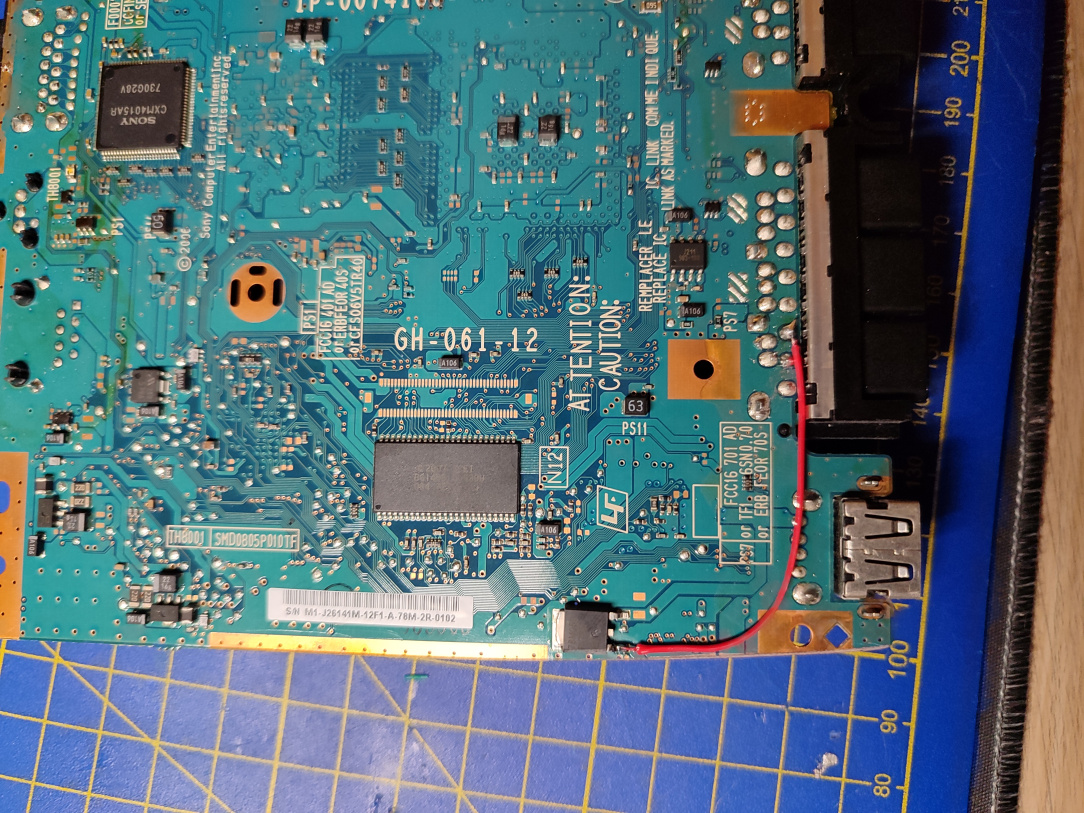
    ^^ Ok, the mainboard is now as small as we can make it for this build. It's time to proceed with the new power button, and to restore power around the regulator given we had to cut through some of its traces.

    IMG_20251229_171128.jpg

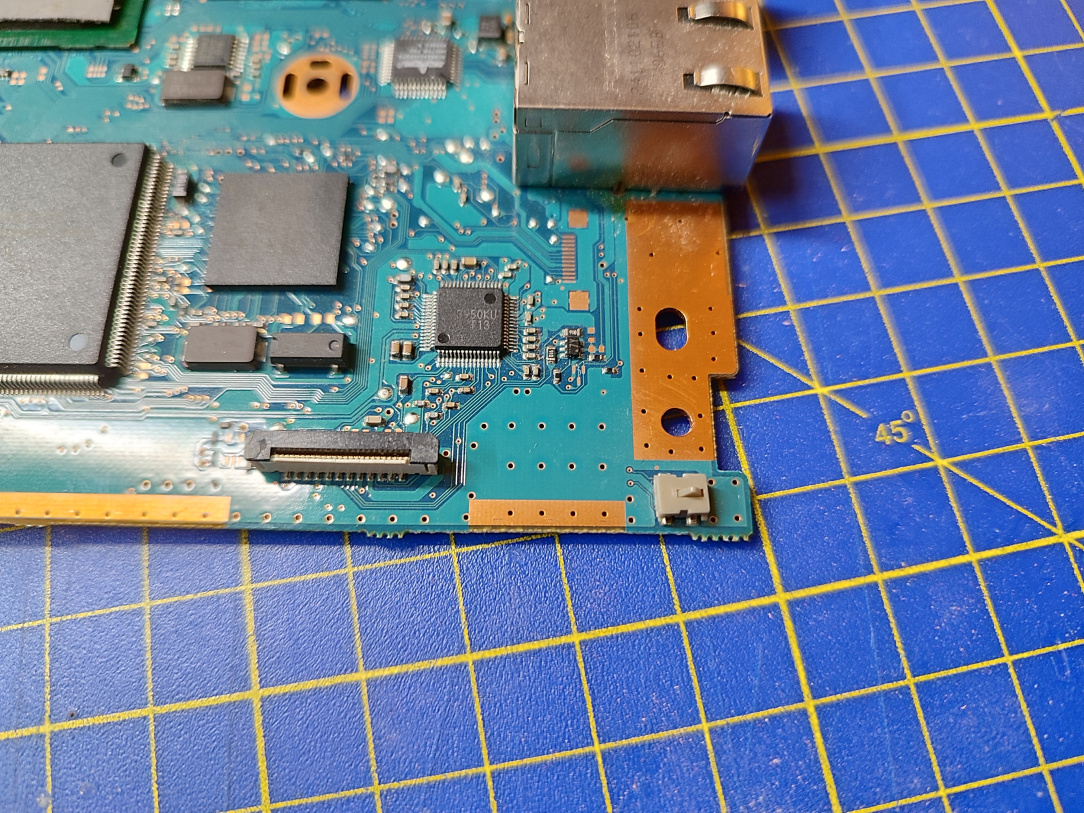
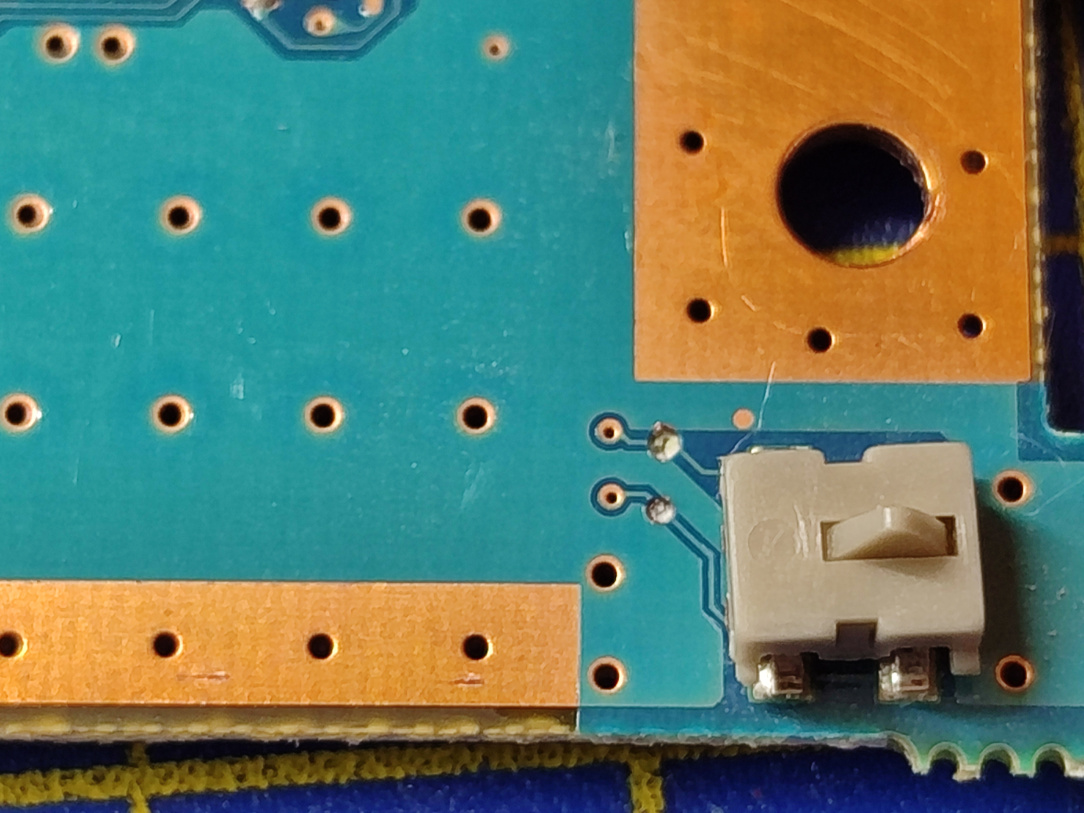
    ^^ What was the old lid detection switch, will now be used as the Power/Rest button.

    IMG_20251229_171250.jpg

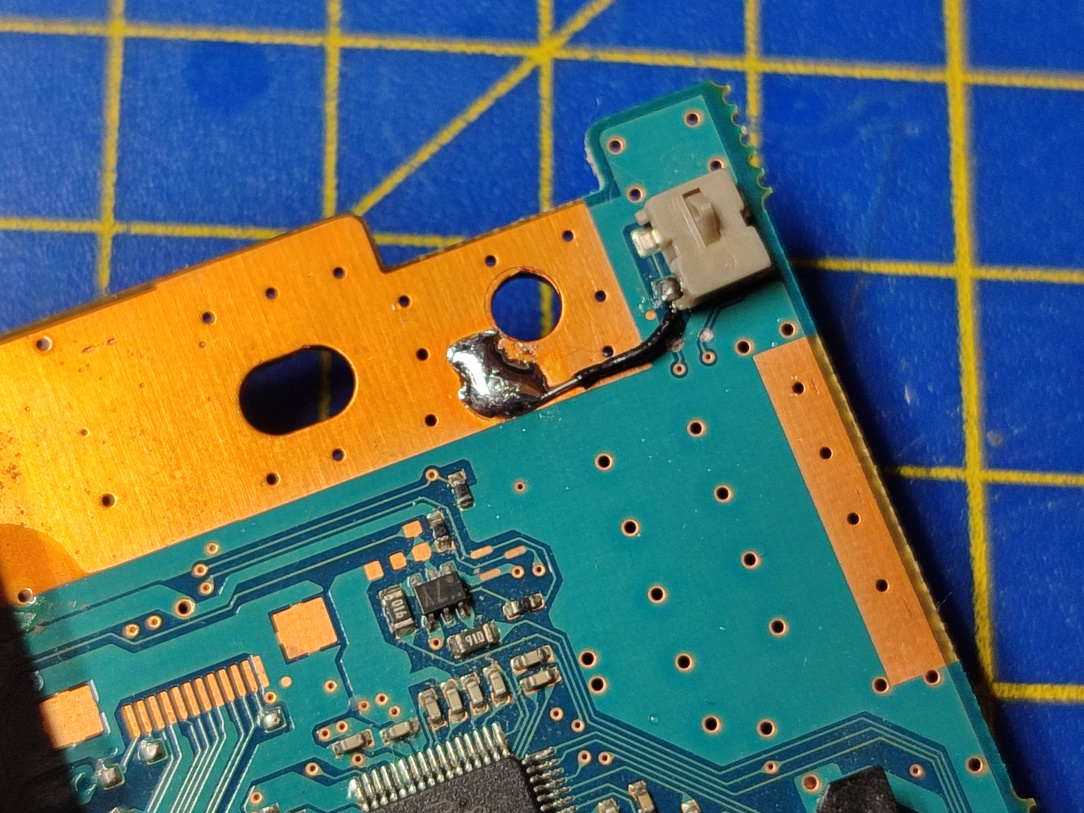
    ^^ Before we can do that though, we need to sever the two traces going to it. That's now been done in the above pic.

    IMG_20251231_183414.jpg

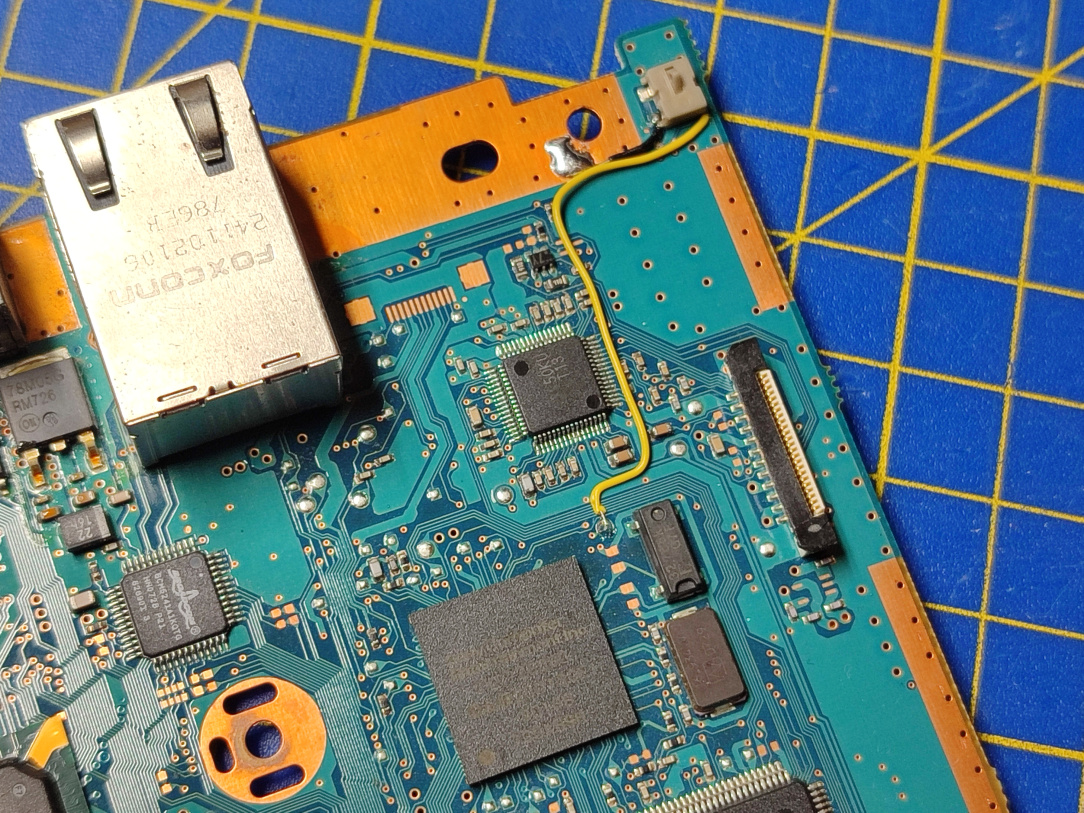
    ^^ The lower most pin now becomes a ground point, and is connected to ground with a wire.

    IMG_20251231_183741.jpg

    ^^ The other side pin, is now the 'go for launch' pin, so when the button is pressed, the console will turn on. Once on, another press is rest, and holding the button is power off. Exactly the same as the way it should work.

    IMG_20251231_181923.jpg IMG_20251231_182810.jpg

    ^^ Regulator power now restored via an alternate point on the board.

    IMG_20251229_172841.jpg IMG_20251229_173257.jpg

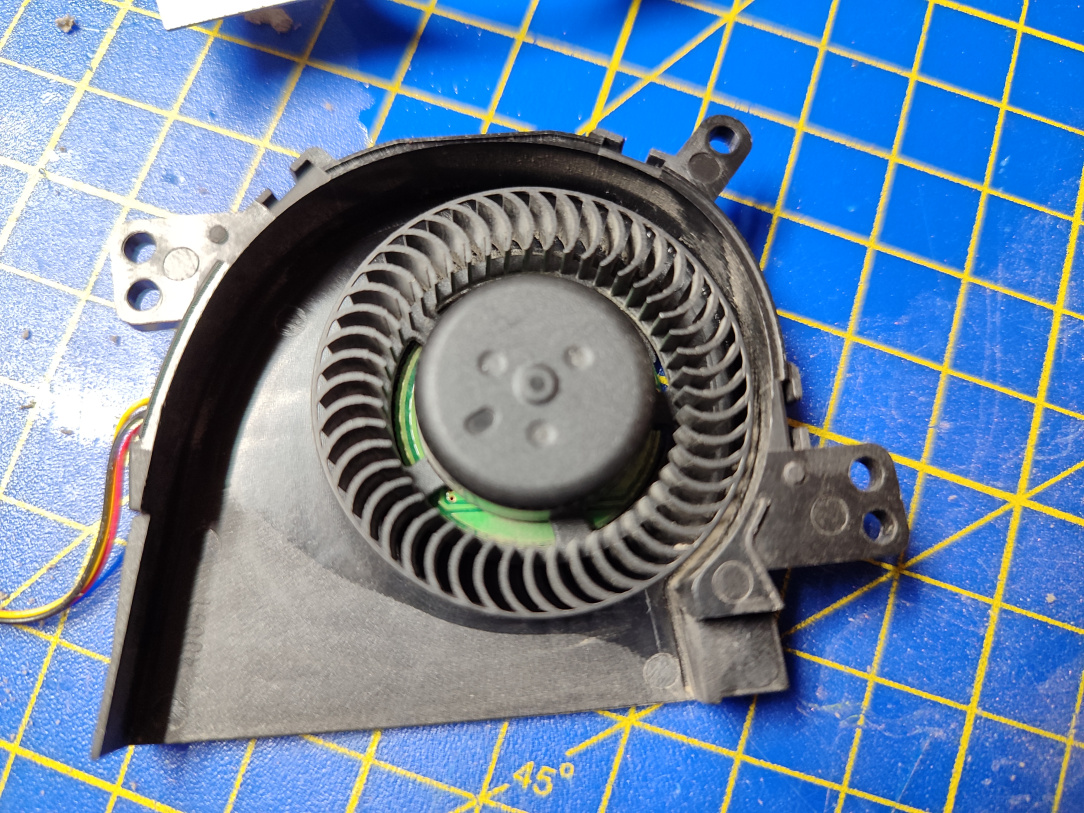
    ^^ Fan cleaned out, and once again able to expel hot air.

    IMG_20251229_171403.jpg

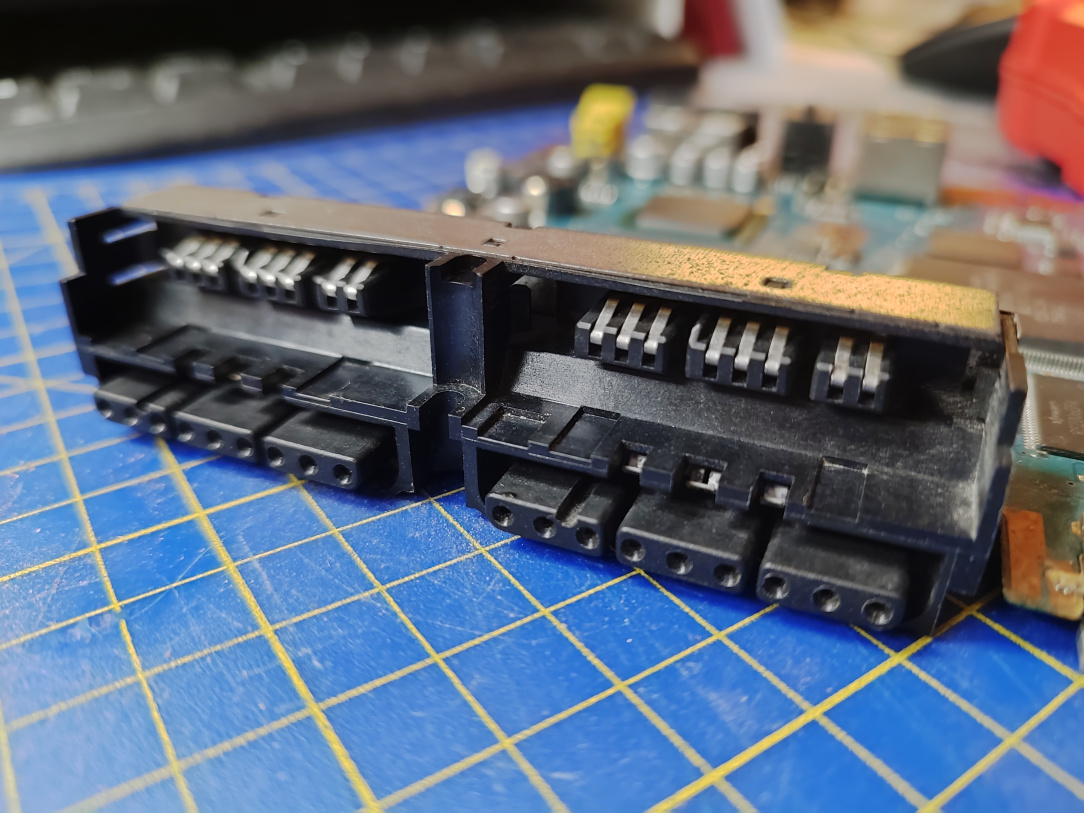
    ^^ Controller & Memory Card ports completely cleaned out also.

    IMG_20251231_183916.jpg

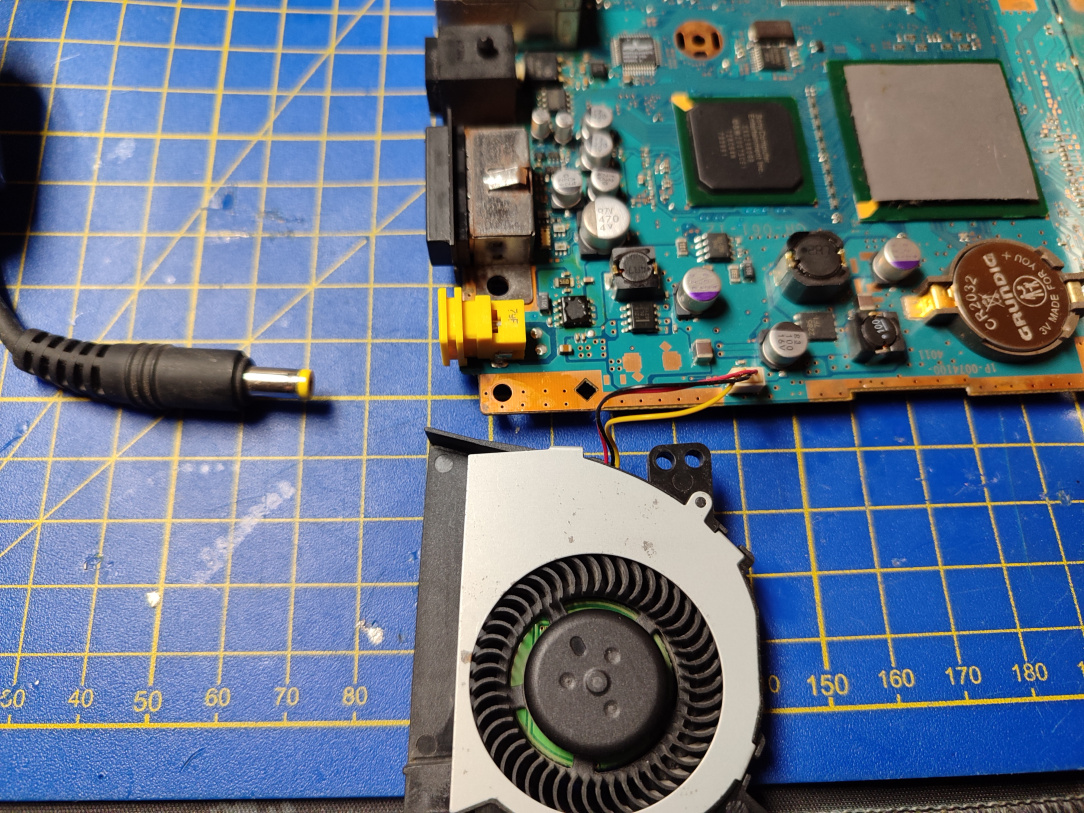
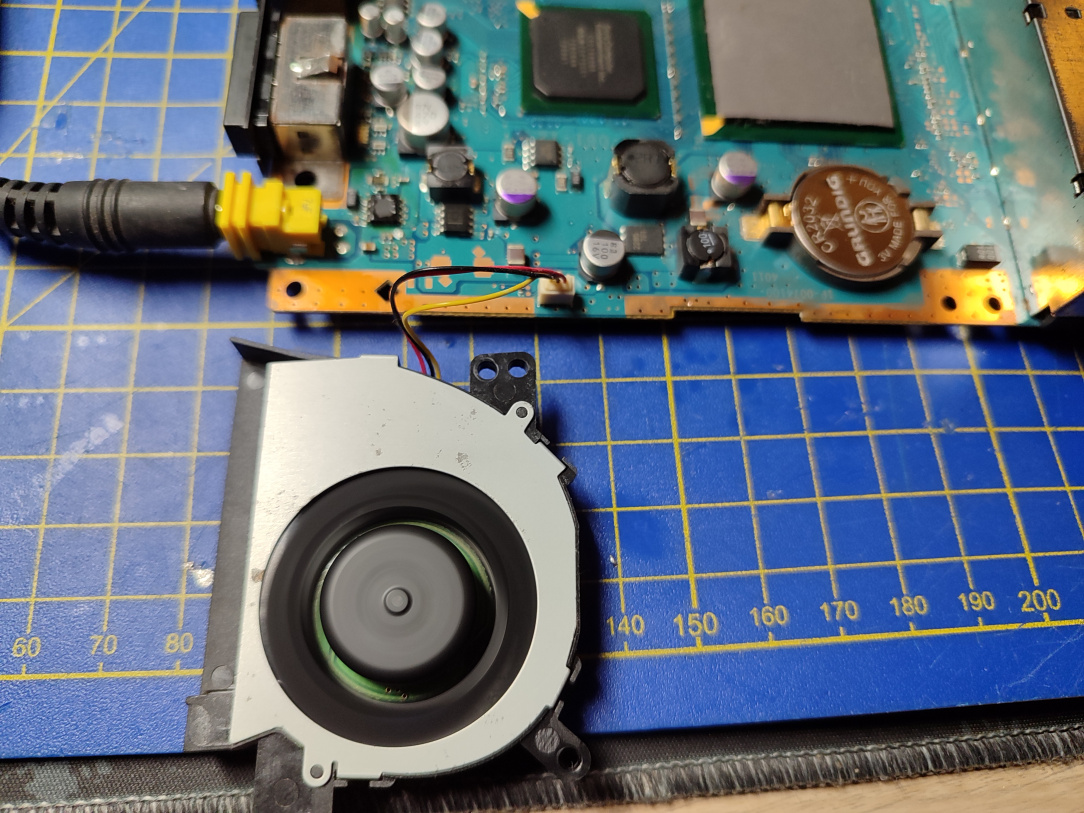
    ^^ Time for a quick test before we proceed further. I'll know all is ok once the fan spins on power on.

    IMG_20251231_183930.jpg

    ^^ Which it does! Nice, we can continue on with the mod so!


Comments

  • Registered Users, Registered Users 2 Posts: 8,258 ✭✭✭Inviere


    The next phase of the build will include some functionality that modernises the machine, and adds a feature or two that helps keep things slick and neat when it's all done.

    IMG_20251231_184139.jpg

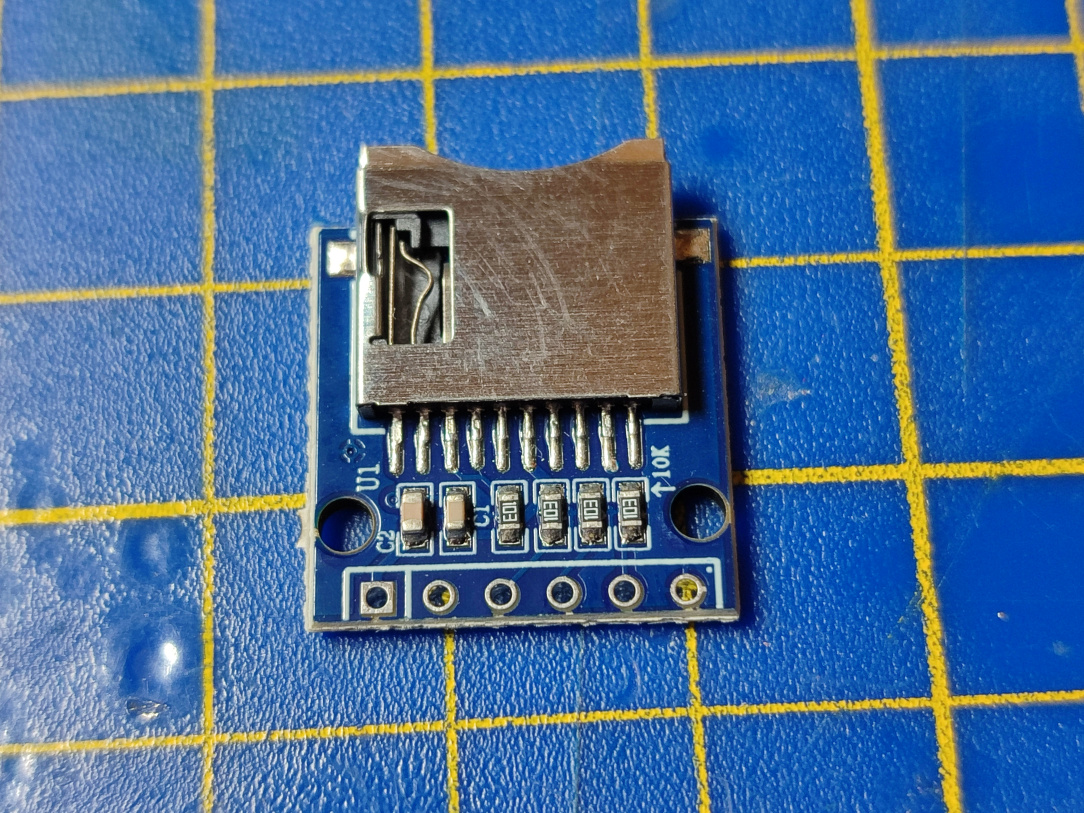
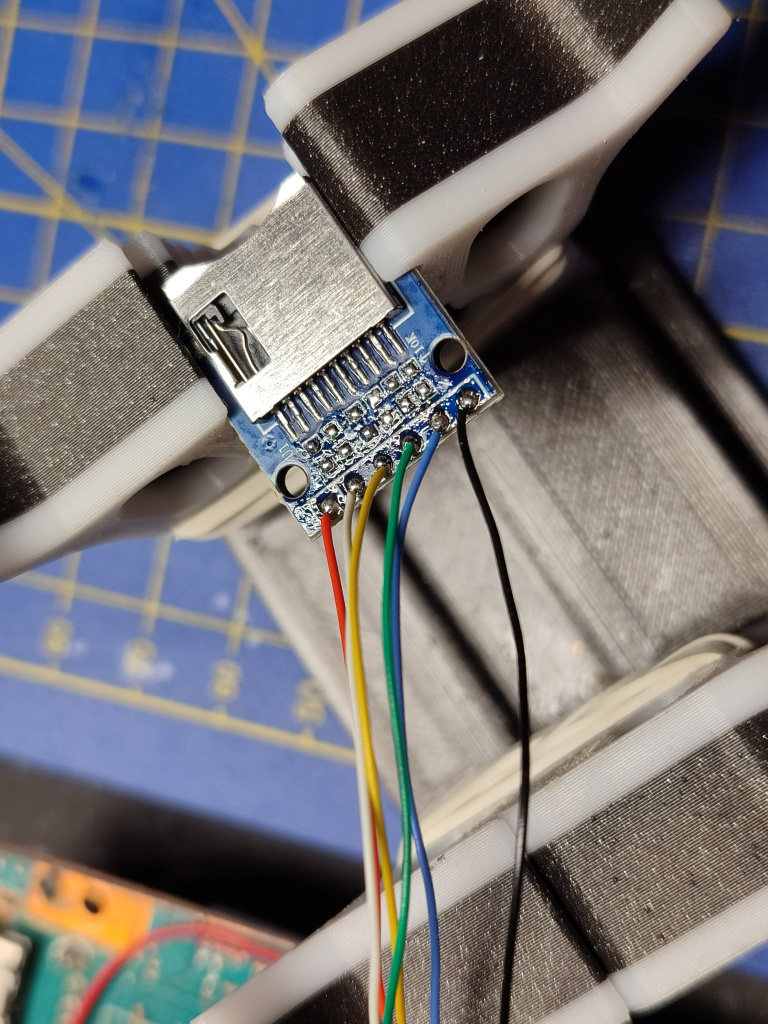
    ^^ We will begin with an Internal MX4SIO mod, which will enable us to be able to load games from an SD card now that we don't have a disc drive any longer. The board above, will form the basis of this next mod. It's an SDHC adapter that we can breakout and connect to the 2nd Memory Card port internally.

    IMG_20251231_184417.jpg

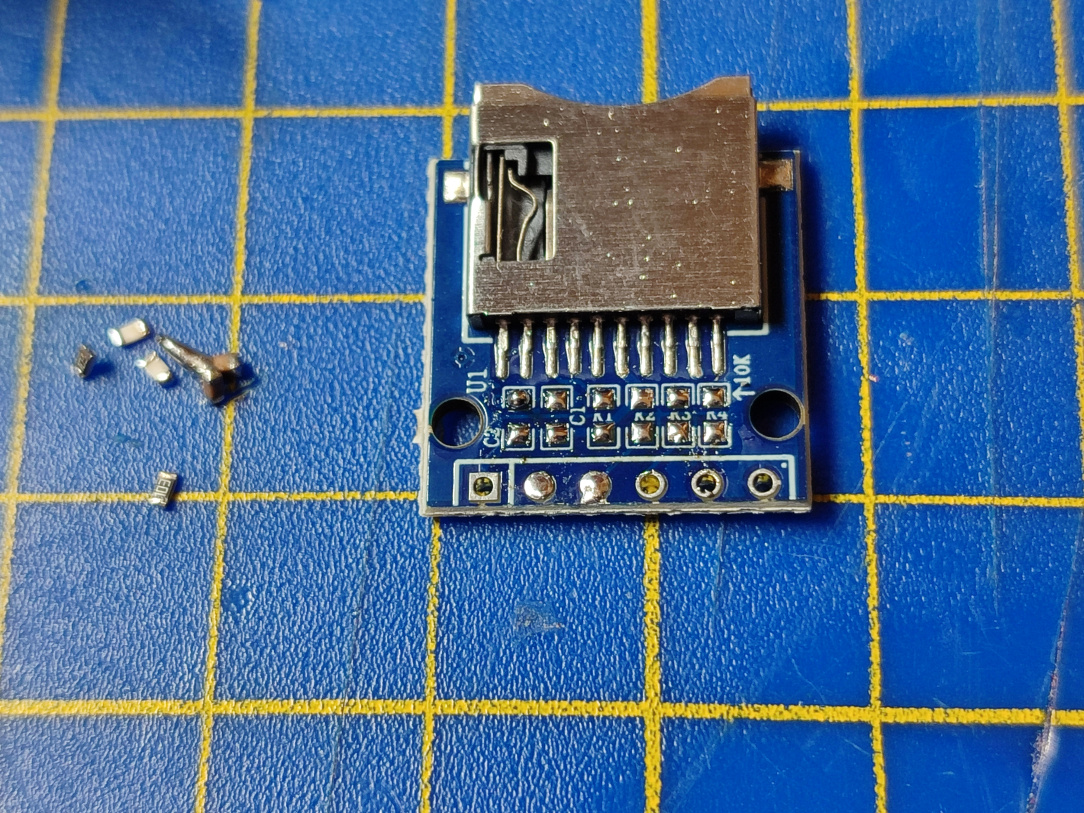
    ^^ I remove all of the passives from it, as the PS2 itself will manage the signals.

    IMG_20251231_185957.jpg

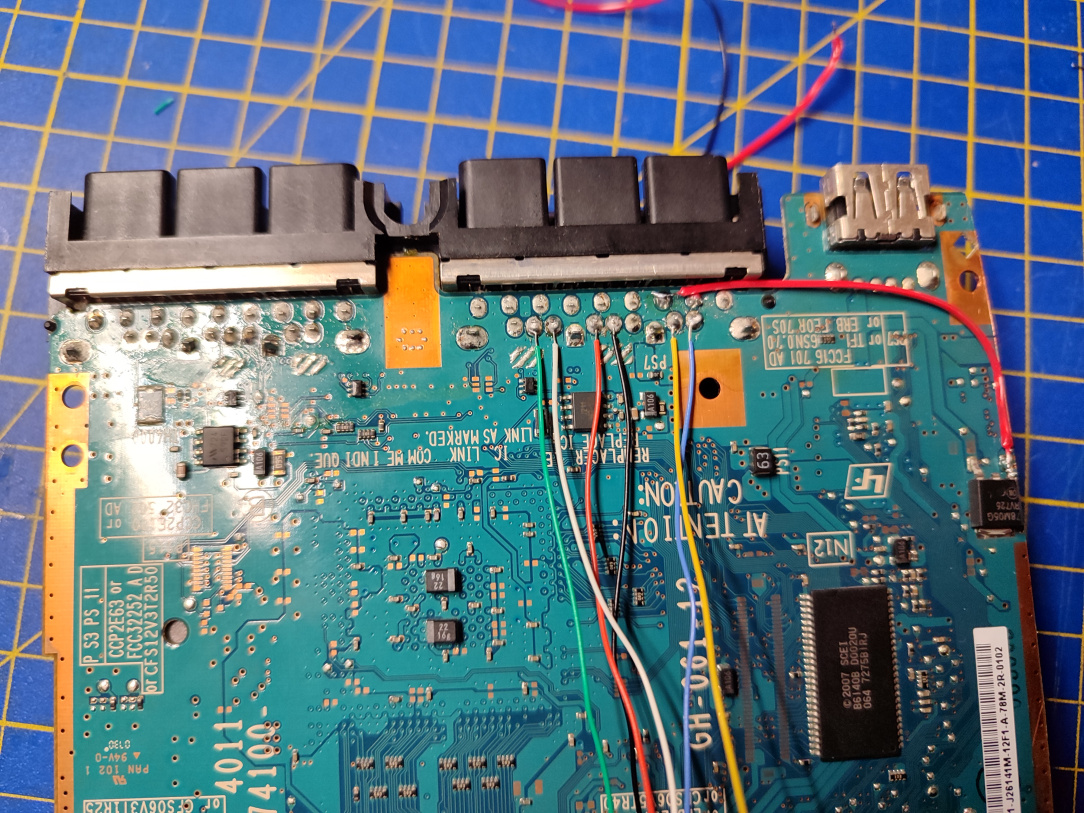
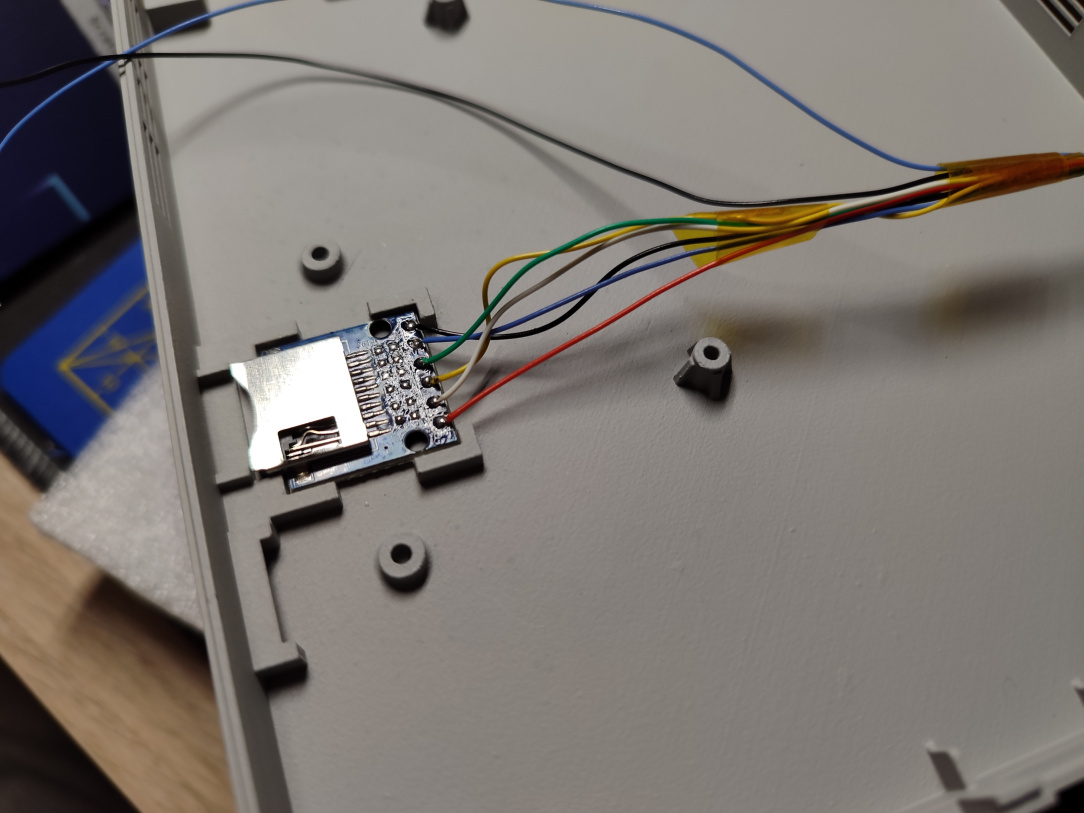
    ^^ The necessary wires are soldered onto the MC2 port on one end…

    IMG_20260101_073034.jpg

    ^^ And the other ends are soldered to the respective vias on the SDHC adapter board.

    IMG_20251231_190459.jpg

    ^^ The next mod is to remove the DC port, and enable to console to be powered and used by USB-C PD. The PS2 Slim adapters don't always come with these machines, so it's handy to be able to use it without needing to buy one (which can often cost more than the console itself!)

    IMG_20251231_191730.jpg

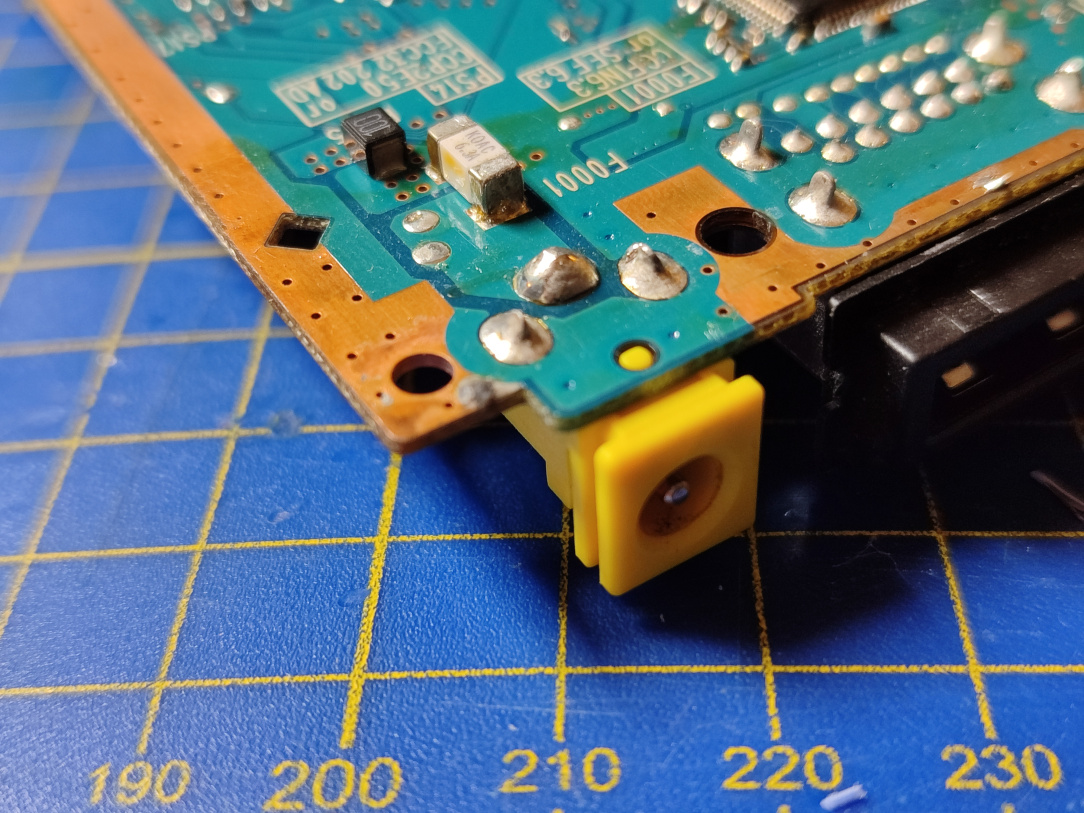
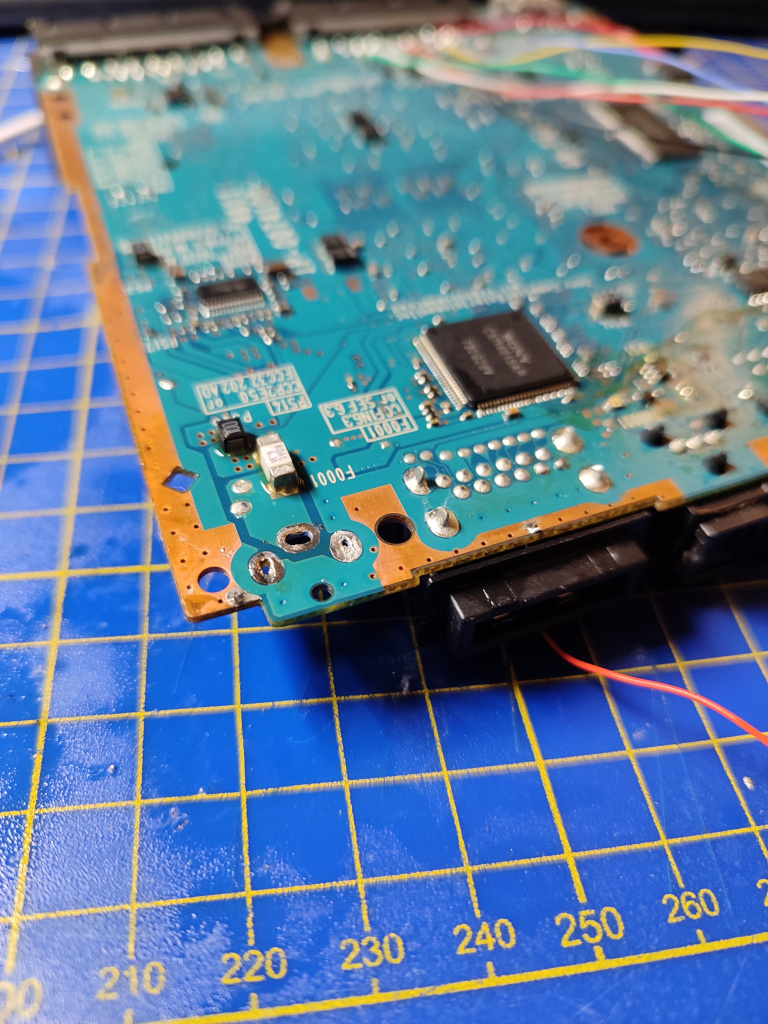
    ^^ DC port now desoldered.

    IMG_20260101_074340.jpg

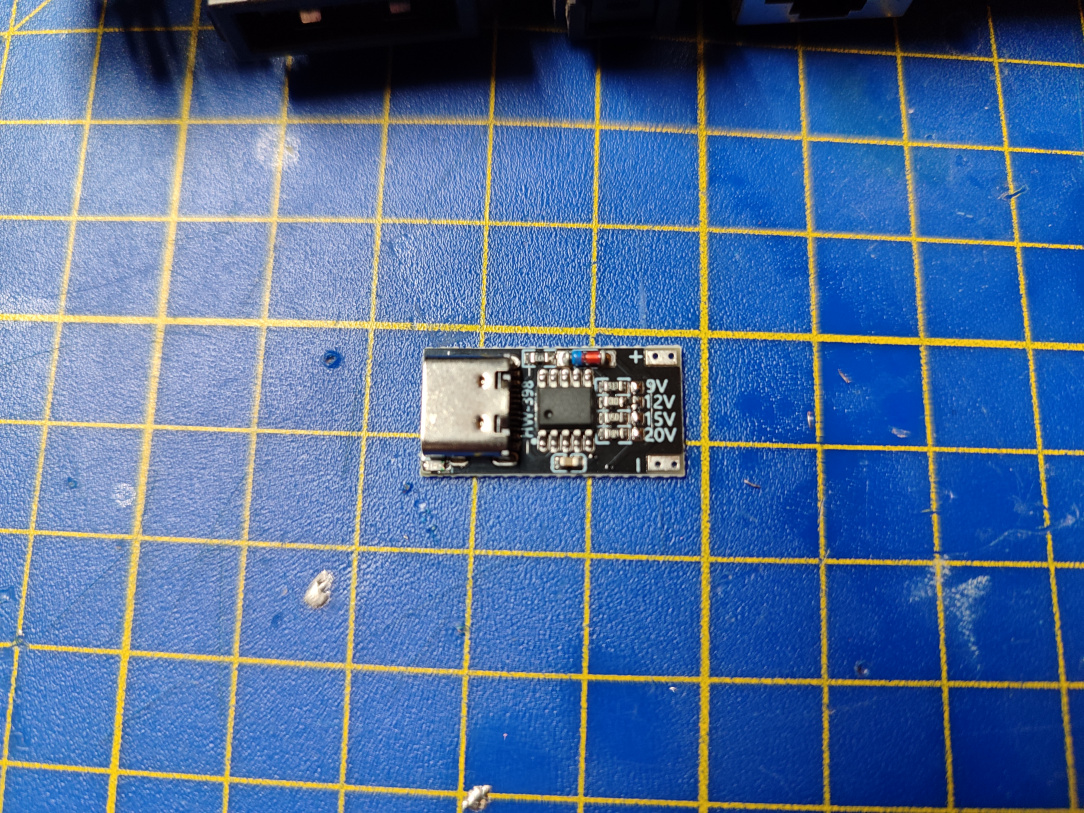
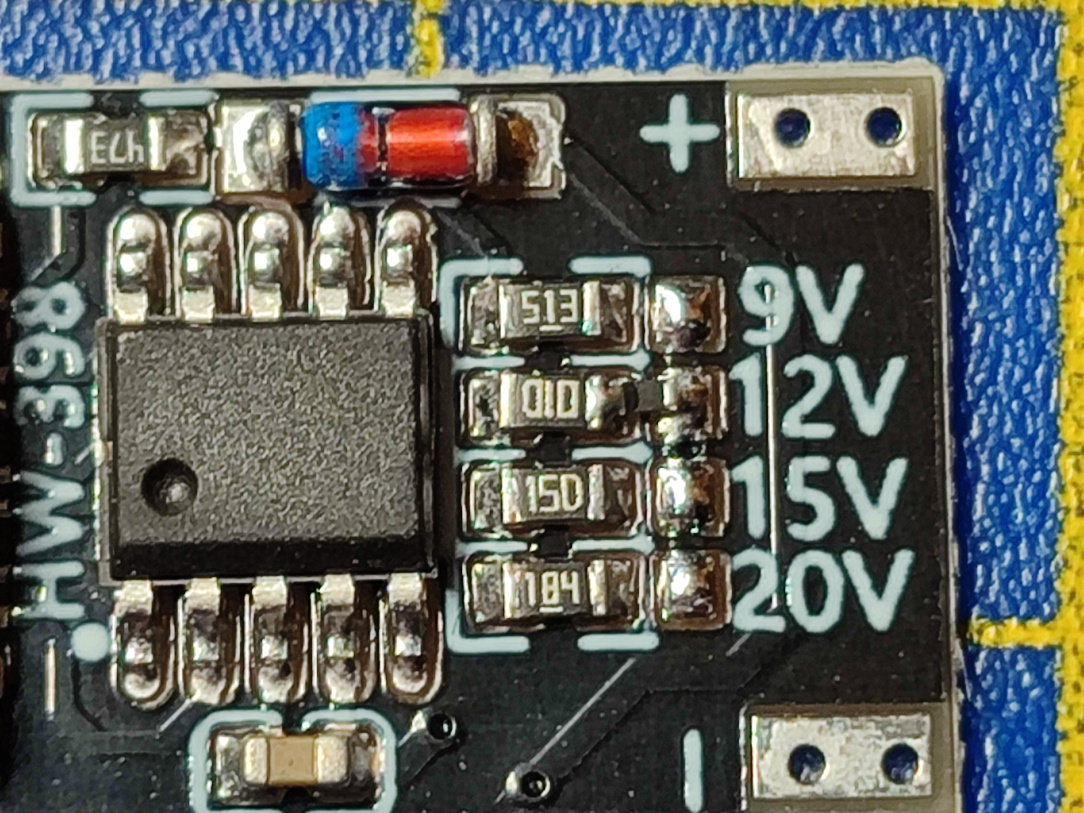
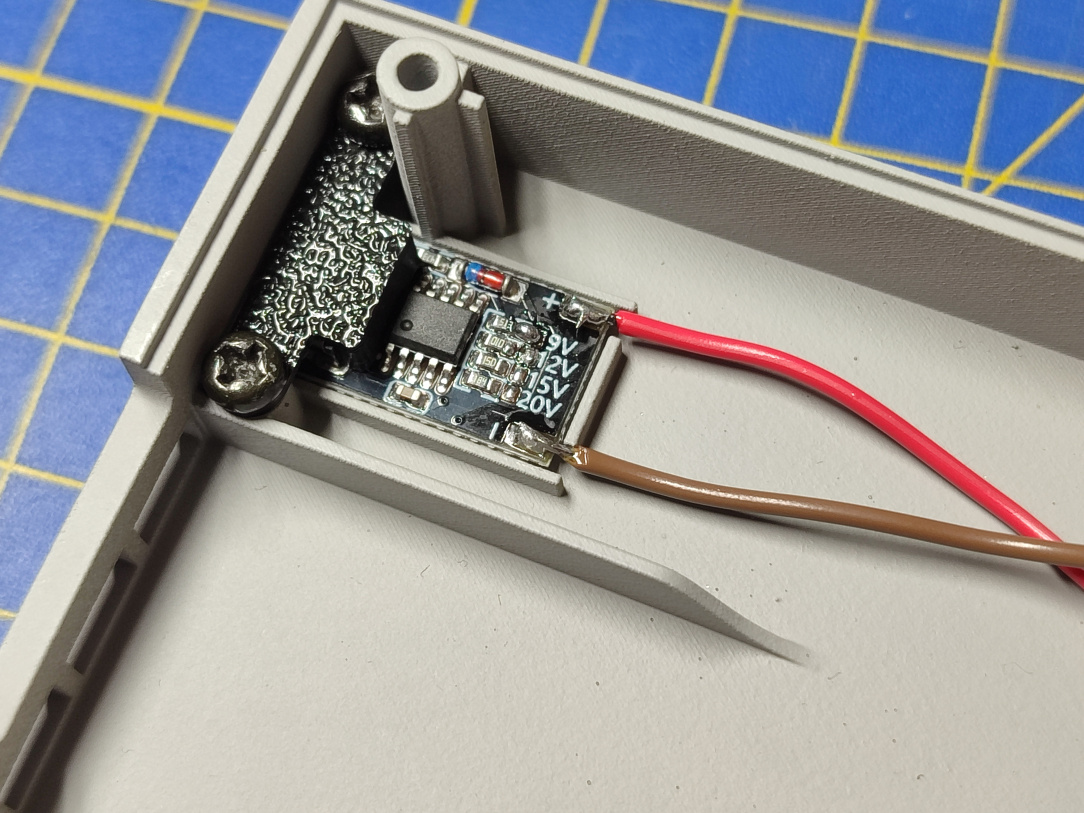
    ^^ The new port will be this USB-C PD Trigger board.

    IMG_20260101_074356.jpg

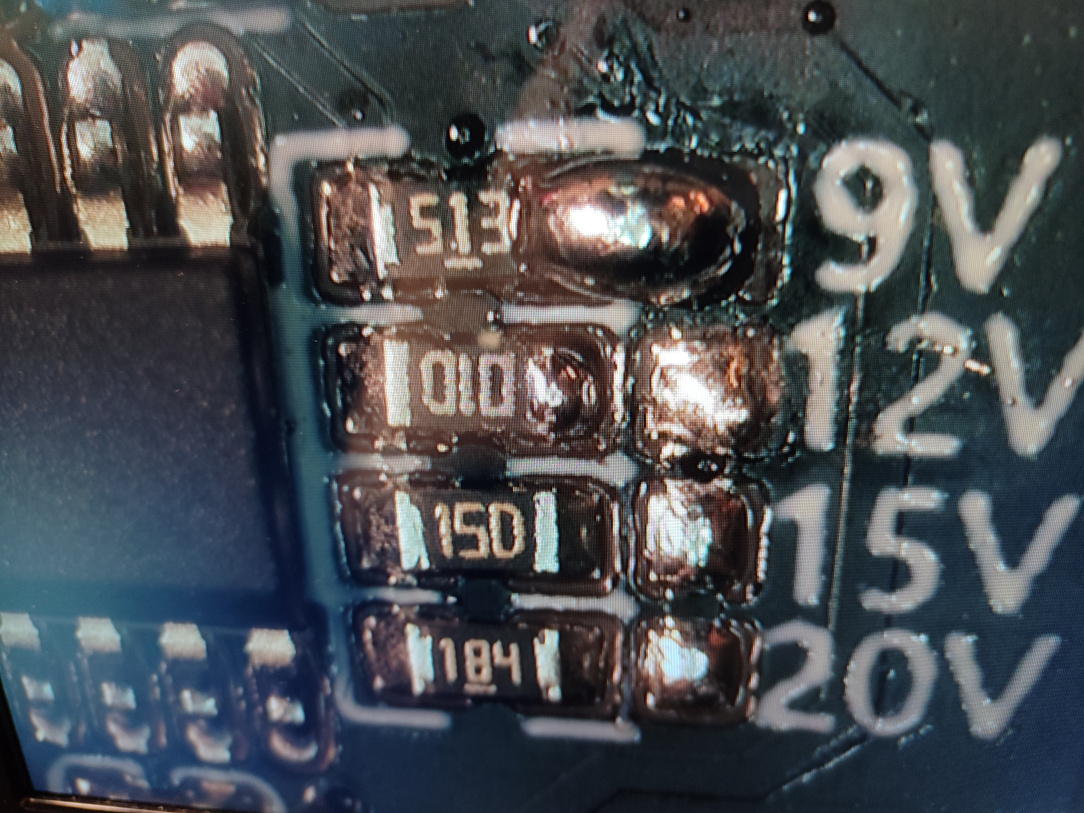
    ^^ You can see it's configured for 12v here, which is too high for the PS2. We need to remove the 0ohm resistor, and instead configure it for 9v bu using a solder blob/0ohm resistor.

    IMG_20260101_074856.jpg

    ^^ I had to do this under the scope given it's pretty small. Done now, we'll get a 9v output.

    IMG_20260101_082210.jpg

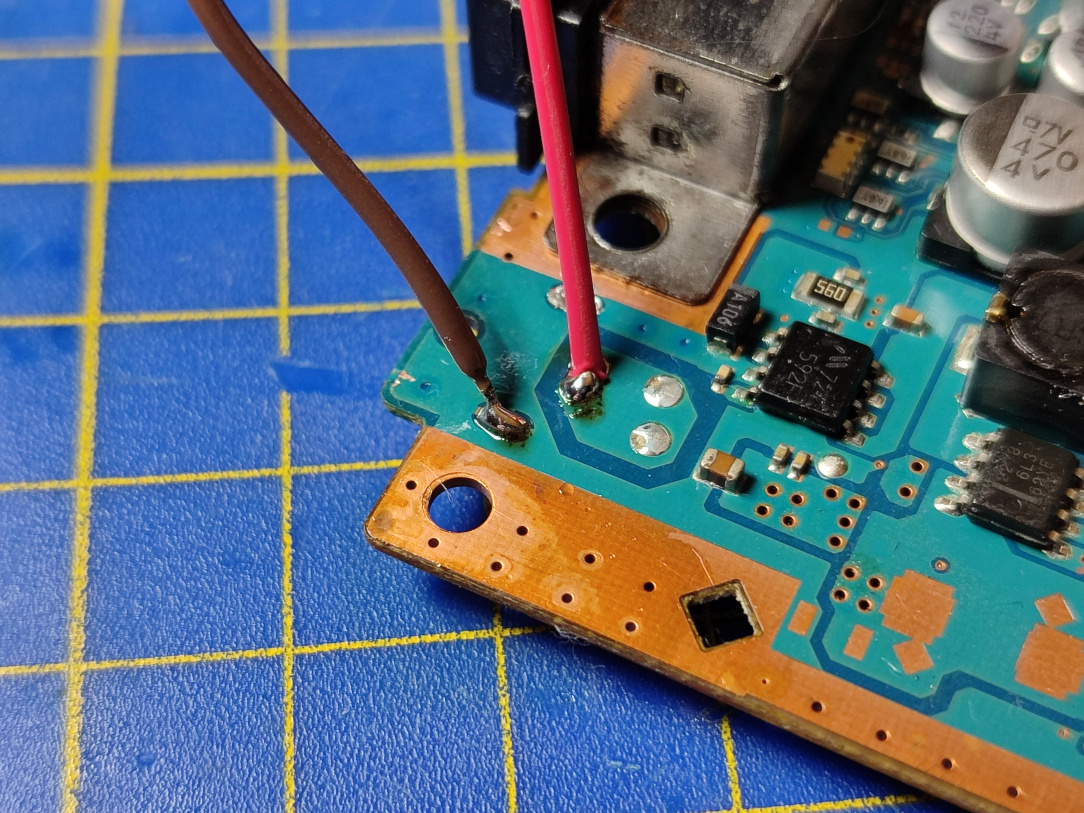
    ^^ The output pads then get fed to the PS2 board where the DC port used to live.

    IMG_20260101_075342.jpg

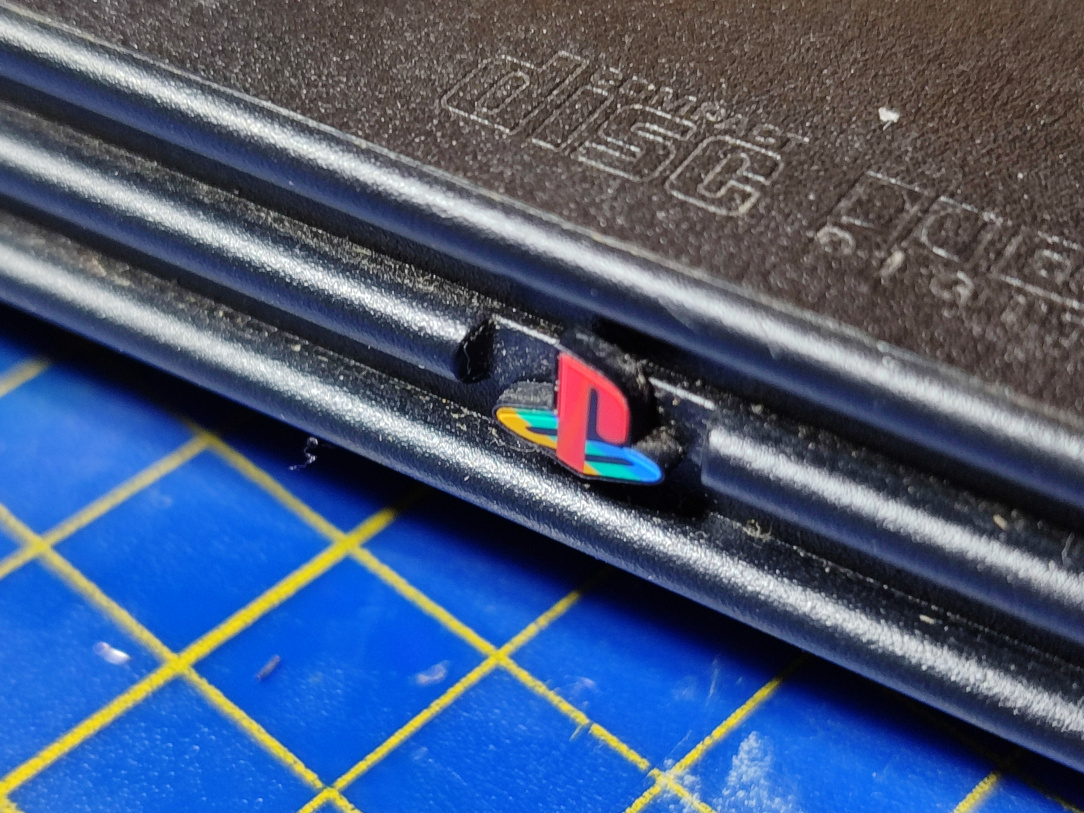
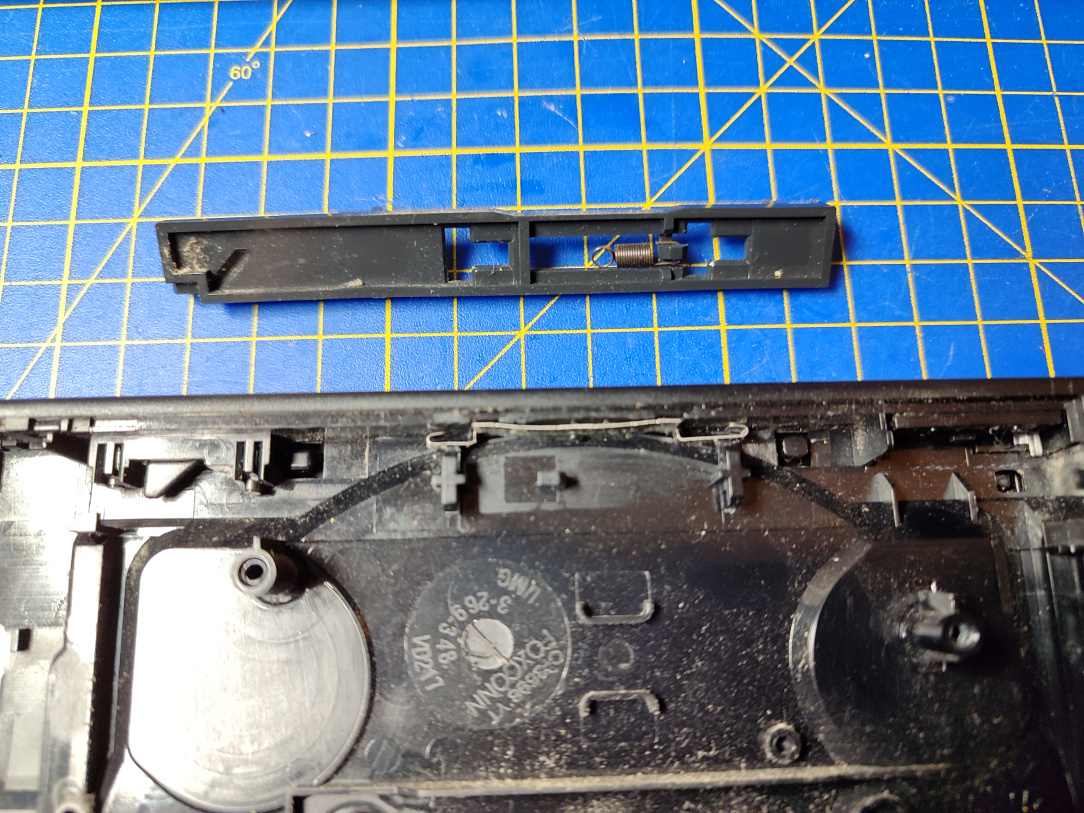
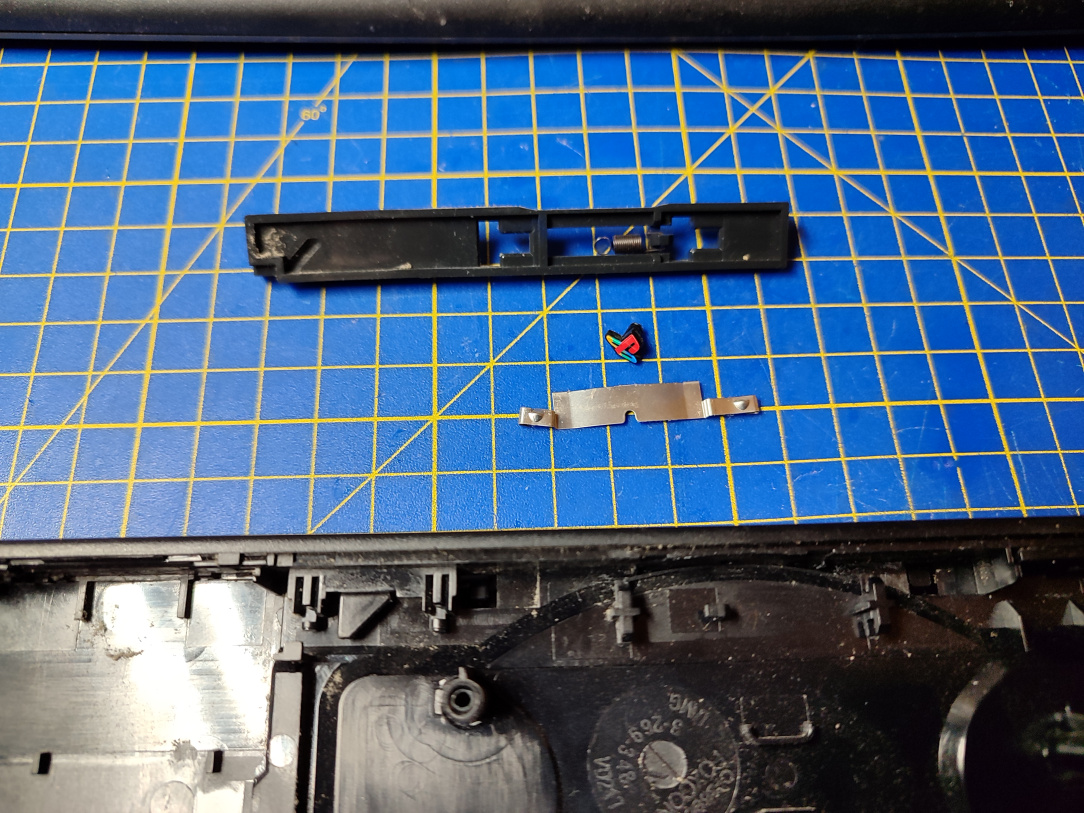
    ^^ Now that the PS2 is MUCH smaller, we'll no longer be using the original shell. For the new shell, we'll salvage the PS2 logo from the old one.

    IMG_20260101_075639.jpg

    ^^ Retaining bracket out…

    IMG_20260101_075850.jpg

    ^^ Done. We'll come back to this in a bit when fitting it to the new shell.


  • Registered Users, Registered Users 2 Posts: 8,258 ✭✭✭Inviere


    Ok, onwards. Time to modernise the display output a little now.

    IMG_20260101_082329.jpg

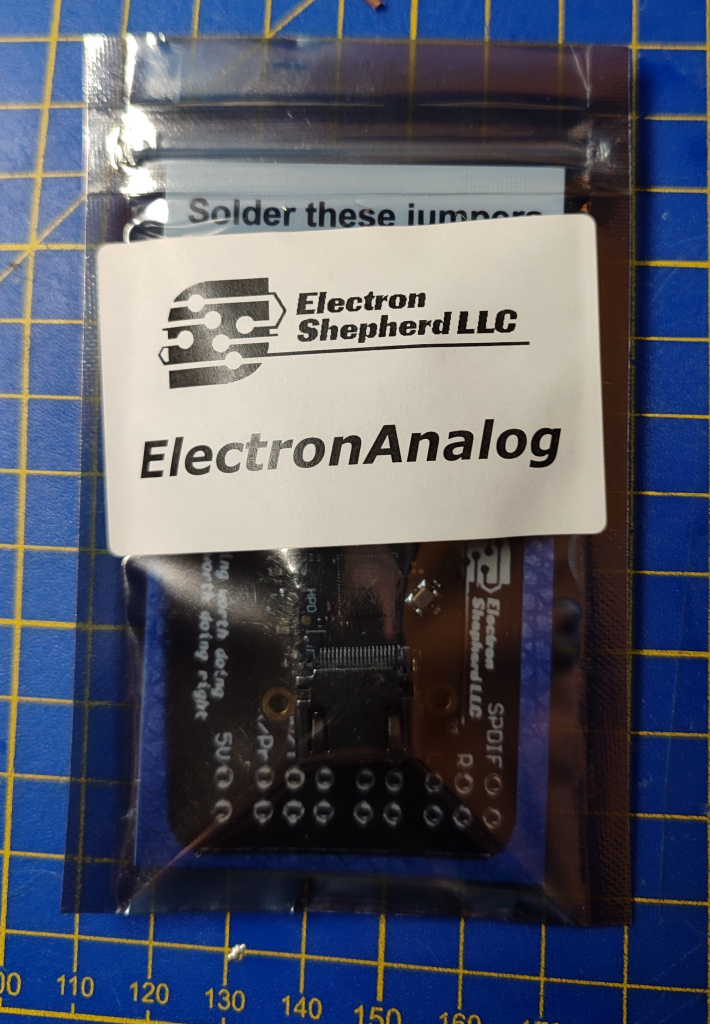
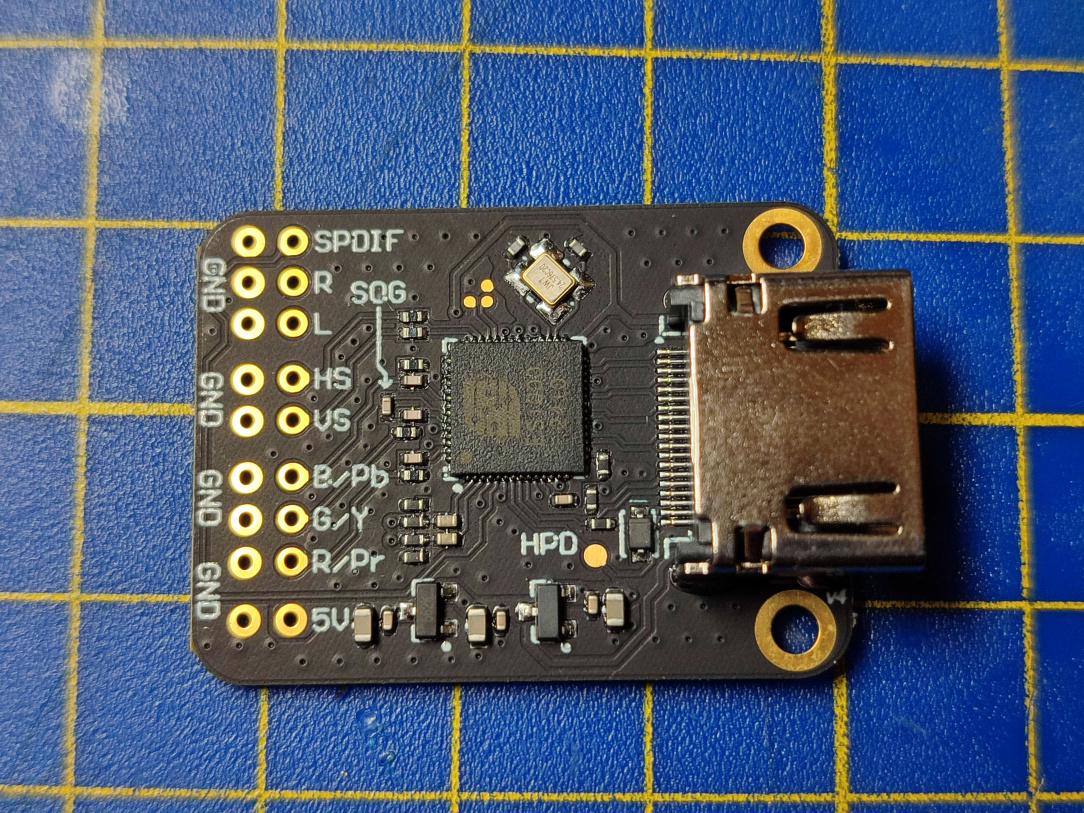
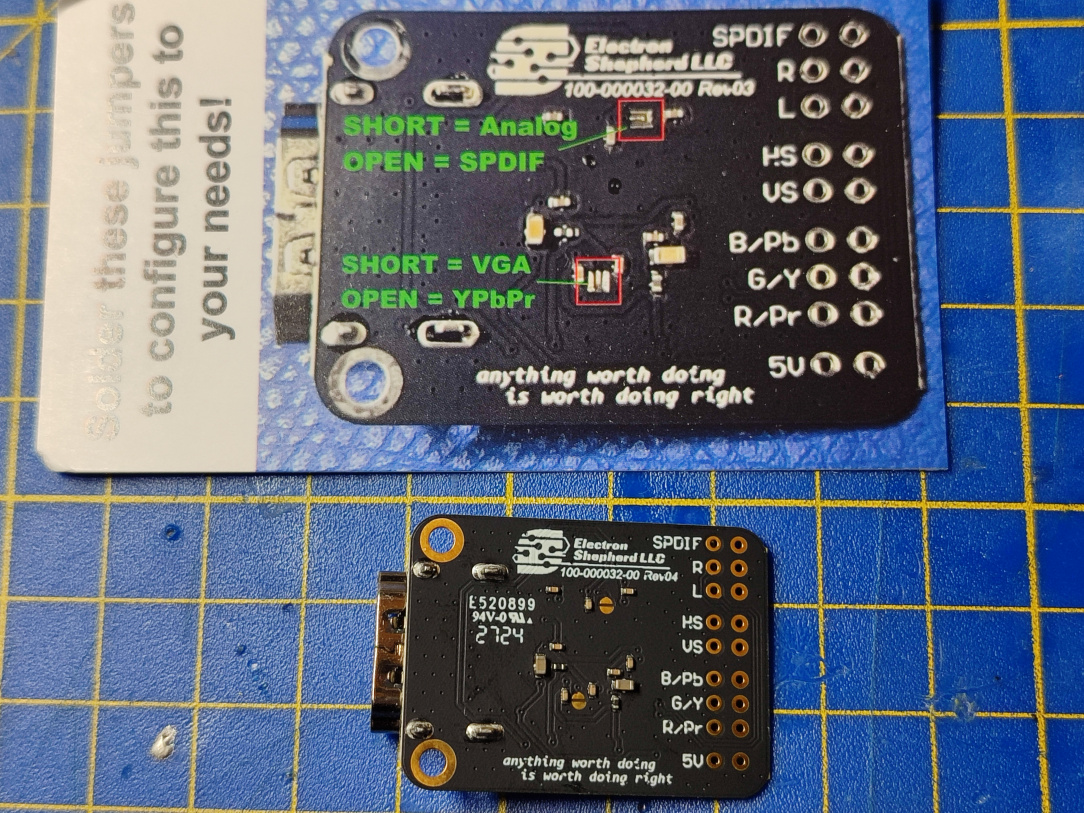
    ^^ Enter, the ElectronAnalog. It's an internal HDMI adapter for the PS2 (well, any console that outputs the necessary signals really.) It's not a true Digital-Digital HDMI solution, as we need to tap the analogue signals from the AV port, but for the price, and convenience, it's a very nice solution.

    IMG_20260101_082404.jpg

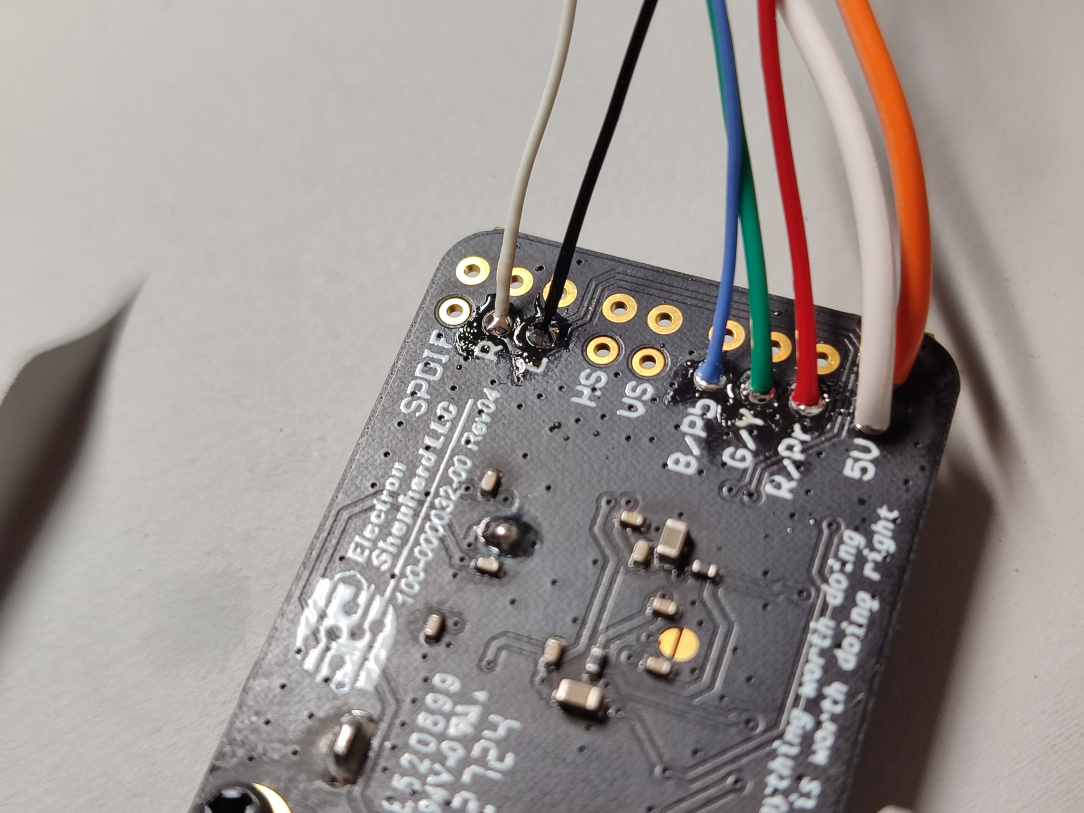
    ^^ We need to feed the board Audio (Left & Right), RGB, 5v, and Ground.

    IMG_20260101_082431.jpg

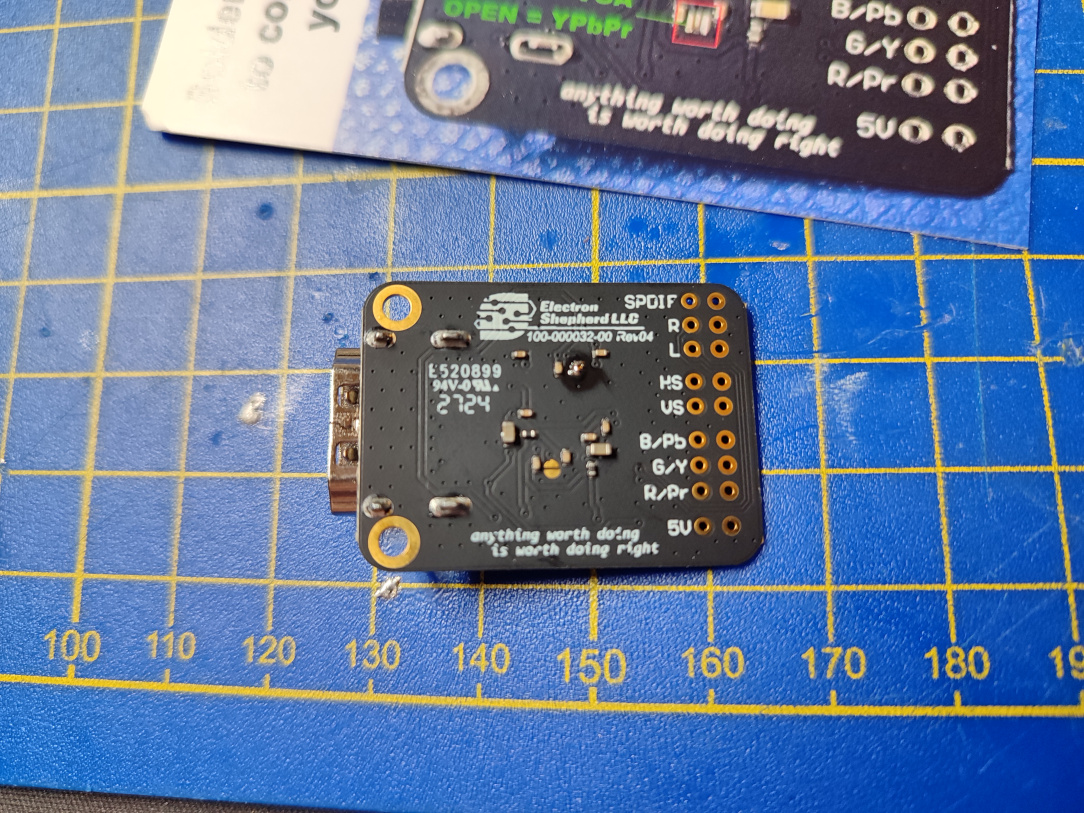
    ^^ We first need to configure the board for YPbPr by soldering a jumper pad.

    IMG_20260101_082517.jpg

    ^^ Done, the board is now ready for soldering to.

    IMG_20260101_082600.jpg

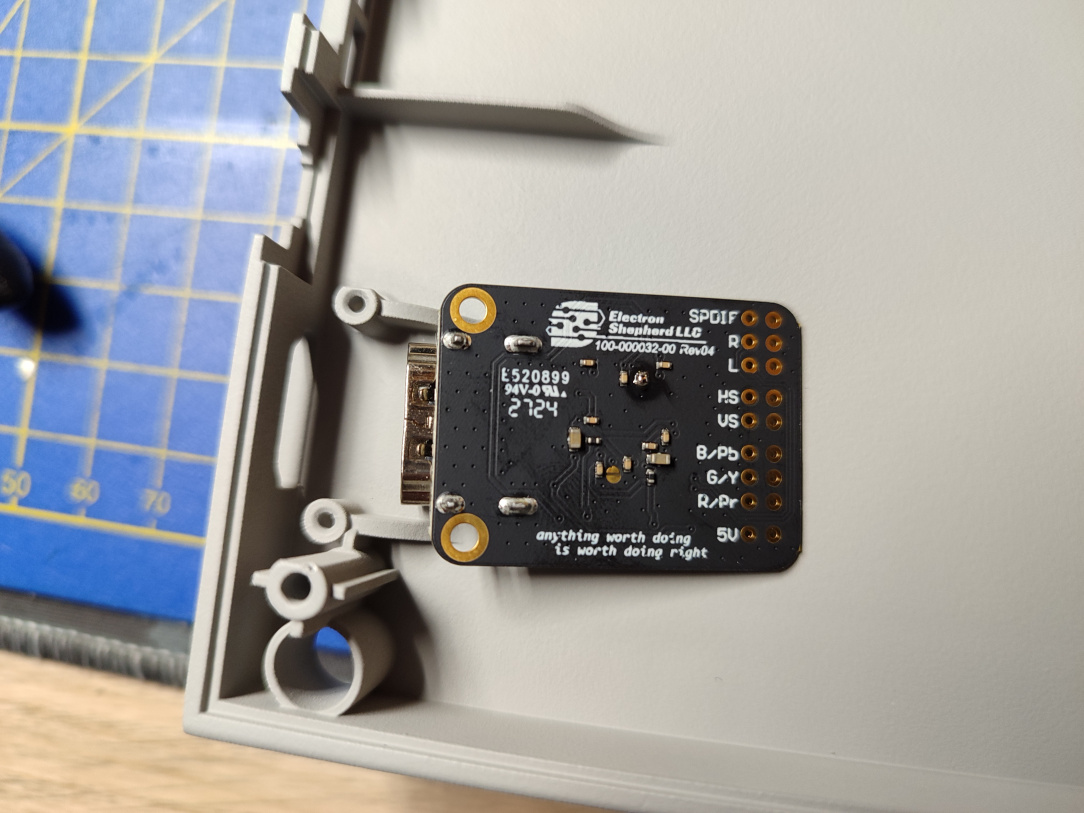
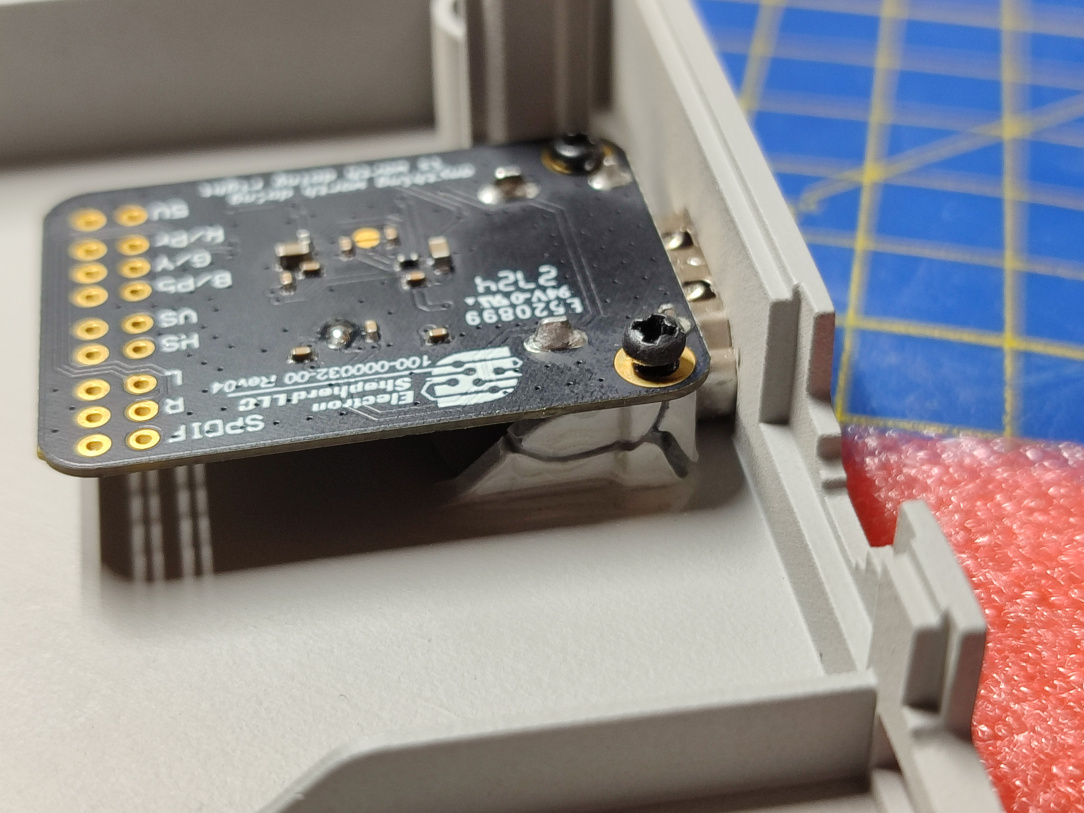
    ^^ Our first look at the new shell. I'll hide as much of it as I can while we're still building it. It has x2 screw posts for the EA board, and a pre-cut HDMI slot for output.

    IMG_20260101_091131.jpg

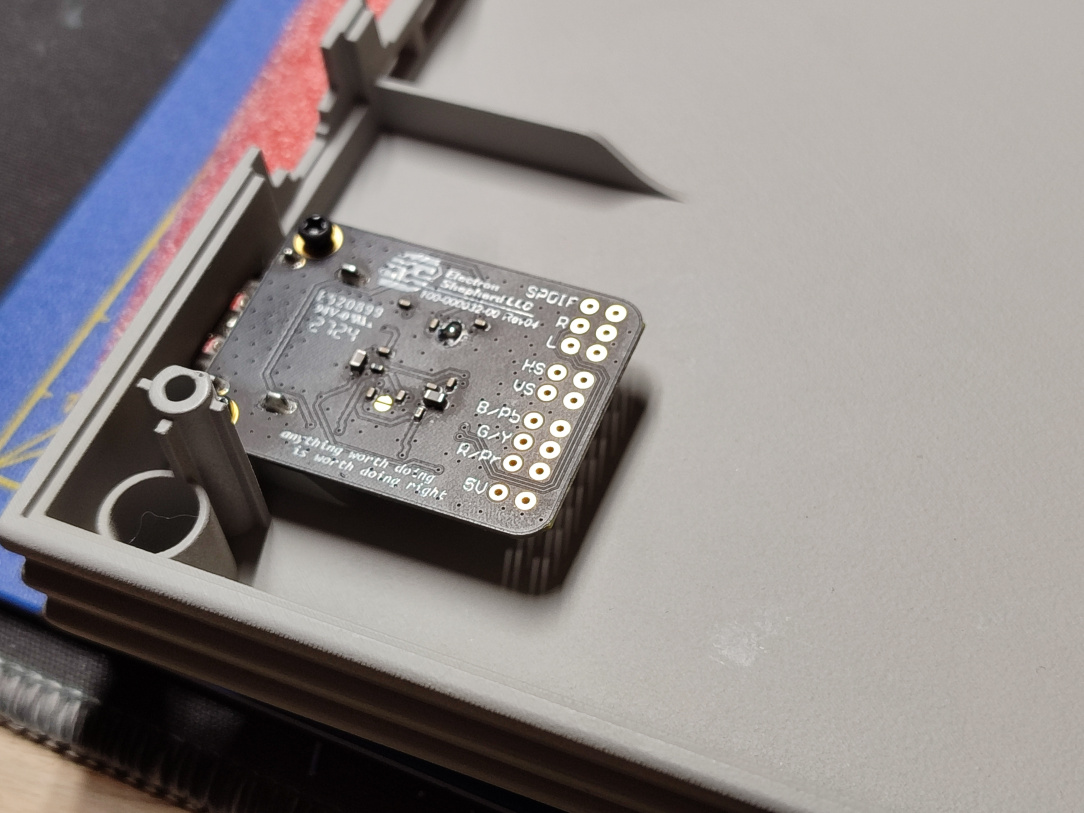
    ^^ Screwing the board into place…

    IMG_20260101_091140.jpg

    ^^ FFFFFFFFFUUUUUU. The screw was too large, and one of the posts broke. Above though, I've re-enforced it with epoxy, and it's once again solid.

    IMG_20260101_091215.jpg

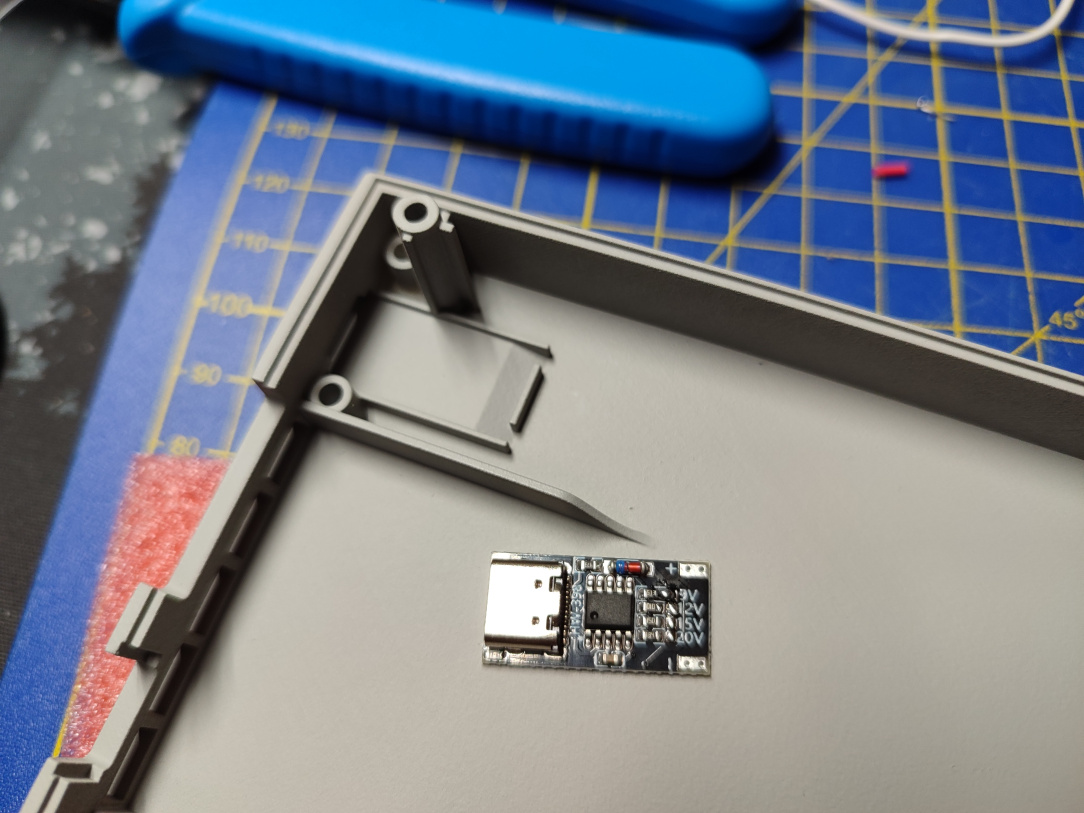
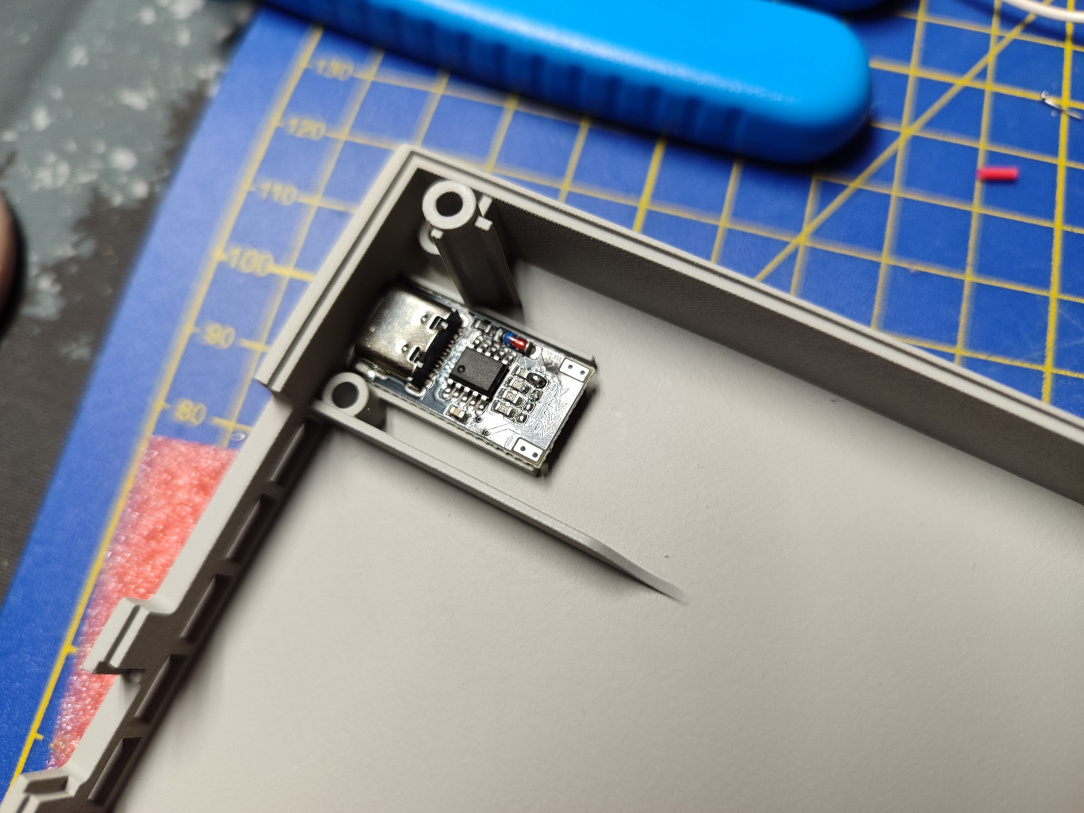
    ^^ Now to fit the USB-C PD board into place. The shell once again has the necessary cut outs & supports in place making this a very neat solution.

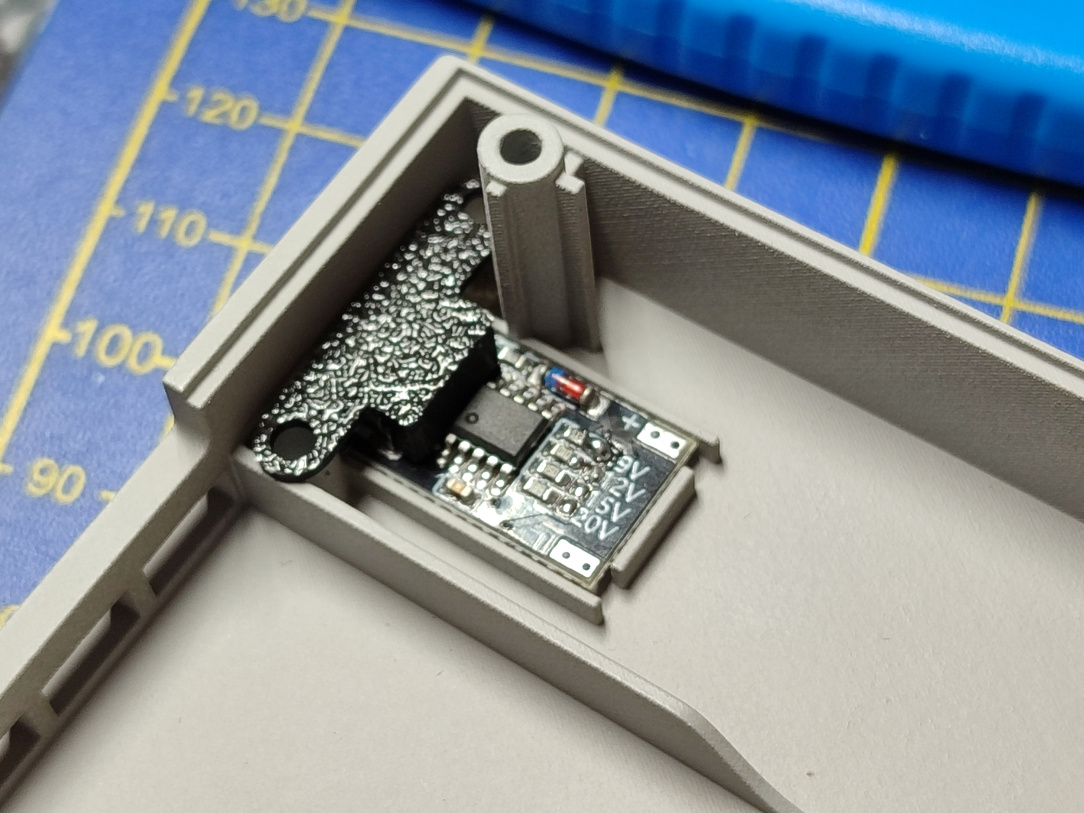
    IMG_20260101_091226.jpg IMG_20260101_091336.jpg

    ^^ Putting my A1 Mini to use, I print the necessary retaining bracket for the power board, and secure it into place.

    IMG_20260101_093730.jpg

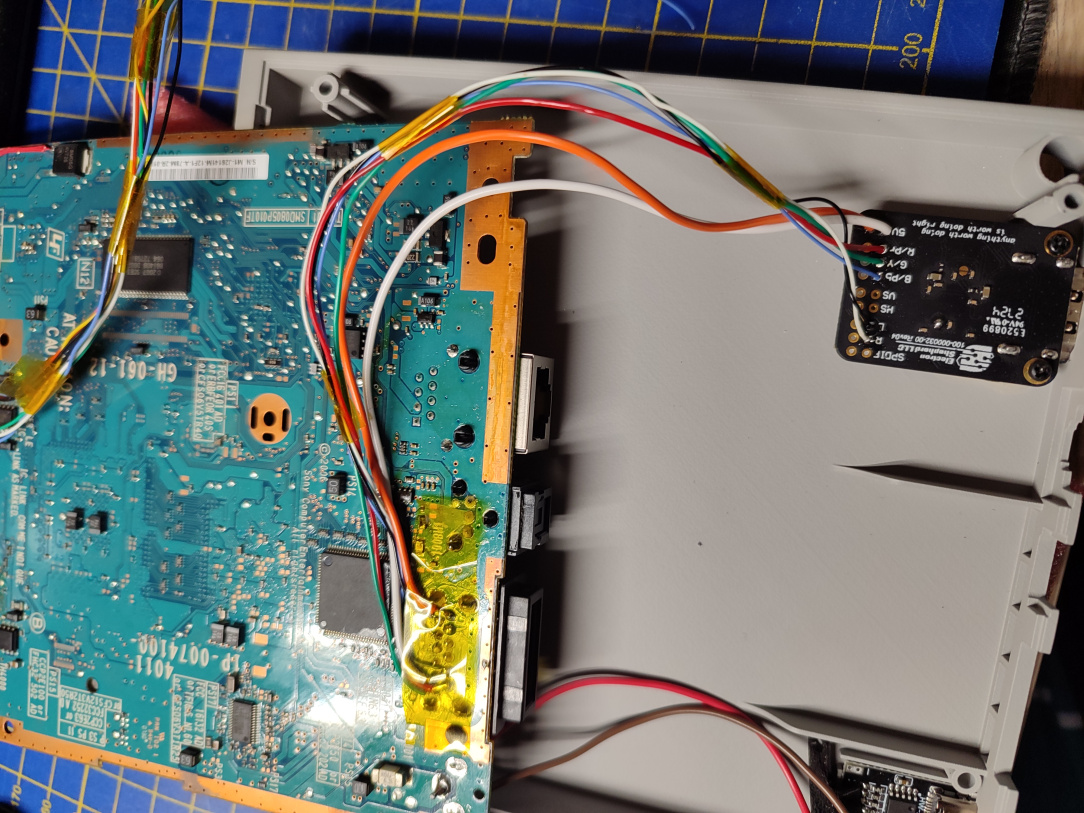
    ^^ Video and Audio signals the ElectronAnalog board soldered into place.

    IMG_20260101_095011.jpg

    ^^ And on the other end, they're tapped into the AV port pins.

    IMG_20260101_102008.jpg

    ^^ Power output & ground from the Trigger board now connected.

    IMG_20260101_160422.jpg

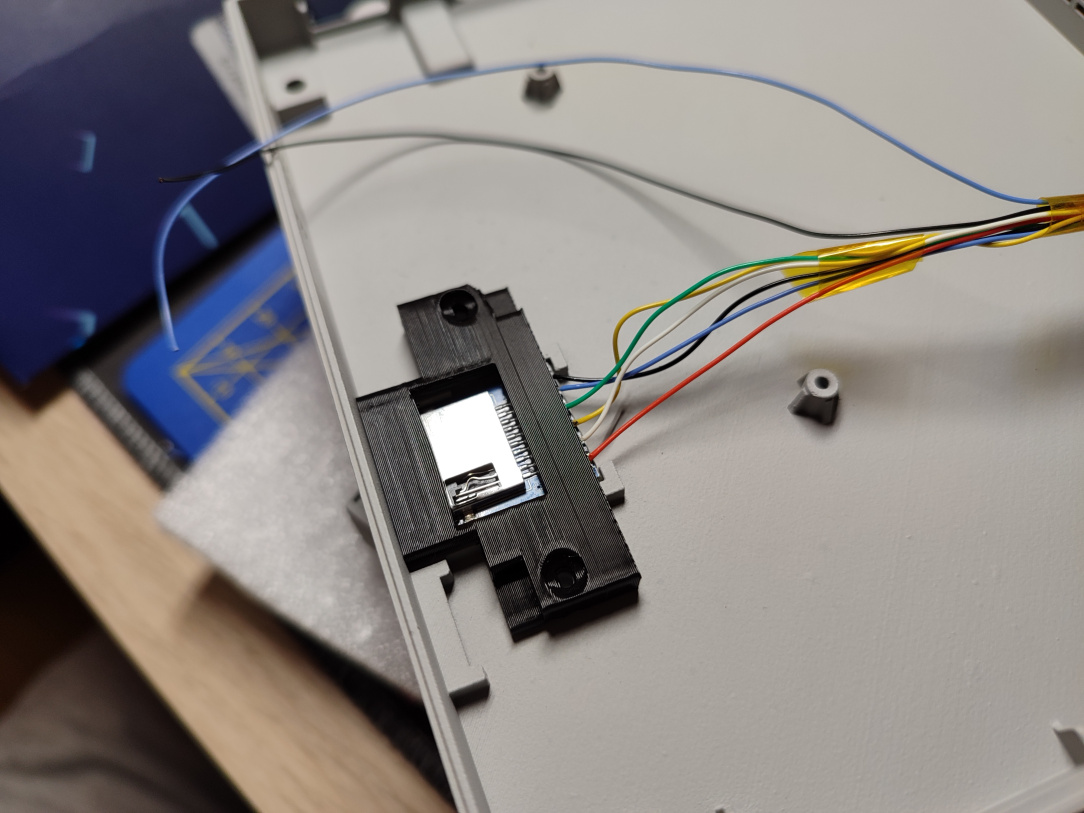
    ^^ Once again, the shell provides a perfect securing method for the internal MX4SIO mod.

    IMG_20260101_160513.jpg

    ^^ I print the necessary bracket for the SDHC adapter, and just need to mount it into place. You can also see two additional wires which form a nice little feature….

    IMG_20260103_193303.jpg

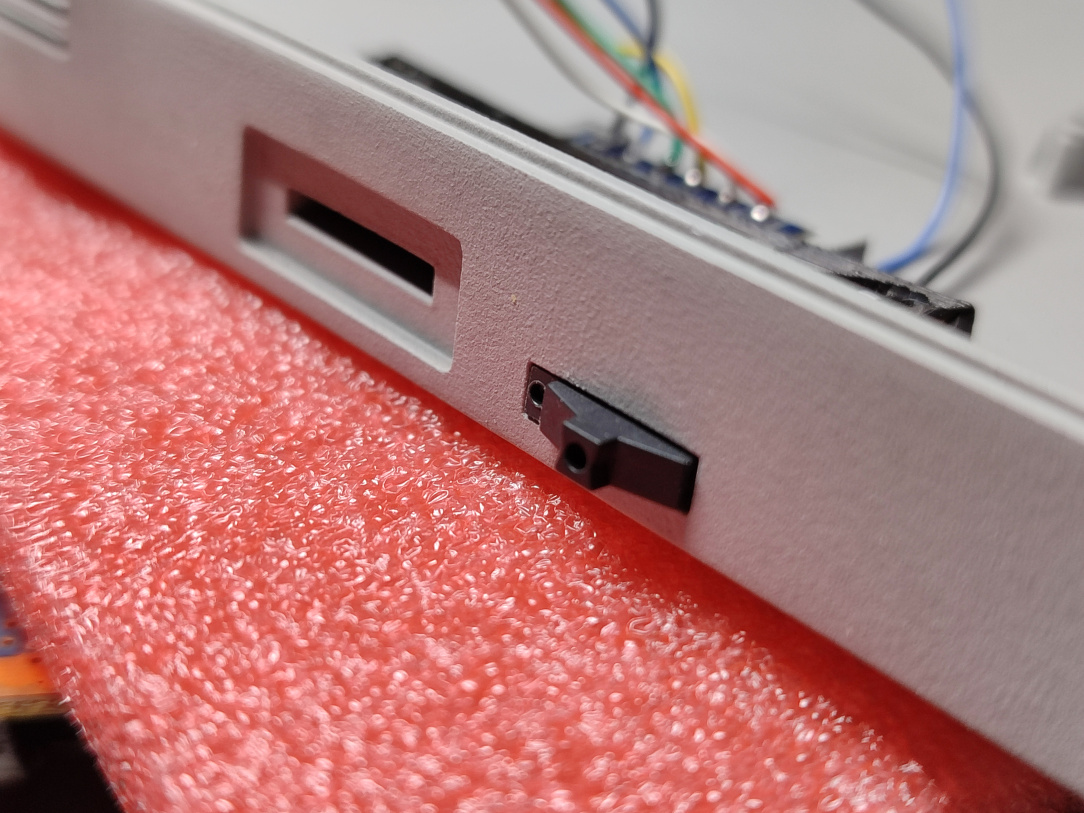
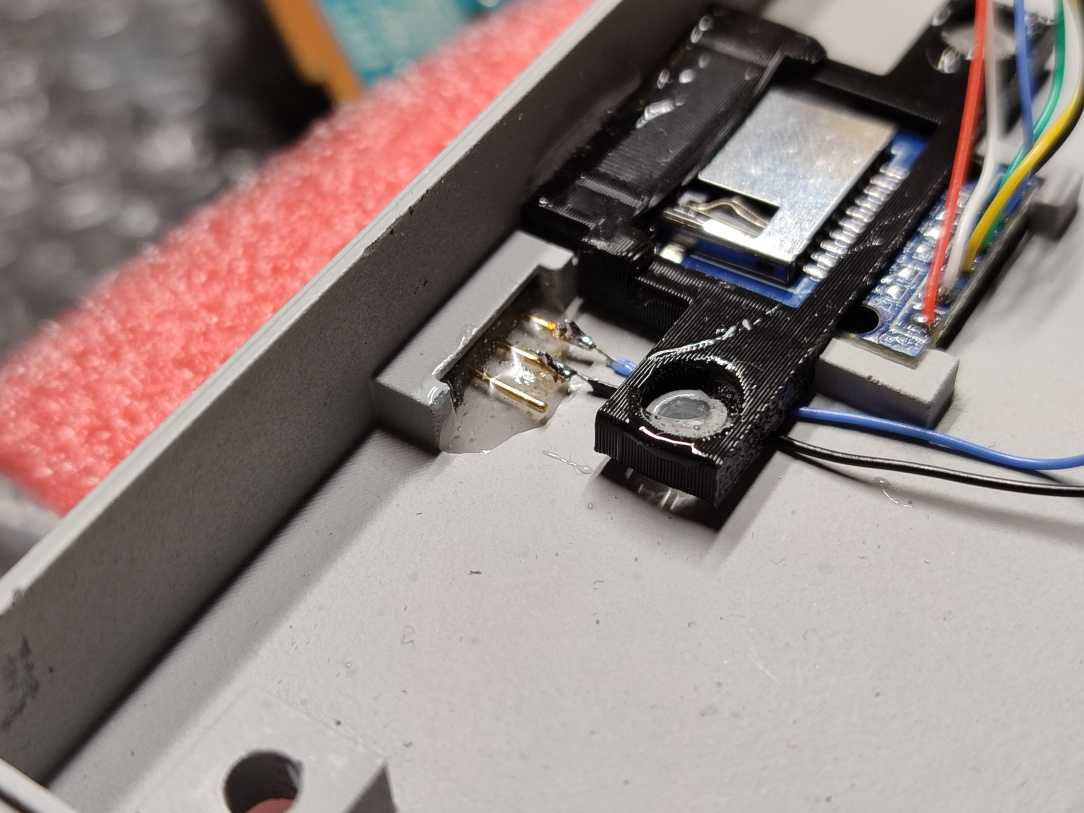
    ^^ Those two little wires will decide whether the internal MX4SIO mod is ACTIVE, or if the Memory Card 2 port is ACTIVE (they can't both be active at the same time.)

    IMG_20260103_193309.jpg

    ^^ Rather than screws here, I rely on downward pressure from the console innards to secure the SDHC board, along with a few drops of epoxy for it and the switch (the switch was looser than I'd like and wasn't a great pressure fit, so the epoxy has locked it in place nicely.)


  • Registered Users, Registered Users 2 Posts: 8,258 ✭✭✭Inviere


    IMG_20260122_082518.jpg

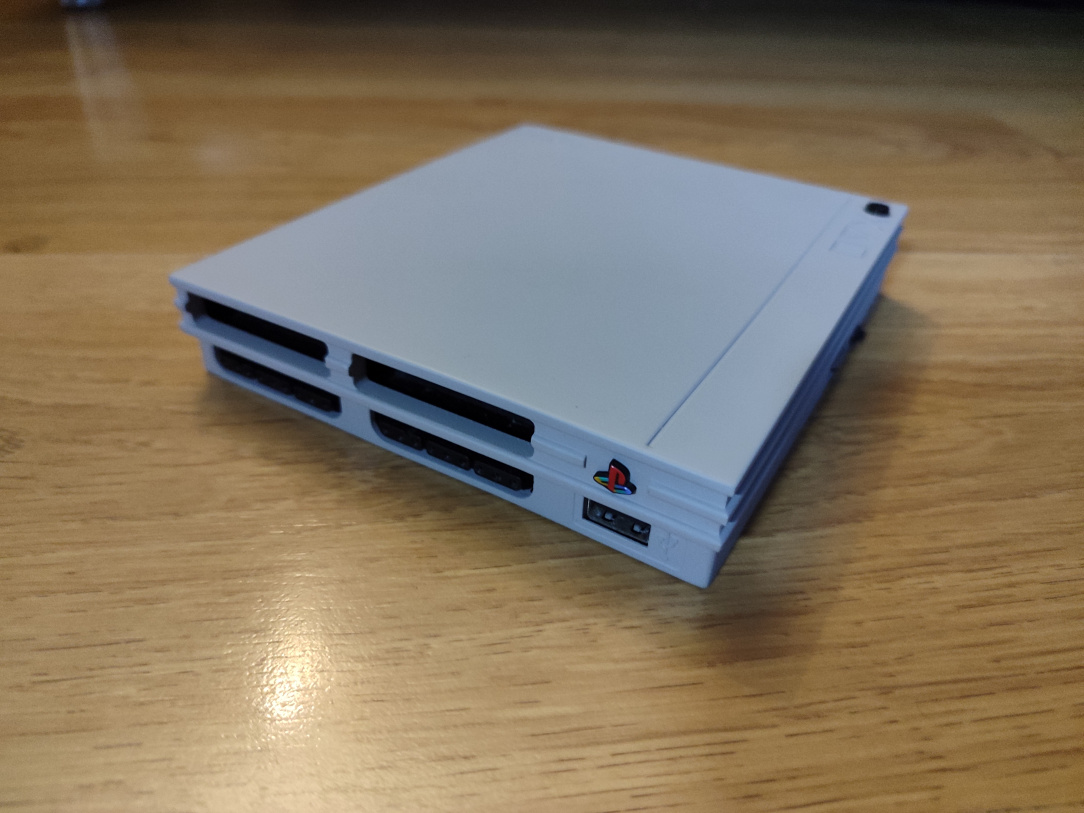
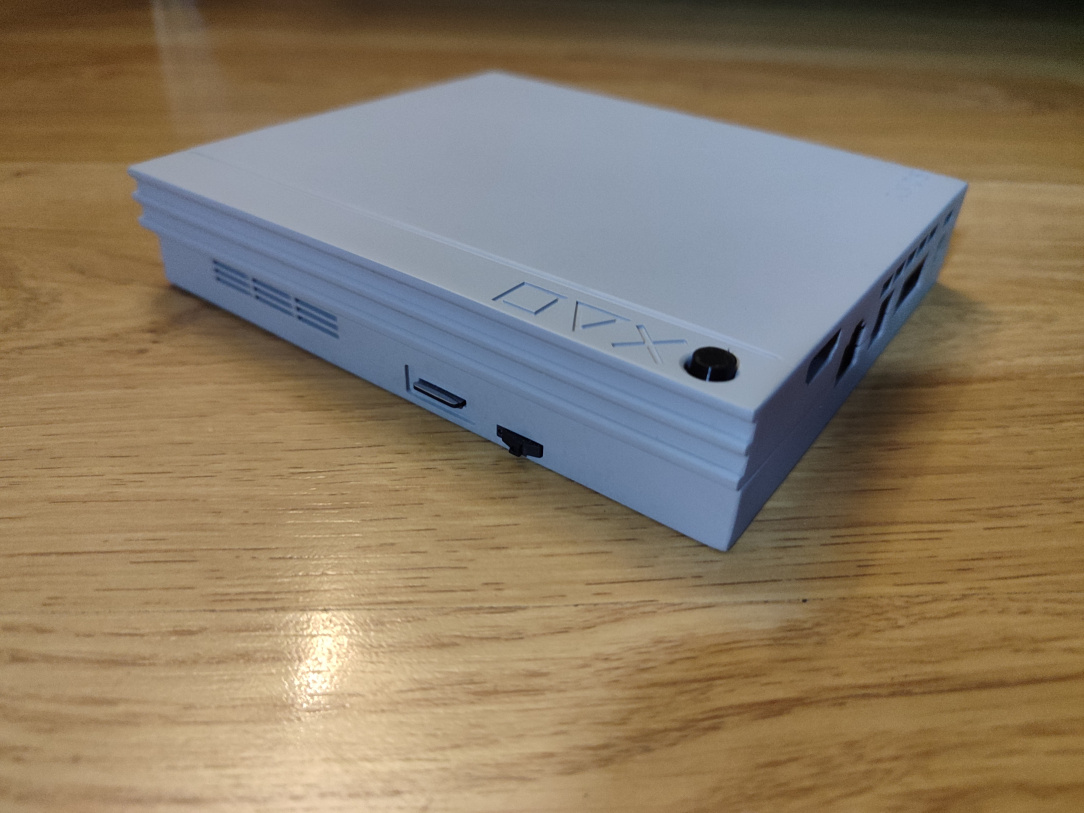
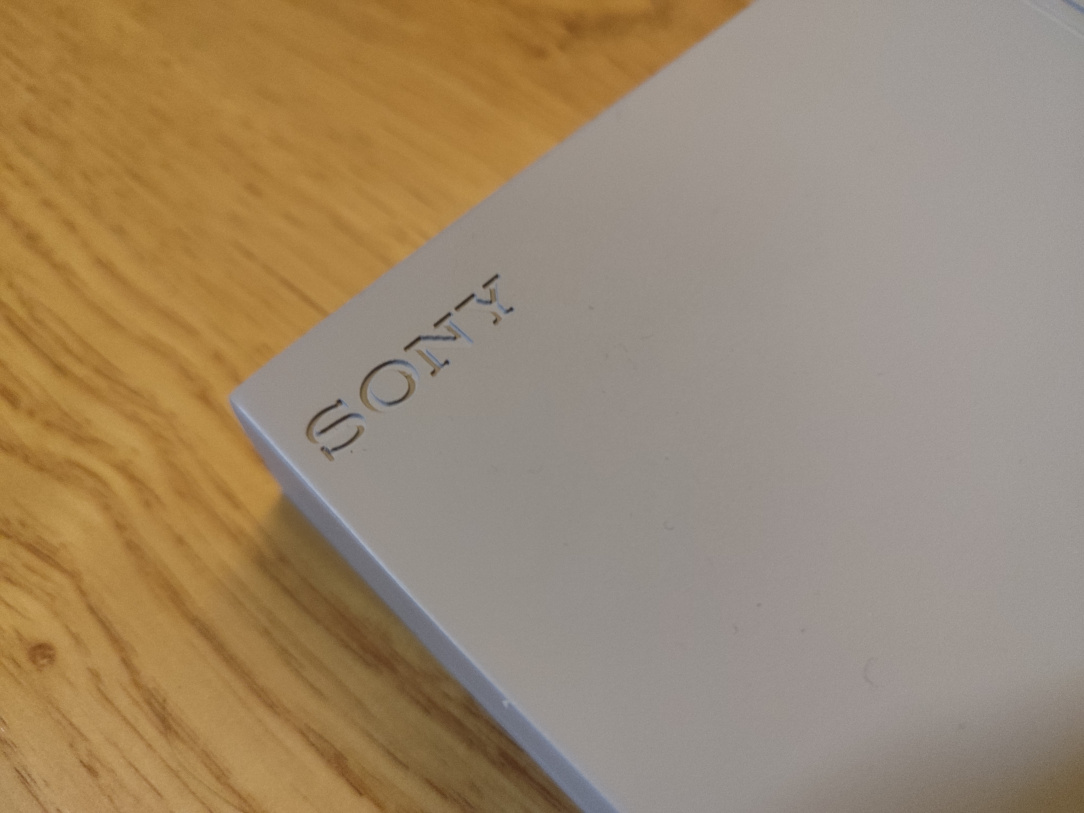
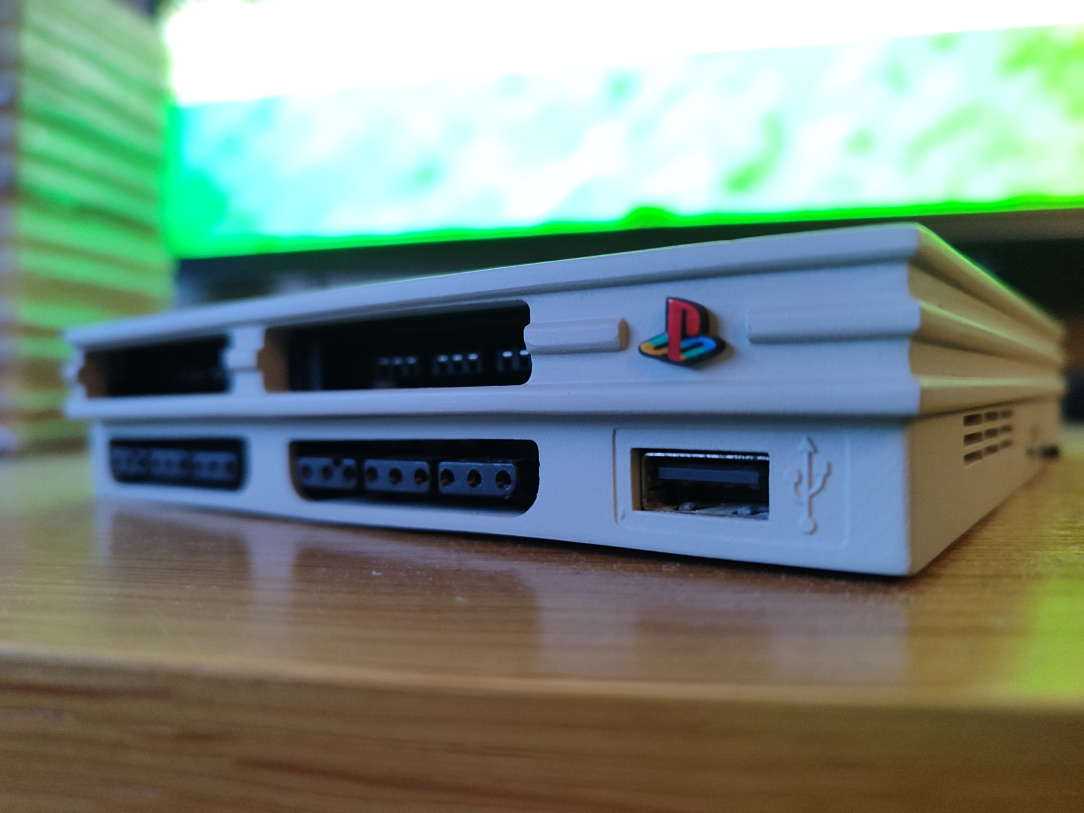
    ^^ Time for the big reveal. It's a resin printed PS2 Ultra Slim (Fusion variant) that came from PCBWay. To say it's gorgeous is an absolute understatement. I went with Grey because most PS2's are black, and this really stands out a a display piece alone in this colour.

    IMG_20260122_082527.jpg

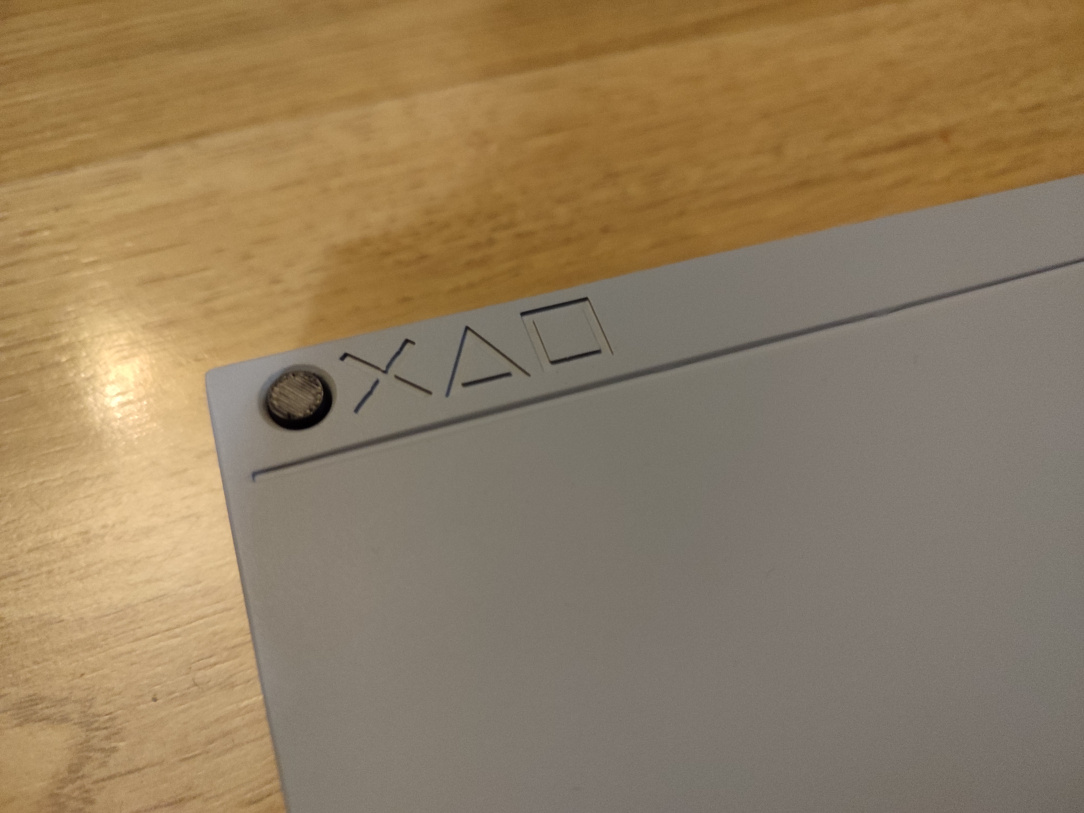
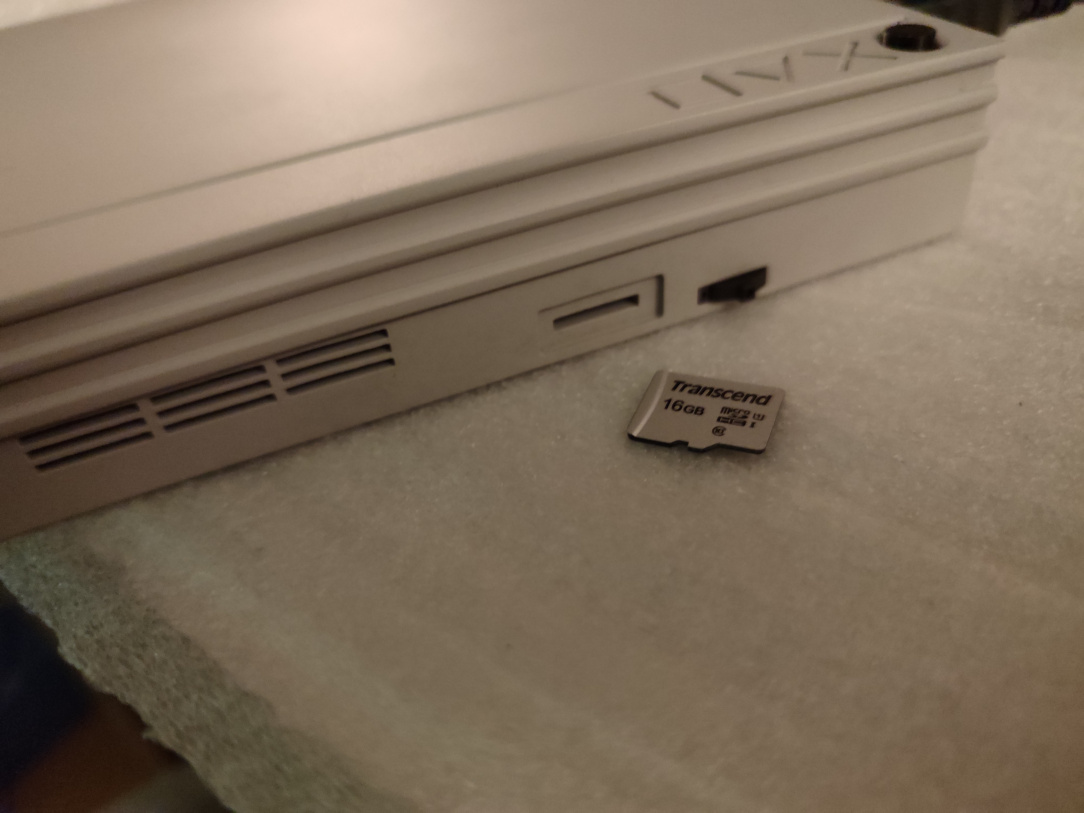
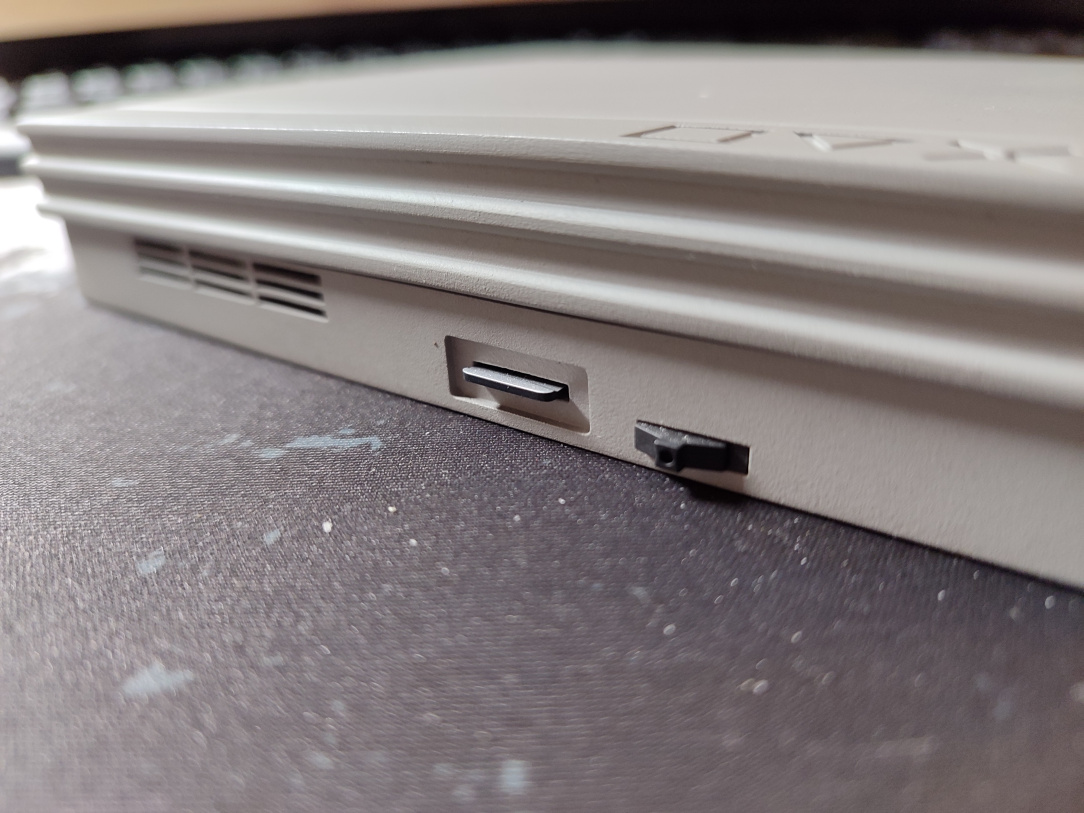
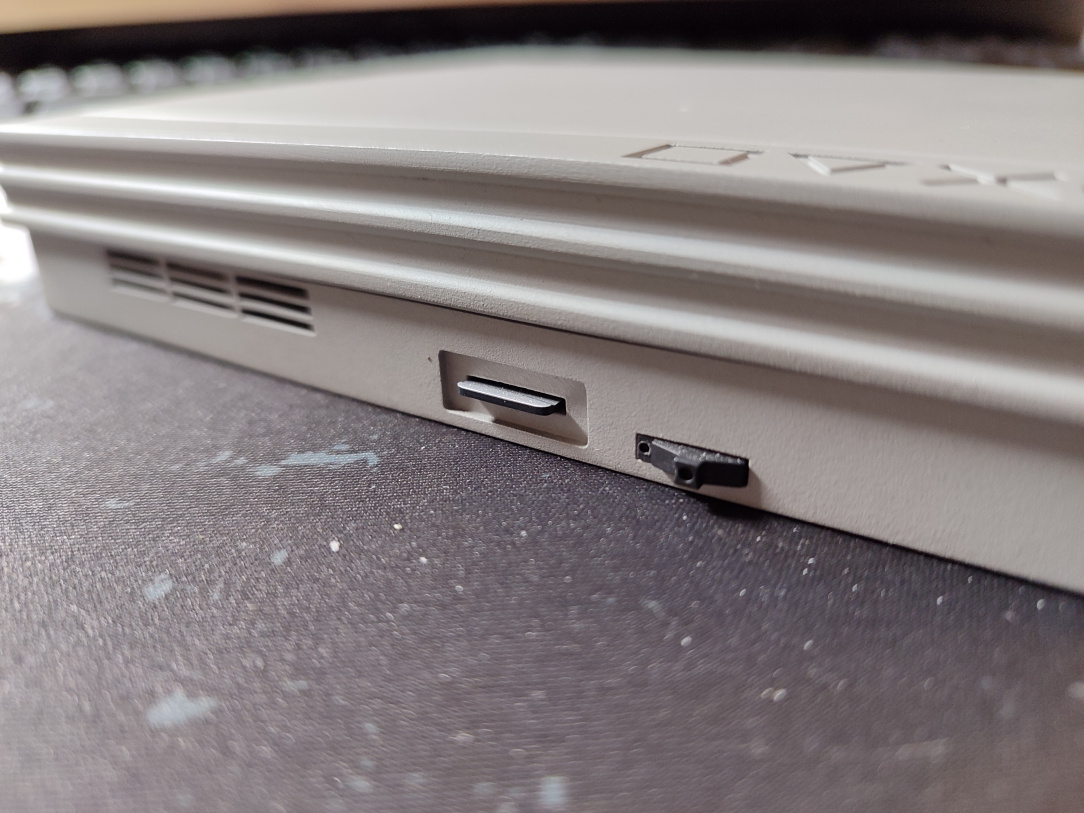
    ^^ SD Card in the side for the internal MX4SIO mod, nice neat switch to enable/disable it, the 3D Printed power button forms the O of the Playstation Icons, there's a fresh air intake grille now there too.

    IMG_20260122_082547.jpg

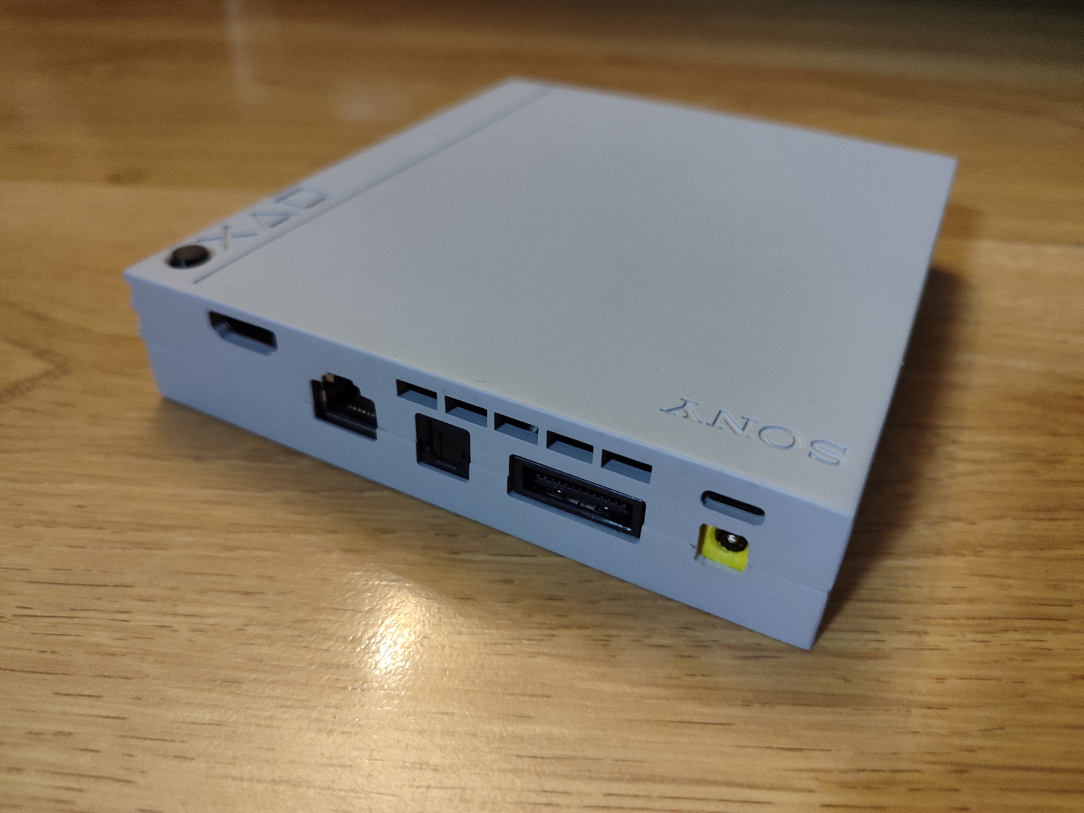
    ^^ From left to right, the HDMI output, Ethernet port, SPDIF output, RGB AV port, USB-C PD power input, and I've re-added the the original power jack too (to give it full original functionality on the back panel too.) I did have to trim the DC port hole myself, it's not factory, but is pretty neat to the eye.

    IMG_20260122_082557.jpg

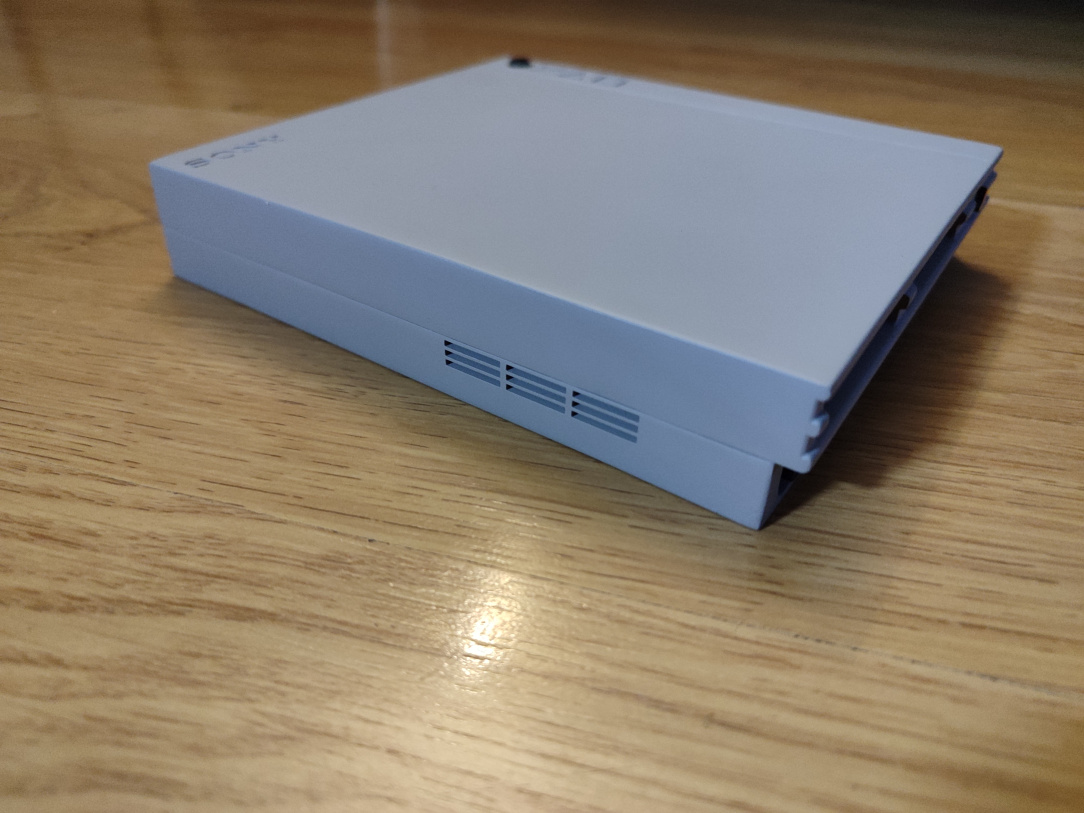
    ^^ Another air intake on the far side.

    IMG_20260122_082610.jpg IMG_20260122_082620.jpg

    ^^ It's a really beautiful print & model.

    IMG_20260101_155320.jpg

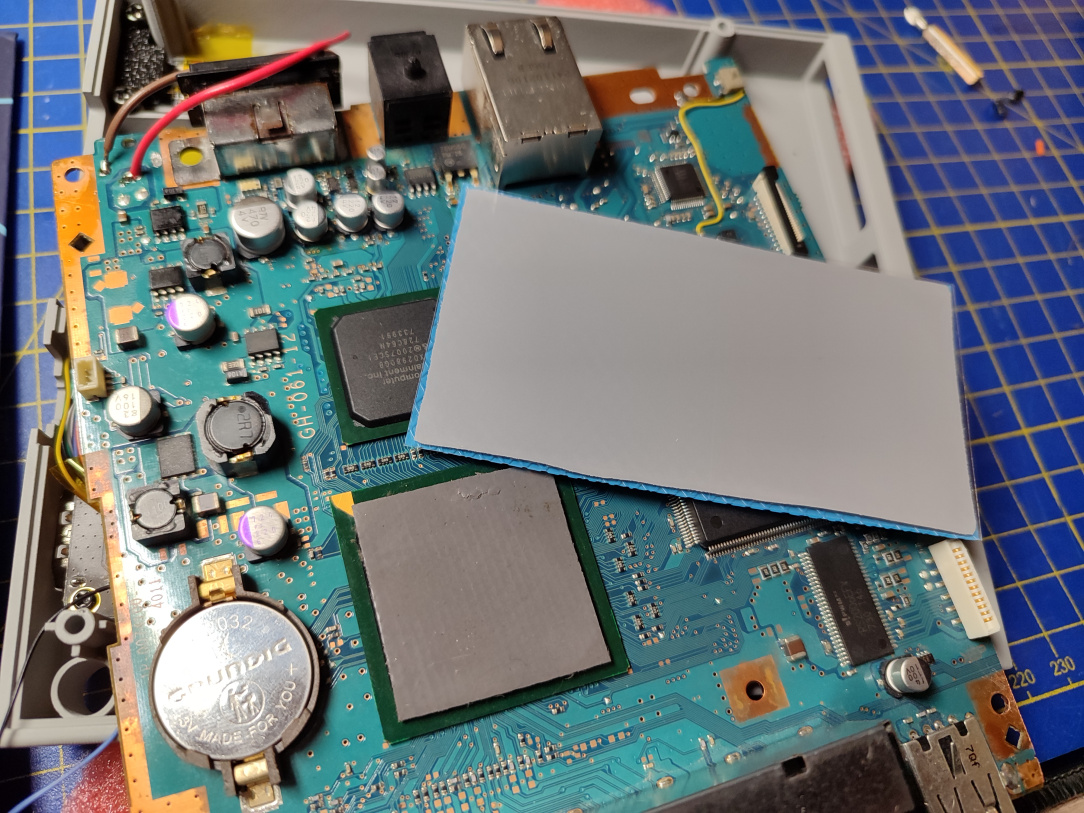
    ^^ Just backtracking a little, I forgot to mention I fit a brand new thermal pad also, as the old one was rather filthy.


  • Registered Users, Registered Users 2 Posts: 8,258 ✭✭✭Inviere


    IMG_20260117_154242.jpg

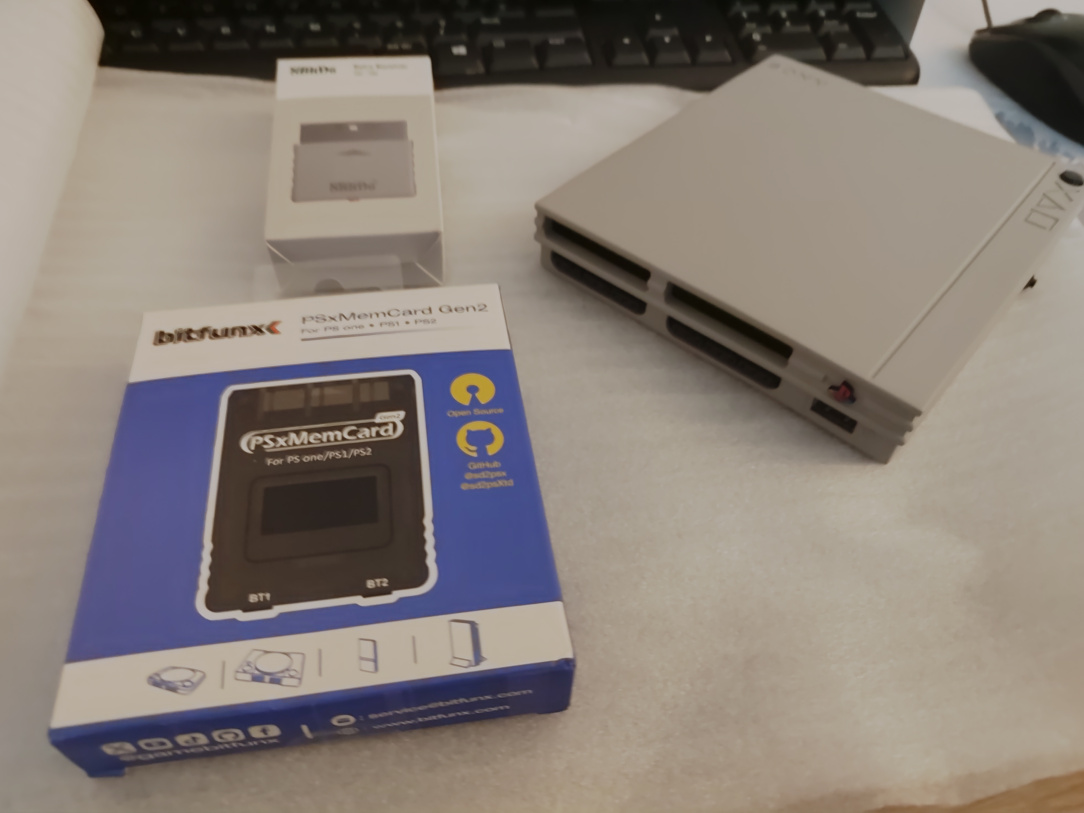
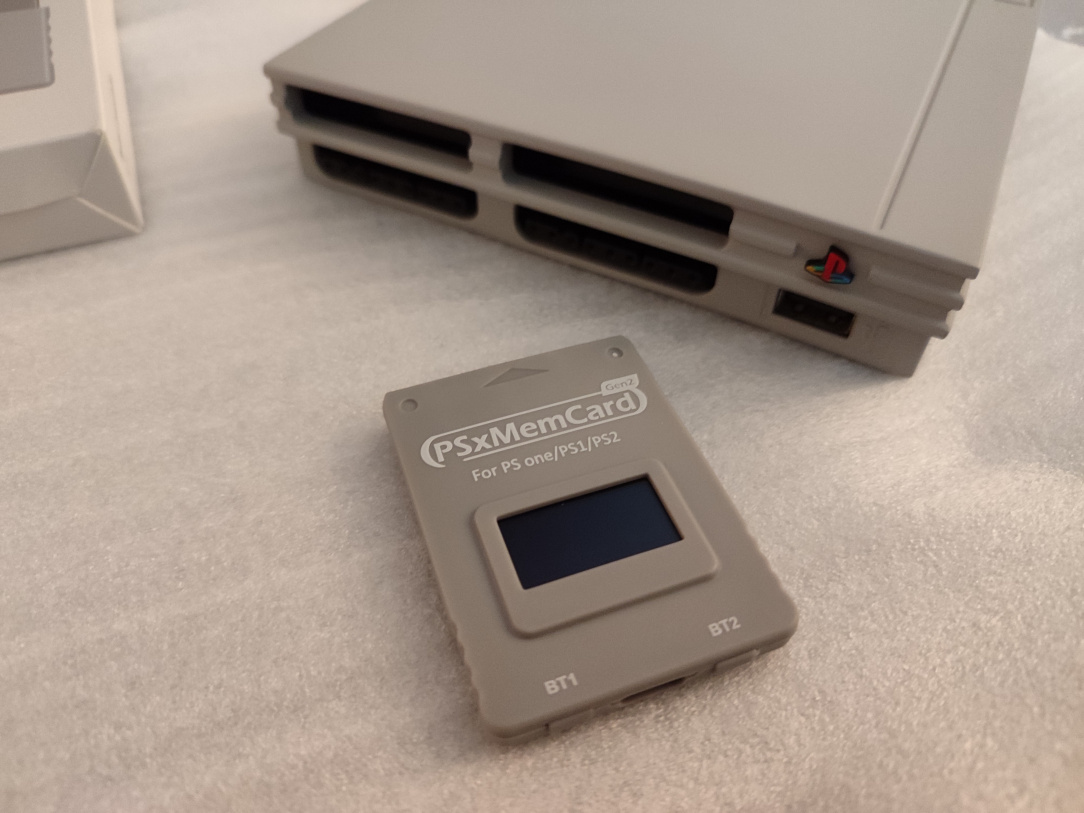
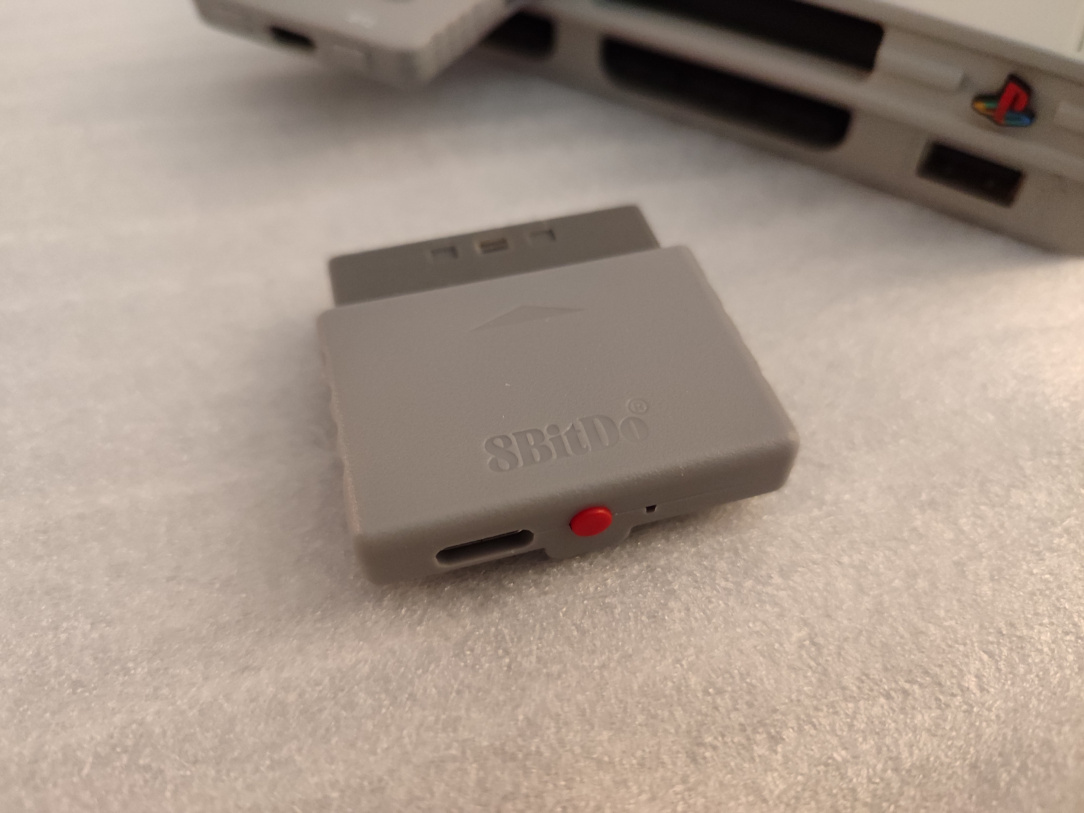
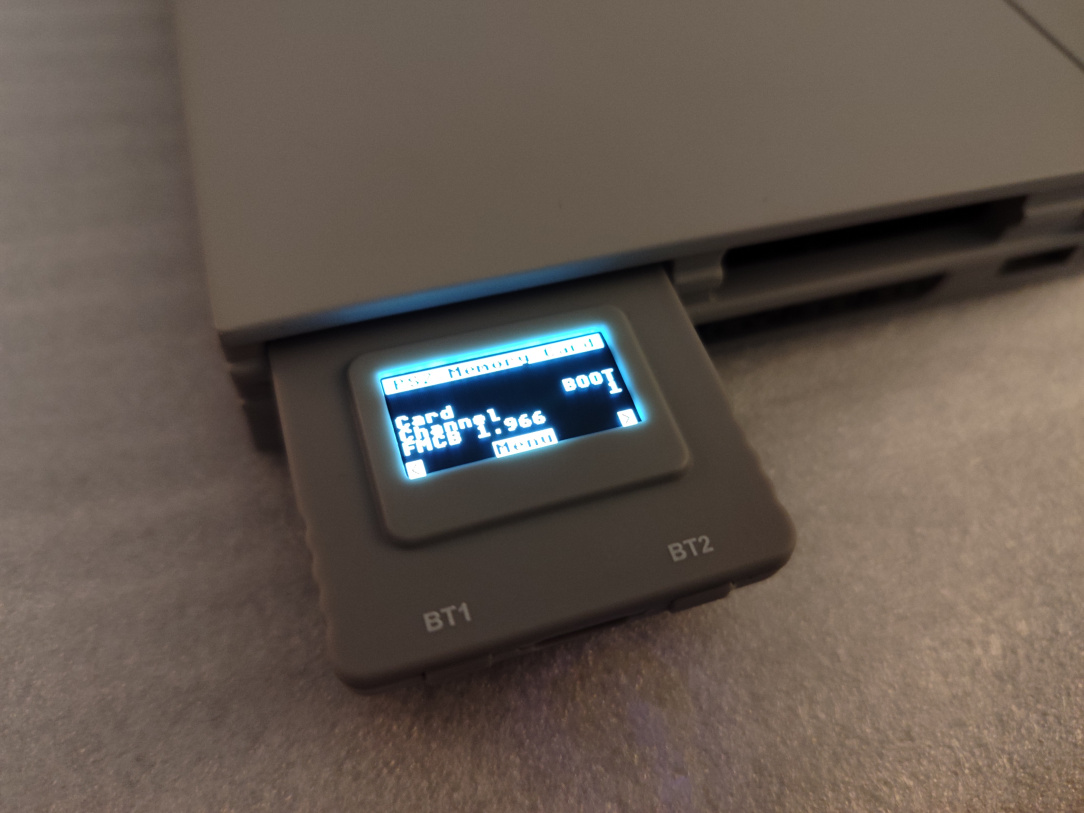
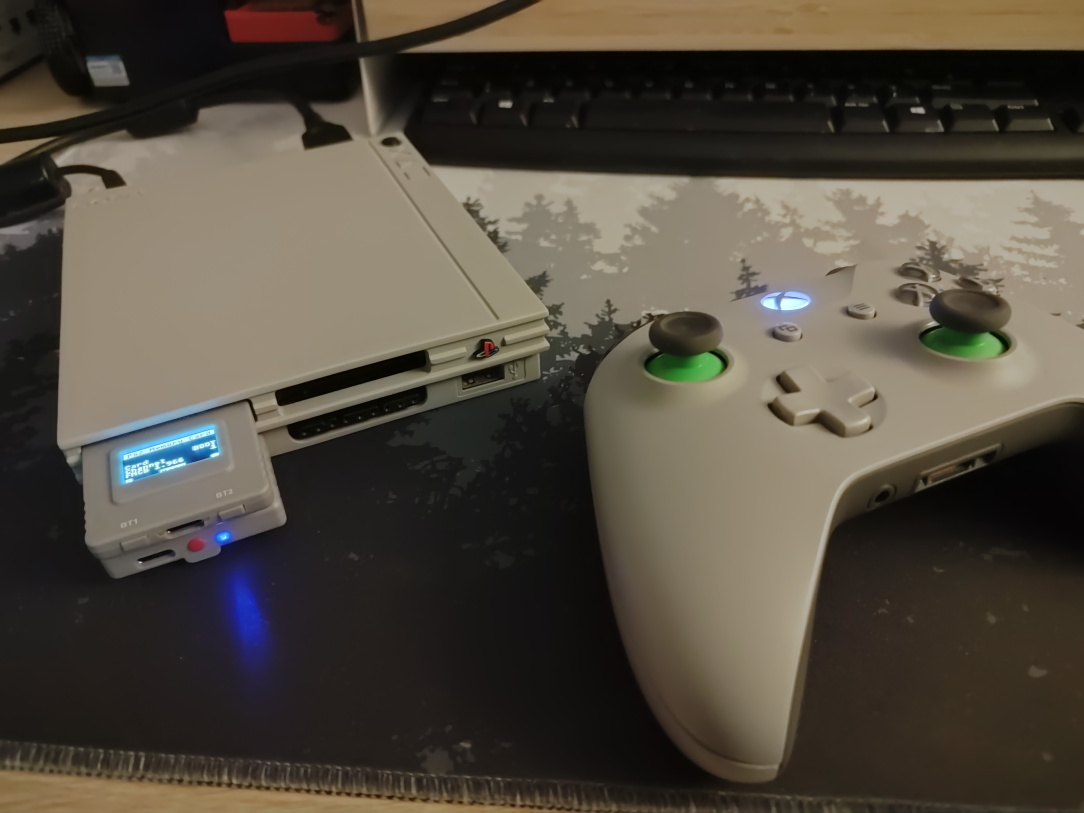
    ^^ Lets keep going with the upgrades! A PSX Memcard Gen 2, this will auto create virtual memory cards for games that are launched. It'll also hold the main Free McBoot exploit too. Also, an 8bitdo Wireless controller adapter, because who want wires these days.

    IMG_20260117_154501.jpg IMG_20260117_154521.jpg IMG_20260117_155016.jpg

    ^^ It boots up anyway!

    IMG_20260117_171747.jpg

    ^^ I grab a test sd card, as it happens it was a matching colour!

    IMG_20260122_082734.jpg

    ^^ Card inserted, and switch is currently set to disable the MX4SIO.

    IMG_20260122_082729.jpg

    ^^ Switch now set to ENABLE the internal MX4SIO.

    IMG_20260122_082828.jpg

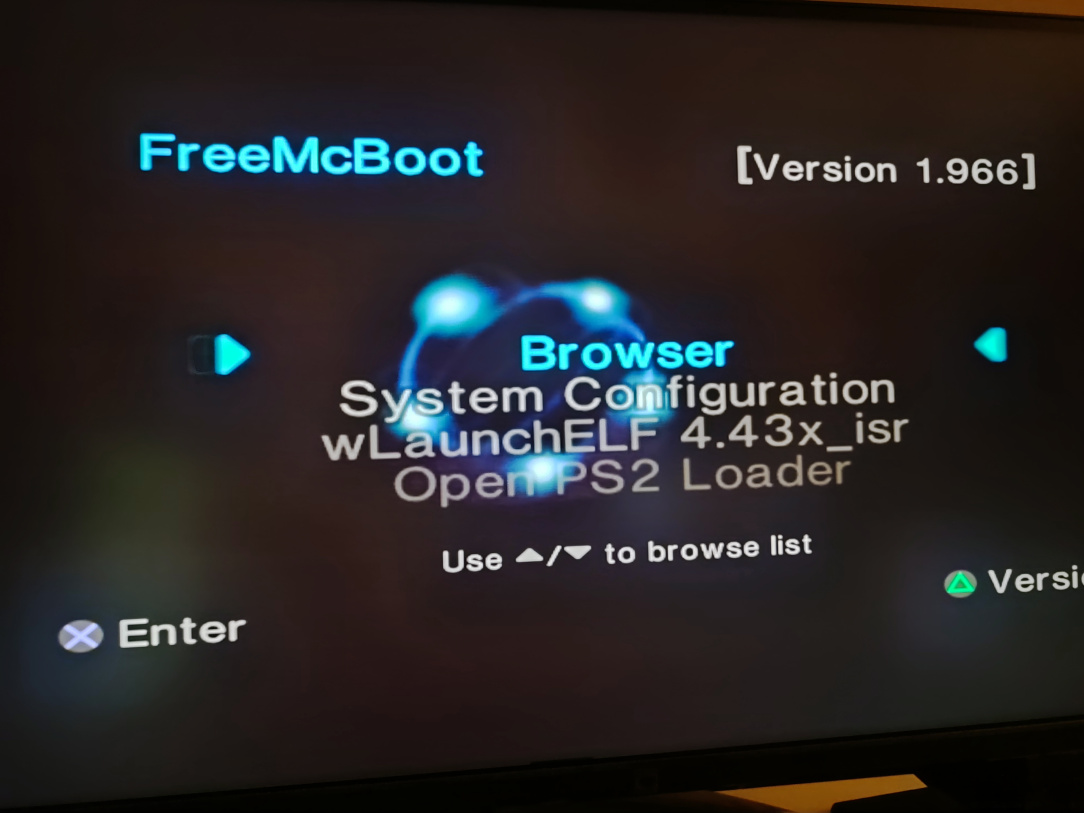
    ^^ We boot automatically into Free McBoot!

    IMG_20260122_082840.jpg

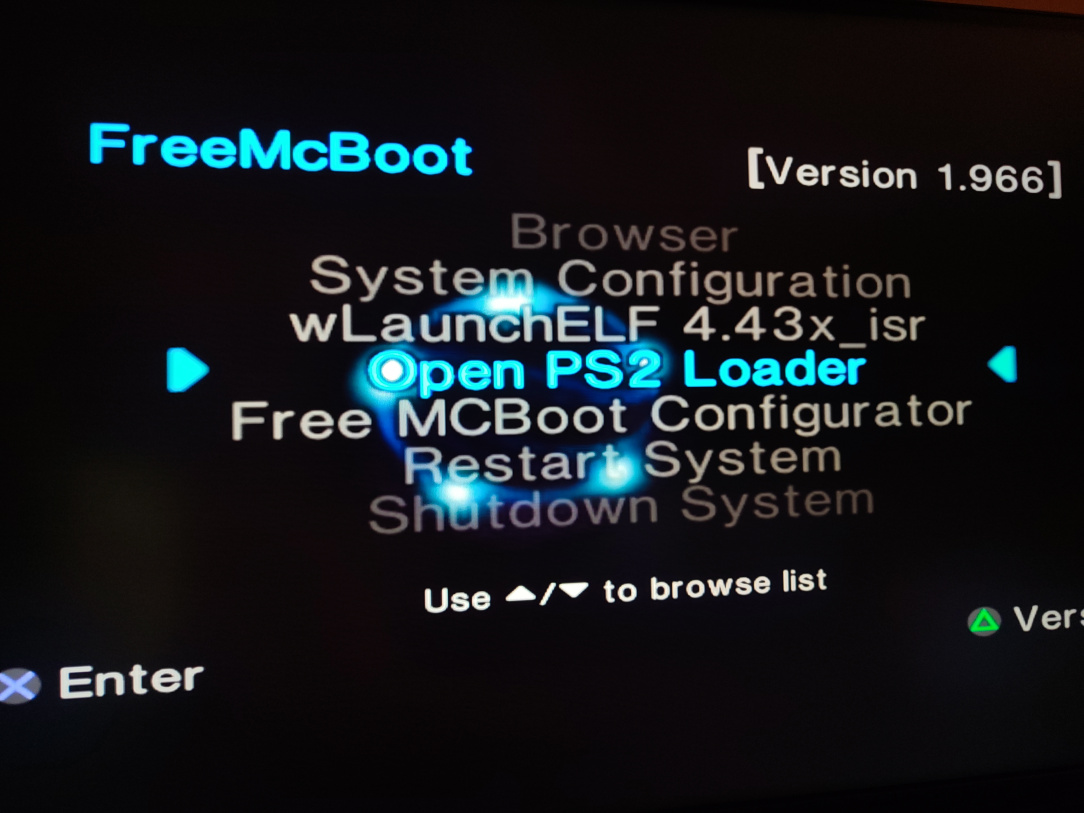
    ^^ I've placed the correct version of Open PS2 Loader onto the card as an app

    IMG_20260122_082858.jpg

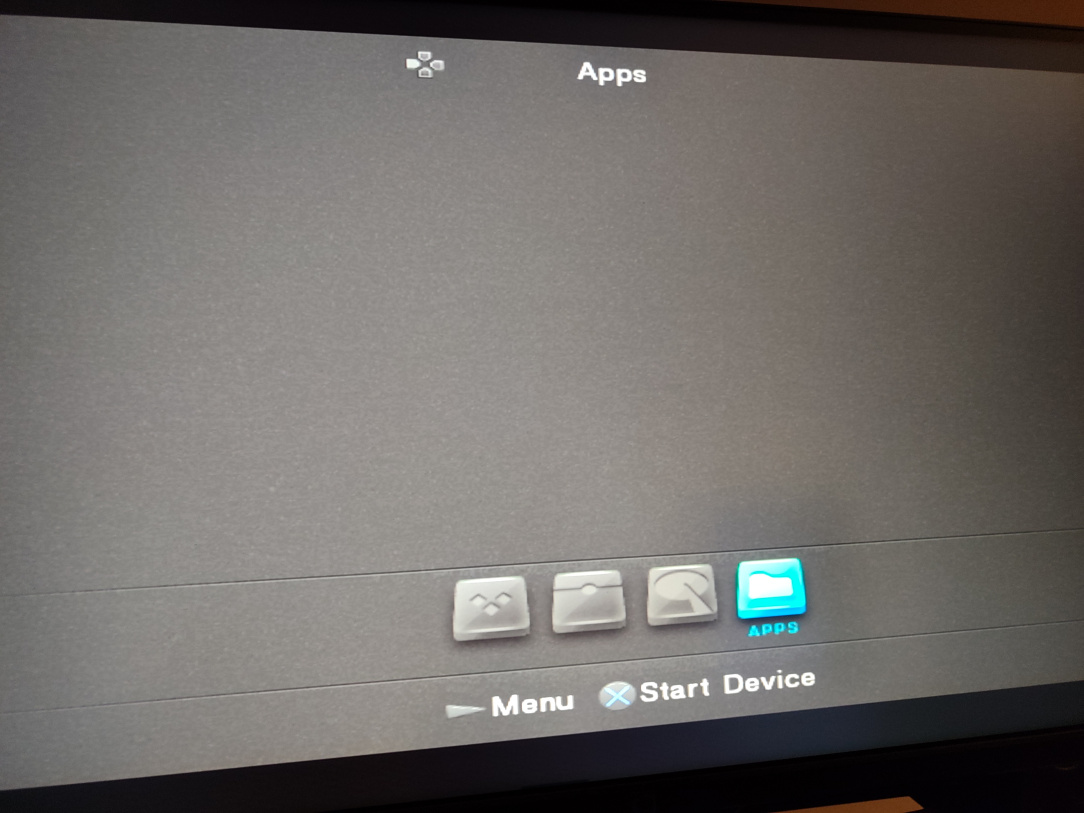
    ^^ OPL boots…

    IMG_20260122_082904.jpg

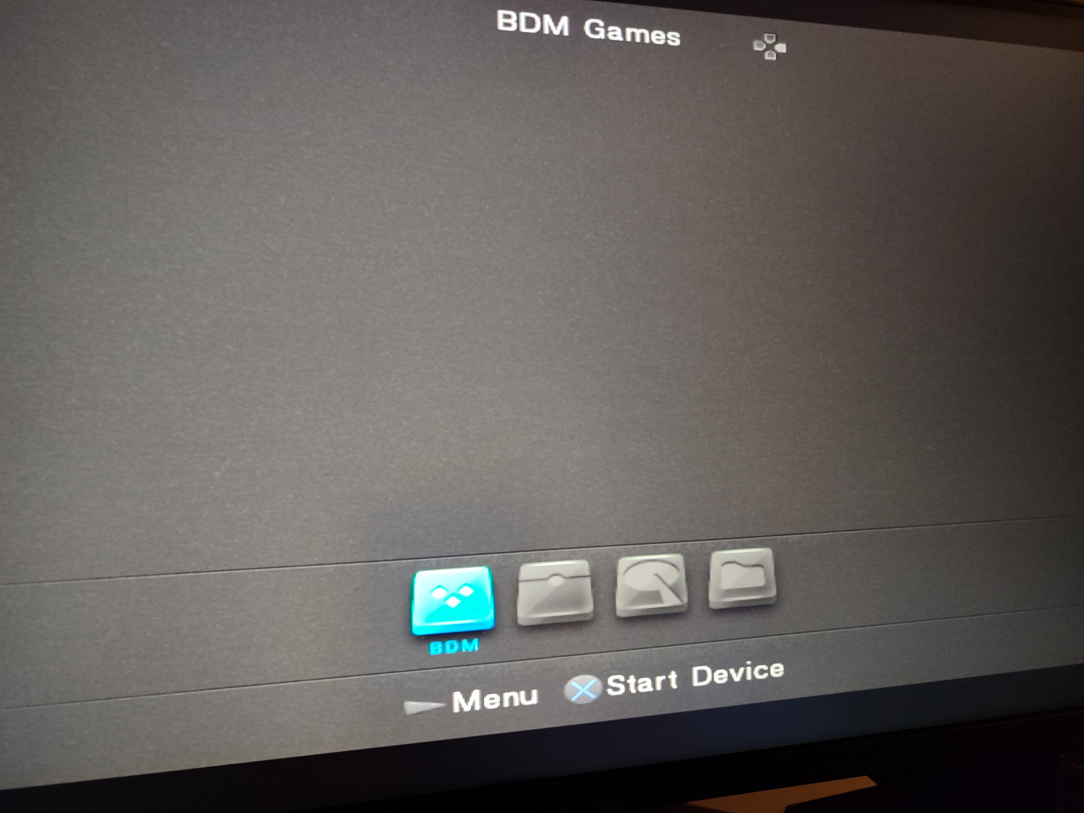
    ^^ I enable BDM mode…

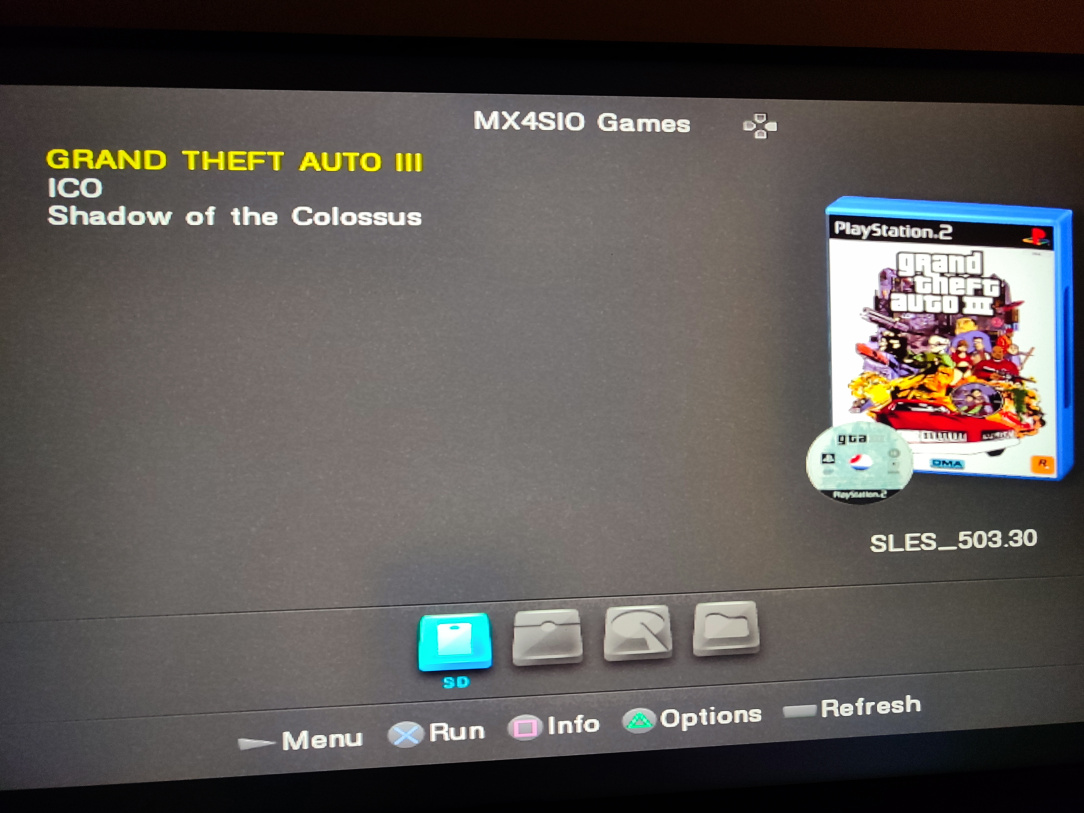
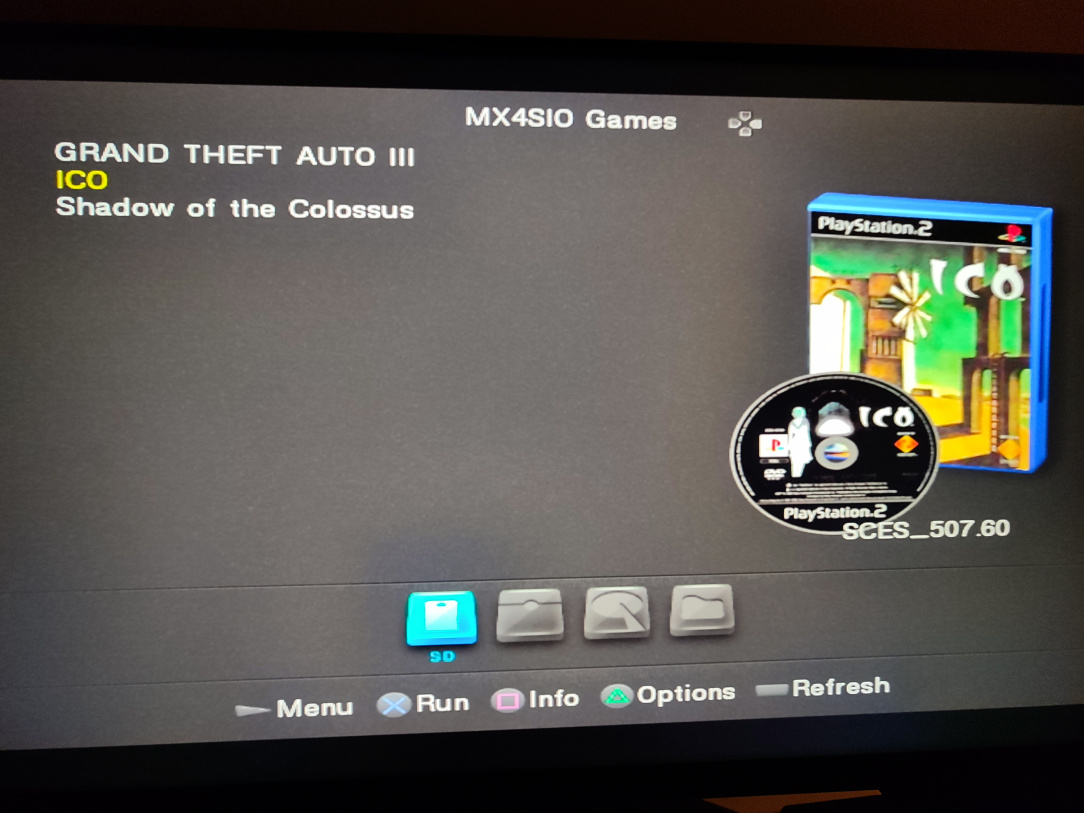
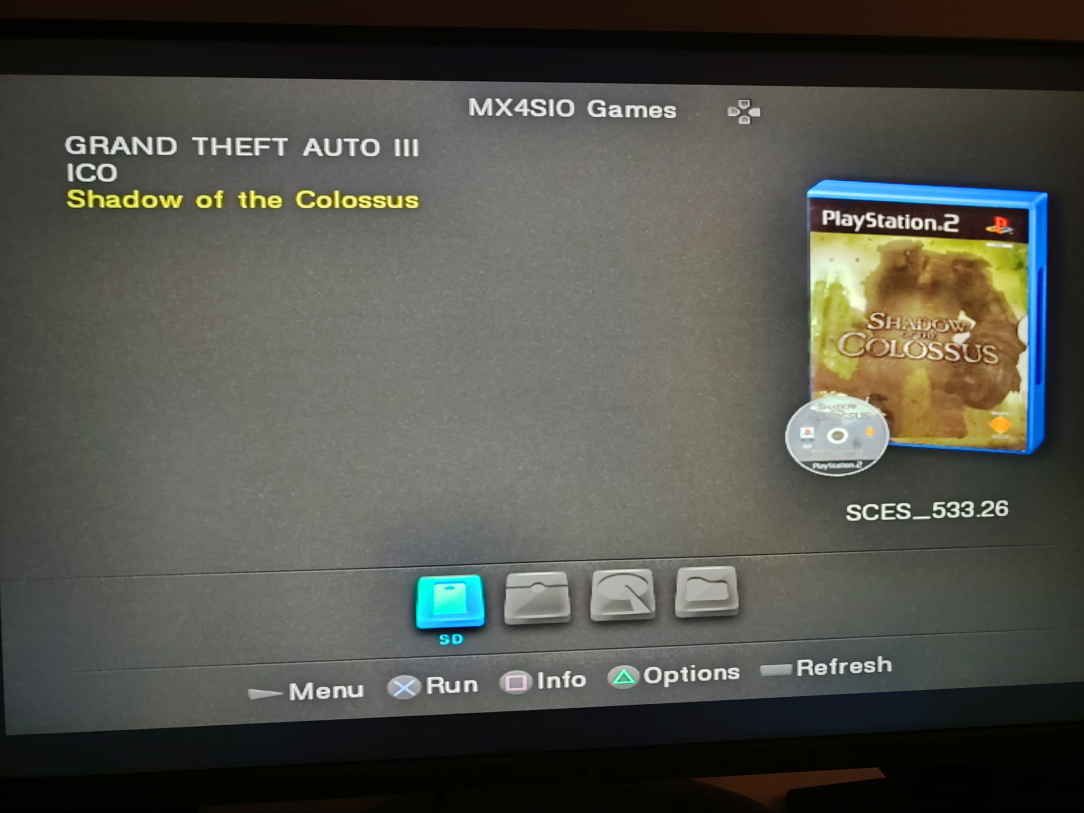
    IMG_20260122_083631.jpg IMG_20260122_083634.jpg IMG_20260122_083638.jpg

    ^^ Games & Artwork detected perfectly

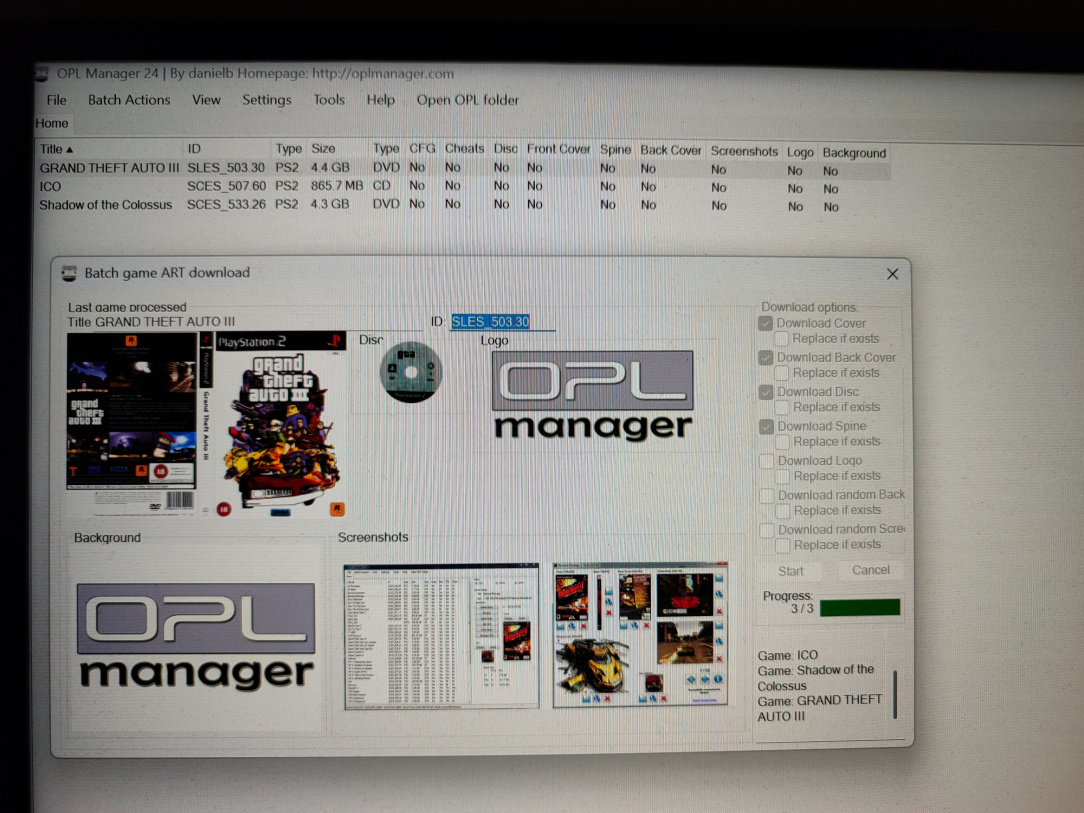
    IMG_20260122_083356.jpg

    ^^ Previously though, I used OPL Manager to rename the disc images & grab the artwork.

    IMG_20260122_083730.jpg

    ^^ Boom! It works

    IMG_20260122_083834.jpg

    ^^ Ugh, PS2 interlacing 🤨

    IMG_20260122_084312.jpg

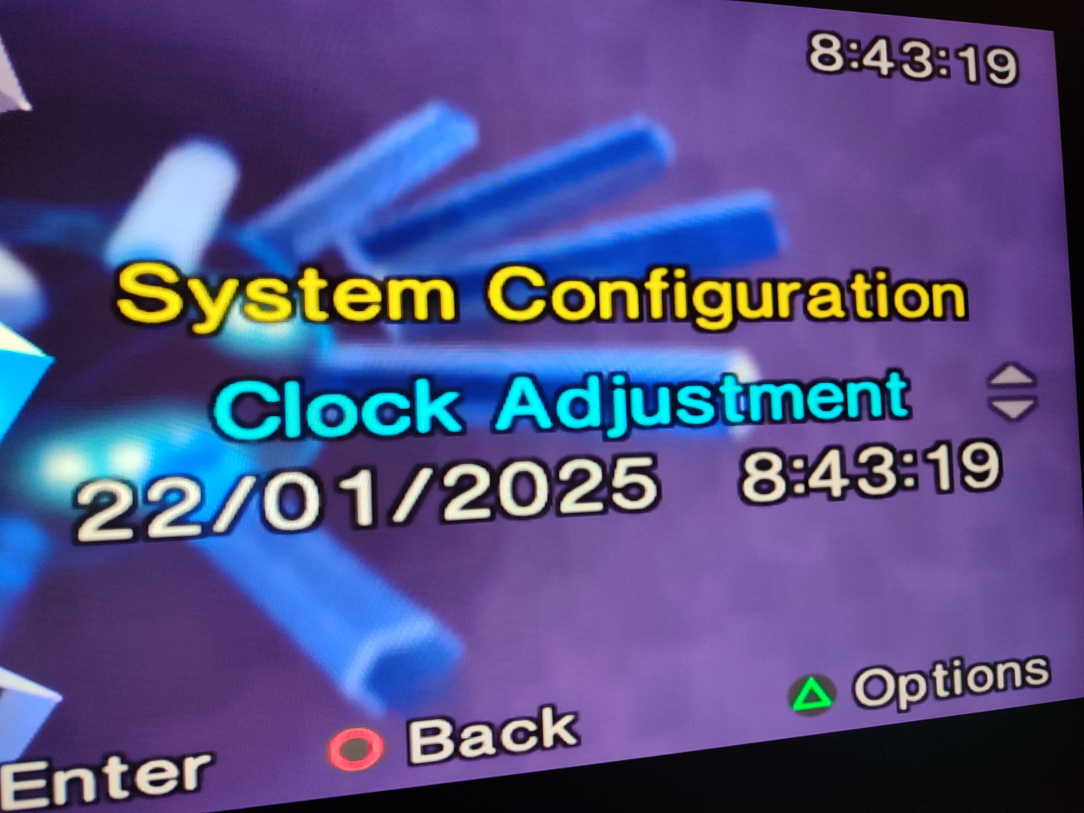
    ^^ The new battery is holding the time & settings now perfectly.

    IMG_20260122_084302.jpg

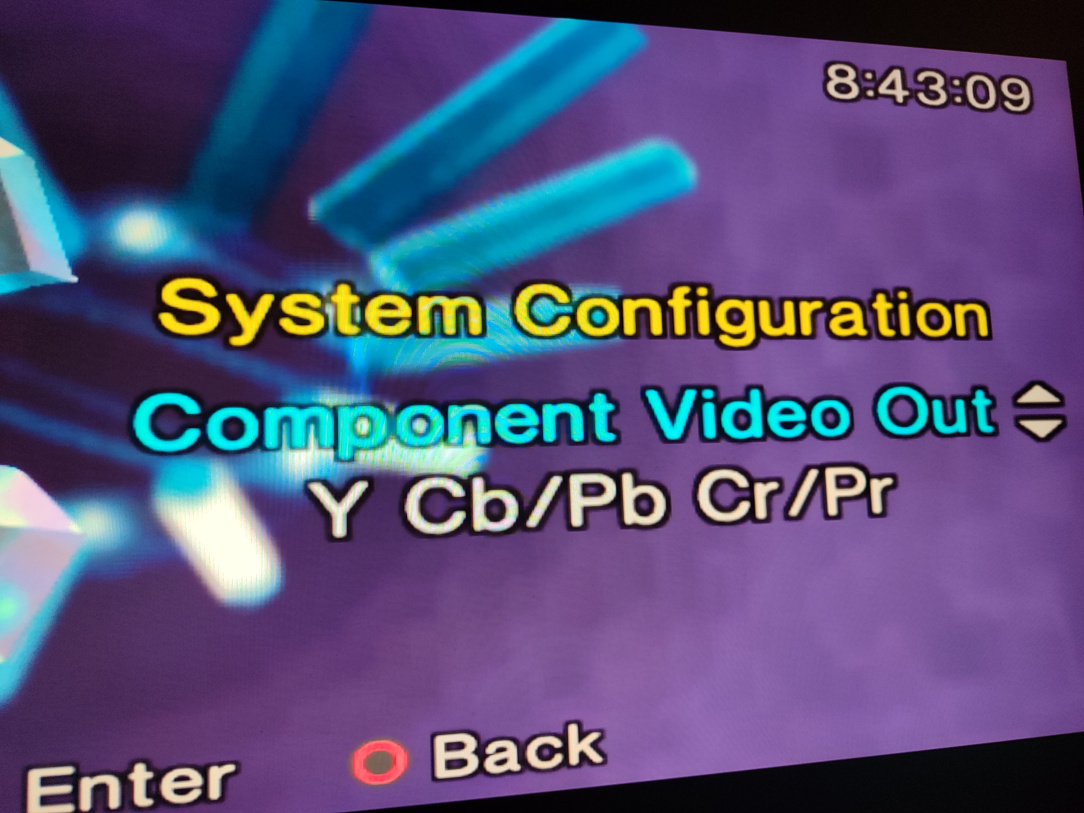
    ^^ For HDMI output, the YCb/Pb output must be enabled. For using RGB scart, the RGB output must be enabled. They can't both be active, so switching to RGB if you've no way of feeding scart to the TV means you'll have no way to re-enable the HDMI mode.

    IMG_20260122_083508.jpg IMG_20260122_084503.jpg

    ^^ Beauty shot to close!


  • Registered Users, Registered Users 2 Posts: 10,145 ✭✭✭✭SuperBowserWorld


    Brilliant ... beautiful work.


  • Advertisement
  • Registered Users, Registered Users 2 Posts: 19,172 ✭✭✭✭banie01


    Absolutely incredible, and now I have developed a serious case of "Wantitis".


  • Registered Users, Registered Users 2 Posts: 2,004 ✭✭✭geotrig


    beautiful


  • Registered Users, Registered Users 2 Posts: 8,258 ✭✭✭Inviere


    Thanks all. The good news, for someone, is that it'll be raffled off for animal charity (over on the A&R Discord). I want to keep it so badly, so I've grabbed another PS2 Slim that's compatible with the same mod!


  • Registered Users, Registered Users 2 Posts: 806 ✭✭✭80s Synth Pop


    Lovely lovely job. What material did you pick on pcb way? There are around 100 combinations on JLC. I have no clue and get everything printed SLA 9600 Resin and it is really quality heavyweight stuff.


  • Registered Users, Registered Users 2 Posts: 8,258 ✭✭✭Inviere


    Cheers man. I chose SLA for the process, and UTR 8360 for the material.


  • Advertisement
  • Registered Users, Registered Users 2 Posts: 3,919 ✭✭✭Doodah7


    Another fantastic job. I’m very jealous of your skills!


  • Registered Users, Registered Users 2 Posts: 8,258 ✭✭✭Inviere


Advertisement
Advertisement