Advertisement
Help Keep Boards Alive. Support us by going ad free today. See here: https://subscriptions.boards.ie/.
https://www.boards.ie/group/1878-subscribers-forum

Private Group for paid up members of Boards.ie. Join the club.
Hi all, please see this major site announcement: https://www.boards.ie/discussion/2058427594/boards-ie-2026

Playstation 3 Slim - Full Repair & Restoration

  • 13-12-2025 02:02PM
    #1
    Registered Users, Registered Users 2 Posts: 8,258 ✭✭✭


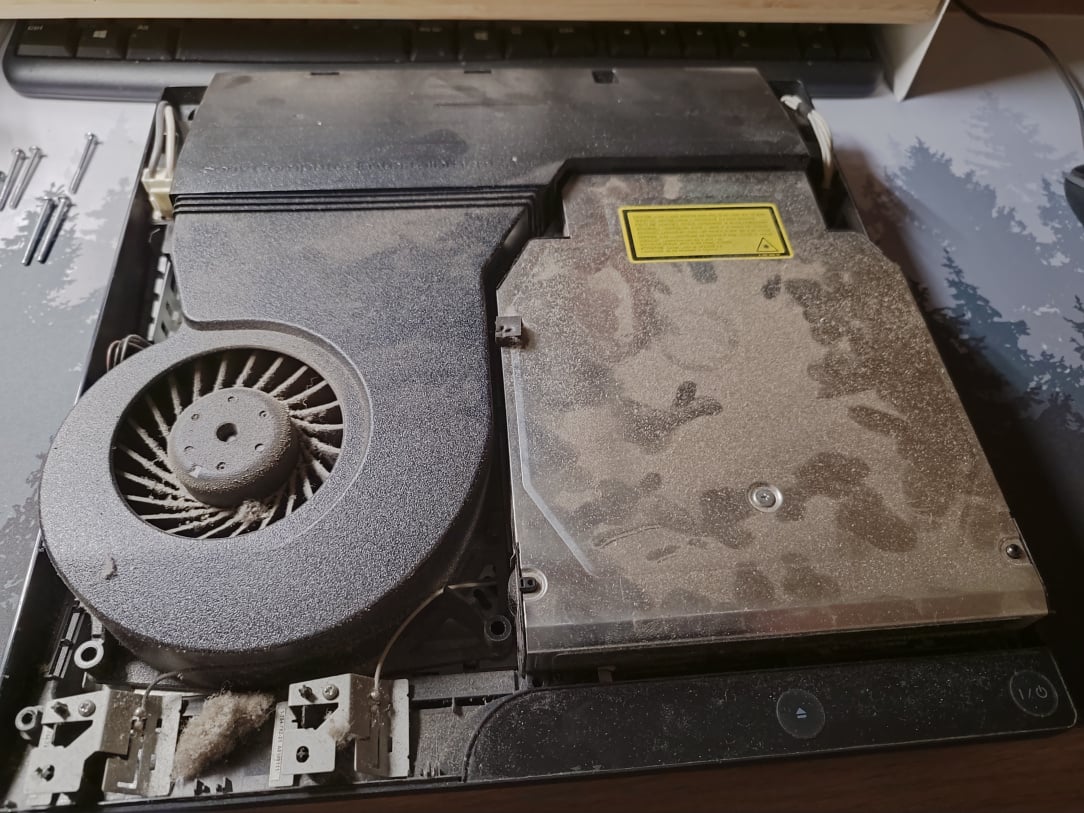
    I picked up a broken PS3 Slim recently, that wouldn't read DVD's. When it arrived though, it was clearly in need of some proper TLC. Despite working and powering on etc, it was filthy dirty, caked in dust, and in a very sorry state. I didn't take pictures of the initial inspection, as I wasn't planning on selling it on, so we'll jump in where I have the console lid off.

    IMG_20251126_170131.jpg

    ^^ Lid off, and it's pretty disgusting in here.

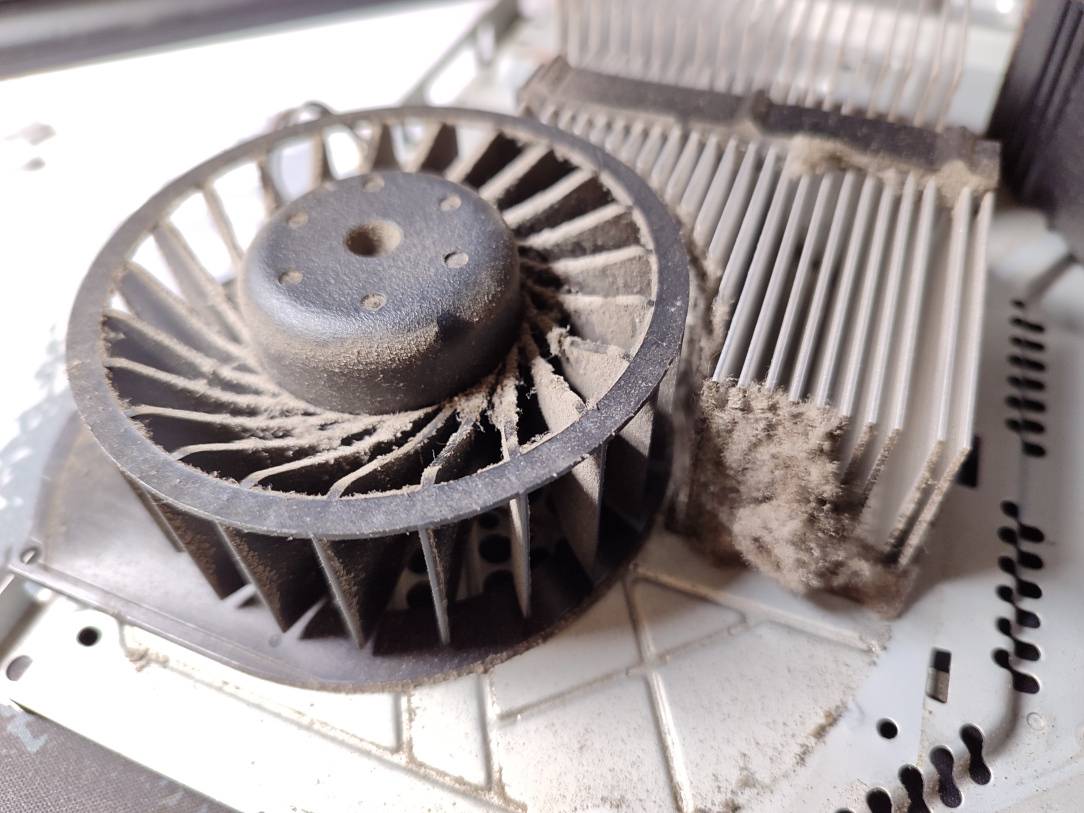
    IMG_20251109_122821.jpg

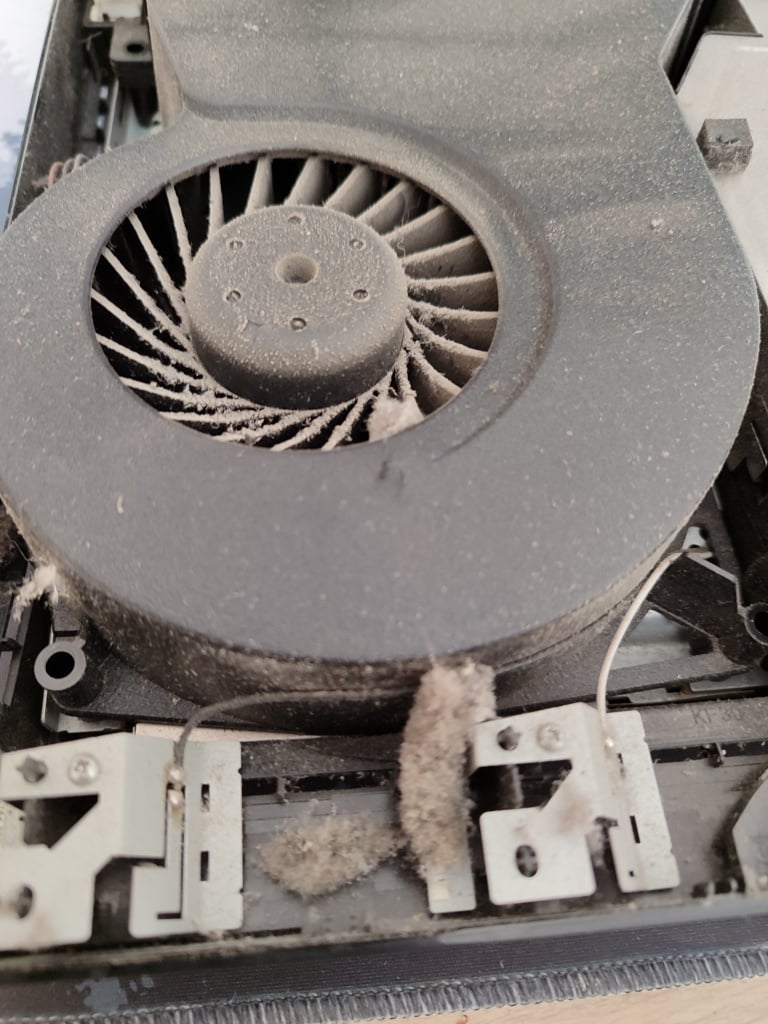
    ^^ Look at that fan!

    IMG_20251126_171428.jpg

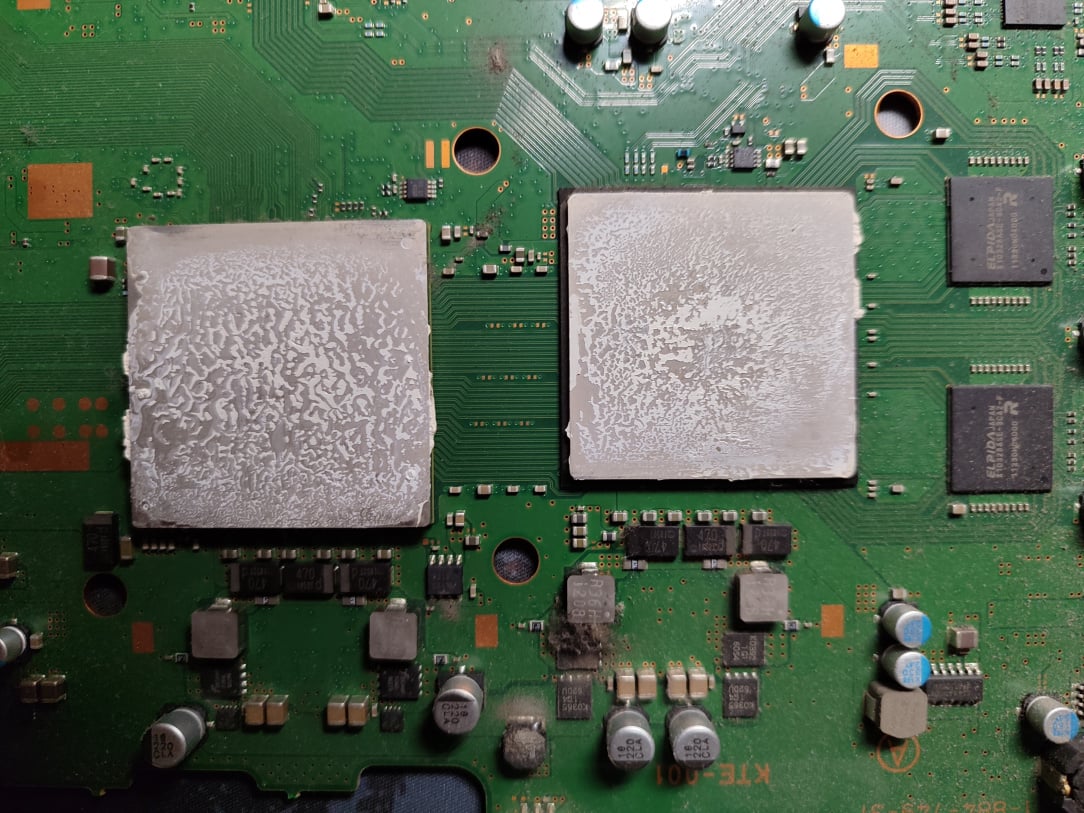
    ^^ Top heatsink removed, and as expected, all of the original thermal paste has completely dried up. At this point, the paste is essentially useless.

    IMG_20251126_171432.jpg

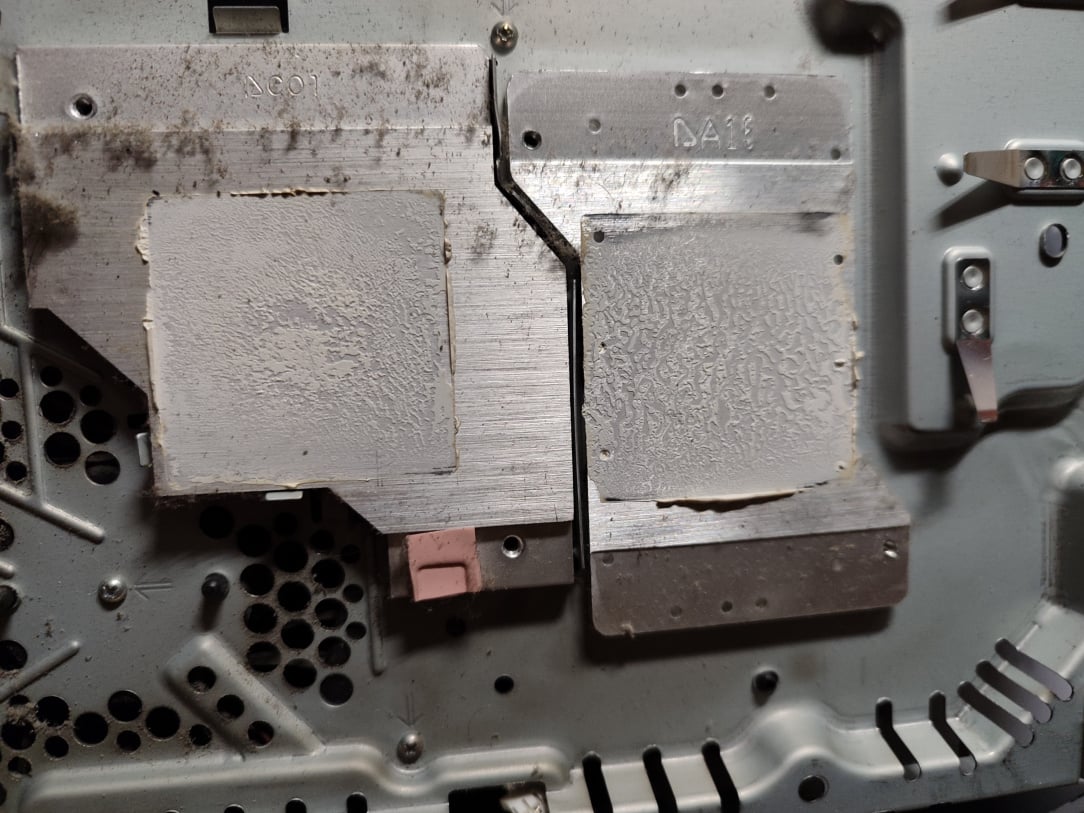
    ^^ Underside of the same heatsink, the thermal paste is effectively useless here too.

    IMG_20251126_172404.jpg IMG_20251126_172410.jpg

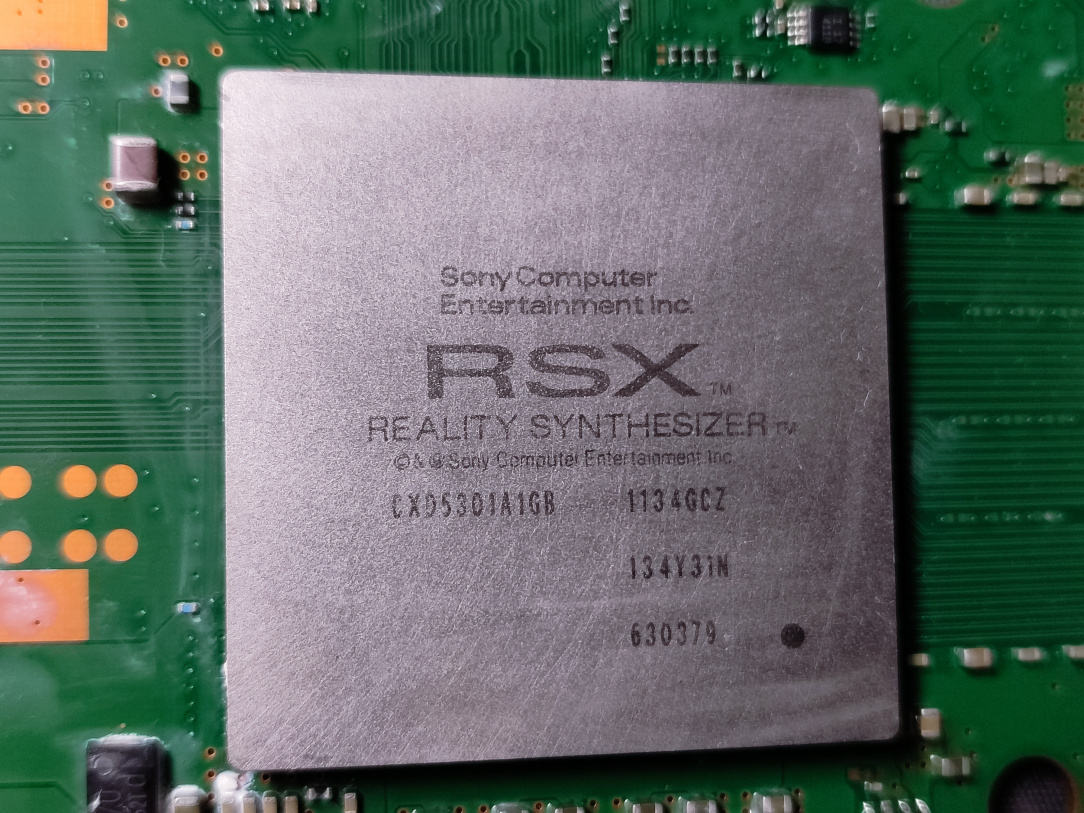
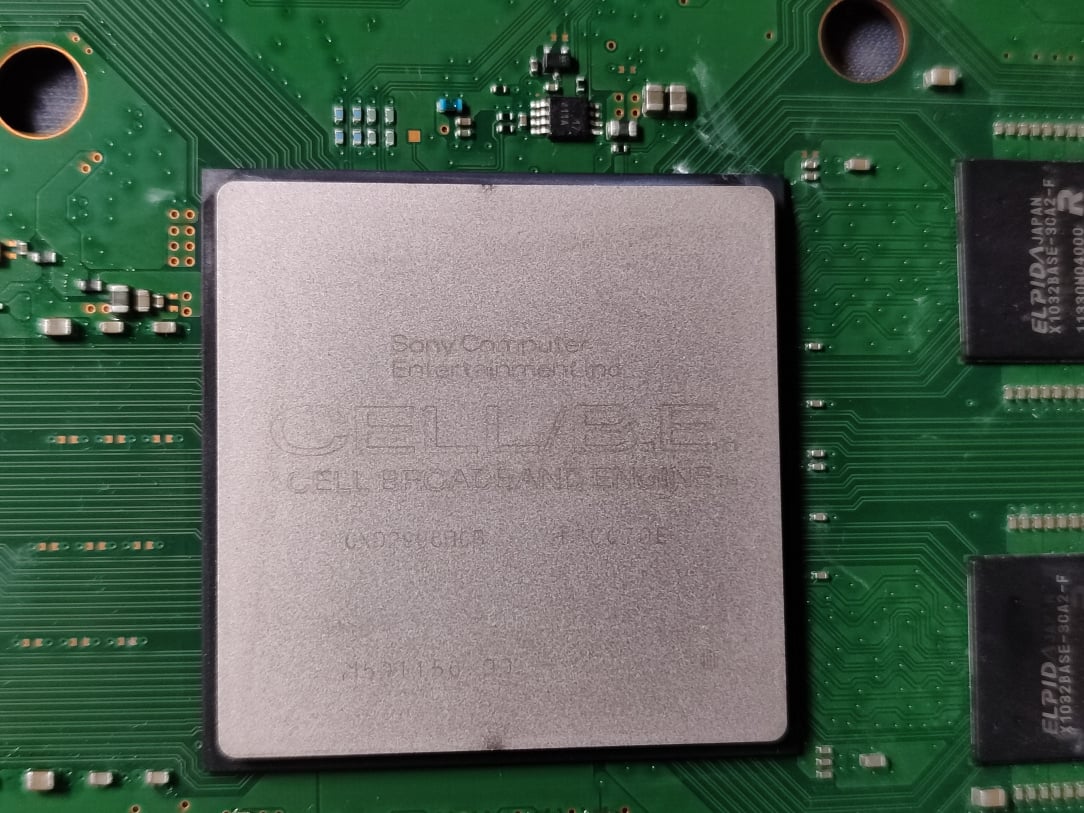
    ^^ CPU & GPU cleaned up with IPA. All remnants of that old crud now removed.

    IMG_20251126_172413.jpg

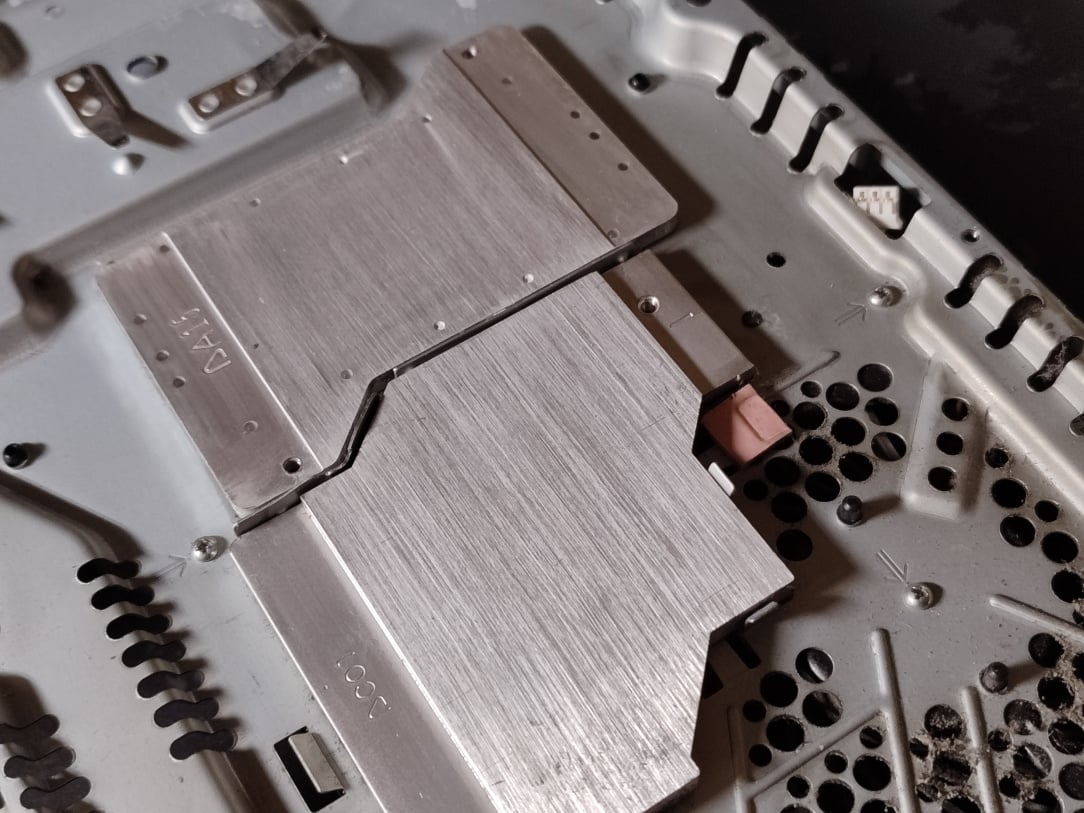
    ^^ Heatsink for the chips given the same treatment, fully cleaned up and now nice and clean ready for new paste.

    IMG_20251126_173434.jpg

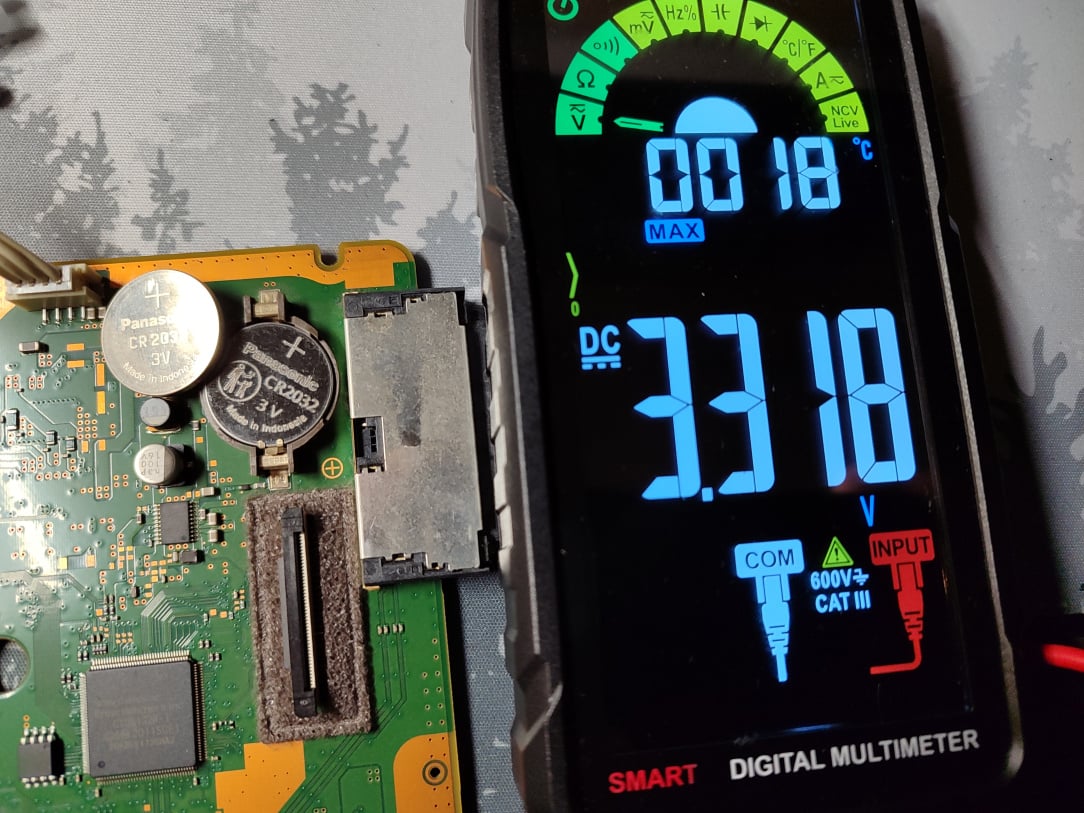
    ^^ While I'm in this far, I changed the old clock battery for a nice fresh new one.

    IMG_20251126_173703.jpg

    ^^ Now, to give the thermal system some love. I disassemble the entire fan assembly. Look at the heatsink vanes, completely blocked with dust & dirt.

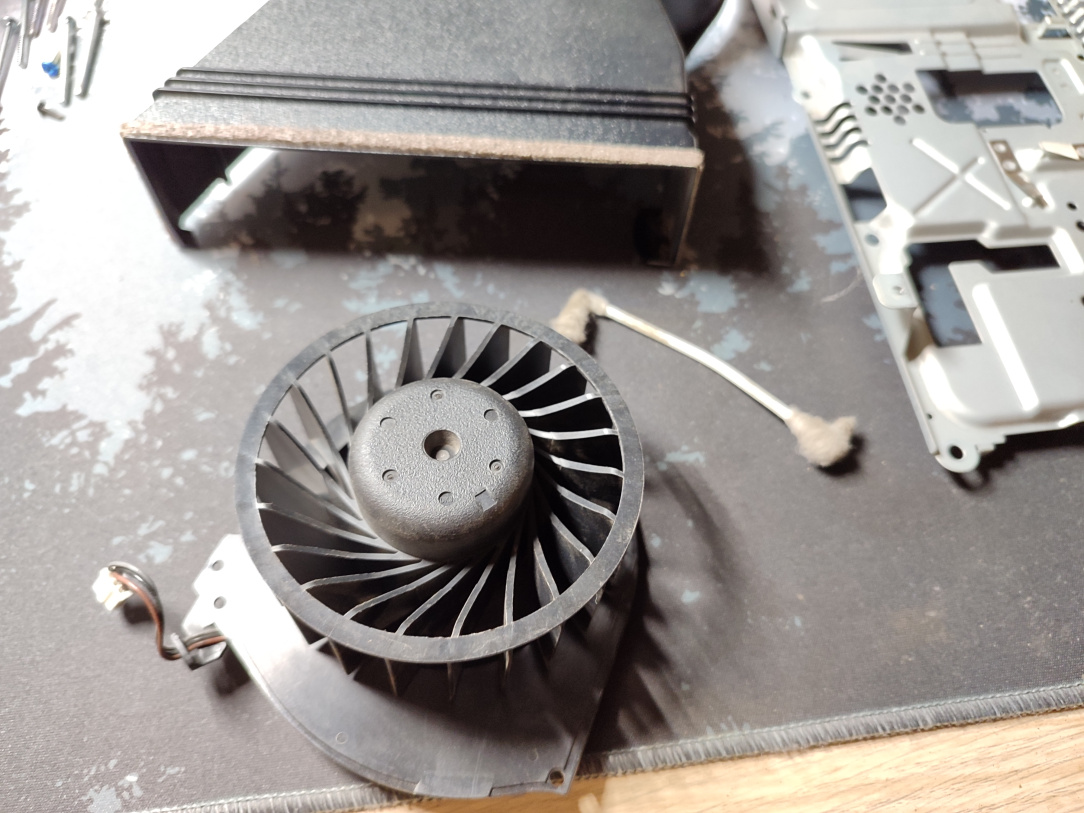
    IMG_20251126_174807.jpg

    ^^ Fan removed, and completely cleaned of all that dirt.

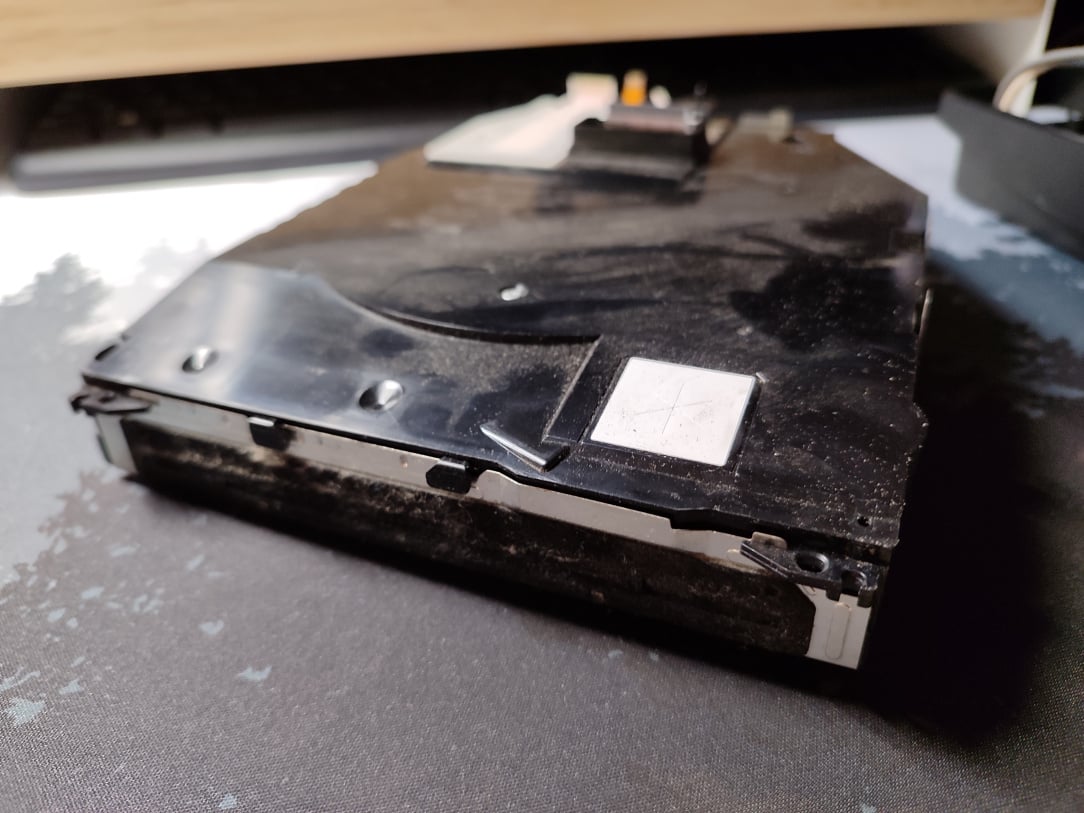
    IMG_20251126_181045.jpg

    ^^ Next up, is a replacement laser pickup in the bluray drive. The drive is similarly manky with dust & dirt.

    IMG_20251127_165828.jpg

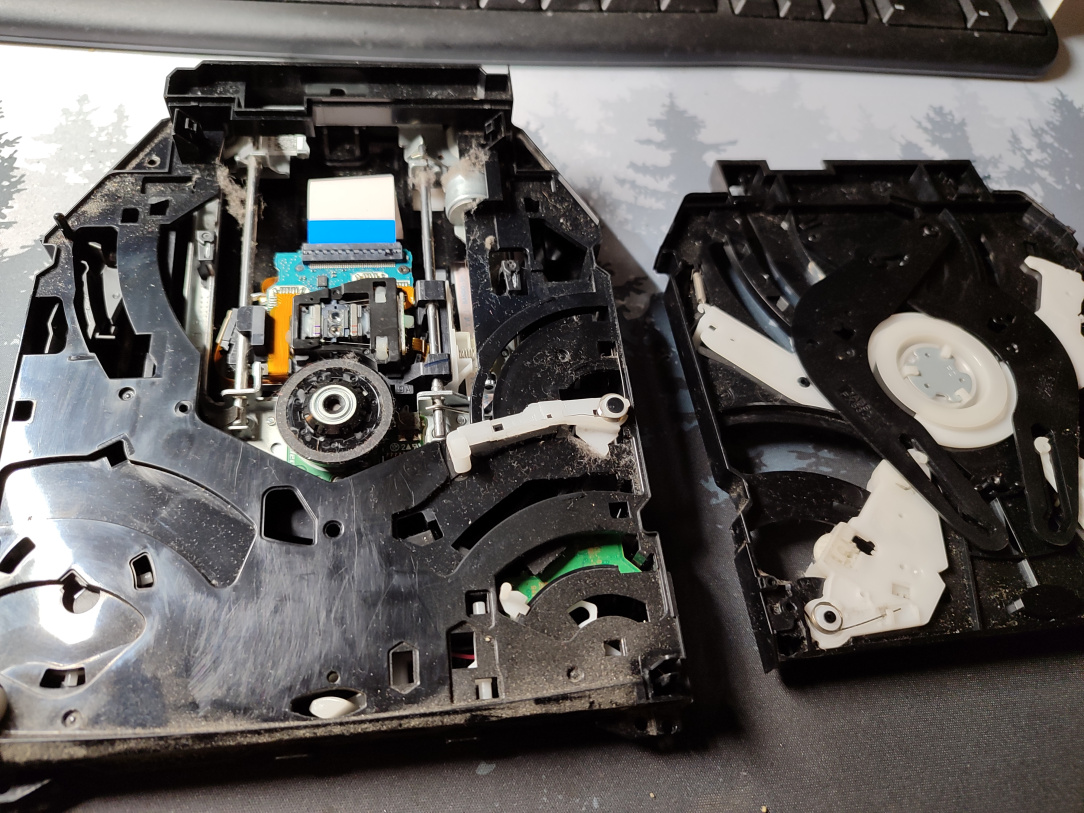
    ^^ Top cover removed…

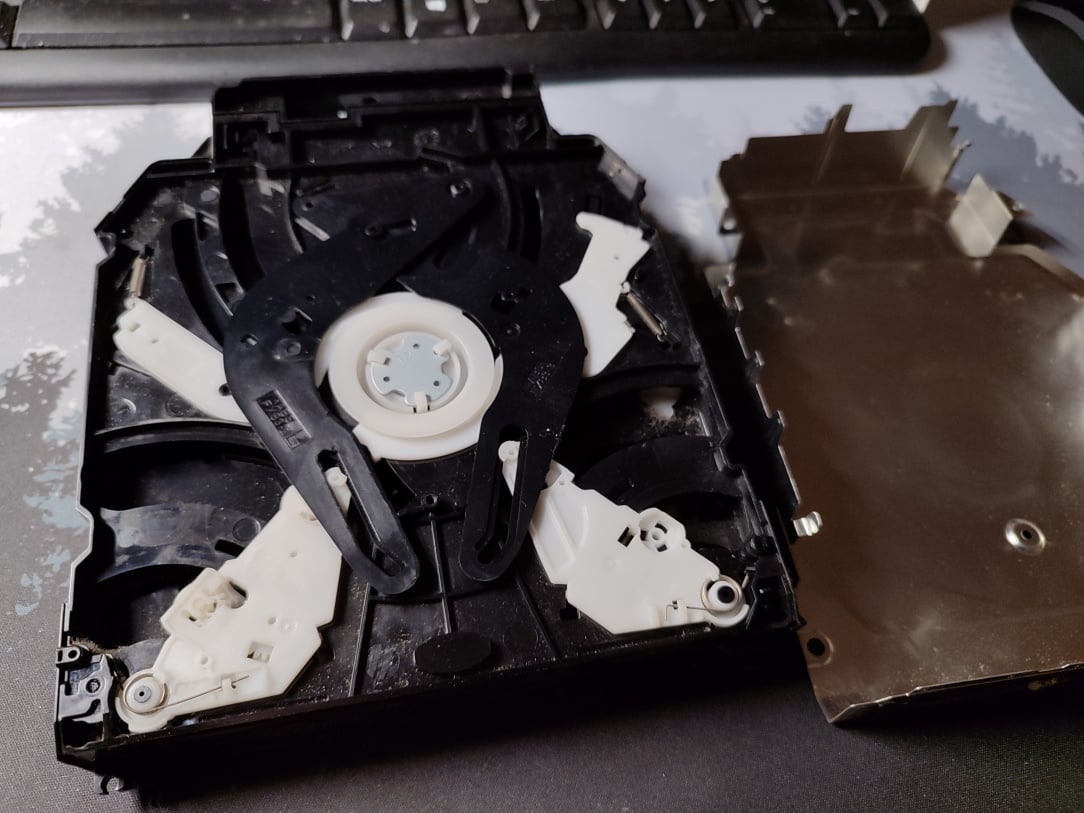
    IMG_20251127_165928.jpg

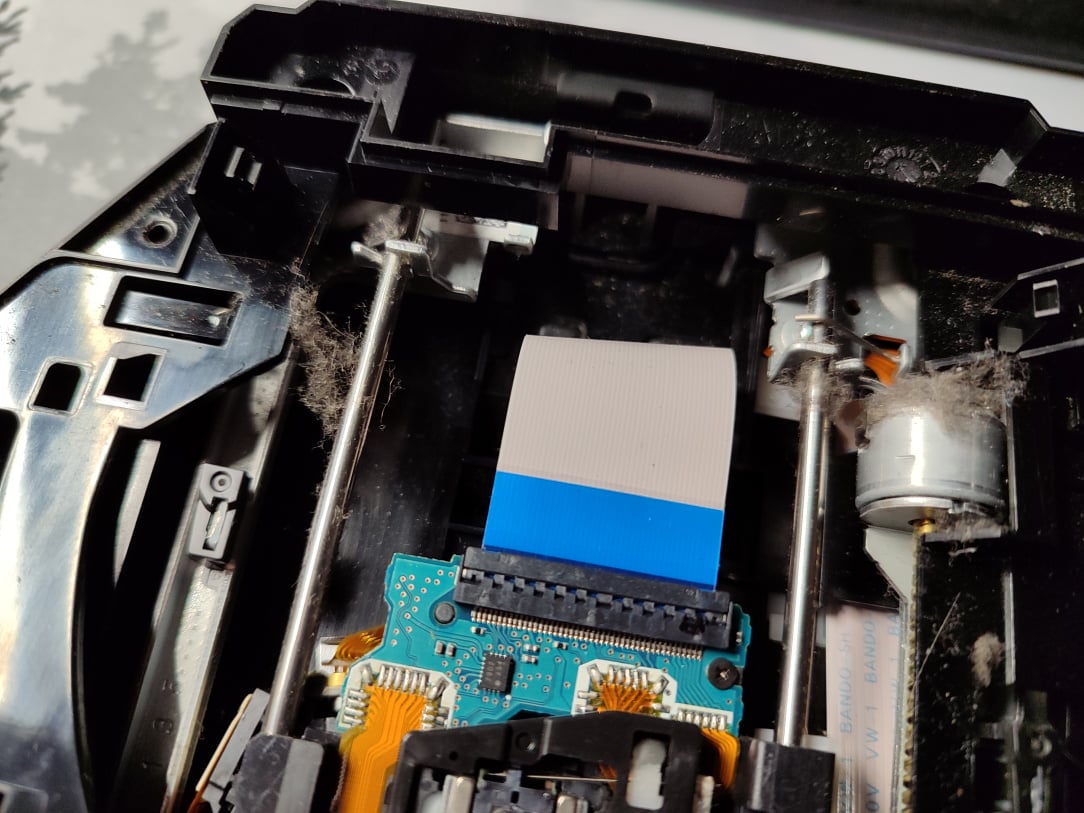
    ^^ Powerloading mechanism removed, and I can finally see inside the drive. It's filthy, as expected.

    IMG_20251127_165933.jpg

    ^^ All of this gets cleaned out.

    IMG_20251127_170401.jpg

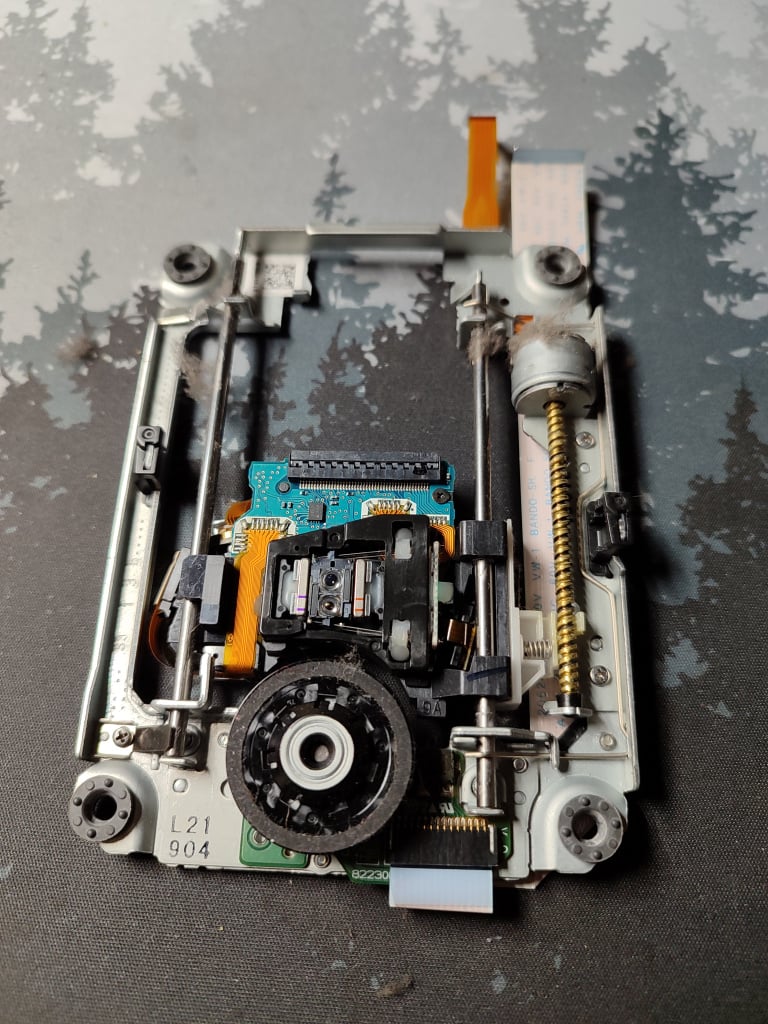
    ^^ Once I remove the bottom cover, the screws holding in the carriage are exposed, and I can remove it easily.

    IMG_20251127_171012.jpg

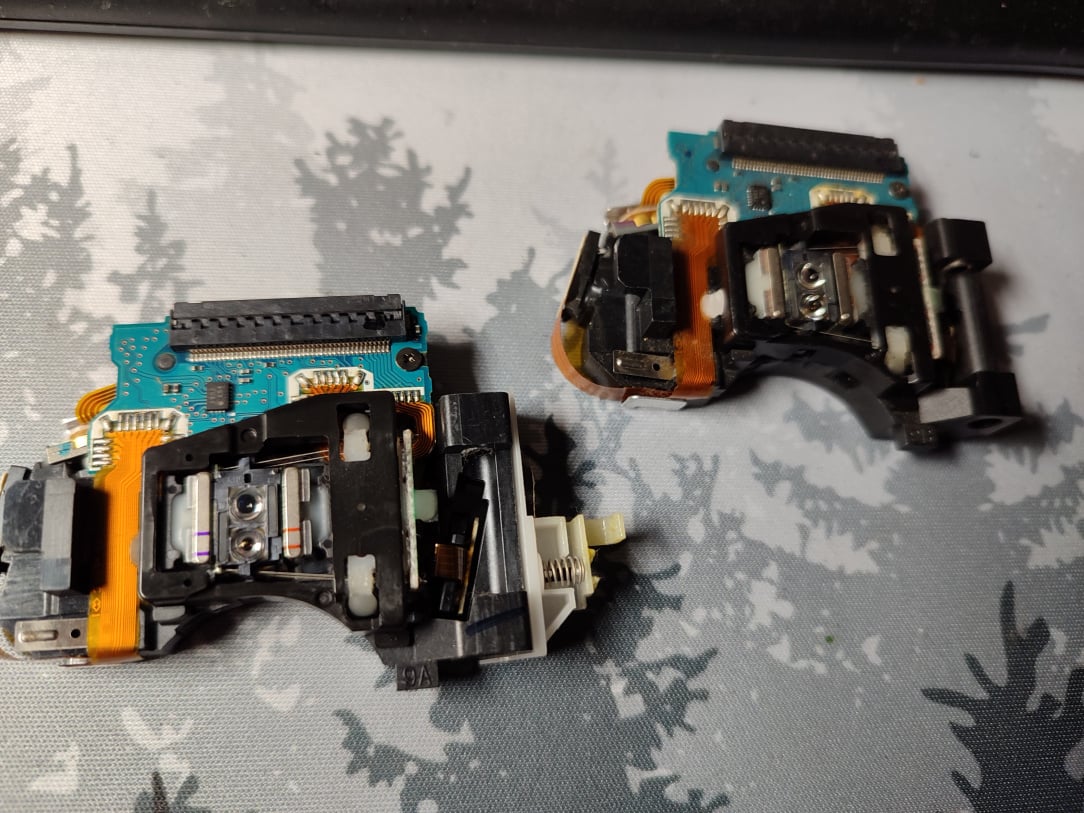
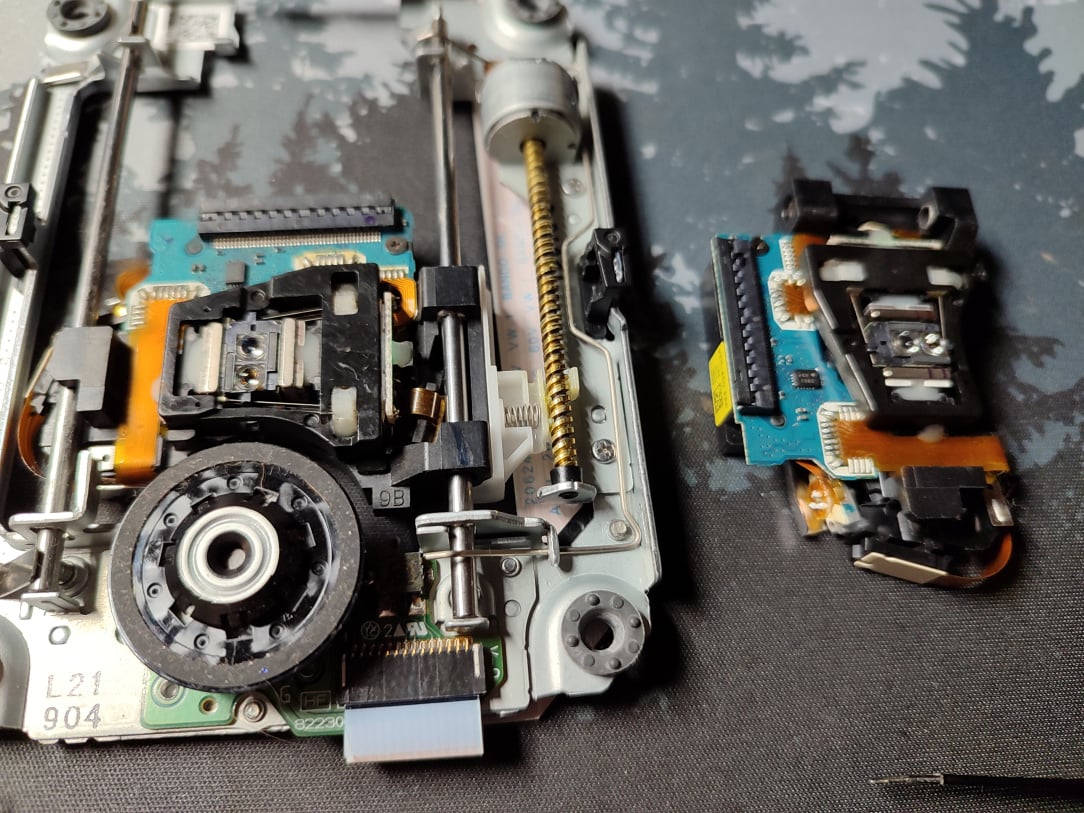
    ^^ Original pickup on the left, brand new replacement on the right.

    IMG_20251127_171434.jpg

    ^^ Swapover complete, and carriage cleaned up.

    IMG_20251127_171534.jpg

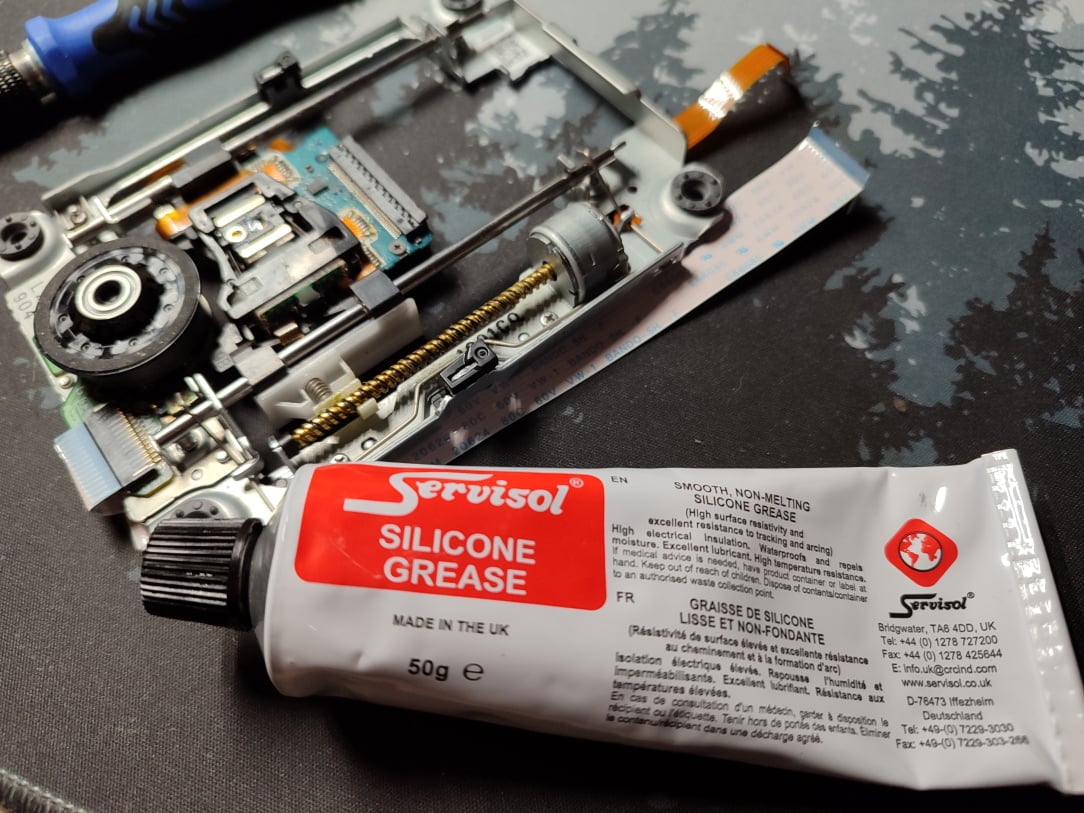
    ^^ I then apply some silicone grease to all the moving parts, giving the drive a far easier time pushing the pickup around.

    IMG_20251127_172906.jpg

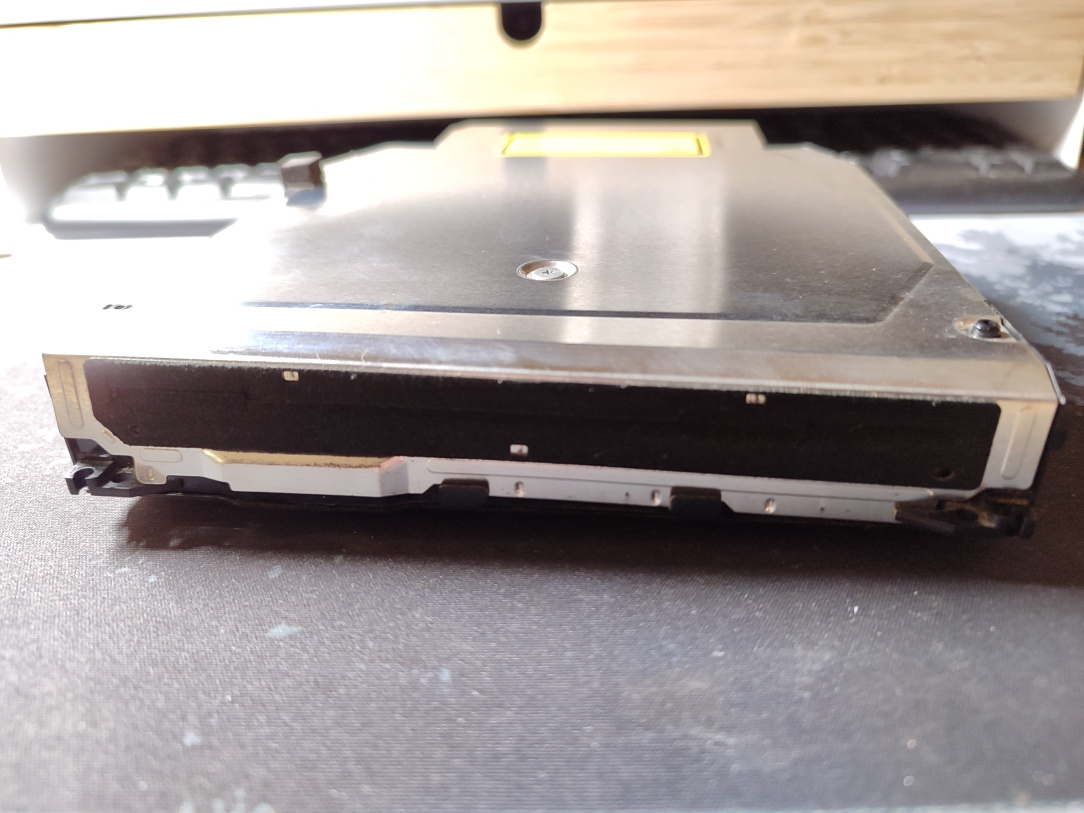
    ^^ All cleaned up and back together.

    IMG_20251126_180047.jpg

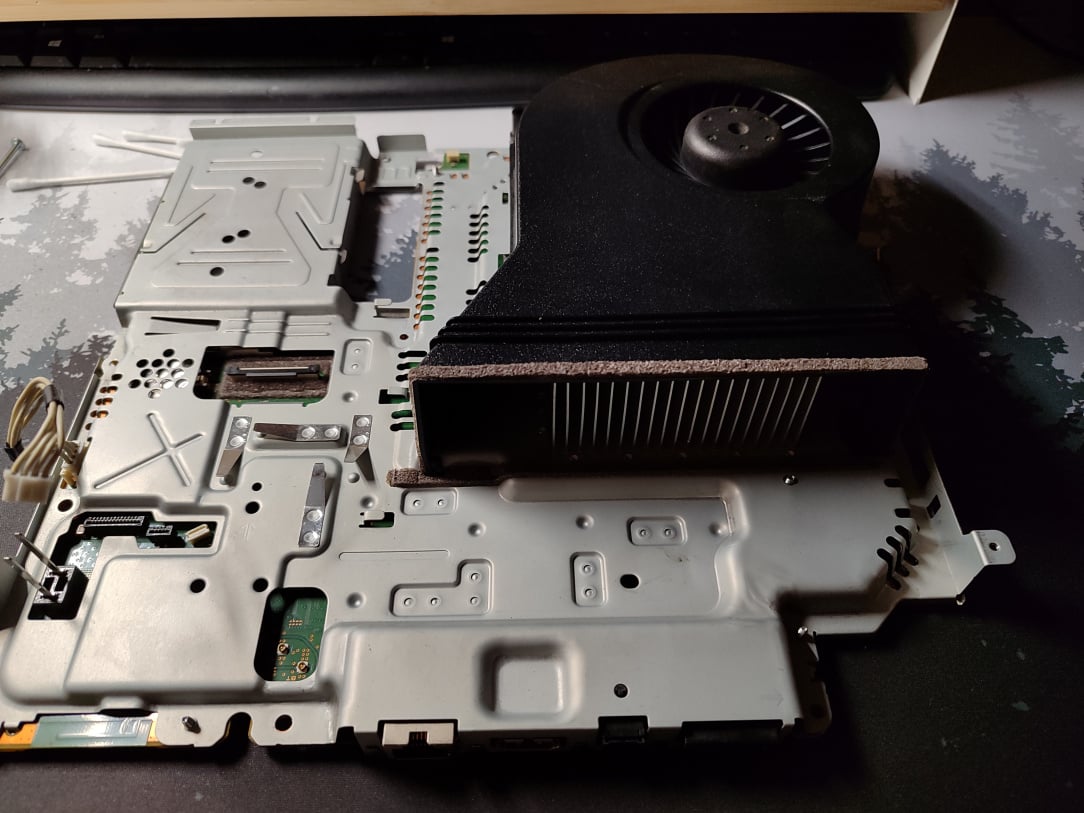
    ^^ Back to the PS3 now, and the mainboard is back into the heatsink panels, and everything is fully cleaned up. The heatsink and air exhausts are finally free of all that crud!

    IMG_20251127_173401.jpg

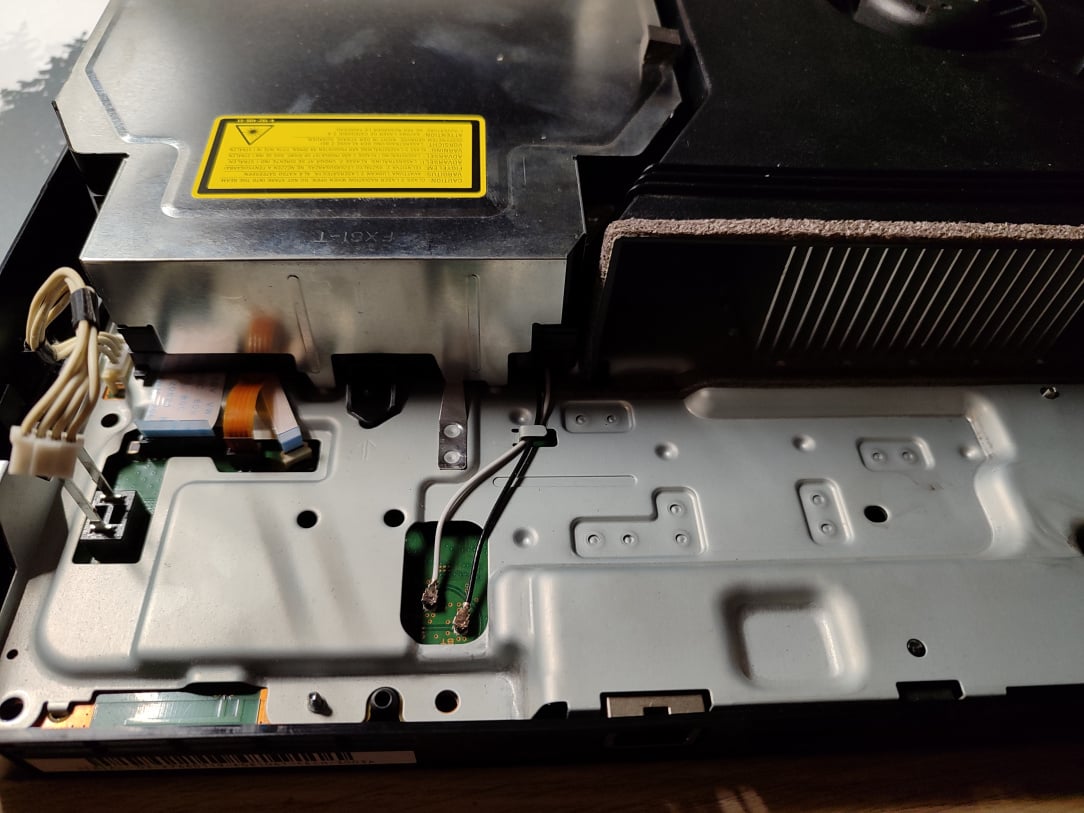
    ^^ Blueray drive back in, and wifi reconnected.

    IMG_20251128_184811.jpg

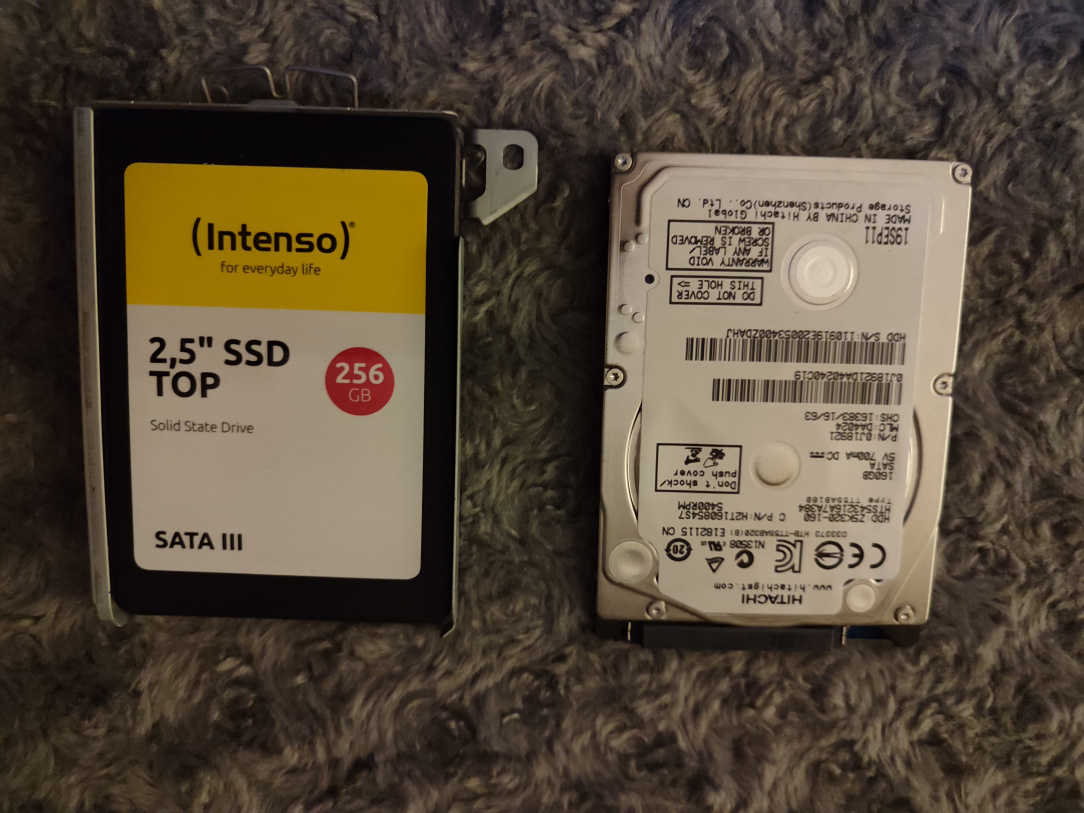
    ^^ Feck it, in for a penny eh? I'm swapping out the prehistoric HDD with a brand new 256GB SSD. The PS3 itself won't really benefit greatly from the SSD, but it'll keep things cooler and as quiet as possible.

    IMG_20251128_185821.jpg

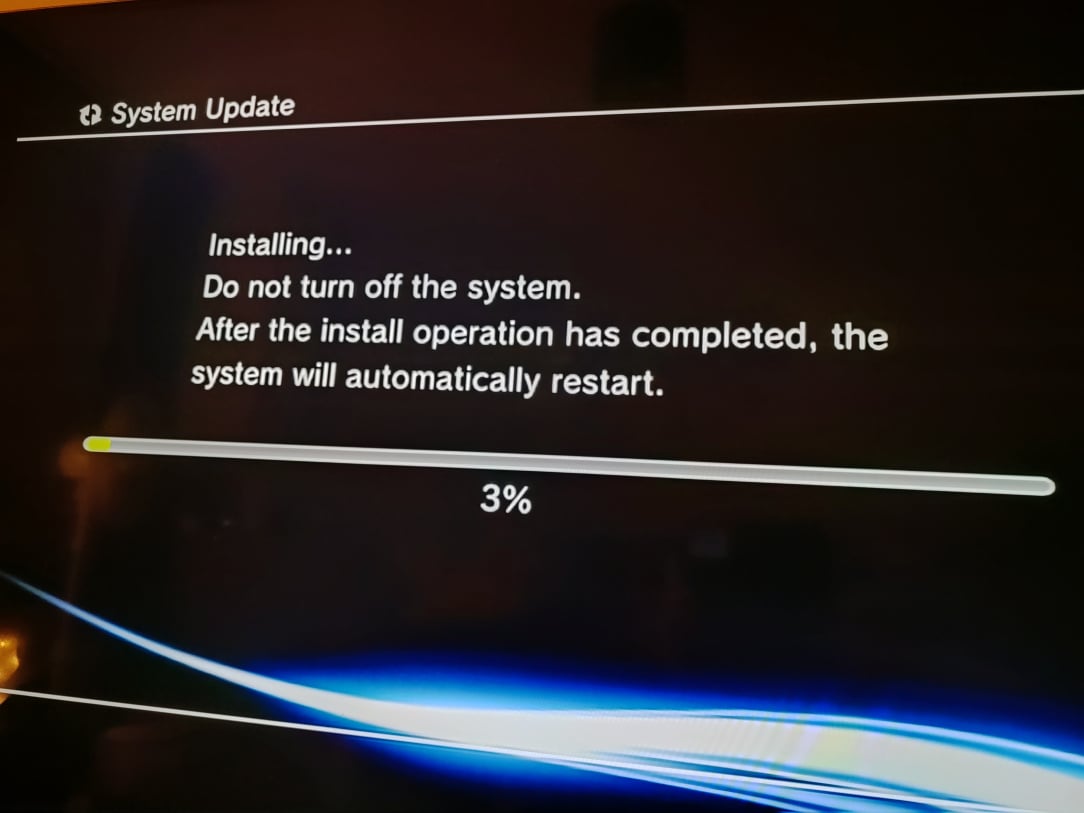
    ^^ I go through the formatting process for the SSD, you need to reinstall the firmware from safe mode.

    IMG_20251129_112505.jpg

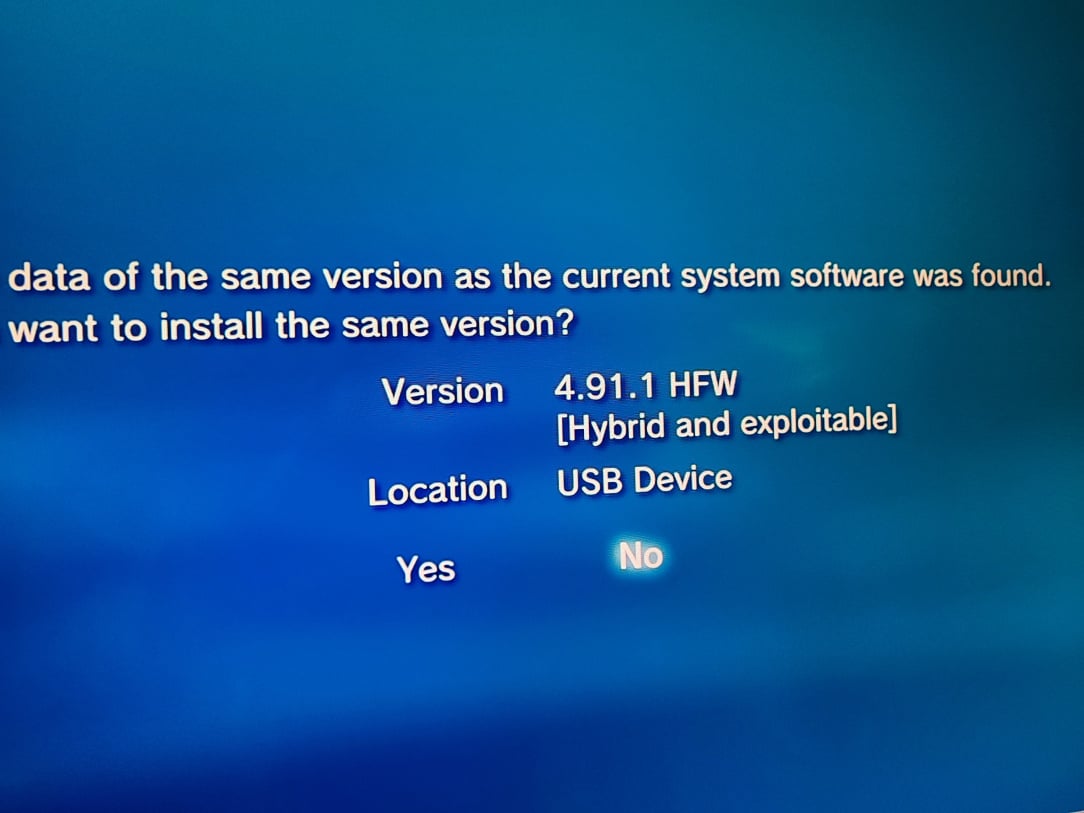
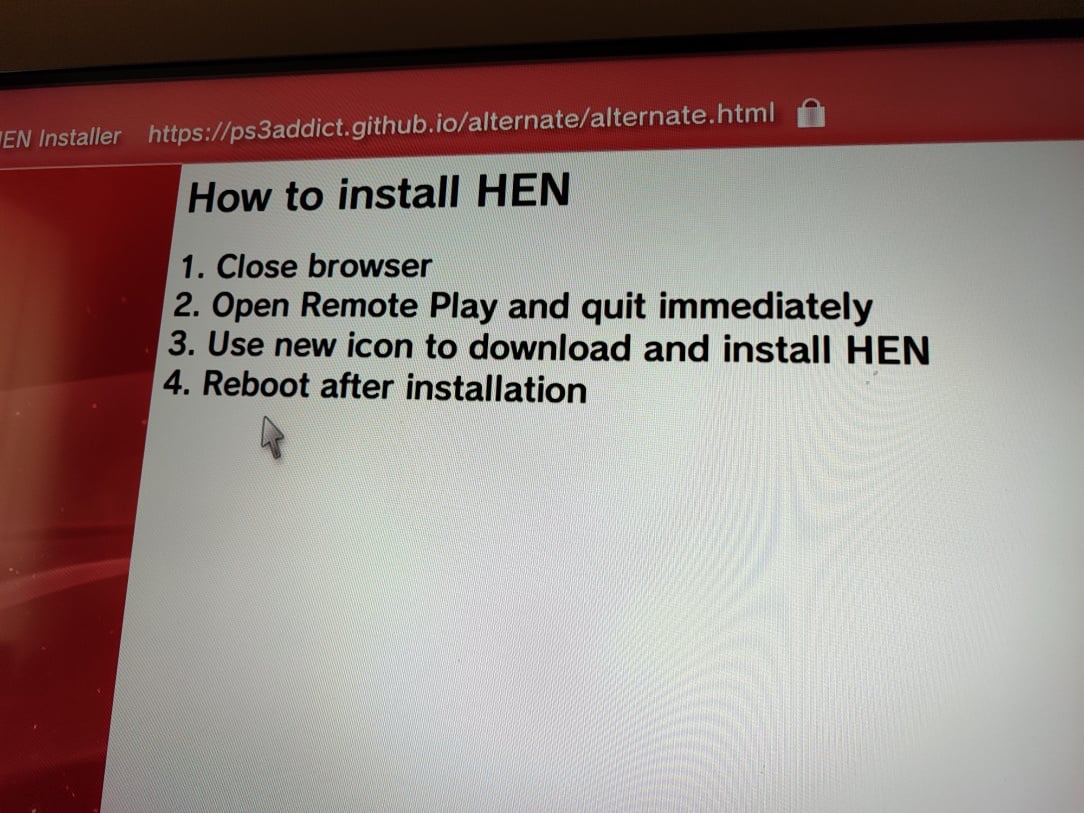
    ^^ Then, towards the finish line, I install 4.91 HFW (hybrid firmware.) It's not custom firmware, it's a modified stock firmware which has repatched in a vulnerability that will allow us to install HEN (homebrew enabled.)
    IMG_20251129_130449.jpg

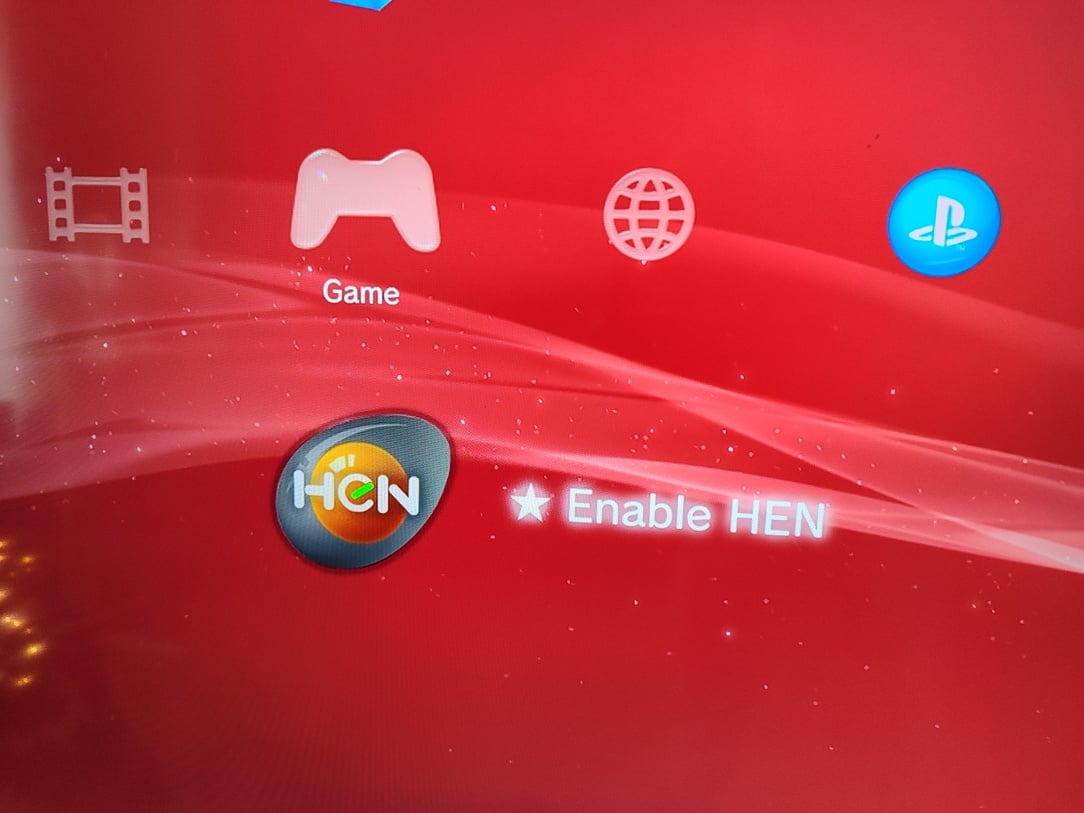
    ^^ Installation of HEN. So with HEN, the console when it boots is in its stock condition. There will be a "Enable HEN" icon available though, and after pressing it, the console will run the exploit and jailbreak itself. From there, you can enjoy all of the usual things.

    IMG_20251129_131606.jpg

    ^^ This is the icon, the console is stock until you press this.

    IMG_20251129_131631.jpg

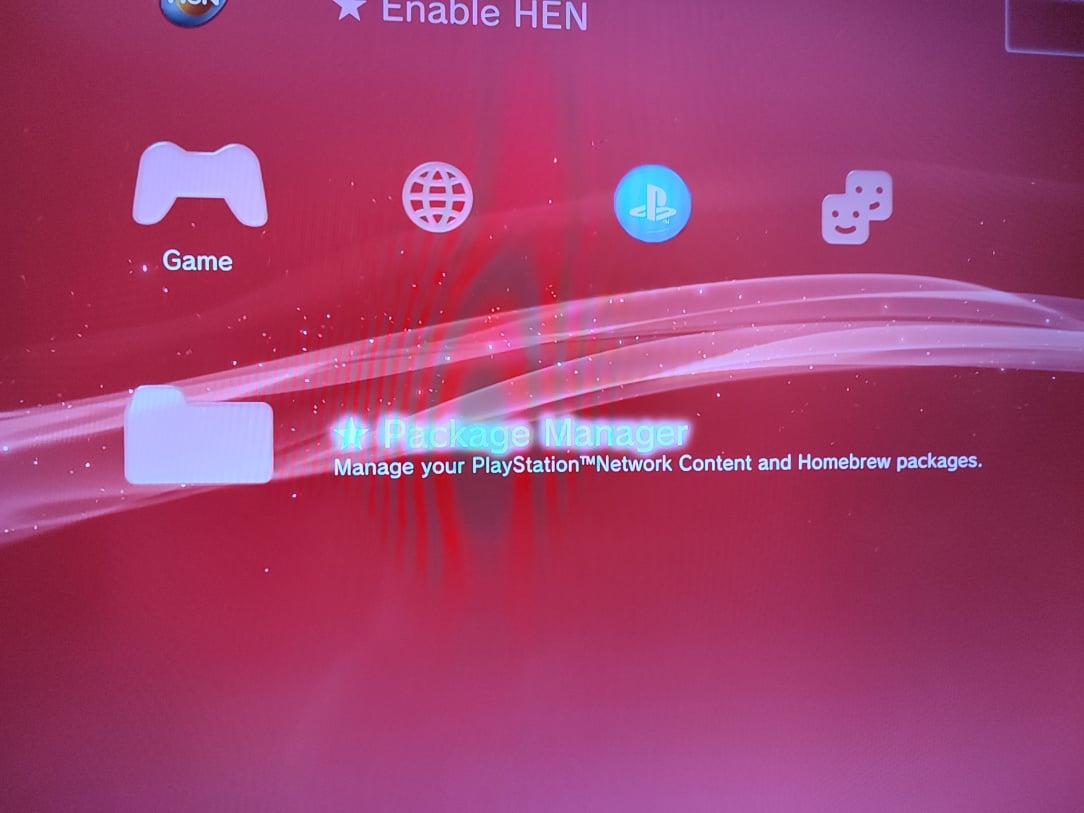
    ^^ Once pressed though, you get all the usual tools to use.

    IMG_20251206_190613.jpg

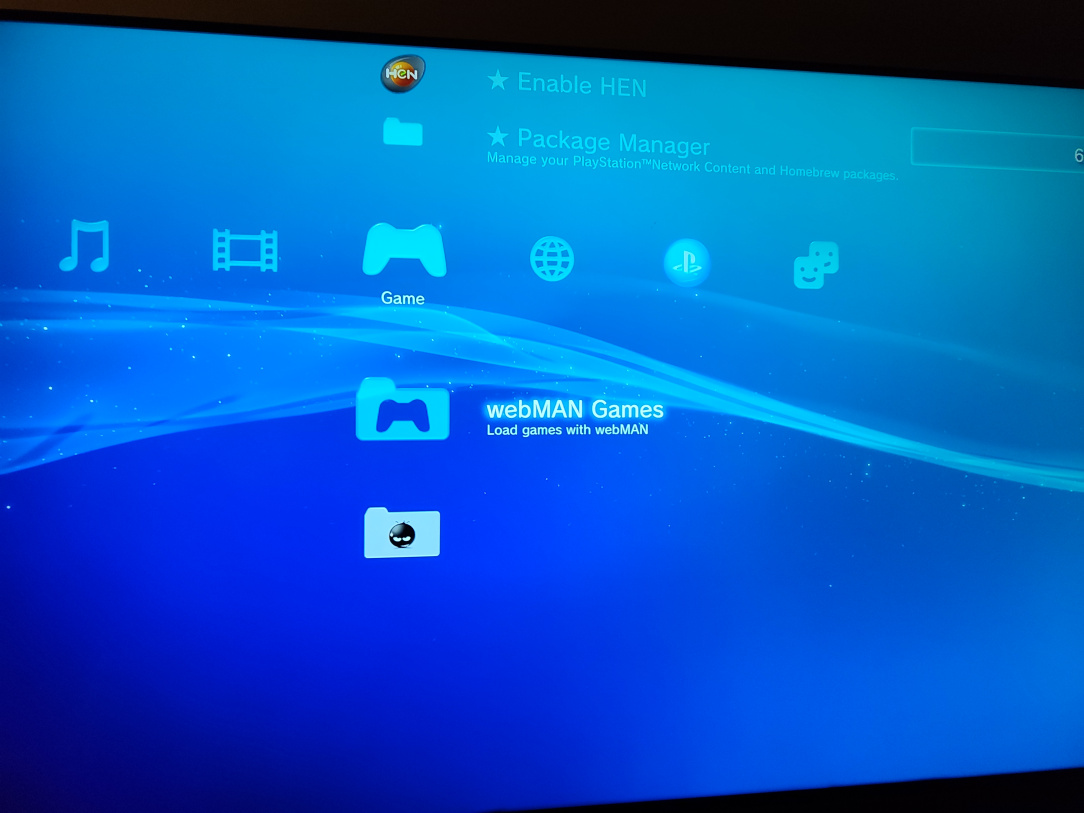
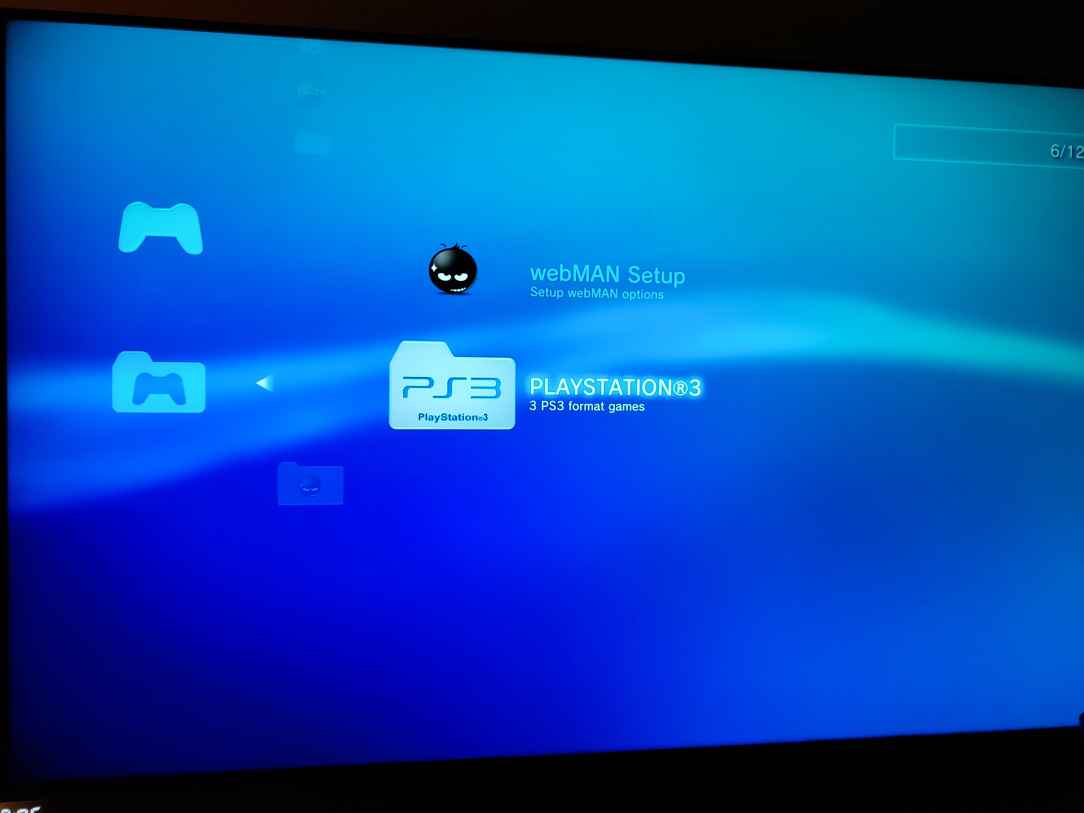
    ^^ webMAN Games is one way to play your legally backed up games. You enter the webMAN Games section…

    IMG_20251206_190619.jpg

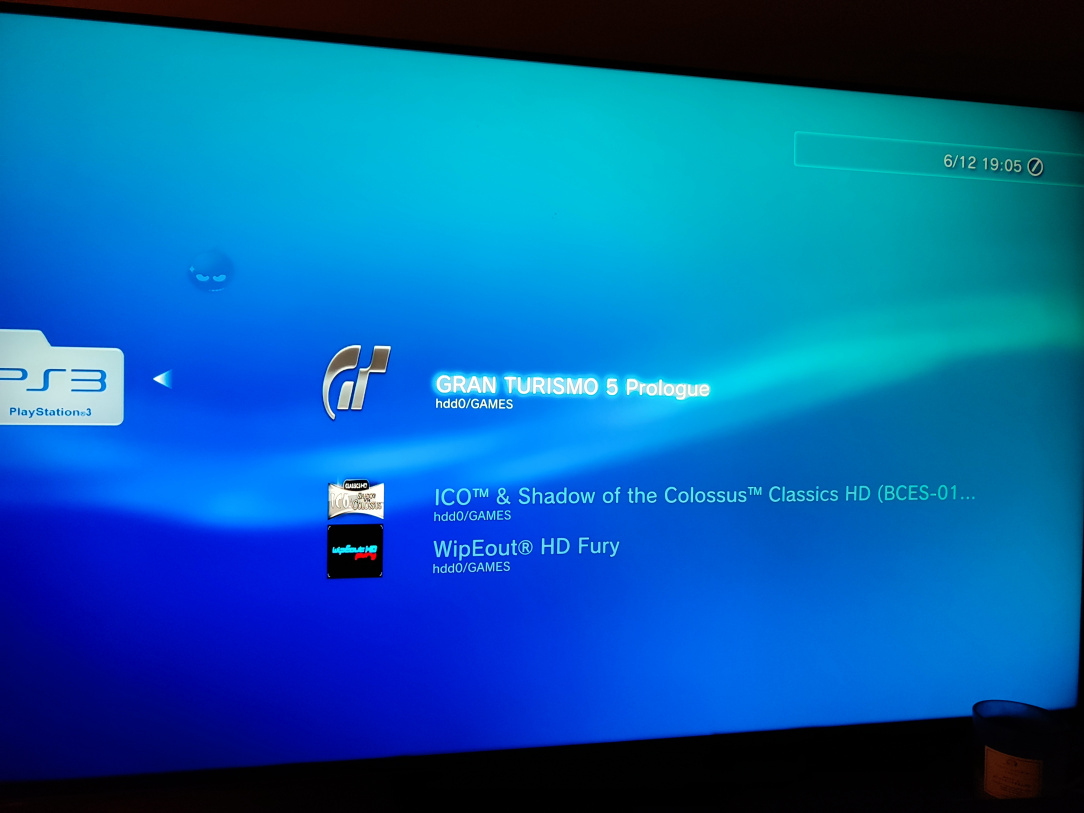
    ^^ Go into the PS3 folder (this is where the games are stored when you're legally backing them up)…

    IMG_20251206_190626.jpg

    ^^ Choose the game you want…

    IMG_20251206_190634.jpg

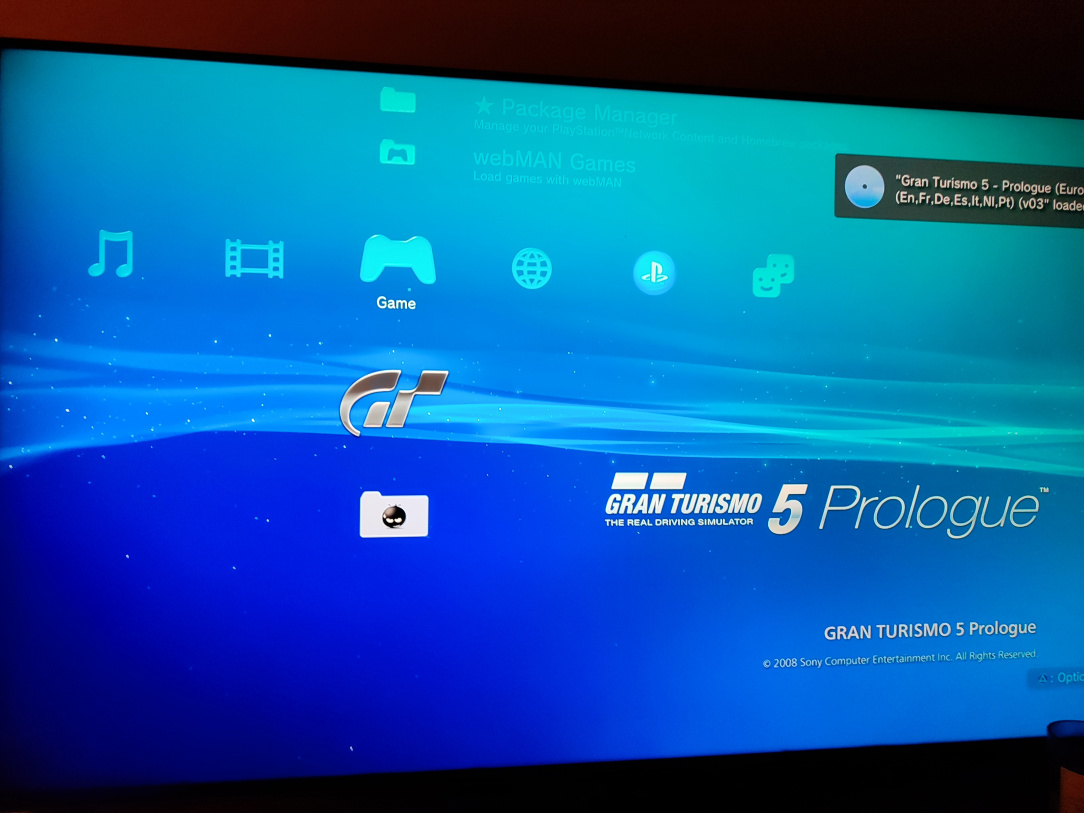
    ^^ You'll then be sent back to the main screen, and the game you chose will be detected as a game disc. You simply run it then as you would any other disc game!

    IMG_20251206_190744.jpg

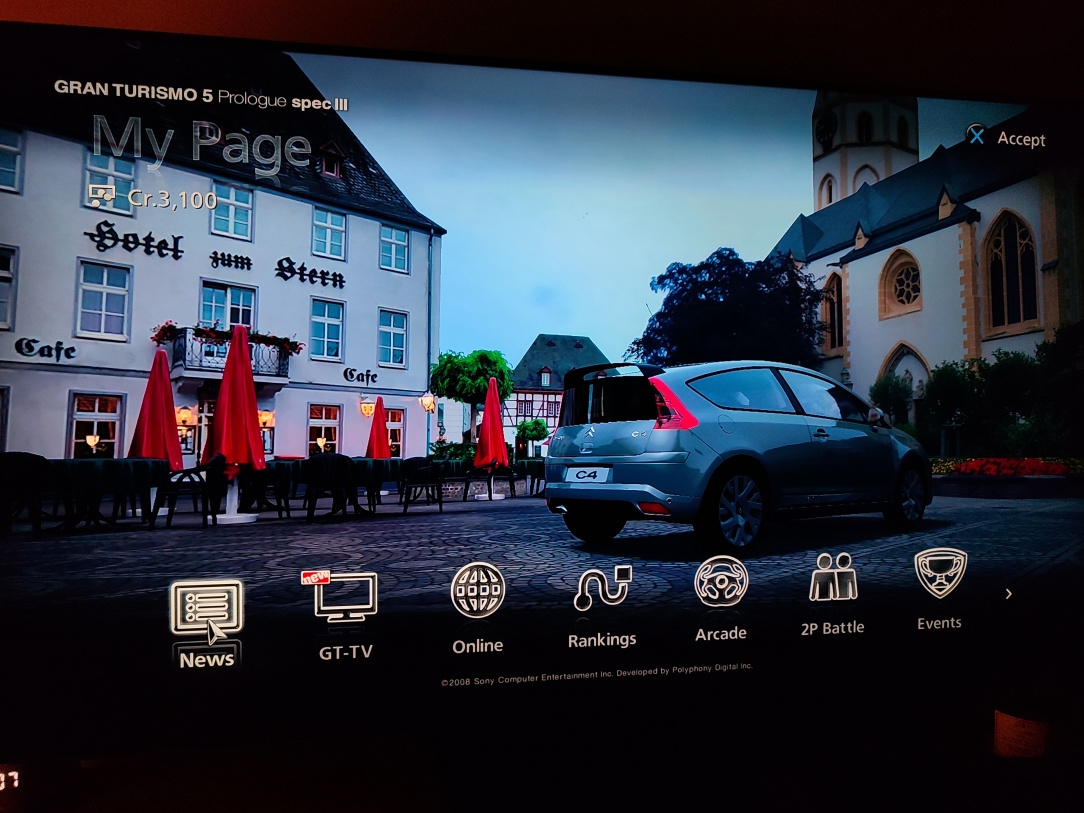
    ^^ Simple as that.

    IMG_20251206_190818.jpg

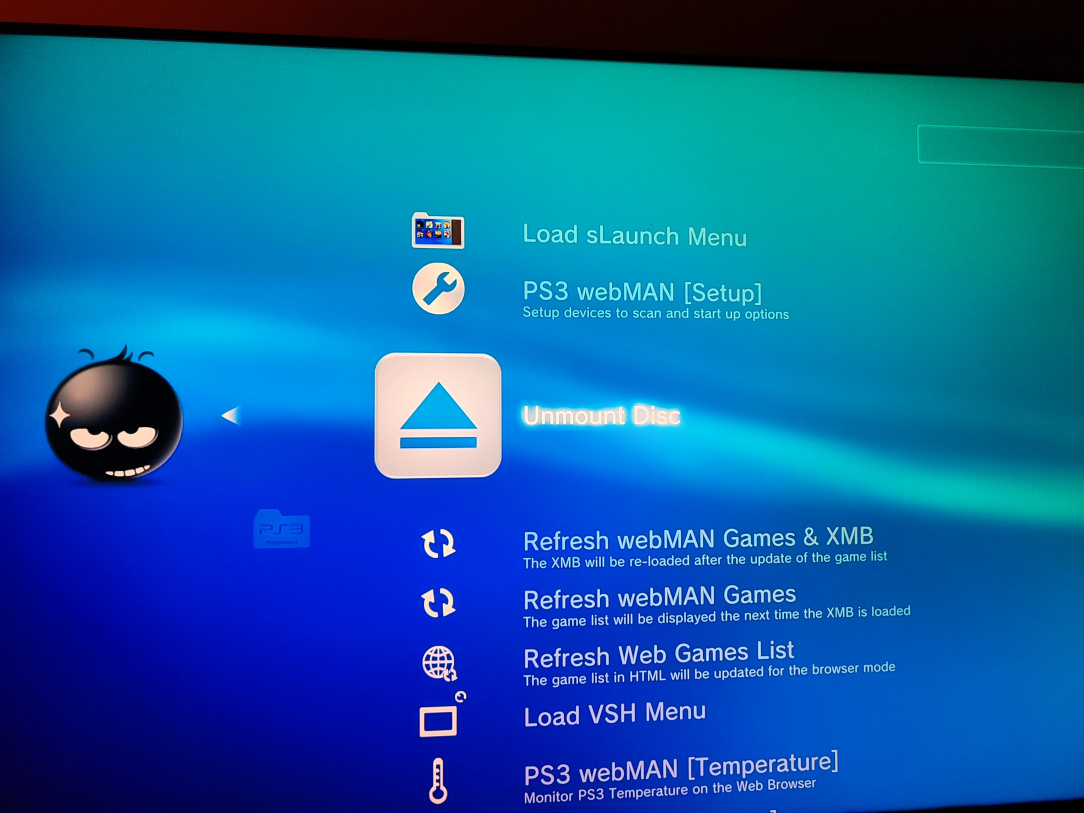
    ^^ You then unmount the game "disc" via webMAN Games if you want to choose another disc.

    IMG_20251206_190831.jpg

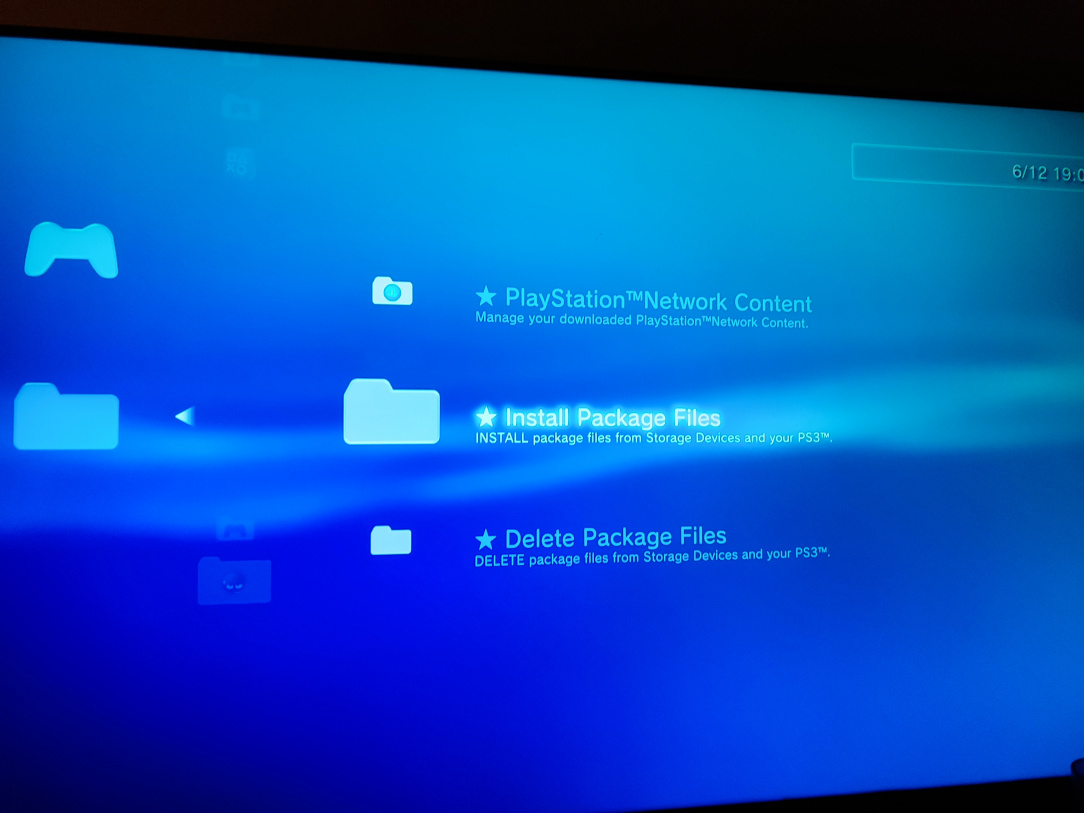
    ^^ You can also install package files if you want…

    IMG_20251206_190917.jpg

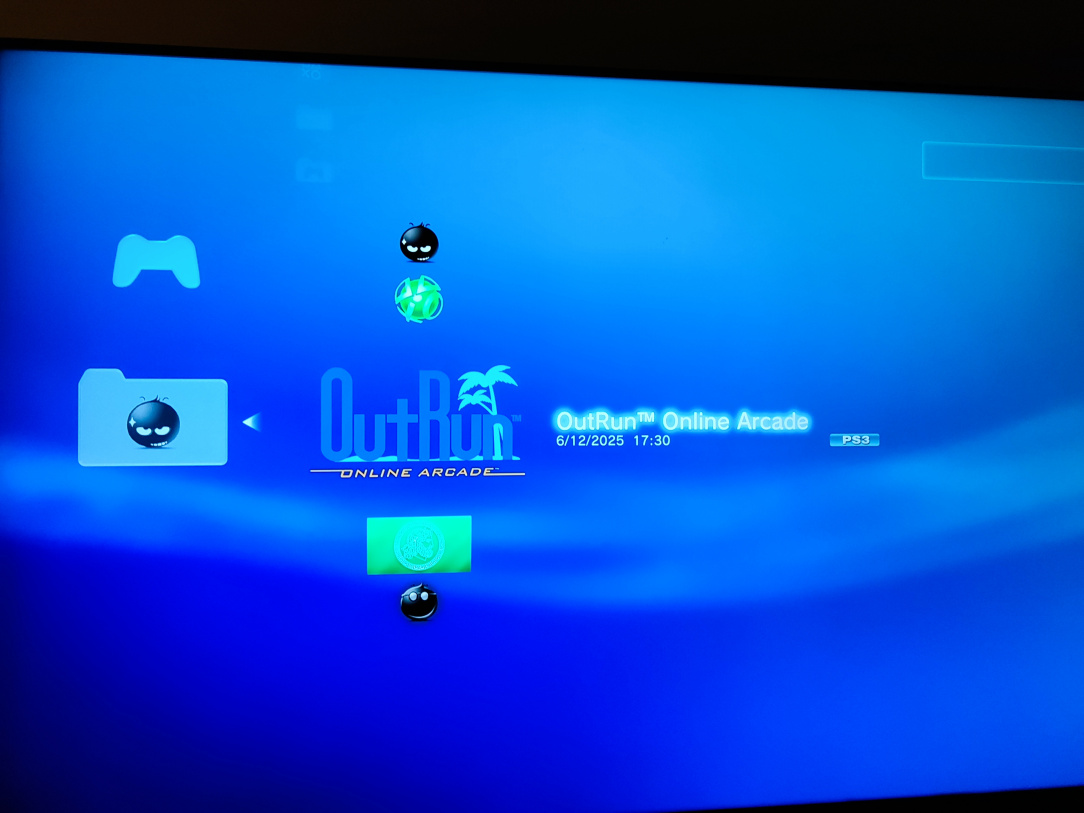
    ^^ These games will install to the folder where all the homebrew tools are, so you simply click them to run once installed.

    IMG_20251206_191021.jpg

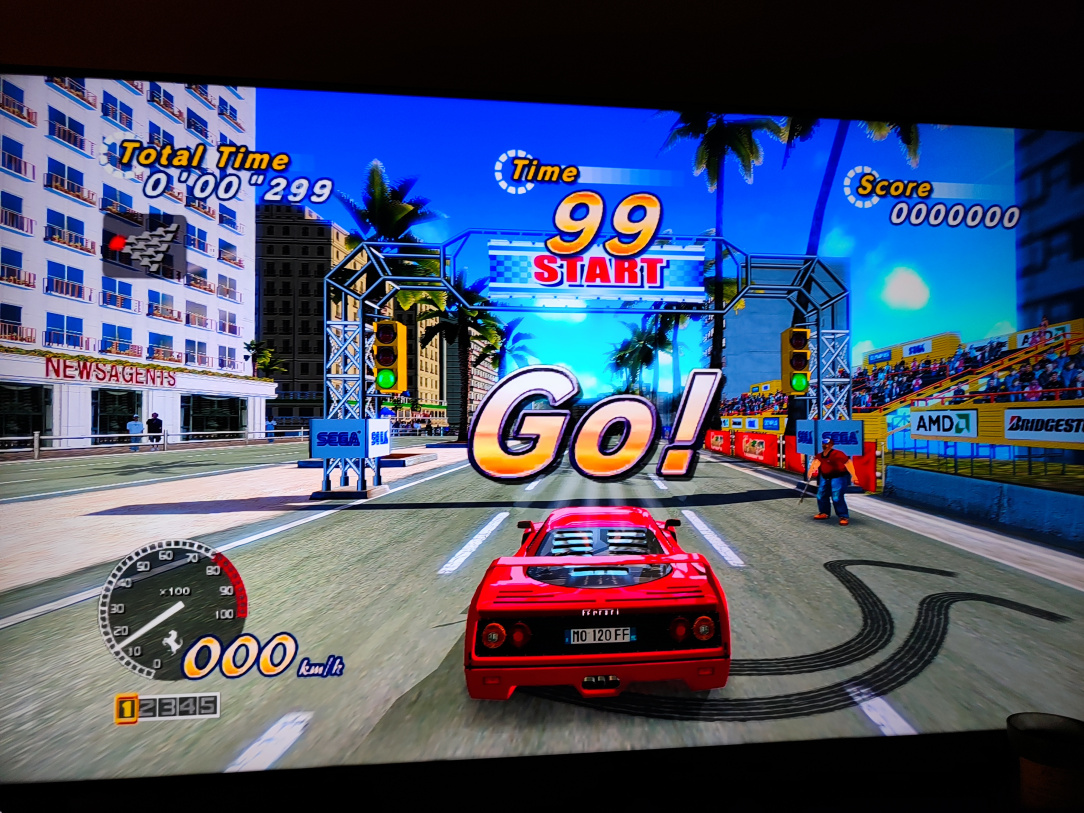
    ^^ Click, and away you go!

    1765628278873.jpg

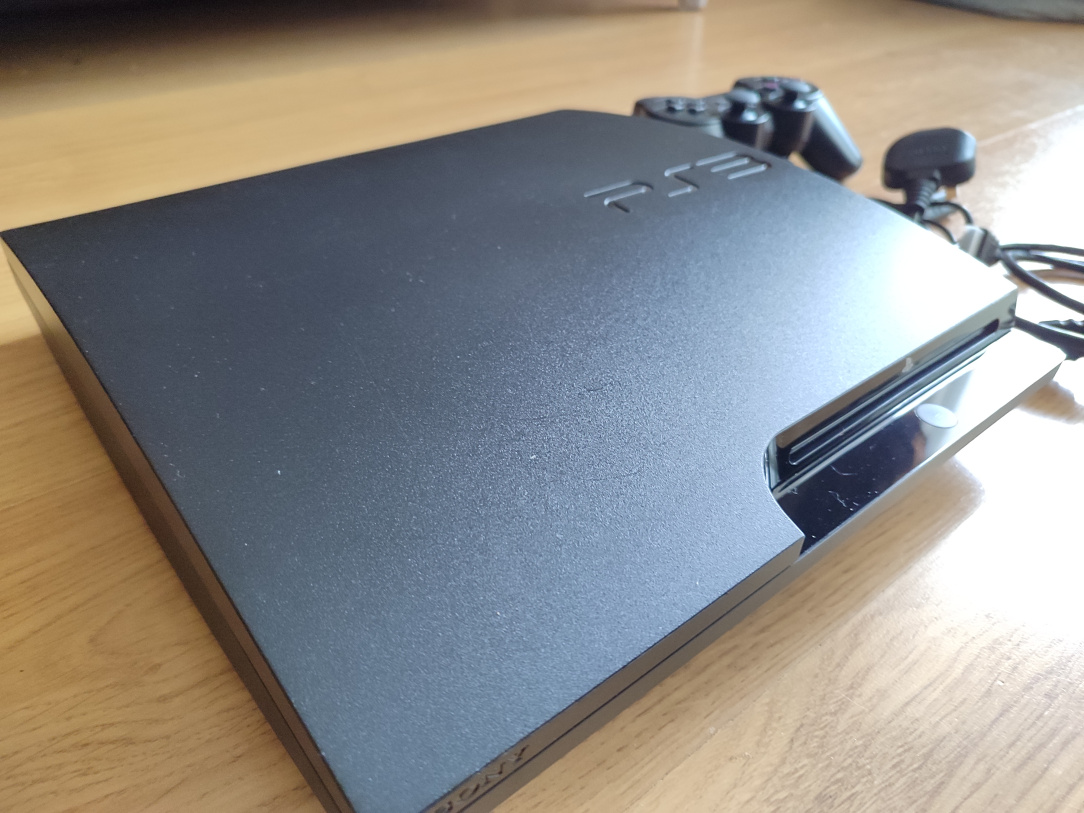
    ^^ All done and back together!

    1765628278887.jpg

    ^^ So shiny the dust shows up!

    1765628278899.jpg

    ^^ It's in very nice condition now inside and out!

    IMG_20251130_142858.jpg

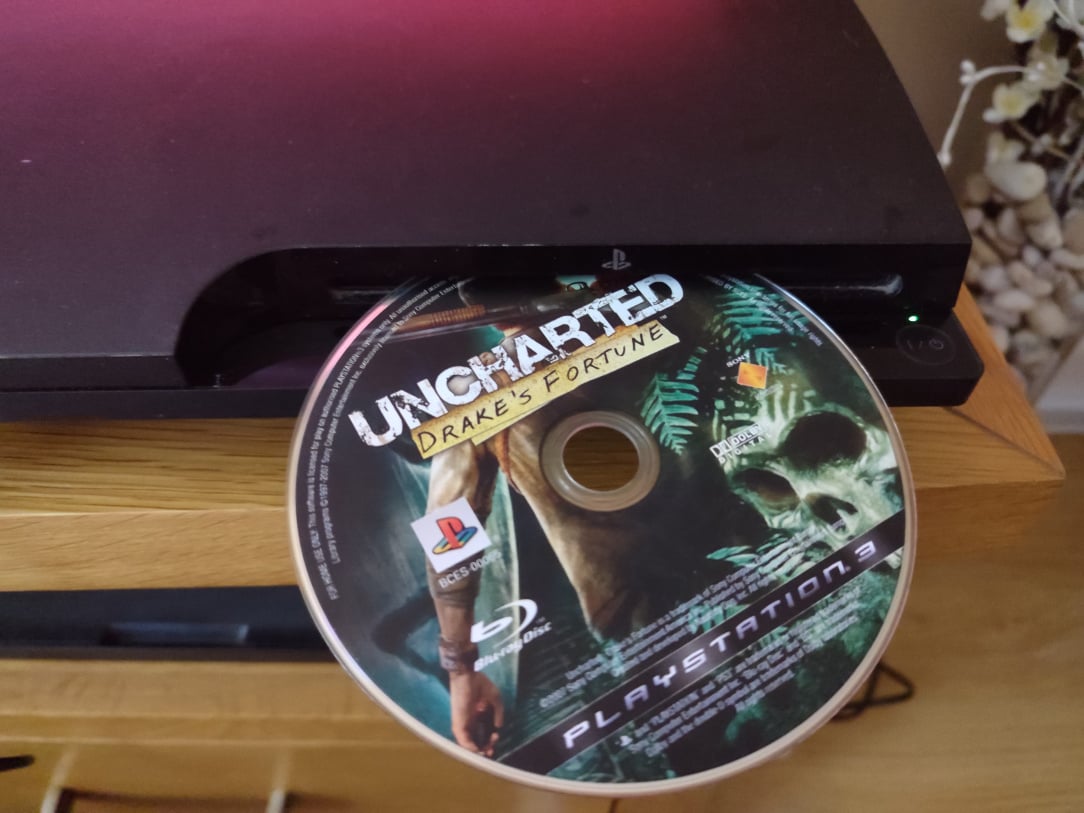
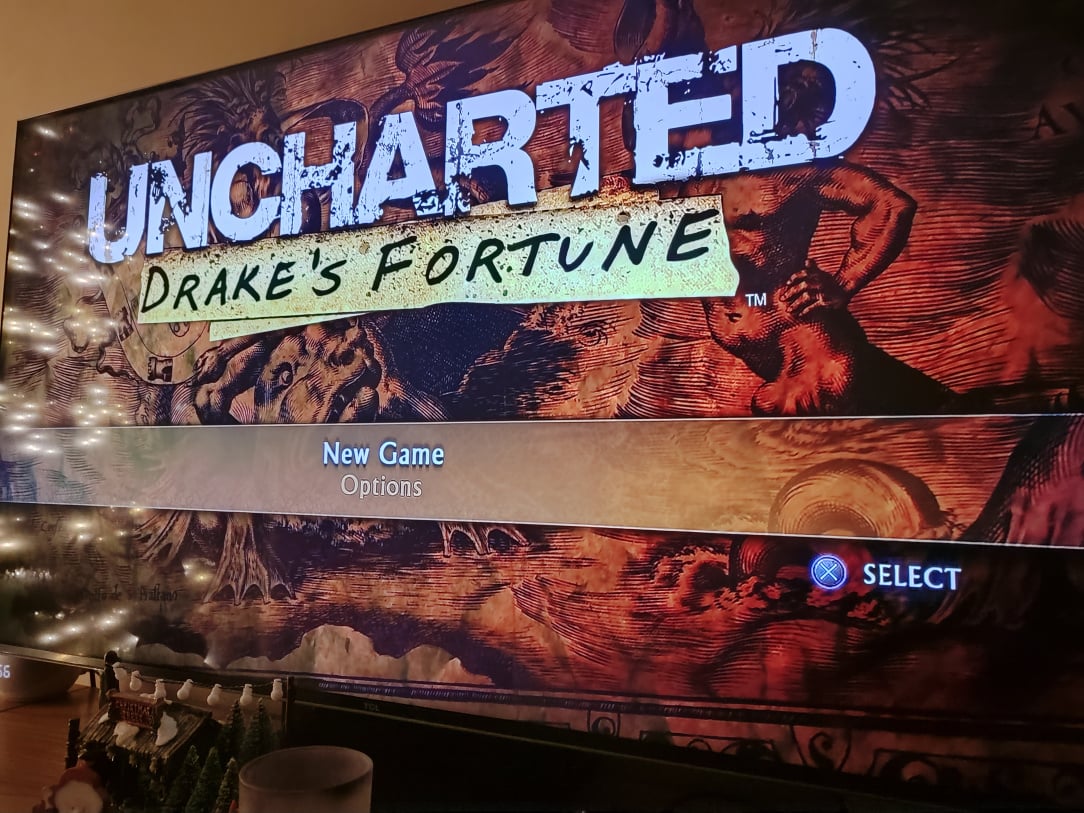
    ^^ Disc test to be sure!

    1765628278915.jpg

    ^^ Oh sweet, DVD's and Bluray discs now playing as they should!

    1765628278857.jpg

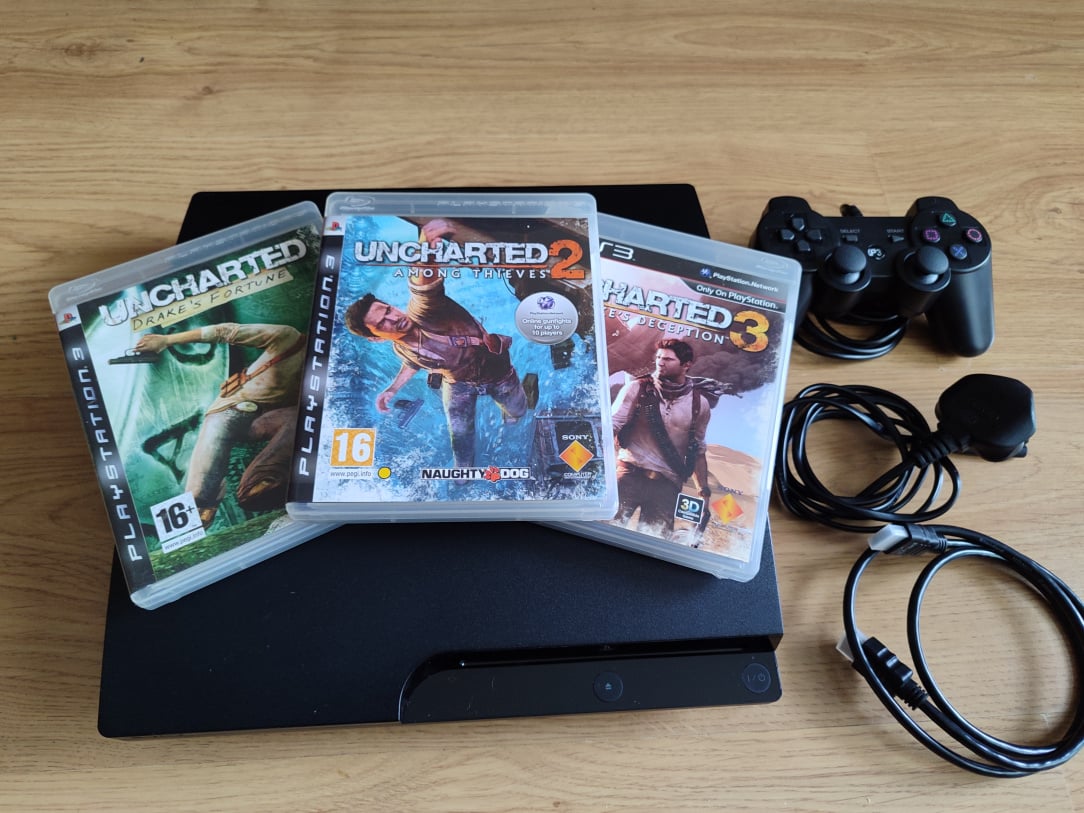
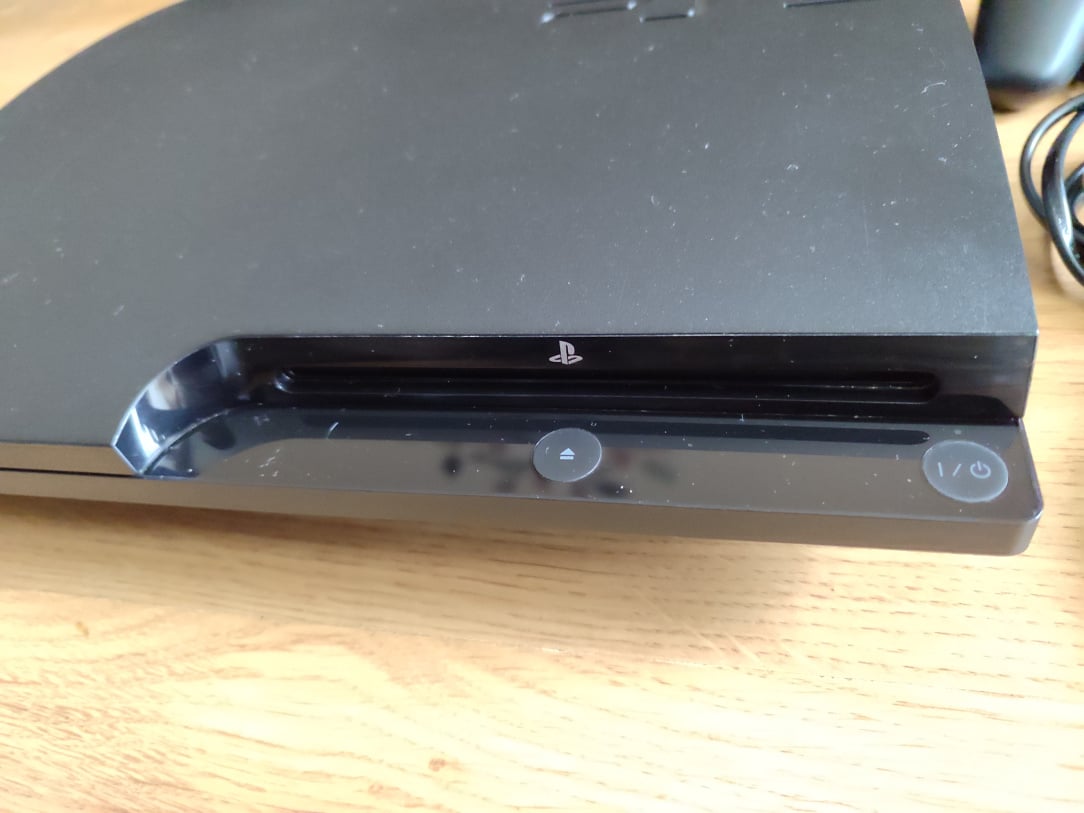
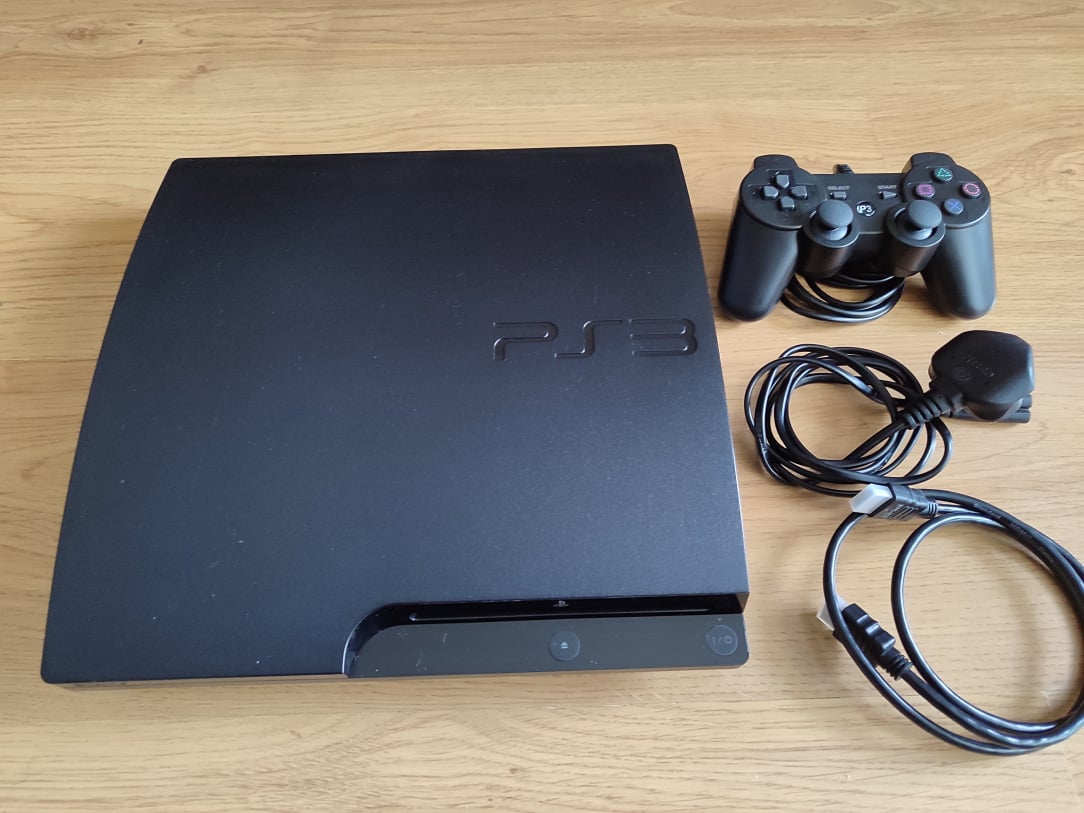
    ^^ Beauty shot to close!


Comments

Advertisement
Advertisement