lensman wrote: » I used this 3 step routine in the past, it's on the freetv.ie site. 1..Boot into Spark & insert usb key, when asked to install plugin click "YES" plugin installs (takes 10sec) then box reboots. 2..When box reboots Im asked to install plugin again but this time I click "NO" & goto MENU/PLUGINS & install plugin_e2upgrade.s (takes about 1min), when complete I power off the box. 3..Pressing OK I power the box & select ENIG from the boot option & press OK & box should boot fully into enigma2. freetv.ie have links to the files mentioned above which I managed to install them correctly but I don't like the openARP image they supply but when I replace then with yours the box gets stuck in boot at the 3rd & final step
deezell wrote: » Because I don't even have to pause it if it's on time shift, so if dinner runs past 6, just quickly rewind to start, then watch. This has the advantage of being able to jump the ad breaks, so by 7 we've usually caught up just in time for Nationwide (Ugh!, time to go in the other room and fiddle with the Sab). SHMBO likes it this way, the less button presses the better. If I think of it on time I run up and press the pause button at 6, then just hit play after the nosh. If I set it on record don't I have to wait until the recording is over at 7 to play it back? I think that's how it works on the edision, but anyway I don't need to keep it, just have it delayed by 15-30 minutes. At 7 I can watch RTE1+1 anyway. I want to progress from the Edision for the 7 day EPG, the RTE Player, a browser when I can get a plugin, (lot of confusion about this on the blogs), and eventually I want to set up the Oscam, as another of these boxes is going abroad hopefully to allow a family member watch RTE .
lensman wrote: » 2..When box reboots Im asked to install plugin again but this time I click "NO" & goto MENU/PLUGINS & install plugin_e2upgrade.s (takes about 1min), when complete I power off the box. 3..Pressing OK I power the box & select ENIG from the boot option & press OK & box should boot fully into enigma
Technofobe wrote: » ?
cyndale wrote: » Just wondering how to edit the rcS file, how do I open the file to edit it?
Using Freshpots Hyperion V4.5 and it hasn't green screened yet, very stable. It does seem to take up more memory though. On V4 memory free was around 35Mb, now it is around 10Mb!
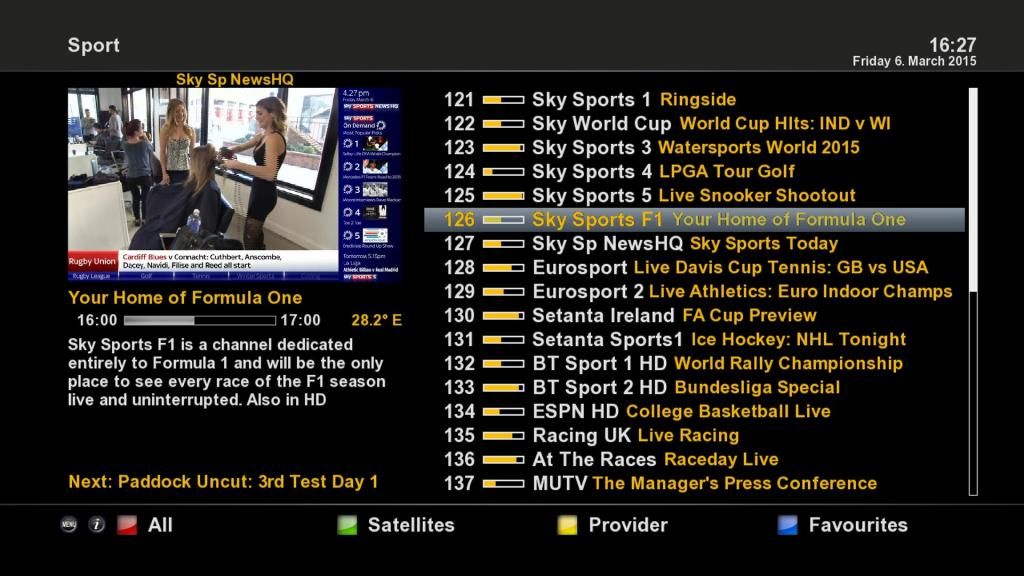
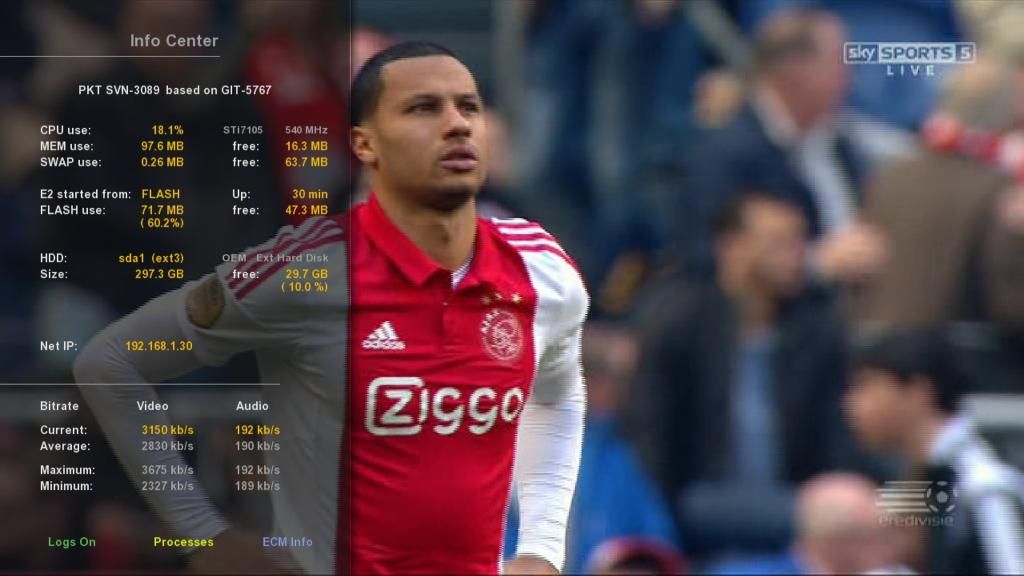
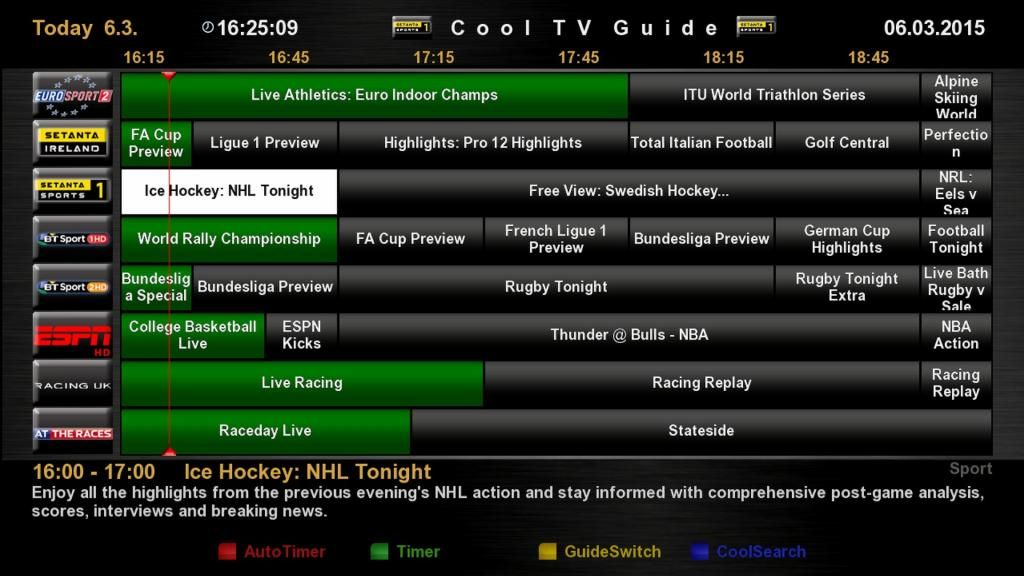
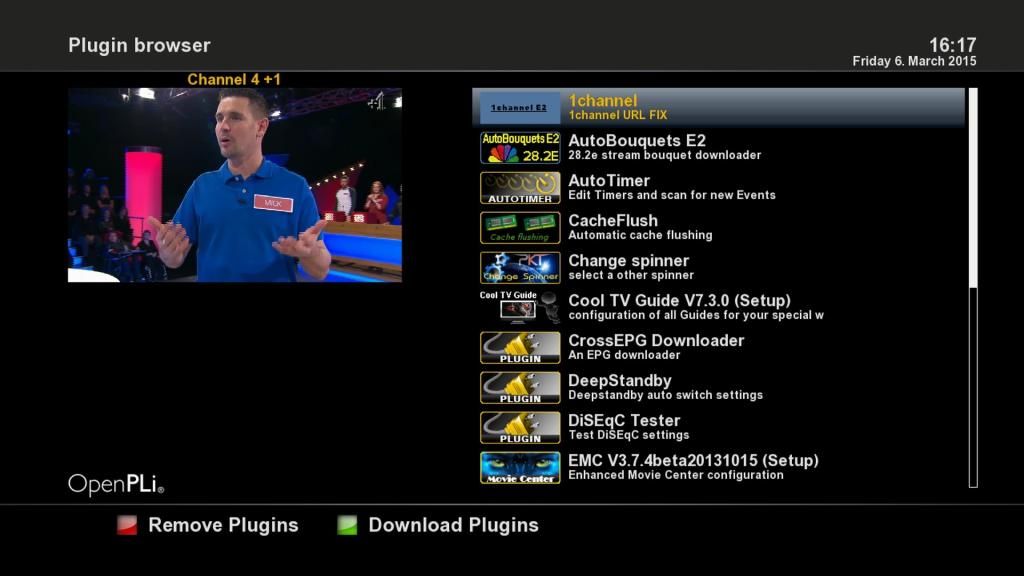
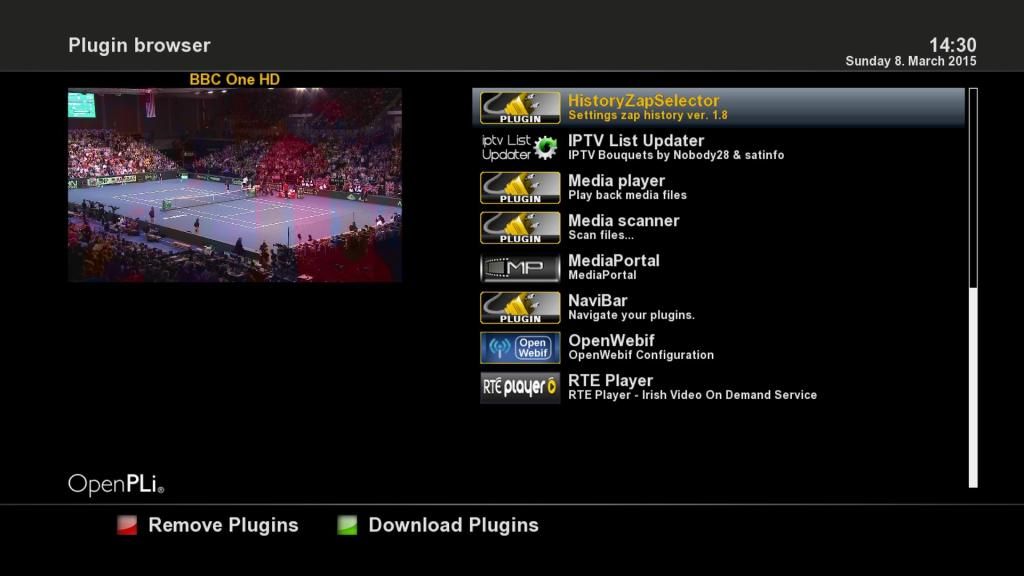
Zardoz wrote: » Ok guys here is a copy of a Hyperion 4.5 backup I made for the Alien 2 aka Golden Media Triplex aka Sab Triple Its quite similar to my Hyperion 4 backup but has a few slight changes but its mostly the same . I've included a few mods and tweaks in this image to improve performance over the basic Hyperion 4.5 build. Firstly it has the amixer audio boost script running so the audio levels are 60% louder than the stock Hyperion image and more like Spark and other receiver levels. Also included is the alternative audio.elf file by Muitler to improve sound playback via an amp . This doesnt provide dts audio playback so I am enclosing the original audio.elf file too (it goes in /boot) Improved tuxtext.ttf file for a better teletext font. History Zap Selector v1.8 is included ,handy for channel browsing .(Prev/Next Button or Recall) Use 0 to switch between 2 channels. Record Infobar is also included I have also tweaked a few of the button mapping configurations and settings . It is configured for 28 East Satellite and Saorview ,all picons are installed (usr/local/share/enigma2 )as is an up to date channel list inc some Iptv links. An upto date satellites.xml file covering 30w to 45e is also installed. Autobouquets (Sept 29 2014 build) is installed if you'd prefer to use this to generate channel lists,its configured for the Republic of Ireland but its easy to change..Installed Plugins AutoTimer Autobouquets Automatic Volume Adjustment CacheFlush CrossEPG 0.8.1 ( configured to update when the box is in standby ) CoolTVGuide v7.3 (opens on EPG,Green button also opens Single EPG) RTE Player 1channel (latest version;wont work in certain countries due to isp blocking) IPTV List Updater v1.63 Enhanced Movie Centre Media Portal v6.76 Media Player History Zap Browser Open Web Interface Softcam Oscam v10000 is installed and running,you just need to edit the oscam.server file with your details Oscam port: 8888 user: root, pass: oscam FTP: user:root ,pass:pkteam I've set the default skin as PLi-HD but there are a few other skins to try inc Sky Blue HD ,if you'd prefer. Plenty of free flash space to install other plugins . I tried to keep an average free memory of ~15Mb in normal usage so didnt install too many superfluous plugins The image is setup to use DHCP automatically and is also set for HDMI at 720p. This is an extremely solid image and very quick ,I have been running it for the last 2 months . Many thanks to the PKT team,data devil, and other plugin developers who have put in sterling work with the different code involved in this backup. Enjoyhttps://www.dropbox.com/sh/ajkyf04regcsaut/AAD_I351j_yPbIlSkcvtQICQa?dl=0 Some sample screenshots
lensman wrote: » AHHH, now I see where I was going wrong! I was trying to flash the Alien1 image here http://www.boards.ie/vbulletin/showpost.php?p=94612729&postcount=2911 I'll try again later when family hits the sack, I have the freetv.ie image up & running but it's terrible so just remind me again what I need to do to upgrade to you Hyp 4.5 alien2 image via usb stick, Im off to work now, I'll check back after 20:00 tonight,....many thanks
WexfordWarrior wrote: » Thanks for all your help to those who have responded so far! I bought my box with enigma 2 pre installed. I just want to get to use the pli hd skin so I can see the picture preview/thumbnail in the epg somewhere and its a nice neat skin. I'm a complete newbie. Anybody kind enough to give me a step by step to get the pli hd skin installed? i tried downloading from my plug ins myself but once it was downloaded it disappeared or is sitting somewhere that I cant access. On these threads "Champion" i think (don't quote me) says that once I have downloaded the skin that i need to click on 'menu=>setup=>system=>skins" but there is no "skins" option once I go into system. I'm obviously doing something wrong. I have the box connected through ethernet and all fine on connection test etc. do i need to create a skins folder or something on my usb/hd? A walkthrough or any pointers in the right direction would be IMMENSELY appreciated. Thanks a million in advance.
Zardoz wrote: » He installed the Spark plugin in step 1 and is flashing the new image via the Spark plugin in step 2.
Imstuck wrote: » Press red button and take it off 'nar' You may have to do it for each channel as you go along. I actually found a kids channel where the narrator was on, and there was no option to take it off 'nar', which was a surprise!
Technofobe wrote: » May be yellow key :-)
superg wrote: » Try Menu ->Setup->System->Extended System->OSD settings->Skin Setup. It's in there on open atv. They have 2 skin menus, thats the one used to change skin.
jayo26 wrote: » Nope its the red
WexfordWarrior wrote: » SuperG, you're an absolute gentleman/woman and scholar! That has worked for me and I'm now using the very slick pli night version. It's excellent. Thank you very much for your help. I have two small problems now to finish off my setup. The picons are not working. I get a list under the 28.2E Bouquets with movies, news etc etc. but instead of the picons, there is just numbers... e.g. 409 = sky sports 1 etc etc. How can I fix this? Also, the Irish channels do not work. They have been found but no picture shows. They work in spark version without any issues? Any thoughts ? I am setting this up for my pensioner parents and trying to have things as clean and simple as possible for them. Thanks again for any help.
WexfordWarrior wrote: » Also, the Irish channels do not work. They have been found but no picture shows. They work in spark version without any issues?
Zardoz wrote: » Ok,you are using the correct procedure allright. Are you sure you didnt use my Alien 1 backup instead of Alien 2 perhaps ? This is the one you needhttp://www.boards.ie/vbulletin/showpost.php?p=94611179&postcount=2908
lensman wrote: » I was running Spark whilst trying to get enigma2 up & running & I must admit the HD & SD channels were much sharper with better color rendering then enigma:eek:
lensman wrote: » Success of sorts at last & thanks to Zardos & Technofobe, I now have Hyperion 4.5 up & running, however my original problem is back, crossEPG is not downloading, this was why I wanted to install & new image in the first place but as you seen I got myself into bother there too but sorted now, I've tried 2 different usb sticks (ext3 format) but still no epg,....I'll search the threads for knowledge, I was running Spark whilst trying to get enigma2 up & running & I must admit the HD & SD channels were much sharper with better color rendering then enigma:eek:
WexfordWarrior wrote: » SuperG, you're an absolute gentleman/woman and scholar! That has worked Also, the Irish channels do not work. They have been found but no picture shows. I am setting this up for my pensioner parents and trying to have things as clean and simple as possible for them. Thanks again for any help.
deezell wrote: » I've this problem too, cross epg has a mind of its own. I'm a month tinkering with E2, during that time the cross has come and gone. If I press download it says downloading, then after a while it stops and goes back to menu. I no longer get the messages, loading, parsing, etc. I've tried setting storage to a usb, HDD, flash. My network is good, can ftp. I've turned off autobouquets, so my epg is steady on my custom bouquet. I've changed the EPG. source from open 28.2. To Xrd or something, UK channels. This actually worked for a while, but now all my sat channels are blank. Should I delete and reinstall Cross epg, and delete EPG.data using DCC, then reinstall cross.
hallo dare wrote: » FTP to your box and delete the epg.dat file and everything that's in your crossepg file. Then rerun crossepg.
mass_debater wrote: » You don't even need to ftp to delete it, just press play to open recordings and navigate from movie up a level and then into Crossepg and press red to delete the two EPG files then navigate back to movie.
superg wrote: » Not sure to be honest. Picon's always just worked for me without me doing anything of note. I copy the picons folder to the root of the harddrive and they just show up, thats with open atv images which is what you have and Hyperion 4.5 images which Is what is on my Alien 2 at the moment. Don't know whats up with the Saorview either I'm afraid.
lensman wrote: » What P's me off is how crossEPG can work 100% for months & suddenly stops, I've tried all the suggestions & it still refuses to download/display epg data, Saorview channel epg is fully populated with info but not satellite on 28.2