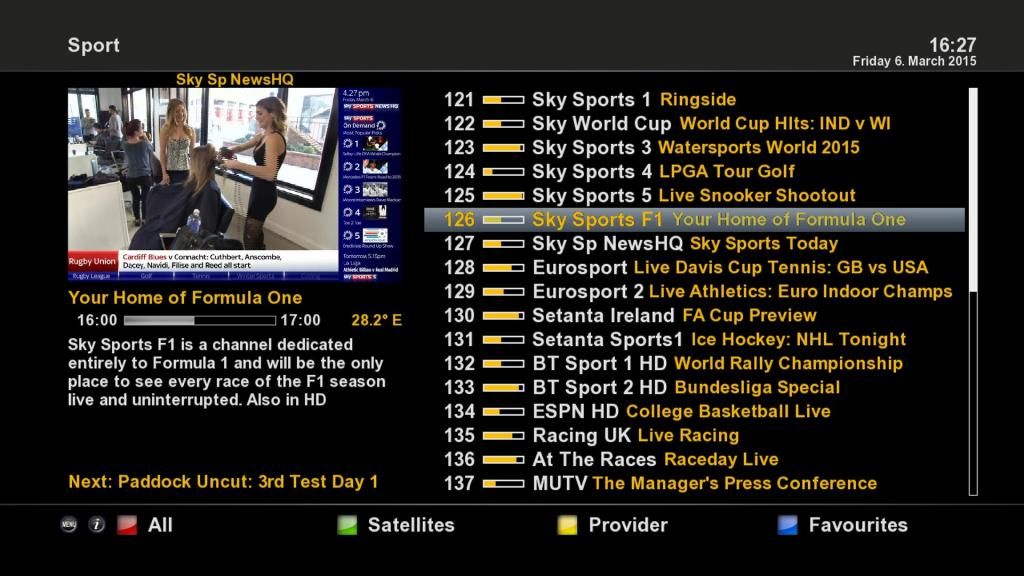
deezell wrote: Good question, the default startup channel seems to bring with it the bouquet that it was selected from, e.g , select RTE 1 in favourites, exit the EPG, then press OK to bring up the basic channel list, the press Menu which gives the option to set the startup channel. Box will start up on this channel and this bouquet. This works fine as long as you use the epg to change, but using the numbered buttons will select the corresponding channels from the first bouquet on the list, usually the irish channels on 28.2 Sky, not much use if you want terrestrial. I've tried moving my custom list to the top of the bouquets to counter this using dreambox edit. It worked, but next day the bouquets are back on their old order ( Sky numbered ones followed by others), and I'm back to where I started. I think it has something yo do with the nightly update.
deezell wrote: » Good question, the default startup channel seems to bring with it the bouquet that it was selected from, e.g , select RTE 1 in favourites, exit the EPG, then press OK to bring up the basic channel list, the press Menu which gives the option to set the startup channel. Box will start up on this channel and this bouquet. This works fine as long as you use the epg to change, but using the numbered buttons will select the corresponding channels from the first bouquet on the list, usually the irish channels on 28.2 Sky, not much use if you want terrestrial. I've tried moving my custom list to the top of the bouquets to counter this using dreambox edit. It worked, but next day the bouquets are back on their old order ( Sky numbered ones followed by others), and I'm back to where I started. I think it has something yo do with the nightly update.
superg wrote: » This might be long winded so bear with me! I like to have my "all channels " bouquet starting with channel 101 for the first one, 251 for the next one, 301 , 351 etc. In order to do this I need something in numbers 1-100 and numbers 280-300 and so on. Autobouquets puts data channels with no name in these positions. So I arrange everything the way I want them and upload to the box which is all fine. However if I pull the channels back from the box all the data channels disappear and I'm left with just the TV channels starting from number 1 and carrying on in sequence. What this means is if I need to make changes to a bouquet I have to re do everything from scratch ( run autobouquets to get the no name data channels back and then re order everything). Naturally this is a pain in the hole so I put named data channels in places 1-100 instead. This means they don't disappear when I save my file in dreambox edit or when I pull the channels back from the box. The problem is these data channels show up in the on screen epg whereas the no name ones didn't. This is why I wanted the epg to start from the entertainment bouquet rather than the all channels bouquet as I don't have the data channels in the individual bouquets, only in the main "all channels" bouquet. It's only a minor complaint but it's a complaint nonetheless
superg wrote: » Just run auto bouquets on my new OS3+ box and it seems to be doing it differently than on the Alien so I might have something to work with here to get what I want.
jayo26 wrote: » Ahh you got the optimus after how are you finding it? Is it same setting it up as the amiko?
superg wrote: » Yeah its a good piece of kit. Amiko is in the bedroom now. Being able to put the harddrive inside is great and its alot faster for things like the epg opening which was a big bugbear of mine with the Amiko. As for setting up, just plug it in . I had to do a lot less arsing around with this then I did the Alien but maybe thats because I know where most things are now having learned enigma 2's intricacies with the Alien. The image is very stable, only one plugin causing me issues but its not one I use so no biggy.
jayo26 wrote: » Nice one. Does the Ts media player work any better on it? Yhh it gets easier first time I flashed an image on amiko it took me a day haha.
superg wrote: » Ts media wasn't on the image built in. I installed it but haven't used it yet. The openatv image pre installed was pretty much good to go, just a small few tweaks I had to make to get it how I wanted it, skin mainly.
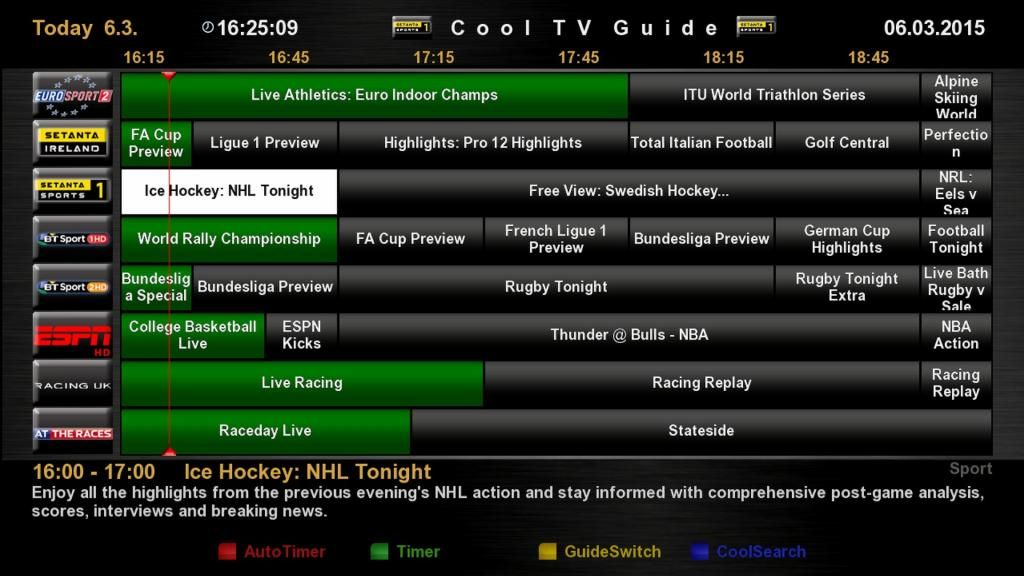
WexfordWarrior wrote: » hiya folks, I have just bought an Amiko Alien 2+ and having a nightmare getting it to function how I want (complete newbie). I bought it for the 7day epg and the cool guide which I have installed and is working to a certain level on enigma2. My problem is that the Picons are not showing on the epg and also I want to get the channel preview box where it shows the thumbnail video screen in the top left hand corner on the epg when viewing it. I think this might be a HDMU skin or something like that? I also really want to keeps things as simple as possible on the box and have the irish channels listed first on the epg and then all other uk channels thereafter. Still haven't been able to set up favourites but i found some info on needing to download dreambox edit to my pc to do this? Also, how do i set up my wireless adapter to connect to my home router from within the enigma2 setup? Anybody got any advice for a novice? Thanks in advance!
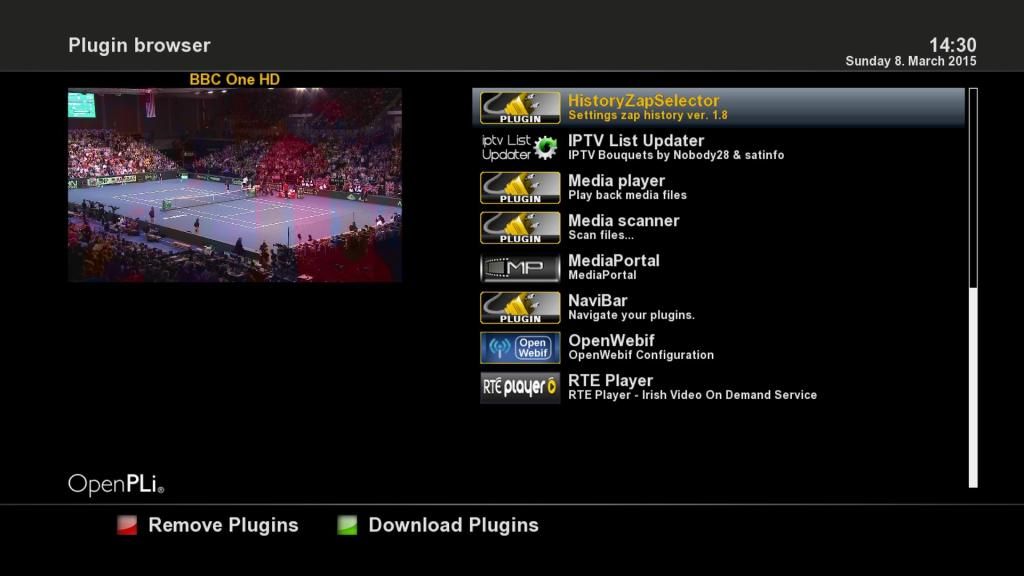
mass_debater wrote: » The box is plenty fast but the first thing to do is get rid of the laggy sky skin that seems to be used in most images from here
lucast2007us wrote: » What skin would you recommend??
mass_debater wrote: » Kerni is definitely the lightest and therefore the fastest, but I myself prefer and use pli-hd which is a little slower because if the transparencies. Can't understand people who like the sky skin, it's rotten IMO.
superg wrote: » Switched to Pli-HD last night myself and its very good alright.
mass_debater wrote: » Zardoz, the 8900 is the Alien 1 not the Alien 2