mossym wrote: » are you sure it;s 56? i thought they were usually 3 apart. did you try deleting the existing channels before scanning, i had to do that to get it to work
davehal wrote: » Ya, according to the saorview website at least, it's Channels 46,56 I tried setting "Clear before scan" to Yes, but got the same results. I might try again this evening and see if I can delete the existing channels first. Thanks for your help
davehal wrote: » Ya, according to the saorview website at least, it's Channels 46,56 I tried setting "Clear before scan" to Yes, but got the same results.
hallo dare wrote: » Don't activate clear before scan. Scan your first MUX, then before you scan your second MUX be sure that CLEAR BEFORE SCAN is set to no, then scan.
mossym wrote: » sorry, yeah, thats a good point. only do the clear before scan before the first scan. on the image i downloaded though, i couldn't get it to work until i cleared before scan the first time
davehal wrote: » Ok, thanks! I'll try again this evening so. Scan on first channel with clear before scan set to YES Then scan on the second channel with clear before scan set to NO
Technofobe wrote: » Did you do a blind scan ? As I have done a scan on my father in laws box and it missed some channels when set to only FTA
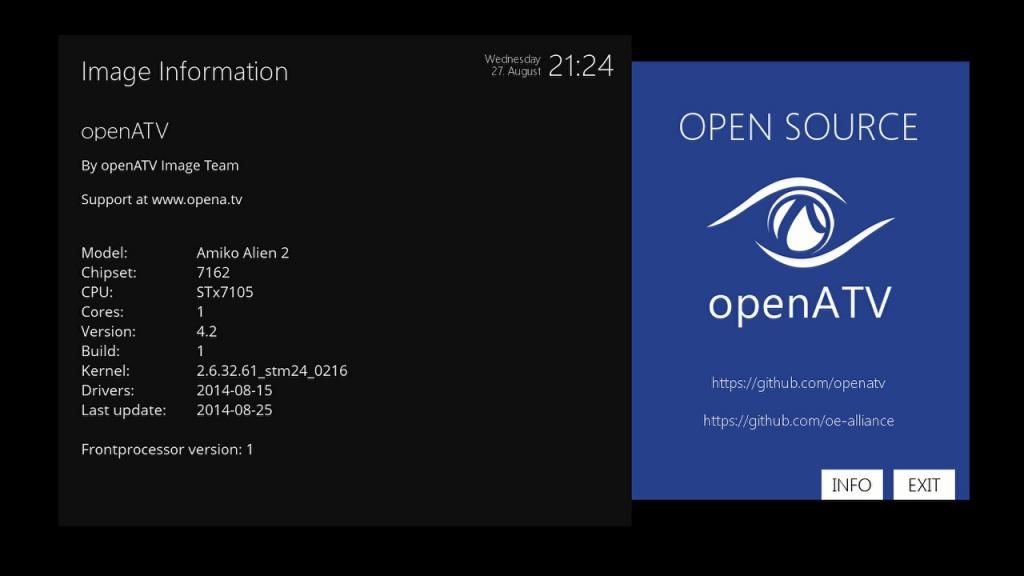
givecredit wrote: » BETA OpenATV 4.2 backup Image for Amiko Alien2, Golden Media Triplex and other ST7162 Below is a link to my new OpenATV 4.2 based Complete Image - for the Amiko Alien2, Golden Media Triplex and other ST7162 Based Boxes.
Zardoz wrote: » How would you rate OpenAtv at this stage givecredit ,is it stable enough yet to switch from Hyperion 4 which is solid as a rock once configured correctly?
givecredit wrote: » Both images are good. But at this stage openATV has much more to offer. I have been using it as primary image since 4.2 was released. It works very well. Once reason alone to switch is that the remote is now much more user friendly to use. No need for small fingers to change bouquets anymore. The addition of OnDemand tv and Tunein Radio is nice too. One word of caution. I find downloading software updates via software management impacts on receiver performance. The image can get sluggish. If you want to upgrade then reflash.
Zardoz wrote: » Thanks ,great info . Hopefully a non beta ATV image isnt far off.
givecredit wrote: » You might be waiting a while. I gather HDMU images for Alien2 are still in beta!
Zardoz wrote: » lol,yes you are correct .:eek: Would the wife need retraining to use the remote with Openatv though ,if it isnt broken dont fix it .She is like a pig in you know what atm ,I can barely get a look in to watch anything .:(
Realalemadrid wrote: » I'm still having a bit of trouble mounting USB's / HDD on the AA2. I'm currently running Hyp 4. Is there a particular way the Drive should be partitioned or can I should I just be able to fomat in ext3 and plug in? TIA.
lsjmhar wrote: » Hi I came across this as I am looking at setting up power line adapter to extend Ethernet connectivity. Would this be compatible with amiko alien 2 to provide multiroom.http://www.satip.info/sites/satip/files/files/dev_dLANTVSATMultituner_productsheet_EN_04.pdf Cheers
lsjmhar wrote: » Ok. So the homeplugs connect to router and socket and allow net signal over electricity cable. But would this box not allow satellite signal to be networked and sent over electricity wires to several STBs.
davehal wrote: » I have the latest version of HDMU (I think - taken from Firmware thread, uploaded by ZardoZ) loaded on my Alien2. The front screen on the box constantly says boot and the time is wrong. Does anyone know if there is a fix available for this? Another point is, if I go to Software Updates on the box, it says there are updates available but gives a warning saying that the latest Beta image may not be stable, so I haven't updated. Should I update? Box seems stable as it is, only issue I have at the moment is the front screen, so not really a big deal.
ixtlan wrote: » Hi guys, I've been trying for 2 months now to get my Amiko Alien 2+ to run enigma without freezing/crashing. This always happens when playing back recorded programs. It may be more frequent when recordings are going on in the background but it still sometimes happens even when there's just the playback.
thunda wrote: » Every Image that I install and run AB there is always 2 or 3 channels with no picture/signal So I then do a full channel scan and all is good but the channel list is all messed up on EPG so I then run AB for my area and then run CrossEPG which works but then the 2 or 3 channel's are back to having no picture . So i have channels without a picture/signal so I do full scan, Do I do a full scan on both tuners and what should the setting be? After I do a full scan what's the next step so that I get all the channels back in order without losing any again?