freestyla wrote: » Test with Samsung Galaxy S2. Snake type bendy suction mount, using phone's own camera app (not Autoguard Blackbox nor DailyRoads Voyger). Shaking too much
vibe666 wrote: » i had the same problem and did advise against the snake type ones earlier in the thread. the one i have now is a fixed tilt/swivel one. you get a bit of the suction mount in the corner of the camera view, but the more stable picture more than makes up for that imho. I just got one of the cheap ones of ebay.
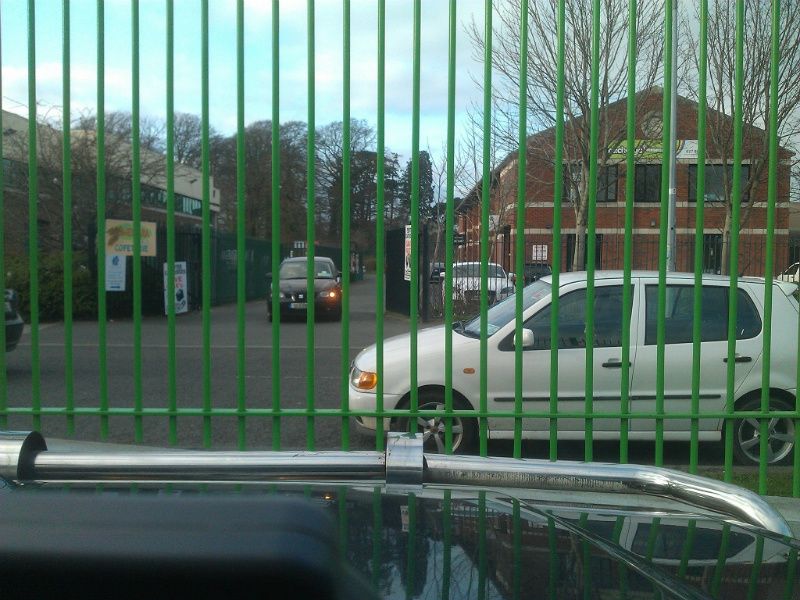
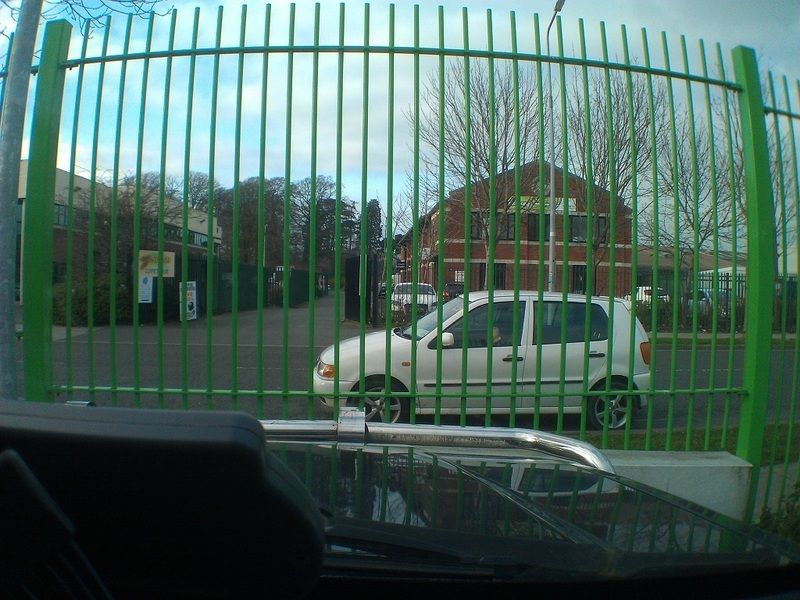
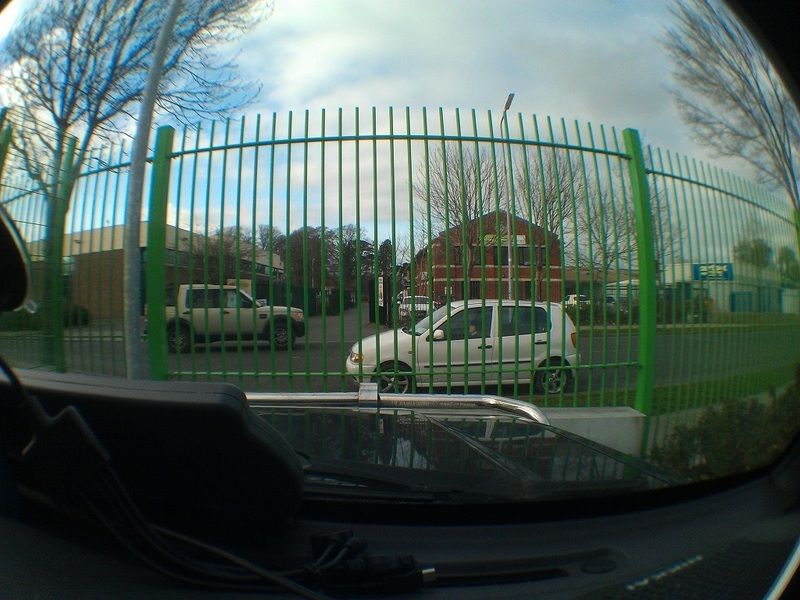
vibe666 wrote: » in case anyone is still interested in the phone based dash cam, i got some of those cheap magnetic phone camera lenses off ebay and tried them on my desire HD and took a couple of shots from the same spot on the dashboard to see what sort of visual range i could get. unfortunately, my holder broke slightly in the cold weather the other week and i couldn't find any of my spares since we recently moved house, so i've had to order some more, but once i have a new one, i'll do a test video and upload it. Cool, link?
eqwjewoiujqorj wrote: »
Jimdagym wrote: » Robbie, you can get cigarette lighter ports to charge multiple things at once. Also, you could get the camera hard wired in.
Nissan doctor wrote: » That's what I have done, I have a 3 port unit mounted in the glovebox running the camera and sat nav with a spare port for phone charging.
Chris_Heilong wrote: » But isn't the problems with phones the limited storage space for all that footage especially on a long journey.
vengeance52 wrote: » Tried the DailyRoads Voyager app for android and I have to say im very impressed. I didnt have a proper mount yet so tried it setting it in place with blue tack.... (yes MacGyver is my hero) so its angled low down on the dash but you get an idea of quality. https://www.youtube.com/watch?v=vyc0wL35Ifk I manually config'd the settings for video recording Phone : HTC Desire S Video Res : 1280x720 (HD 720p) Video Type : MPEG4 Video length (per file) : 180 secs Sound : Disabled Another nice feature is you can tap the screen when recording and it saves the current recording into the permanent save folder so wont be overwritten. Down side, you have to leave the phone screen on when operating so expect a battery drain unless you turn the screen brightness down to the lowest setting. Ill try another recording with a decent mount between Cavan and Dublin and also check battery usage from A to B.
BX 19 wrote: » It will savage battery life - You have GPS active and are recording a 720p video at the same time. No point using it with out a car charger
Joe10000 wrote: » Hypothetical situation here, I break the law on the road and the camera catches it all, guard stops me and spots the camera. Can the footage be confiscated or even be viewed against my will ?
also be another good reason to use a phone, as it's less obvious it could be also, another good reason to go for AutoGaurd Blackbox instead of dailyroads voyager, as it has an option of background recording and/or turning off and/or dimming the screen to save battery life, at least on the pro version which is a bargain at €1.50. and lots of other features as well. (and no, i'm not on commission).
Deleted User wrote: » You can do that in Dailyroads too Just enable background mode then it'll always record, even when the screen is off
vibe666 wrote: » Deleted User wrote: » You can do that in Dailyroads too Just enable background mode then it'll always record, even when the screen is off fairynuff. i just don't like it though compared to autoguard, not sure why people always seem to go for it.




![Photo of [Deleted User]](https://w7.vanillicon.com/v2/7ee2a66788964e87a473158a9315d26c.svg)


