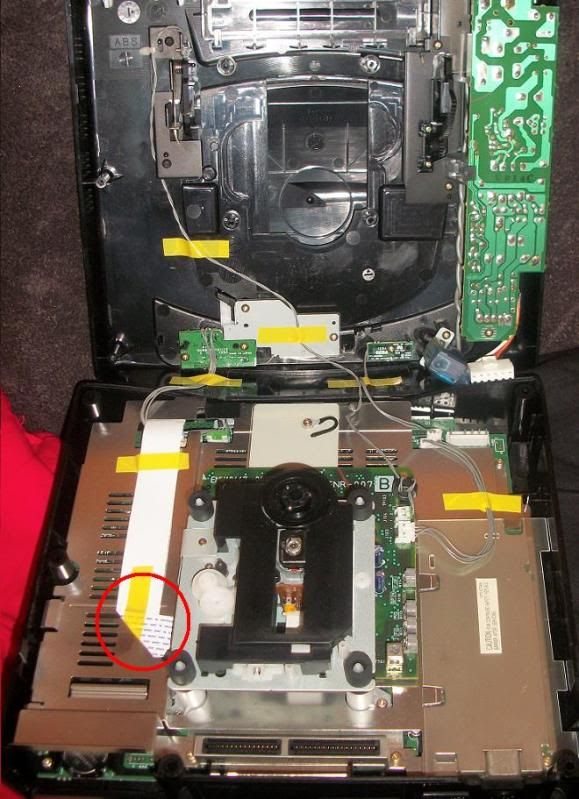
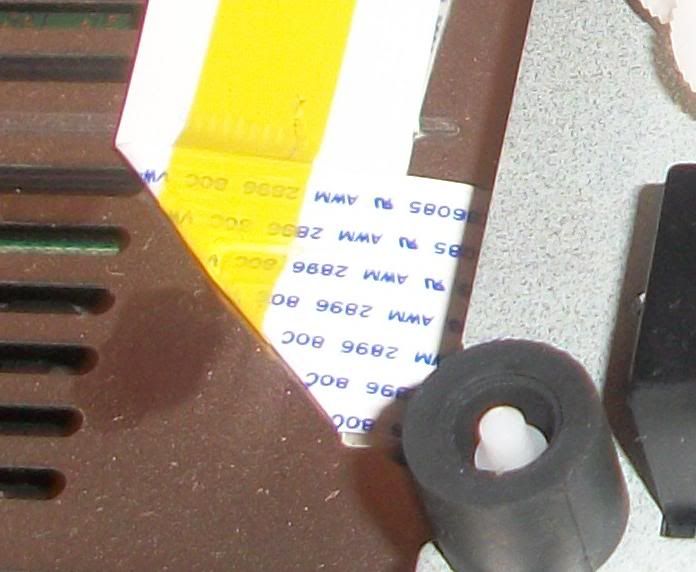
o1s1n wrote: » so you raised it, it's not scuffing but still not reading? That means the spindle is now too high. It literally has to just be high enough not to scuff but still low enough to read. And by going by my lowering and raising I did before over an hour, it could be as little as the disc being 1mm or 2mm away from the plastic. Just keep at it! And be careful, the metal pole the spindle is on went under my nail and into my finger. Bled like ****! That 'disc not working' jingle will also drive you mad by the way
sparkthatbled wrote: » I don't even get a jingle. It says "checking disc format" for a few seconds, then nothing. Heard back from the seller, he maintains it was working perfectly before he shipped it. I assume this issue can't be caused in transit unless a customs officer unpacked it, opened the disc drive and stood on the spindle. Well, unless I get all my money back and he pays return shipping he can kiss his 100% feedback rating goodbye.
luas_dublin wrote: » Heres a quick question , wheres a good place to get basic electronic parts , (switches/resisitors/ports and the like) in Dublin that isnt maplin? Since I've got an unexpected spare MD1 I'm modding it to work with jap carts , and run with 50/60 hz as well , theres a decent guide herehttp://mmmonkey.co.uk/console/sega/md1switches.htm btw.
EnterNow wrote: » Radionics are very good for components like that. They've a trade counter in Crumlin but you can just walk in & buy no problem. The monkeys guides are very good too...good luck with the modding
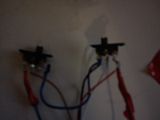
luas_dublin wrote: » right has anyone ever done that mod .this is doing my head in followed this guidehttp://www.mmmonkey.co.uk/console/sega/md1switches.htm I've made the switches , cut the contacts at j2 and j3 , and wired the white wire to j3 brown to j2 , black to the far contact at j3 and red to the far contact at j4 . boot it up and nothing ..it power light but no picture ..I resolder everything on the contacts as the first one was a bit messy and may have been shorting..and now the power light flashes on for a split second then off.One combination of the switches gives a constant power light but no audio or picture. I've removed all the soldered contact cables and get a steady on and no pic/audio (which is probably becuase the trace has been cut) Any ideas on whats going wrong?
luas_dublin wrote: » hmm its a weird one. I was going by jumper number all right rather than position , and I'd dug pretty hard on the traces , multimeter check is a good idea though. In the meantime after I posted that I figured I'd try and rule out wether I'd managed to damage the meg beyond repair by getting it back as close as I could to the starting setup. I removed the switches and took two small peices of wire and used them to bridge where the contacts had been on j2 and j3(which are the two I broke the traces of) . After a reboot and a bit of messing about , it booted up with a dodgy black and white screen .After checking out speed and the fact that there were no borders (there werent!) it seems its now starting as a 60hz meg?!? it shouldnt be but it is! I need to dig up my RGB cable (I think it went missing when I moved). Only thing I can think of is that j2's bridge seems a bit loose (I'm still getting used to soldering again ok!).I'm going to go back and redo the switches but rather than using the 4 cable one I'm going to do the six as it's a lot easier to see whats wrong.
wnolan1992 wrote: » My NES hasn't been working right for a few years now. So I'll throw it out hear to see if someone has any ideas. Ok, so when I put a cartridge in and turn on, the game will load and play as normal. Problem? All down the screen there are white lines, and sometimes the textures mess up. I've always suspected that the console overheated at some stage, but I can't be sure if this is the ause. So is it bollixed or is there a chance it's a simple fix? I'll get some pics during the weekend if this hasn't been answered. (sorry if this has been asked before or is a glaringly obvious problem, directions to a post or whatever would be appreciated)
EnterNow wrote: » Are the textures definitely glitching, or is it a case of a bad/dodgey RF cable thats picking up interference. Half of all NES problems are down to bad/dirty contacts between the game cart & the 72 pin connector inside the console. The other half of problems relates to the game contacts being filthy & needing a proper cleaning. There are other issues, but by far & away the above two cover the majority. Replacing the 72pin connector is straight forward, but before any of that you should clean all the games contact pins to rule it out.
EnterNow wrote: » Agreed Keith, its 99% the 72 pin connector. OP I seriously doubt the NES overheated itself at any stage, not unless you live in Peru & store your NES in an oven...it doesn't generate anywhere enough heat to damage itself. As Keith mentioned, pick yourself up a new connector, give everything a cleaning contact wise...& if your happy enough to remove the pin (link in my sig) then your NES should more than likely be fine.
keithgeo wrote: » had that issue before with messed up graphics,replace the 72pin connecter it will be grand. when you remove the old connecter clean the connection part on the main board before you put on the new one. consoles reseting itself over and over is usually(not always) a sign you are trying to play a game from a region different than the console. eg a US copy of Mario on a PAL nes. ive had this happen a few times, the fix for this one is to make the console region free. EnterNow has a great guide up on how to do this. either way removing the pin in enternows guide will stop the console doing that restarting buisiness!
Steve SI wrote: » Just testing out a PS2 slim I got a while back. It has 2 flickering horizontal bars across the screen. I've tried it with different video cables and TV's but its the same on them all. The bars are on every screen(game, menu etc) but the do move around a bit. I've tried this with 2 brand new PS2 RGB vid cables and a couple of standard ones I have here and its the same on them all. The picture quality looks really good on the RGB cables apart from these lines Anyone have any ideas or is it just knackered? Here's a video of the problem: