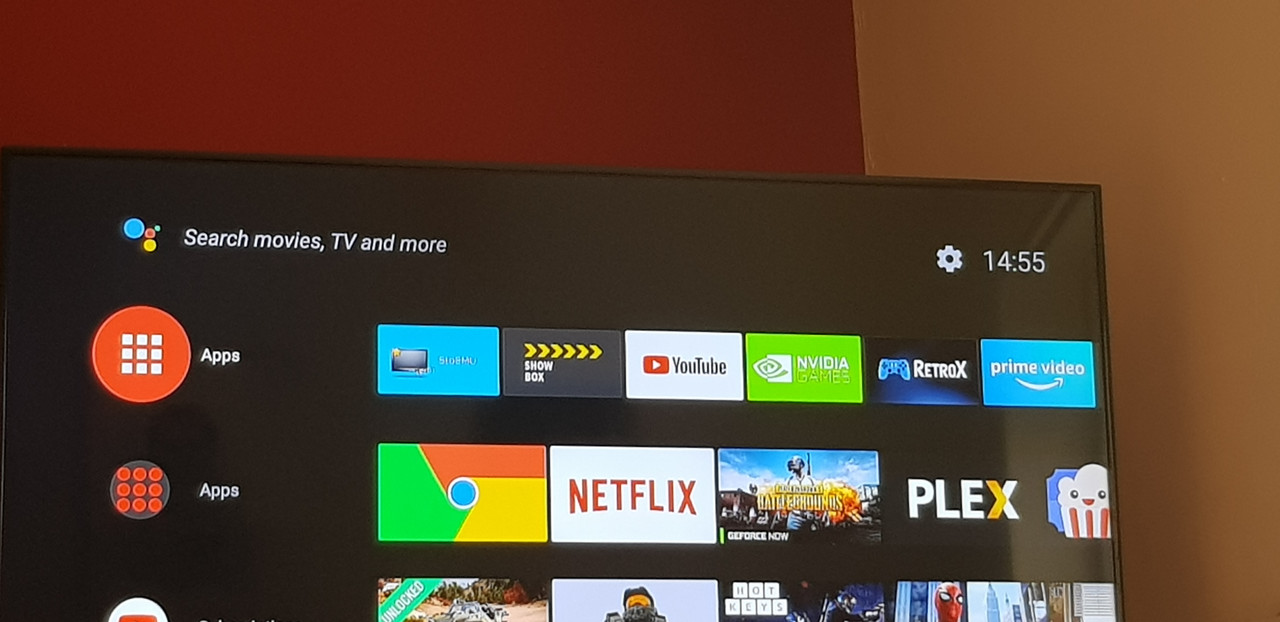
Johnny Dogs wrote: » Sideloading I know was always an option anyway, but I could never get either to function properly on the shield anyway. I think I read on here somewhere that the controller (game type) can act as a mouse but I never got around to testing it.
stimpson wrote: » Right stick works fine as a mouse on sideloaded apps. There is also a new Shield TV app on iOS and android that works as a touch pad/ keyboard/remote. Although strangely the keyboard has no colon on it so it’s a bit useless for typing URLs. Needs experience 7.1 to work.
Catmologen wrote: » Puffin browser allows you to use the remote as a mouse if anyone is interested.
ellobee wrote: » Anyone know how to get more than 1 row of apps does it double up after a certain amount have been added or is there a setting
jayo26 wrote: » I used sideload channel I think it works fine.
cronos wrote: » How is showbox working on Android TV these days with the remote (not game controler)? Was poor in comparison to Terrarium TV the last time I checked. But it may be something I look at again now.
cronos wrote: » How is ****** working on Android TV these days with the remote (not game controler)? Was poor in comparison to Terrarium TV the last time I checked. But it may be something I look at again now.
stimpson wrote: » There is also a new Shield TV app on iOS and android that works as a touch pad/ keyboard/remote. Although strangely the keyboard has no colon on it so it’s a bit useless for typing URLs. Needs experience 7.1 to work.
corwill wrote: » Just given this a quick test drive, works really well, I've deleted cetusplay in favour of it. When I hit the keyboard icon, it brings up Gboard on my phone, colon and all. What happens when you select the keyboard?
Suckit wrote: » Down to £154 on amazon. I put it in the other thread too, forgot this was the correct one for BA - https://www.amazon.co.uk/dp/B01NBJ6KZY/
ellobee wrote: » Does anyone know where recordings are stored on the shield I was messing about with the record function recently but couldn't find the recorded program afterwards
clintondaly wrote: » Seems like you're not the only with the issuehttps://forums.geforce.com/default/topic/1071232/shield-tv/ok-so-screen-shot-amp-record-are-back-but-i-cant-use-it-/ Keep an eye on the thread link above
pj12332 wrote: » Alright lads, Can I get advice please. I have absolutely no interest in gaming. I'm looking for a quality box that I can watch TV and movies on. I'm not getting into a discussion over piracy. I just want to know about the box itself please. Can anyone let me know if this box would be a lot better than the mi box if it was being used for streaming primarily. I have Chromecast for Netflix etc and use my phone. But looking for something where I can get more reliable IPTV services as apps on phone are becoming very unreliable. Thanks in advance.
The high horse brigade wrote: » It's been answered several times. Yes the Shield is much better than the MiBox but it's many times the price. You are comparing a Ferrari and a Fiat
pj12332 wrote: » Hi sorry I didn't look back through everything. Ok I'll look into sourcing one. Thank you
OmegaGene wrote: » be quickhttps://www.amazon.co.uk/Nvidia-SHIELD-TV-Remote-Controller/dp/B01NBJ6KZY/ref=sr_1_1?s=computers&ie=UTF8&qid=1537455590&sr=1-1&keywords=nvidia+shield+tv
pj12332 wrote: » Hi, is that very good ye?..never ordered from Amazon. Any idea what it all works out at with delivery in euro. I'll have to create an account with them now.
The high horse brigade wrote: » I order from Amazon a few times a month and highly recommend them for their return policy and customer service. I have Amazon prime which gives you free shipping (and also their Netflix like TV service). Sign up to the free trial of prime before you order to save you the shipping cost That's a great price btw